




New Trade Zone
Trade Zone is now live
Use the new Trade Zone for auctions and instant-price trades so Pokemon and item offers are easy to find.


Deita
Registered User
-
Joined
-
Last visited
Everything posted by Deita
-
-
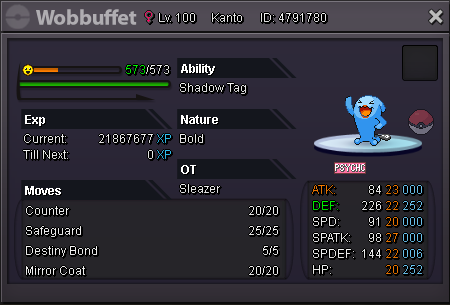
Start 300k 100k Raise Insta 1m 24Hrs RR = 750k CC = 420k
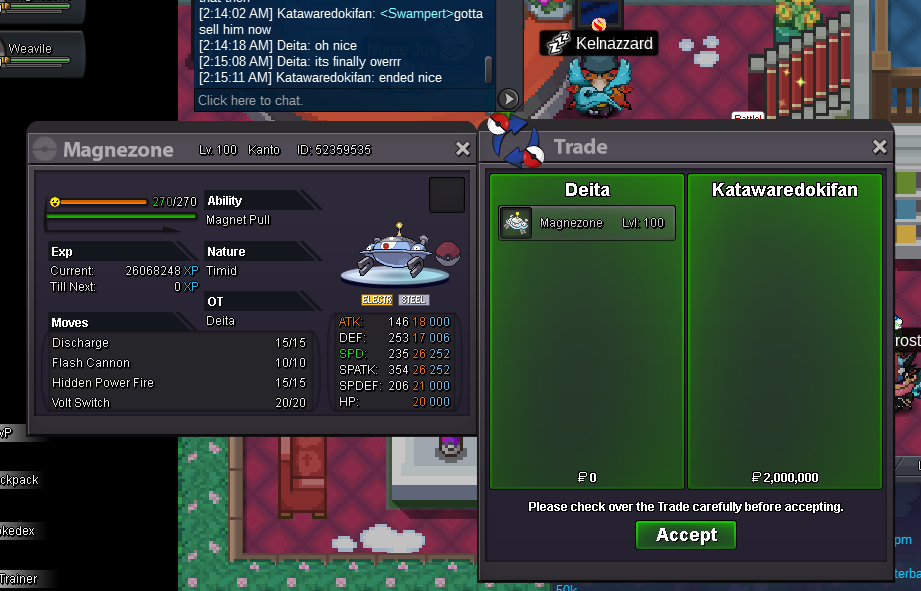
 500kBuy the 50k CorphishStart dragoniteStart 200k Heracross.Hi, I'll buy the 3 20k halloween ponytas. My name in game is Deita, discord is Delta#0246Trade completed, thanks everyone who participated!
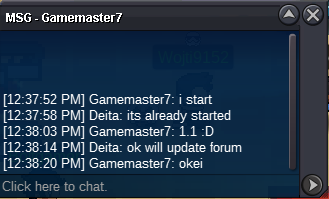
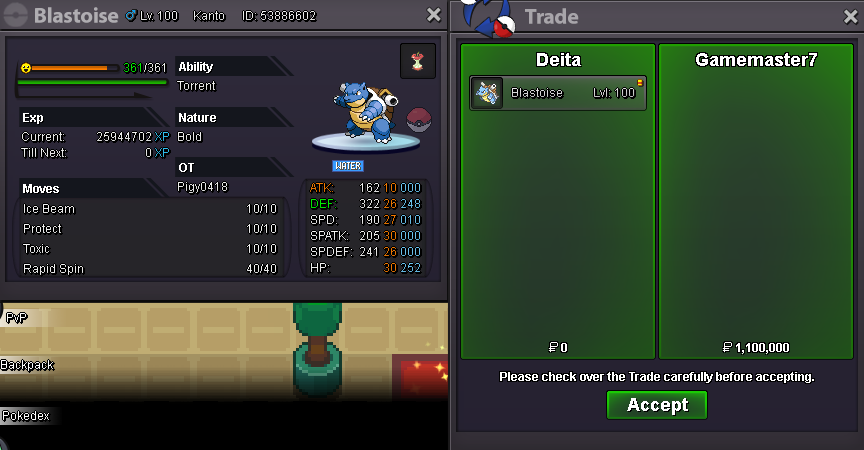 Hi Id like to buy a few pokemon, is it possible to get a discount if I buy all these in bulk? ThanksSold to @GameMaster7! Contact me in game (deita) or on discord (Delta#0246) to pick up your pokemon.Ends in 3hrs~C.O. 900k by Lieubaohd5
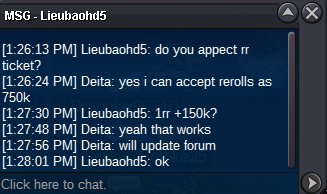 Auction ends in 48 Hrs.
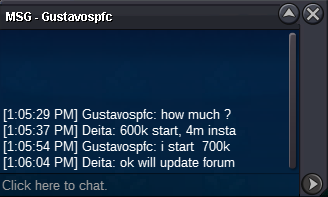 Start 600k 200k Raise Insta 4m 48Hrs RR = 750k CC = 420k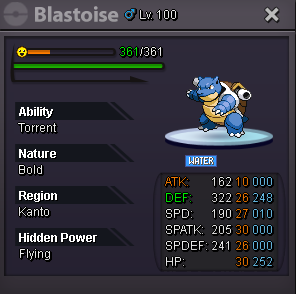
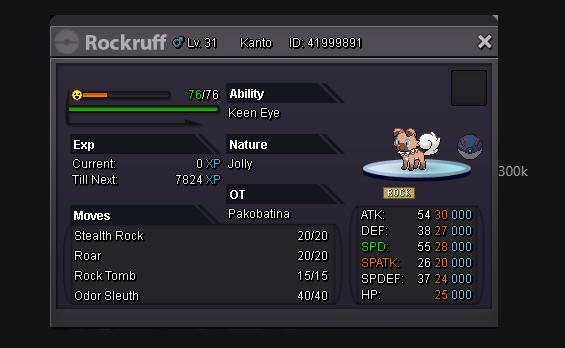
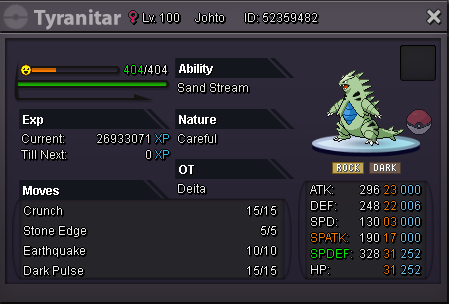
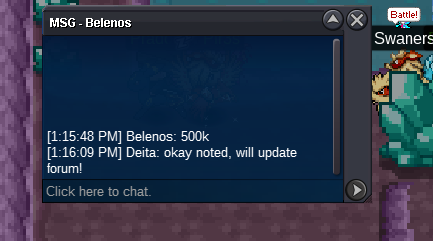
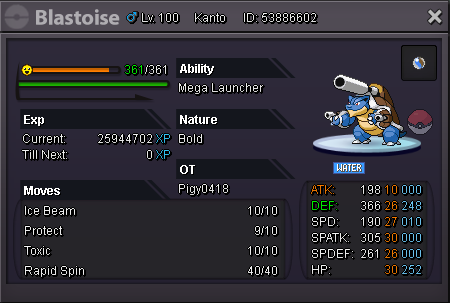 @Belenos Hey, you won the sassy Tyranitar Auction! Pm me in game (deita) or on discord: Delta#0246Hi, could I buy the mudkip for 80k? ThanksNice guide, I didn't even know this quest was a thing 😄9.5~ Hours left on the careful TyranitarHey, I'll be able to come online in around an hour, thanks.Buy Rockruff
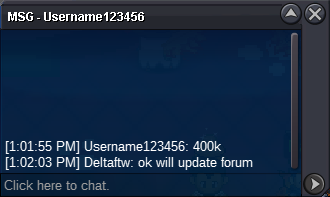
 Tyranitar Sassy S.O. 400k Insta 2m Duration: 48 hours Min bid: 100k Tyranitar Careful - SOLD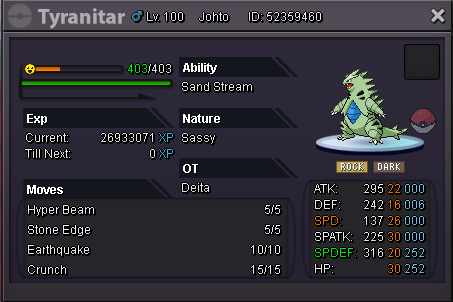
Account
Navigation
Search
Configure browser push notifications
Chrome (Android)
- Tap the lock icon next to the address bar.
- Tap Permissions → Notifications.
- Adjust your preference.
Chrome (Desktop)
- Click the padlock icon in the address bar.
- Select Site settings.
- Find Notifications and adjust your preference.
Safari (iOS 16.4+)
- Ensure the site is installed via Add to Home Screen.
- Open Settings App → Notifications.
- Find your app name and adjust your preference.
Safari (macOS)
- Go to Safari → Preferences.
- Click the Websites tab.
- Select Notifications in the sidebar.
- Find this website and adjust your preference.
Edge (Android)
- Tap the lock icon next to the address bar.
- Tap Permissions.
- Find Notifications and adjust your preference.
Edge (Desktop)
- Click the padlock icon in the address bar.
- Click Permissions for this site.
- Find Notifications and adjust your preference.
Firefox (Android)
- Go to Settings → Site permissions.
- Tap Notifications.
- Find this site in the list and adjust your preference.
Firefox (Desktop)
- Open Firefox Settings.
- Search for Notifications.
- Find this site in the list and adjust your preference.