New Trade Zone
Trade Zone is now live
Use the new Trade Zone for auctions and instant-price trades so Pokemon and item offers are easy to find.


Deita
Registered User
-
Joined
-
Last visited
Everything posted by Deita
-
-
-
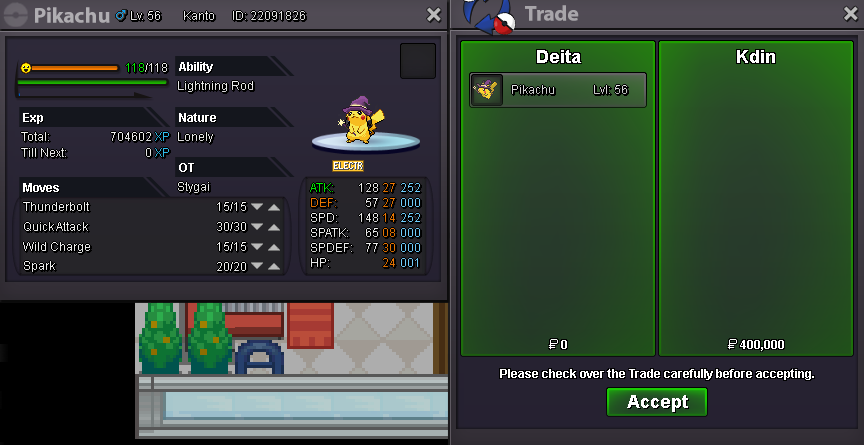
Pikachu sold.
-
There is a shiny jolly 30 speed h.a. that exists iirc
-
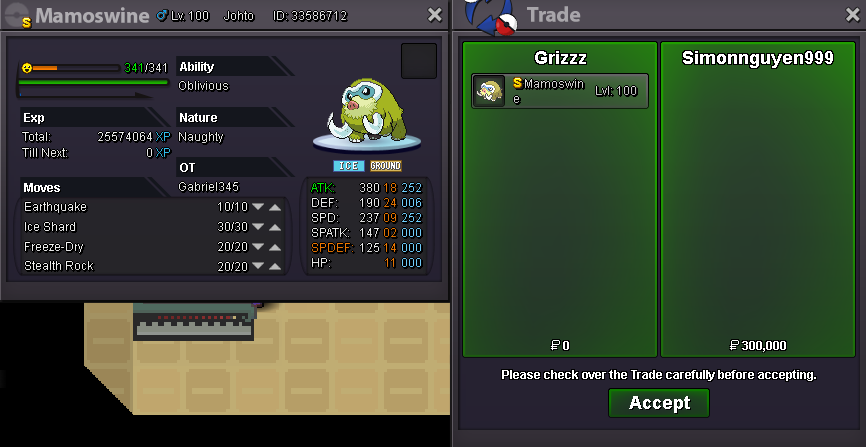
Mamoswine sold.
-
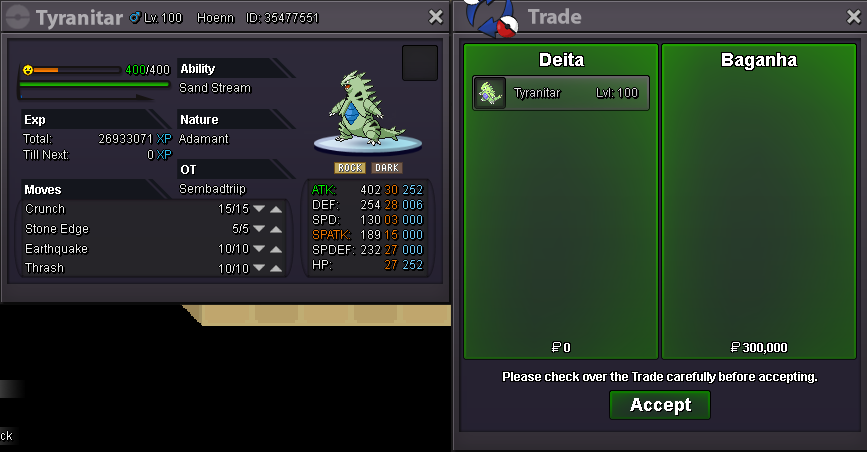
Tyranitar, Dragonite, Flygon x2 sold.
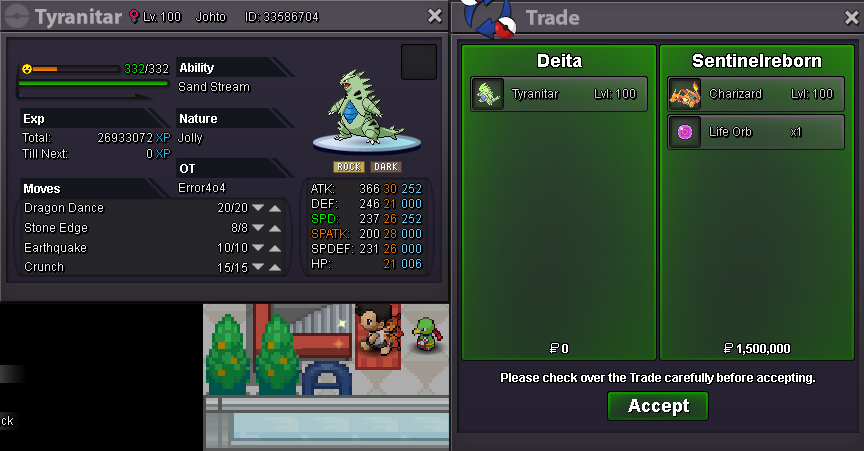
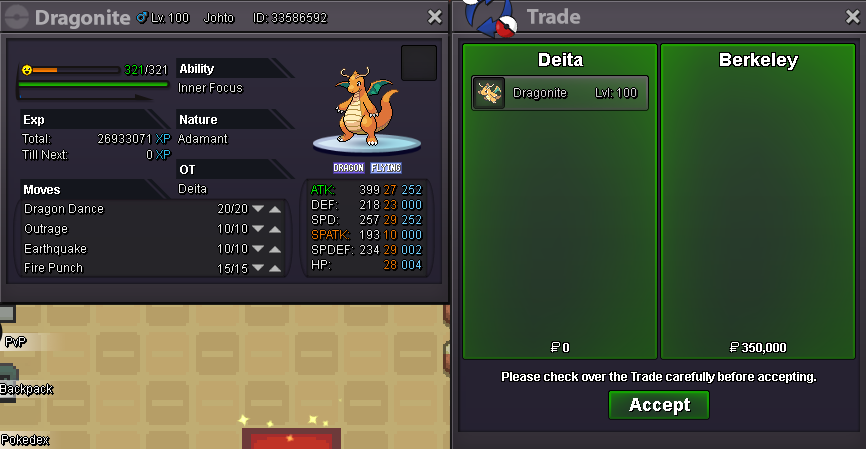
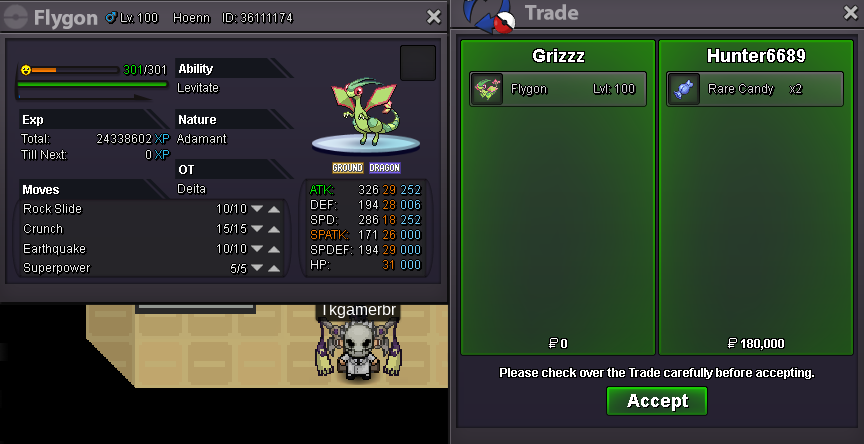
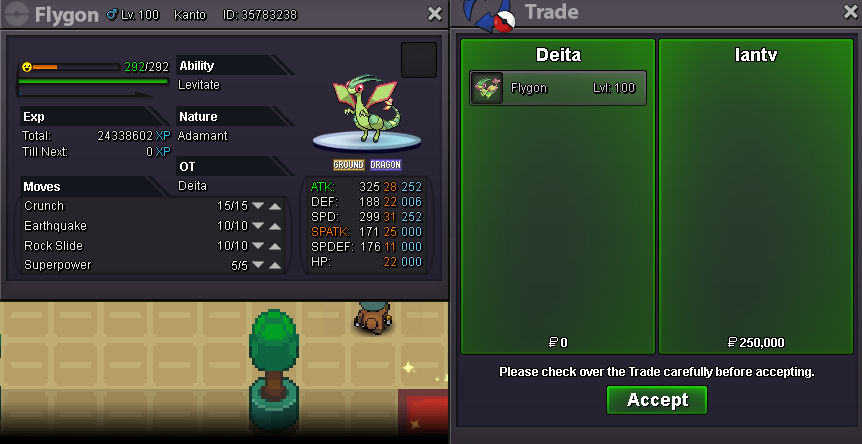
-
-
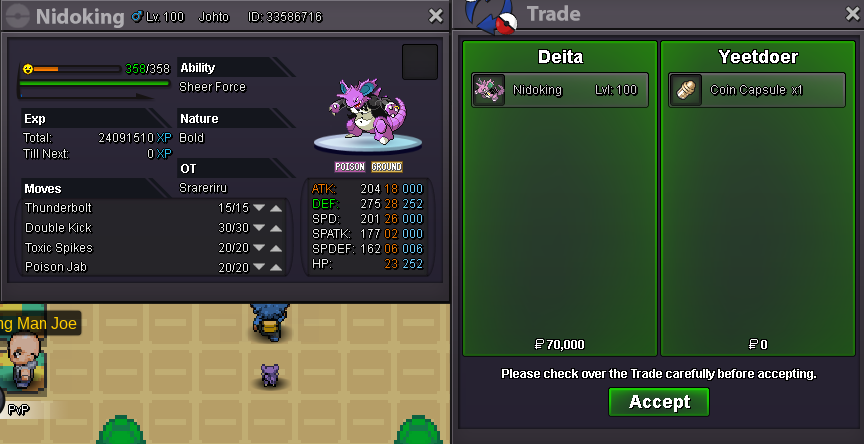
Nidoking sold.
-
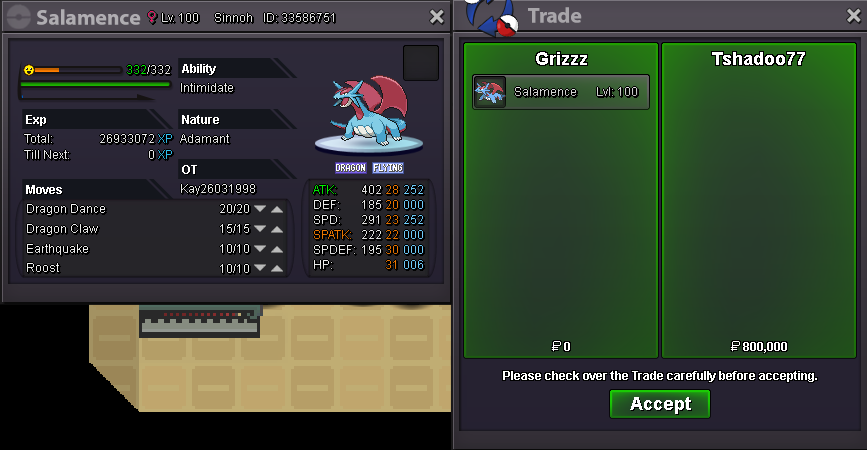
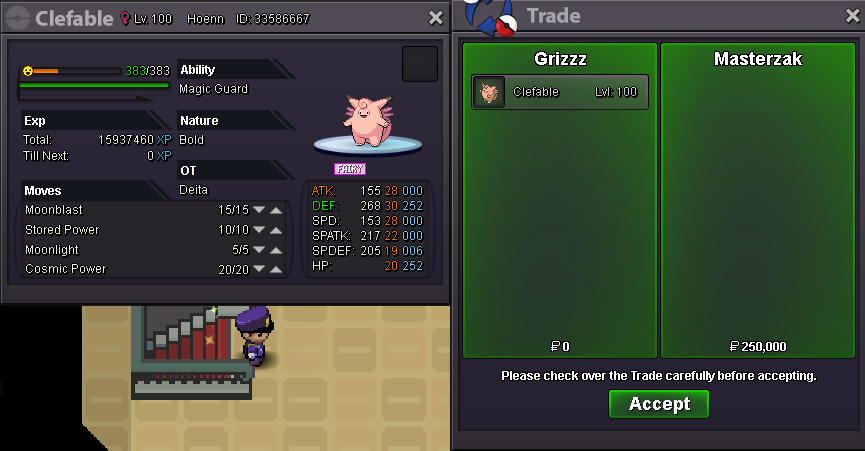
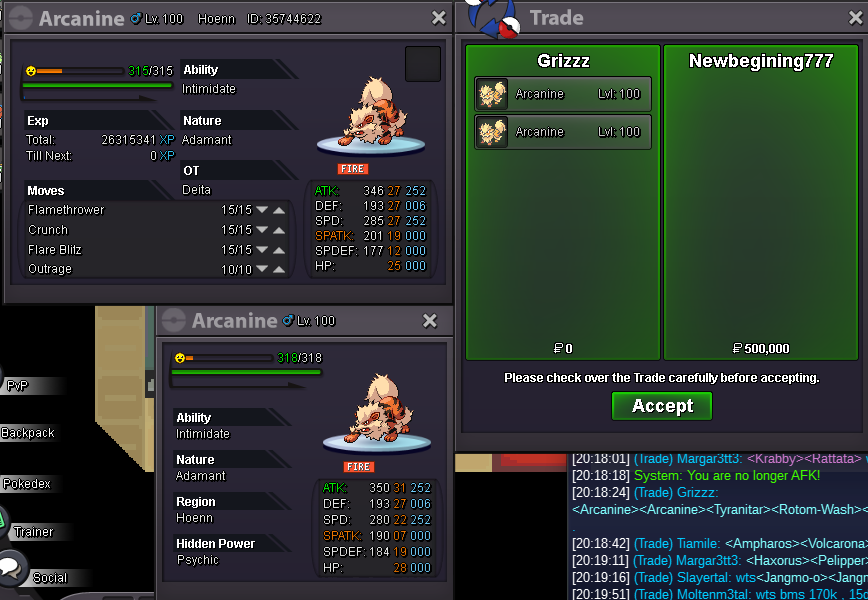
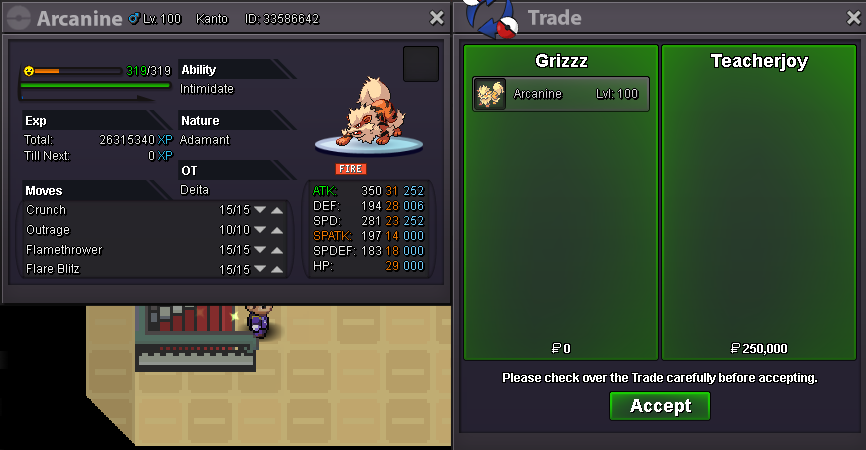
Salamence, Clefable, Arcanine x2 sold.
-
+1 As a frequent azumarill user this is very annoying, instead of being able to switch in like on showdown, azu will just explode and die for no reason. I've also noticed that the calcs just don't match the damage output from foul play in general, it's definitely broken.
-
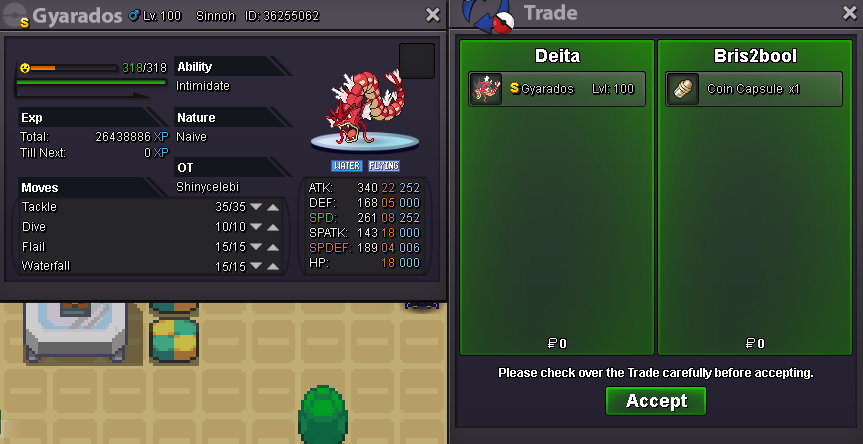
Ferrothorn x2, Gyarados, Volcarona sold.
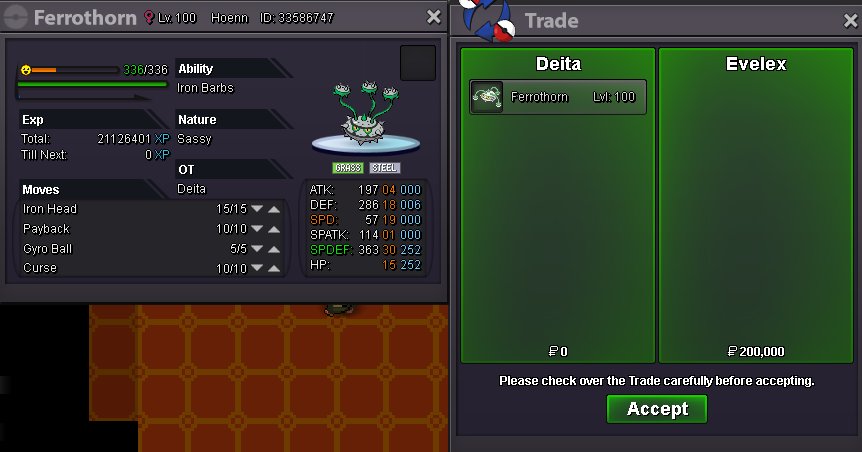
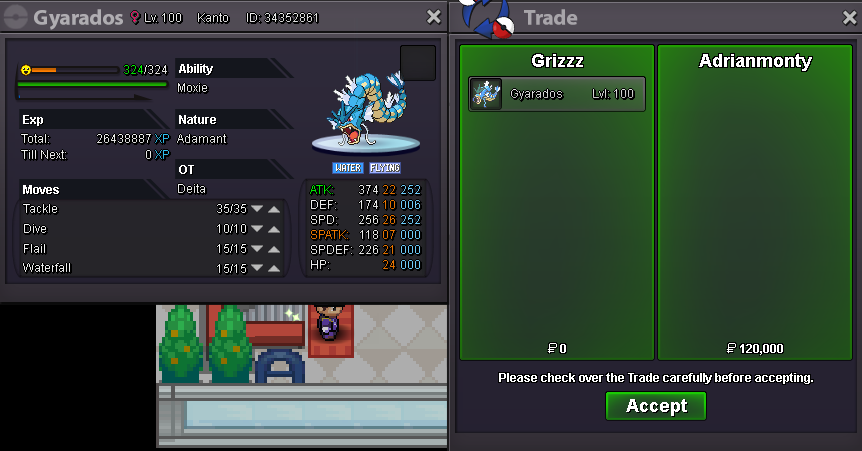
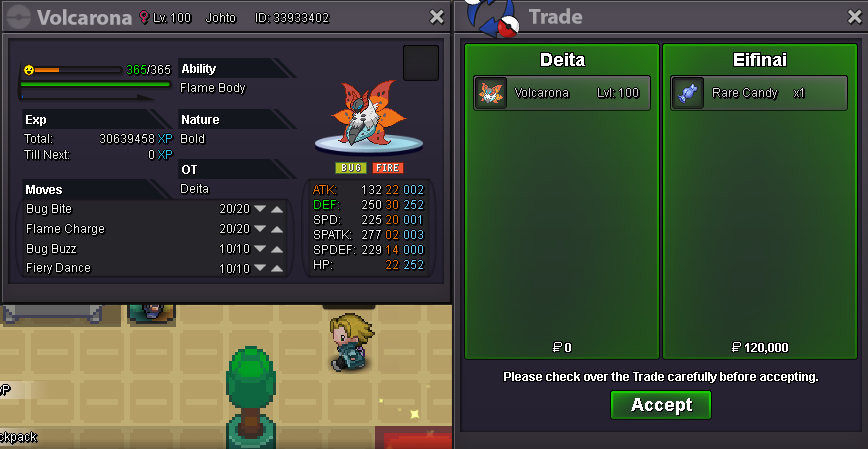
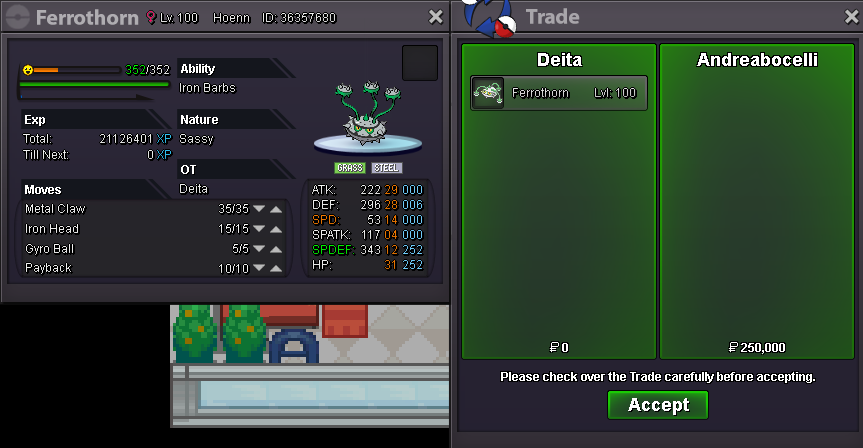
-
Hey I'm interested in seeing a few pokes if possible. My discord is Delta#5204
-
Roserade HP fire traded.
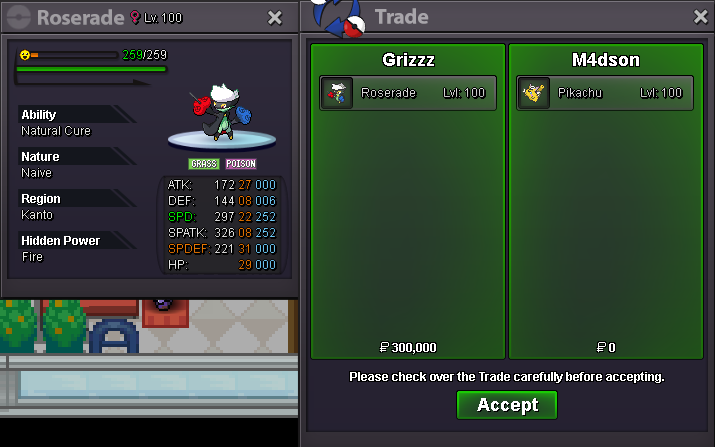
-
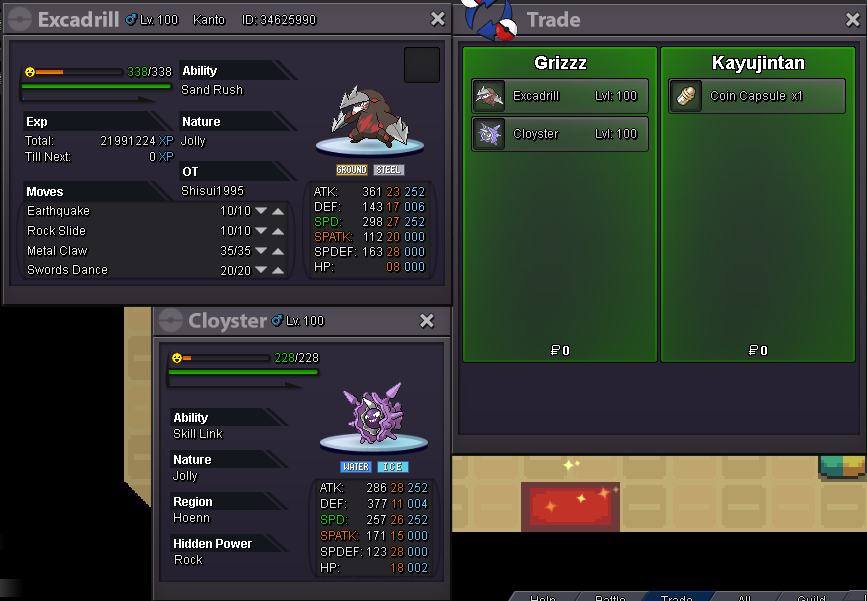
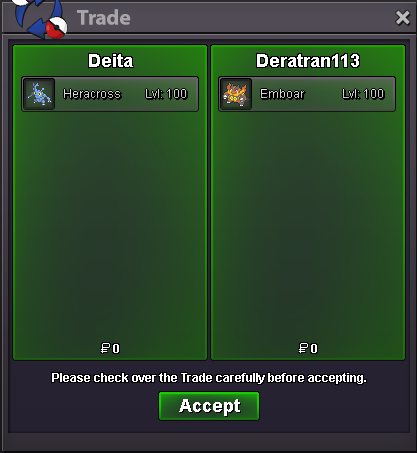
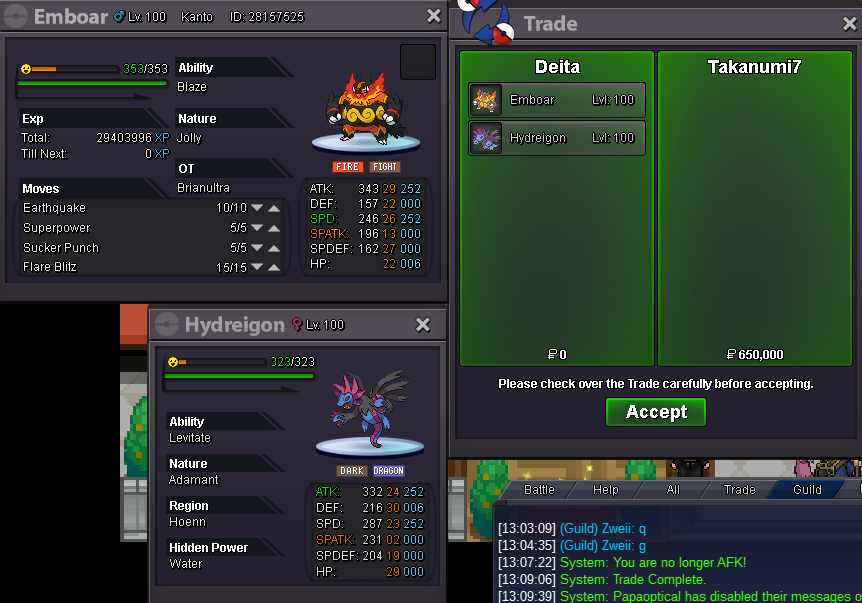
Cloyster, Excadrill sold. Heracross traded.
-
start
-
Gyarados sold.
-
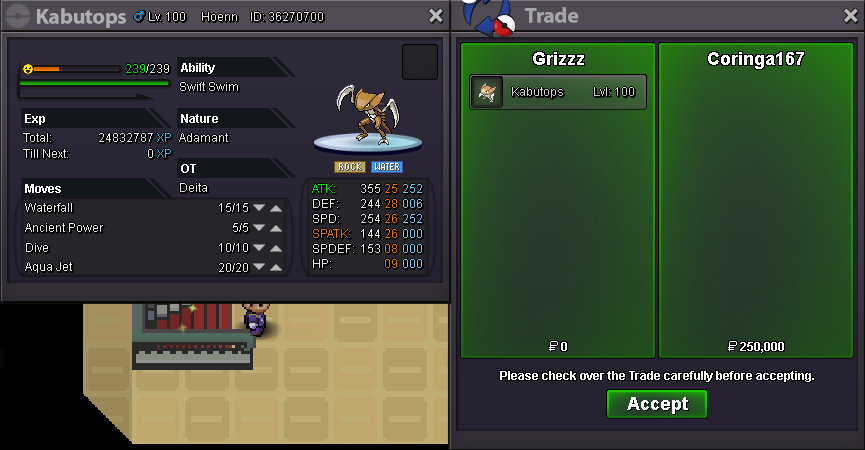
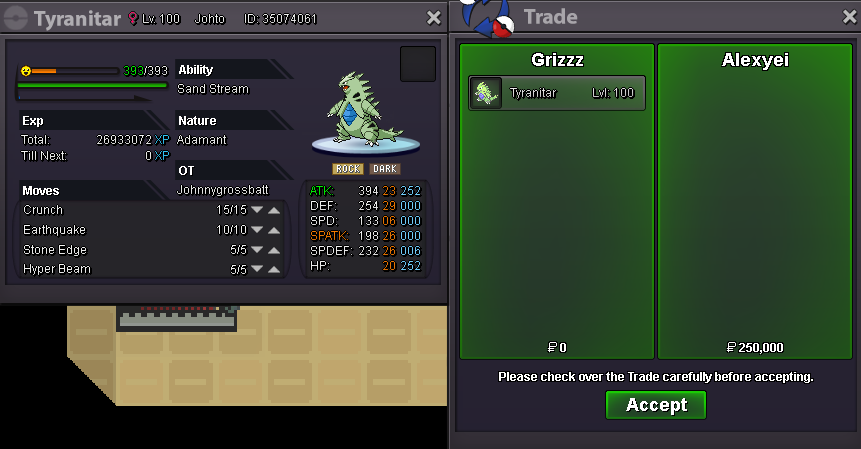
Tyranitar x2, Arcanine, Kabutops sold. Added lots of new pokemon!
-
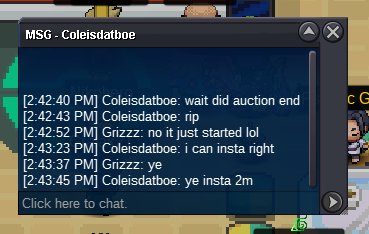
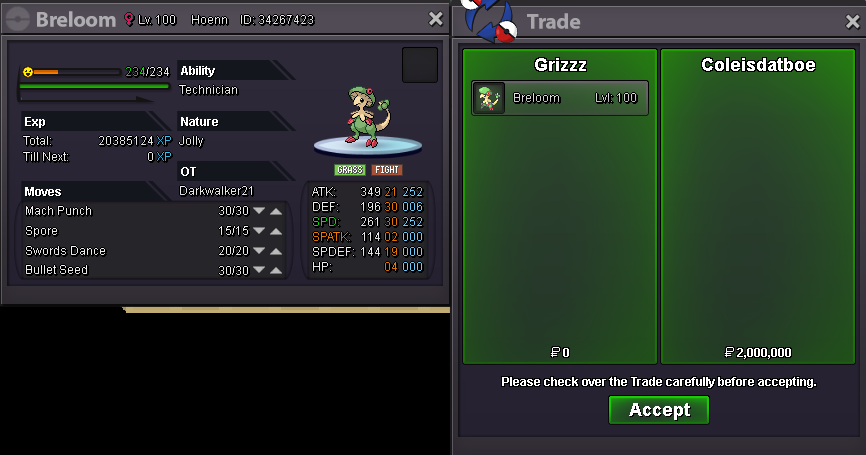
Insta price met by coleisdatboe
-
Auction started by Cyanirl, ends in 24 hrs: https://countingdownto.com/?c=3066370
-
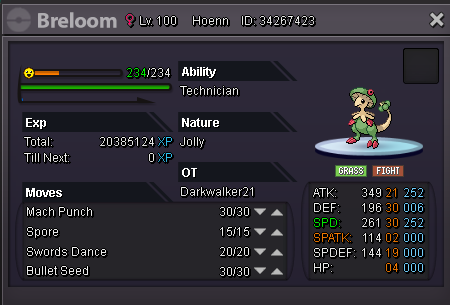
Message me in game or on Discord: Deita / Delta#5204 S.O. 300k 100k min bid, 24 hr auction rounded to the nearest 0.5 hrs 2m insta Auction End: https://countingdownto.com/?c=3066370
-
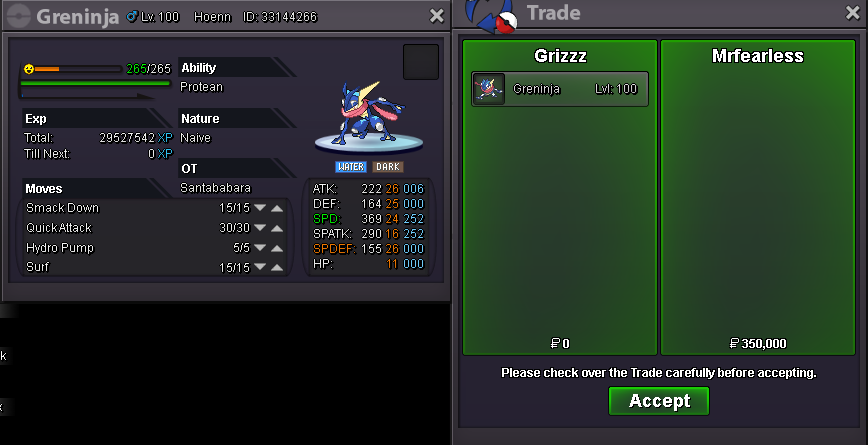
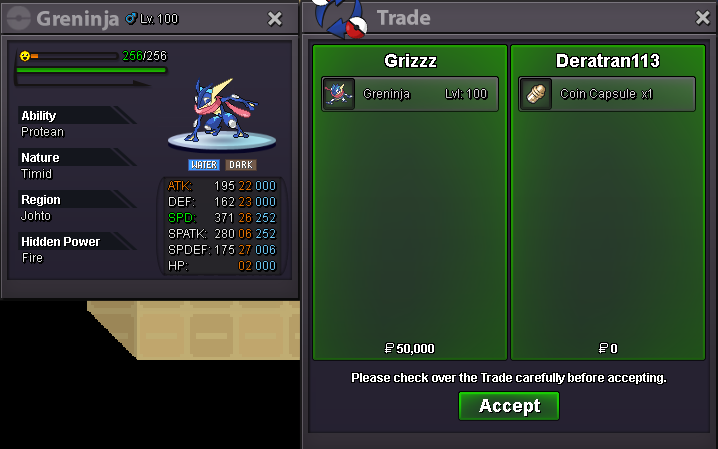
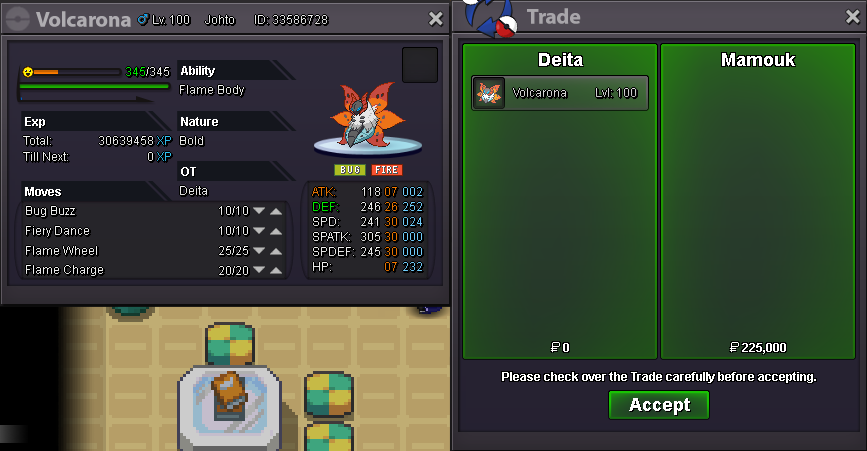
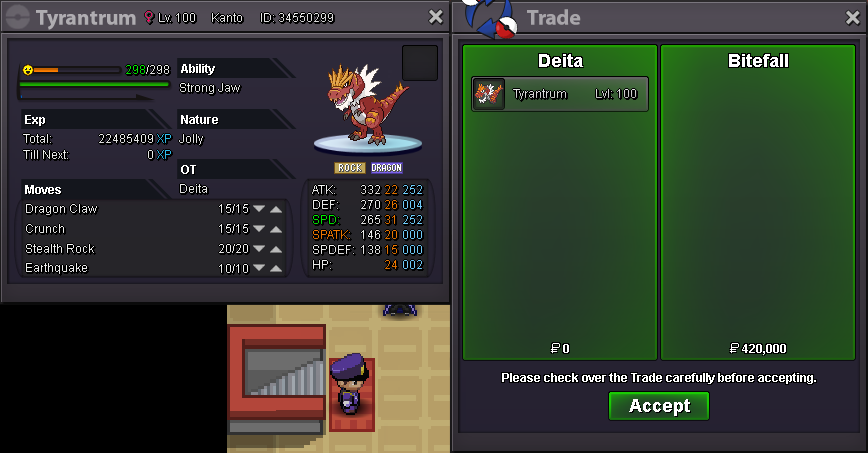
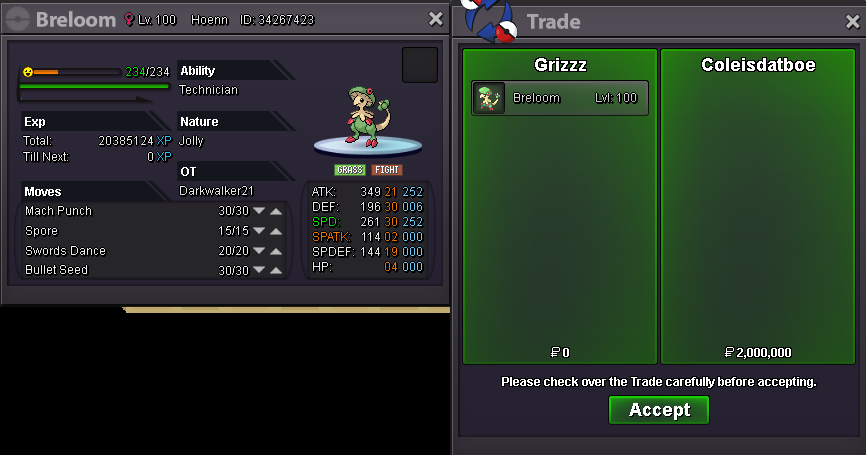
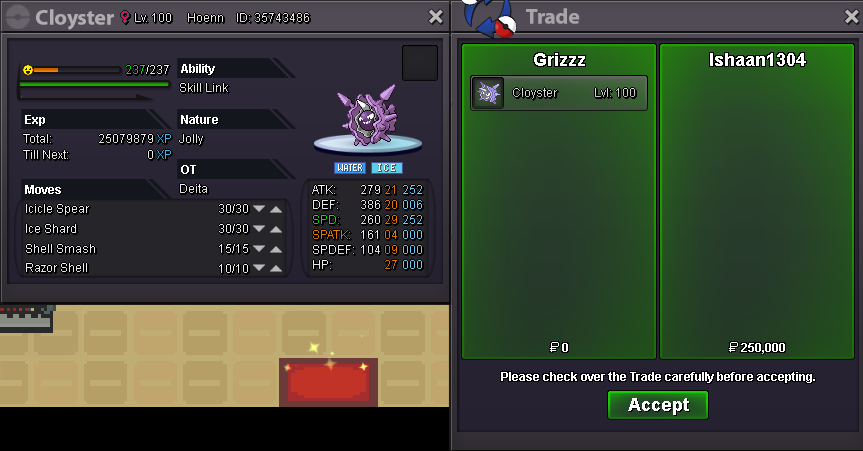
Breloom, Cloyster, Tyrantrum, Greninja x2, Volcarona sold.
-
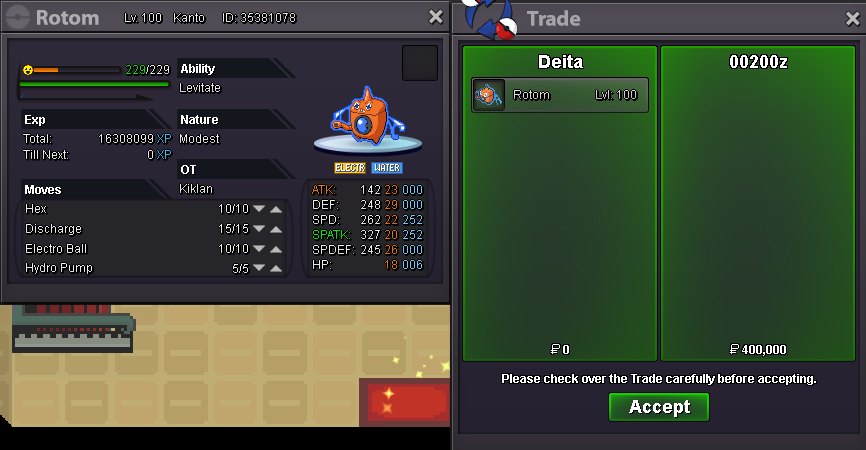
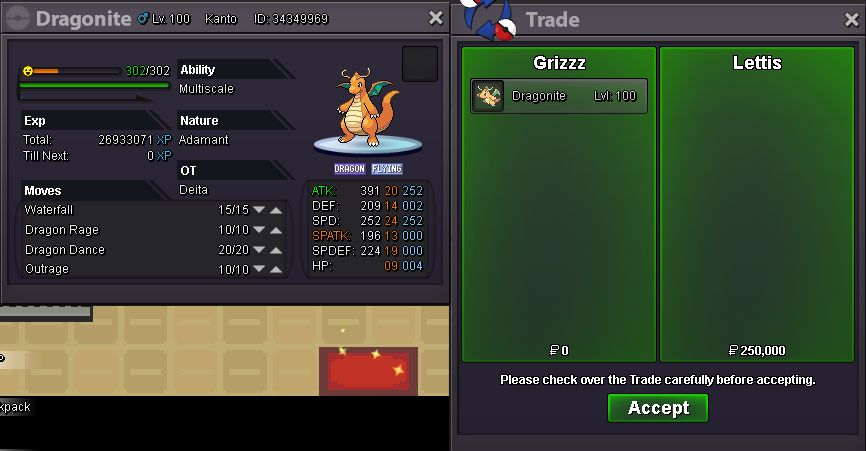
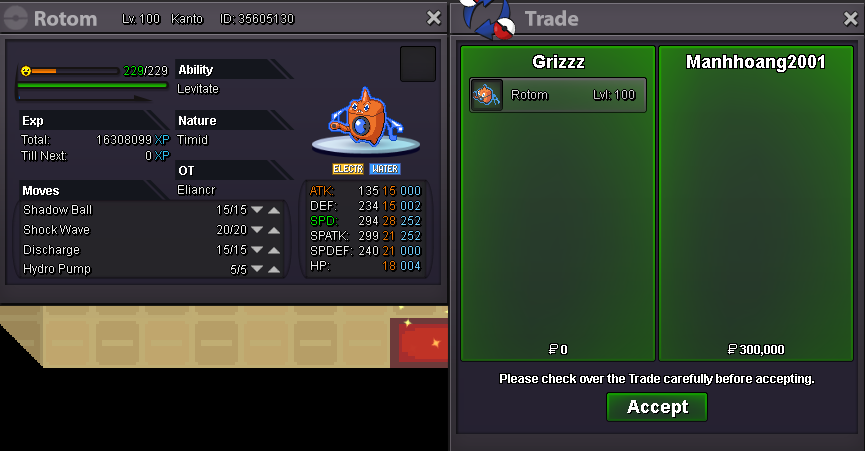
Azumarill x2, Rotom, Dragonite, Volcarona sold.
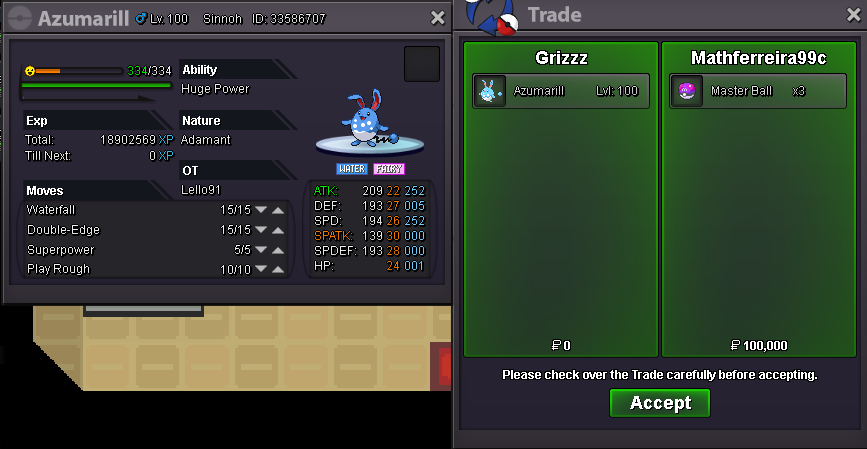
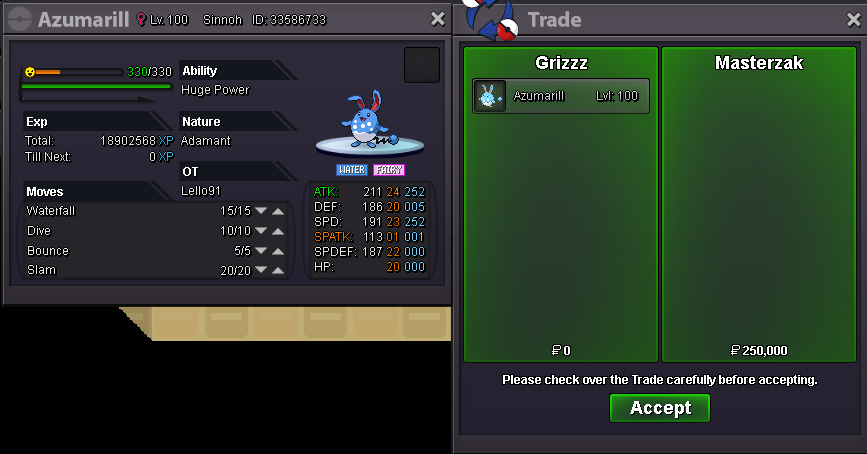
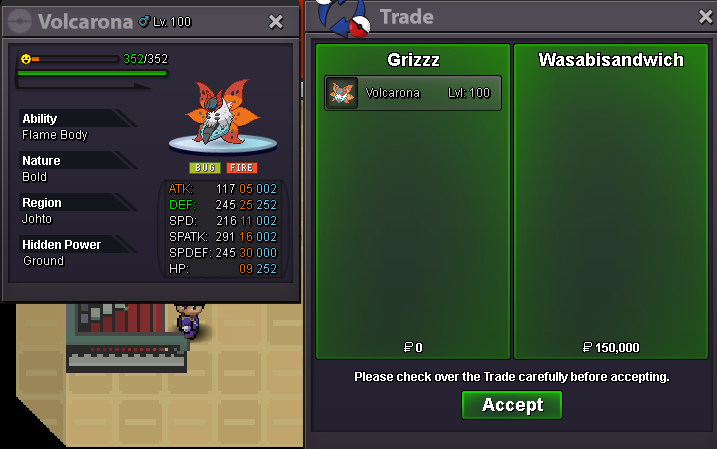
-
Slowking sold.
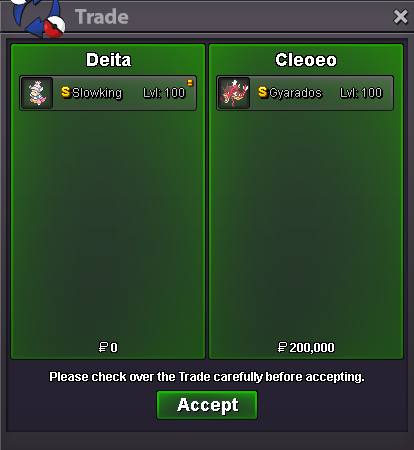
-
Hey do you have screenshots for the 3 nidos, azumarill and gyarados? Thanks
-
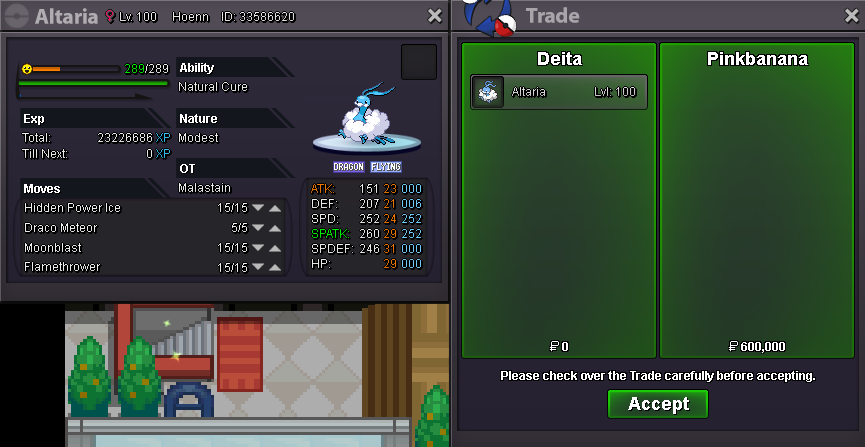
Auction ended for altaria, sold to pinkbanana! Edit: Rotom Trade