




New Trade Zone
Trade Zone is now live
Use the new Trade Zone for auctions and instant-price trades so Pokemon and item offers are easy to find.

Justlegend
Registered User
-
Joined
-
Last visited
Everything posted by Justlegend
-
!!! WARNING !!! 1 day and 80 minutes left! I made mistake and miscounted ! Current bid 3m by Norex
-
-
3 days 23 hours left!
-
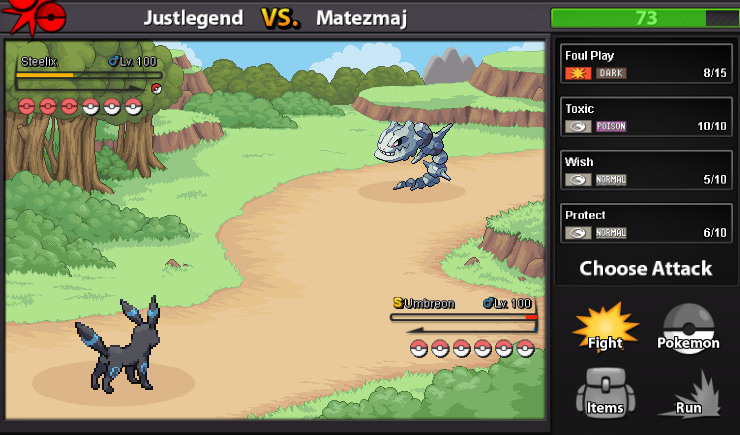
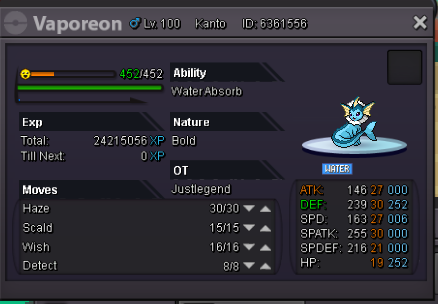
I have no idea how is this working. But I used this multiple times and I simply don't recover any hp from wish. Maybe dig from steelix affected wish in some way. I have no idea, but wish is not working!
-
Start 2m instant 5m Current bid 3m by Norex 1 day 70 mins left!

-
21m :)
-
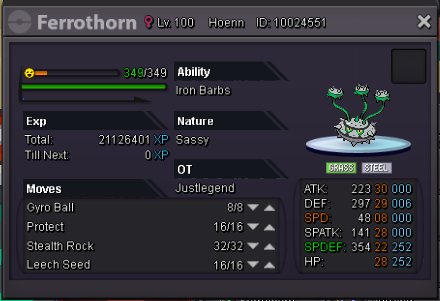
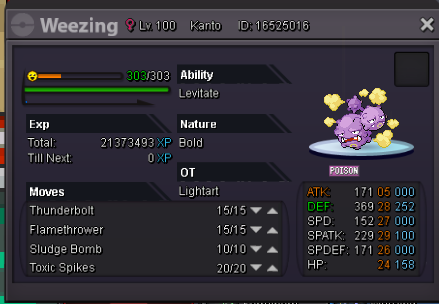
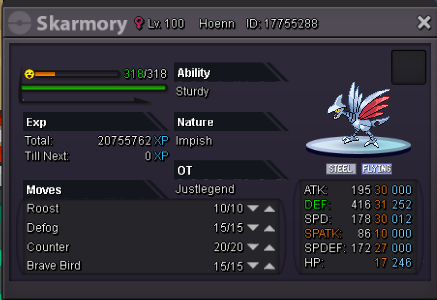
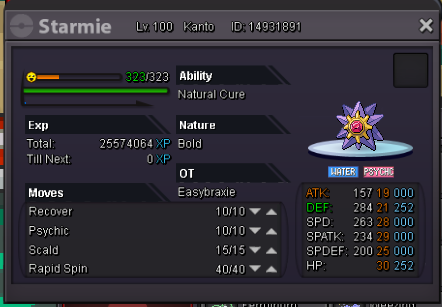
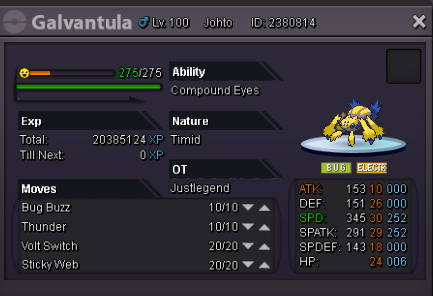
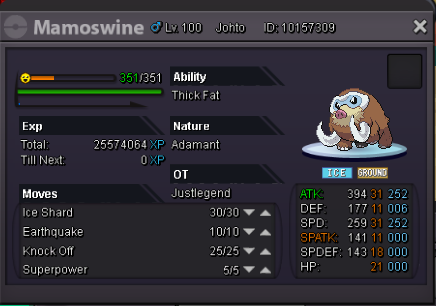
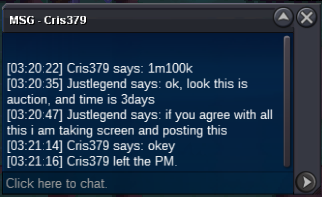
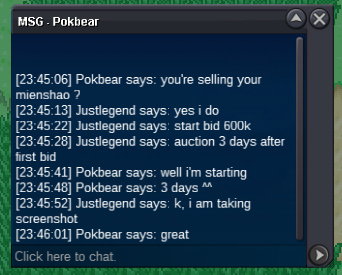
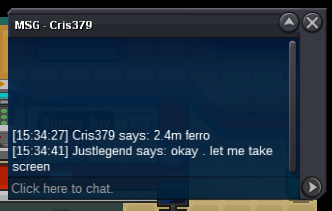
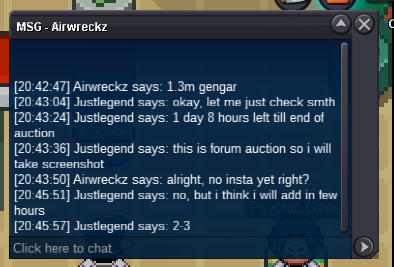
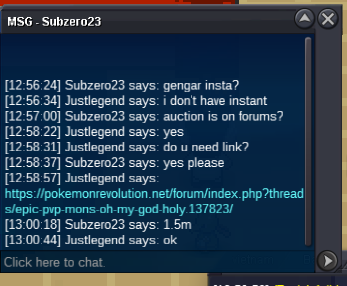
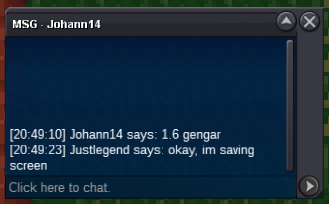
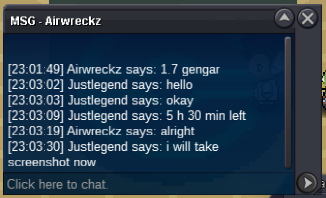
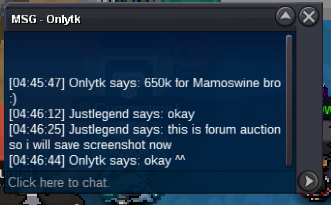
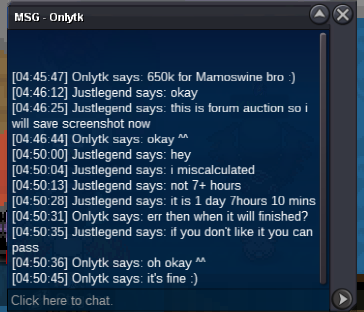
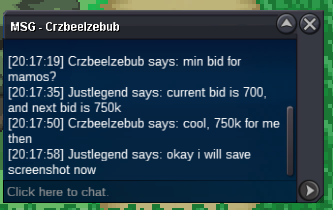
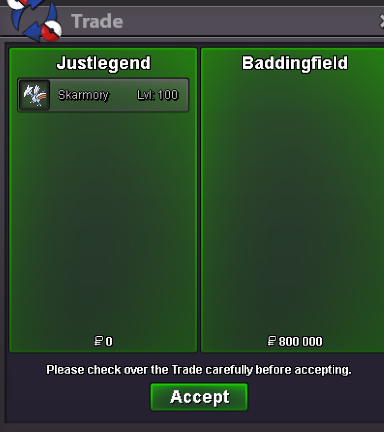
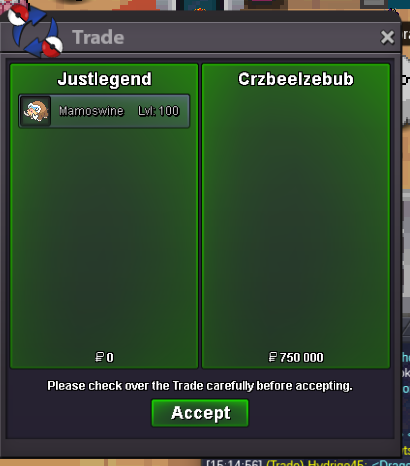
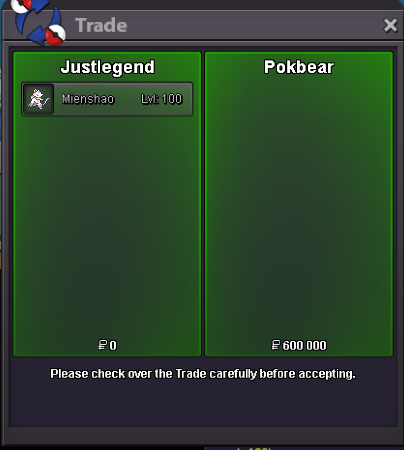
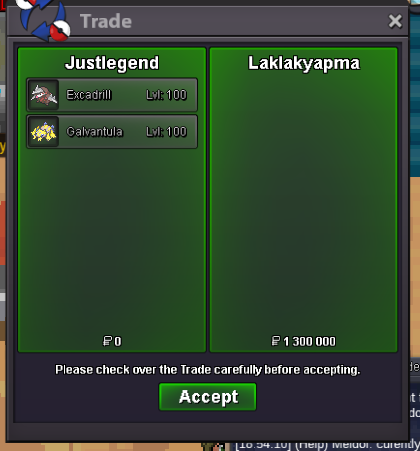
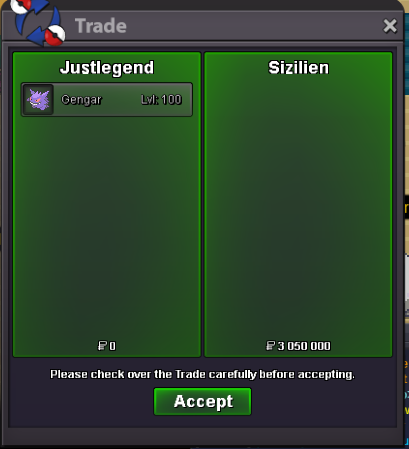
yesyou got weezing! pm meyes u got them7 last minutes to bid on gengar!Last 10 minutes to bid on ferrothorn!@Norex @laklakyapma @Laevyateinn @DrakeCP9 @zacharyjosef18 @Cris379 53 minutes left for ferrothorn!Small update , time was added!Guys hurry with your bids! 3 hours 50 mins left for ferrothorn , it will be first poke sold form my shop.If I decide to add instant prices this will be not sooner than in 20 hours . But maybe there won't be instant prices at all. I have not decided yet.100C = 270K PRICE IS UNDER SCREENSHOT NEW BID = OLD BID +50K AUCTION TIME = START OFFER +3 DAYS Discord : Optimism#9398 In game : JustLegend If you don't like something in this shop just close it and ignore. Don't trashtalk or post any other kind of useless message. SOLD Waiting for buyer SOLD SOLD SOLD Start:500k Current offer: SOLD SOLD Start:500k Current offer: SOLD








Account
Navigation
Search
Configure browser push notifications
Chrome (Android)
- Tap the lock icon next to the address bar.
- Tap Permissions → Notifications.
- Adjust your preference.
Chrome (Desktop)
- Click the padlock icon in the address bar.
- Select Site settings.
- Find Notifications and adjust your preference.
Safari (iOS 16.4+)
- Ensure the site is installed via Add to Home Screen.
- Open Settings App → Notifications.
- Find your app name and adjust your preference.
Safari (macOS)
- Go to Safari → Preferences.
- Click the Websites tab.
- Select Notifications in the sidebar.
- Find this website and adjust your preference.
Edge (Android)
- Tap the lock icon next to the address bar.
- Tap Permissions.
- Find Notifications and adjust your preference.
Edge (Desktop)
- Click the padlock icon in the address bar.
- Click Permissions for this site.
- Find Notifications and adjust your preference.
Firefox (Android)
- Go to Settings → Site permissions.
- Tap Notifications.
- Find this site in the list and adjust your preference.
Firefox (Desktop)
- Open Firefox Settings.
- Search for Notifications.
- Find this site in the list and adjust your preference.