




New Trade Zone
Trade Zone is now live
Use the new Trade Zone for auctions and instant-price trades so Pokemon and item offers are easy to find.

Toxicgameryt
Registered User
-
Joined
-
Last visited
Everything posted by Toxicgameryt
-
beautiful
-
Bump
-
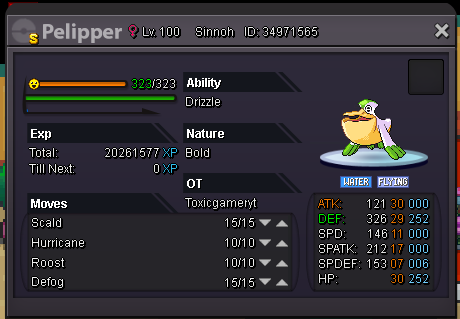
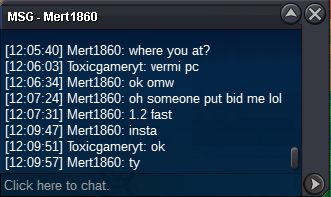
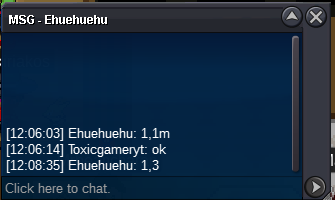
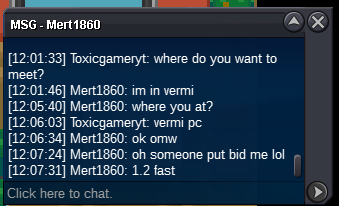
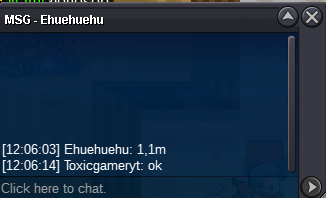
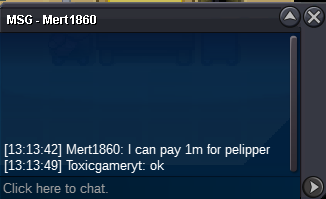
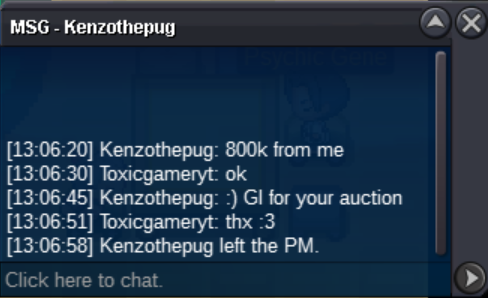
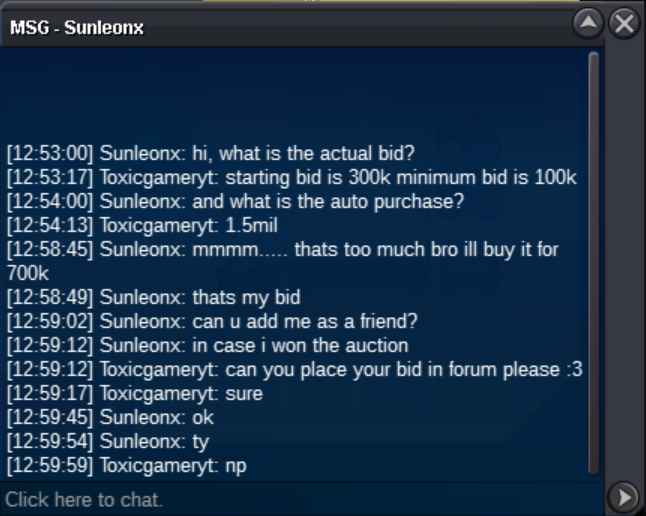
1 youtube banner and 1 animated signature :3 i sent details in discord :)Bump .-.Ingame name: Toxicgameryt Discord: ToxicGamer#0087 Starting Bid: 300k Minimum Bid: 100k Insta: 1.5mil Starting point: 24hrs at time of posting Accepting the following payments: Coin Capsule - 400k Nature Reroll - 320k IV Reroll - 640k
 BUMP:PikaLurk:PLAYER CATEGORY Smartest: GlogS Friendliest: MisakiTokura Funniest: Pepitostar Coolest: Coolestsam Comeback Player of the Year: Xayahx Most Talkative: MisakiTokura Most Trustworthy: XanthinaRose Most Helpful: Ratiosu Most Missed: Rubymine Most Influential: XanthinaRose Most Intriguing: Bill2 Most Experienced Player: Coolestsam Best/Funniest Username: Midkups Most Professional Guide Maker: Waleed1301 Most Professional Discord Moderator: Waleed1301 STAFF CATEGORY Best Mapper: Tempa Best Artist: Sirmeowington Best Content Scripter: Yamette Best Community Coordinator: Nezuko Best Moderator: Novus Best Trade Moderator: Incarnate Best Tester: IceClover Best Game Master: Logan Best Admin: Red Best Developer: Shaolan Best Staff Username: Nezuko Most Professional Staff: Novus Most Dedicated Staff: Eaty Funniest Staff: Novus Friendliest Staff: Novus Most Honorable Former Staff: Letrix Most Missed Former Staff: LetrixbumpSheyin pm me in discord when your online and place for the trade :)

Account
Navigation
Search
Configure browser push notifications
Chrome (Android)
- Tap the lock icon next to the address bar.
- Tap Permissions → Notifications.
- Adjust your preference.
Chrome (Desktop)
- Click the padlock icon in the address bar.
- Select Site settings.
- Find Notifications and adjust your preference.
Safari (iOS 16.4+)
- Ensure the site is installed via Add to Home Screen.
- Open Settings App → Notifications.
- Find your app name and adjust your preference.
Safari (macOS)
- Go to Safari → Preferences.
- Click the Websites tab.
- Select Notifications in the sidebar.
- Find this website and adjust your preference.
Edge (Android)
- Tap the lock icon next to the address bar.
- Tap Permissions.
- Find Notifications and adjust your preference.
Edge (Desktop)
- Click the padlock icon in the address bar.
- Click Permissions for this site.
- Find Notifications and adjust your preference.
Firefox (Android)
- Go to Settings → Site permissions.
- Tap Notifications.
- Find this site in the list and adjust your preference.
Firefox (Desktop)
- Open Firefox Settings.
- Search for Notifications.
- Find this site in the list and adjust your preference.