New Trade Zone
Trade Zone is now live
Use the new Trade Zone for auctions and instant-price trades so Pokemon and item offers are easy to find.

Acegeekflex
Registered User
-
Joined
-
Last visited
Everything posted by Acegeekflex
-
HERE IS A FULL WORD DOC WITH THE ITEMS!!!! NO MORE CLICKING SPOILER BUTTONS! PRO ITEM LIST.pdf
-
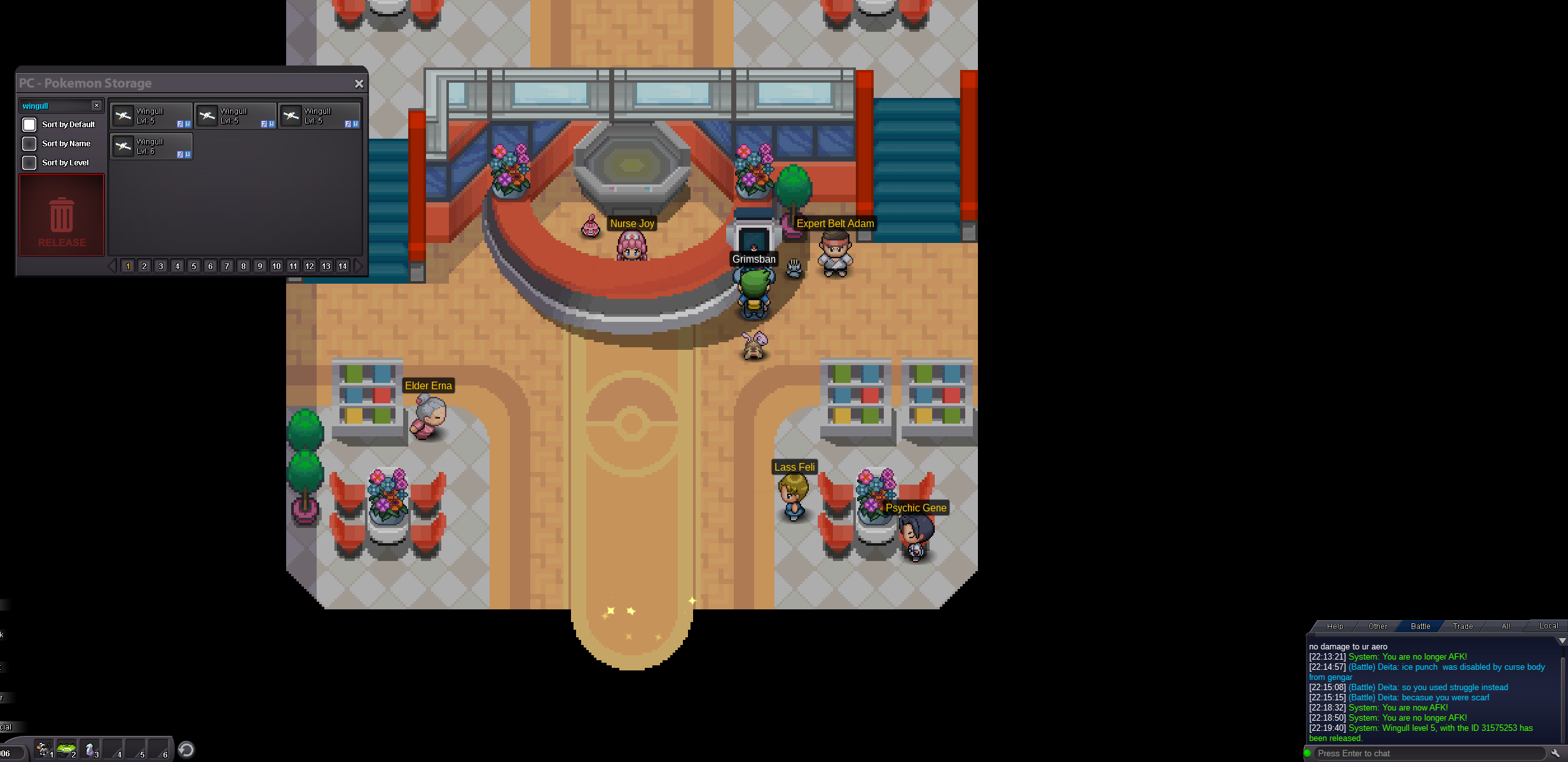
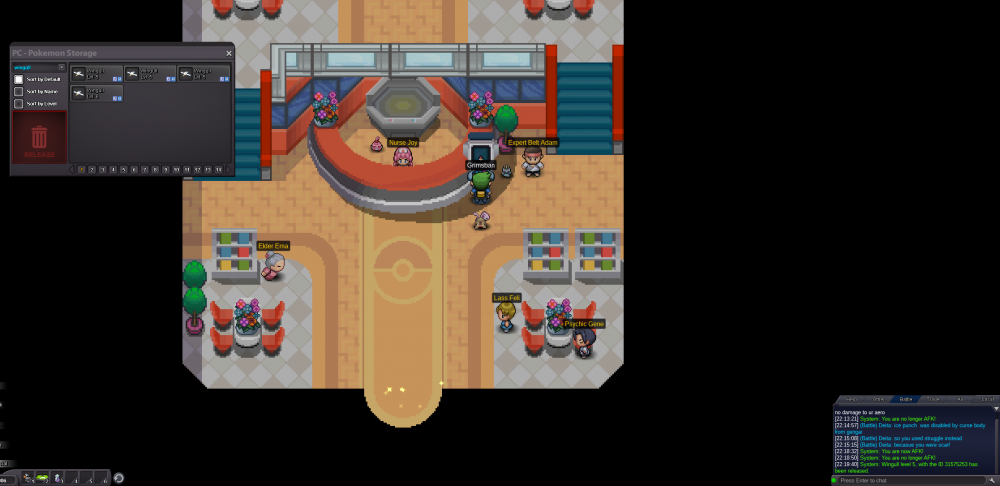
Hi, I released a Wingull from my PC storage, but it released the one that was already in my party instead. I do know if it was a bug/glitch, but can you please put it back? Thank you for your time and help! AceGeekFlex
-
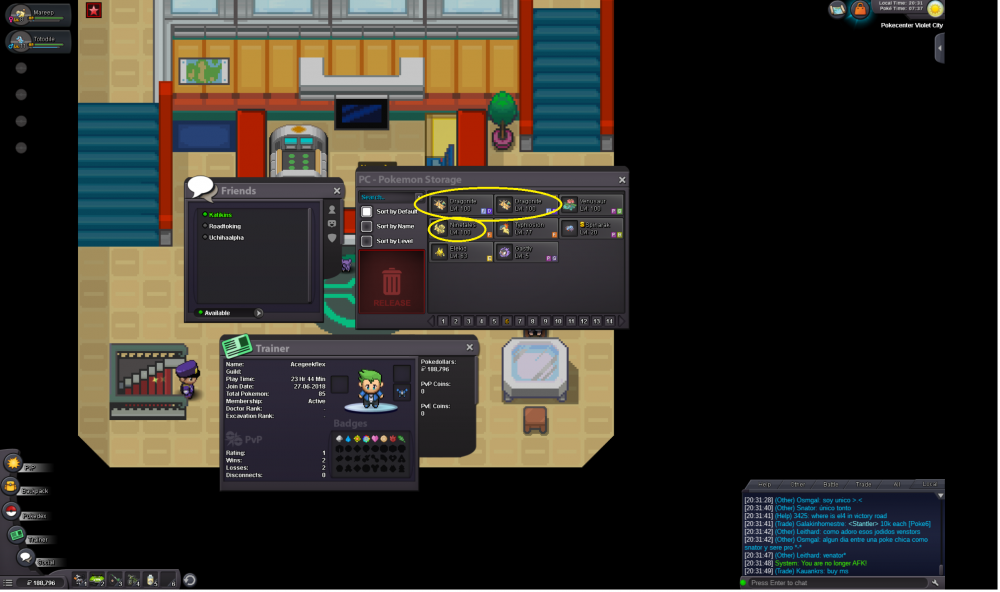
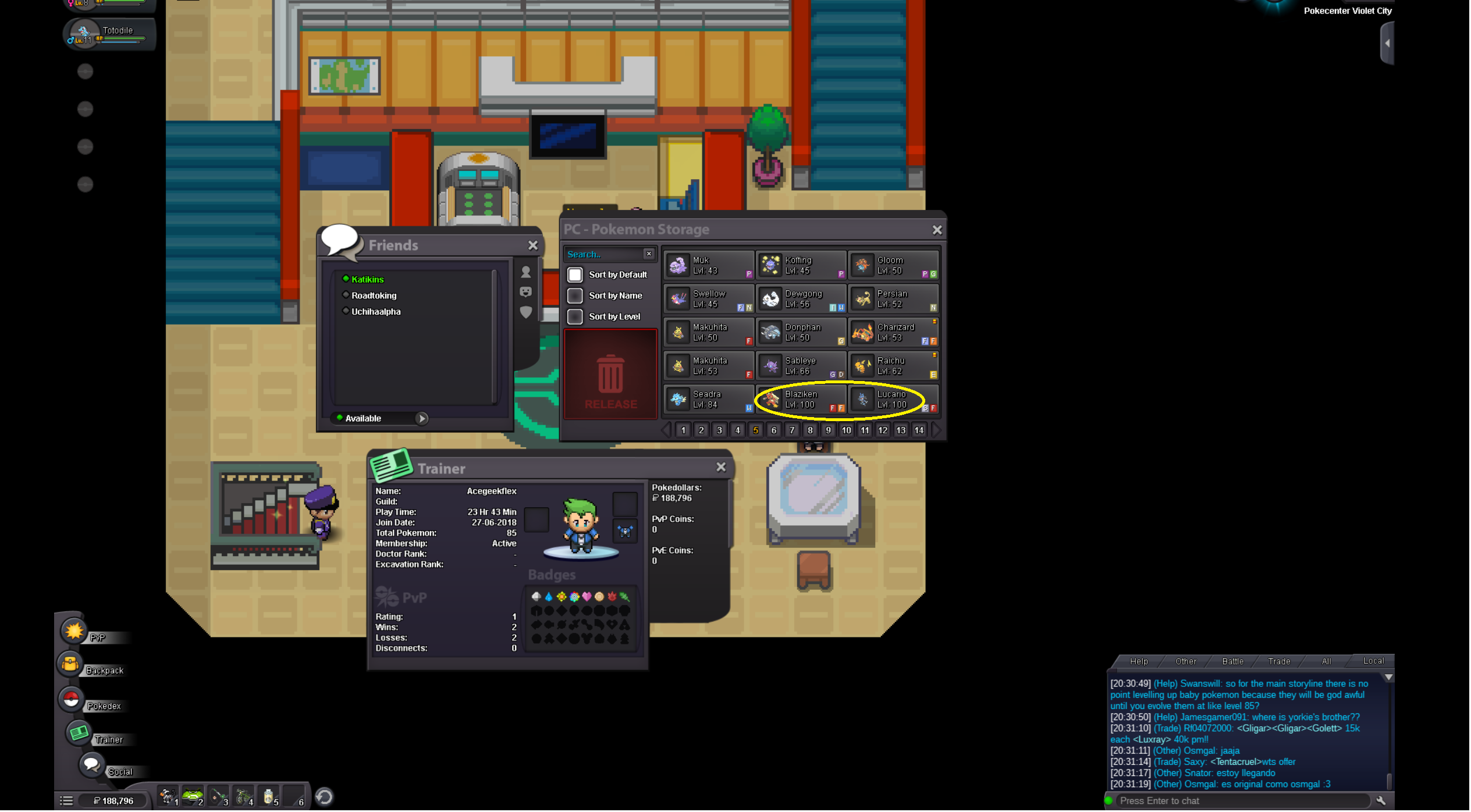
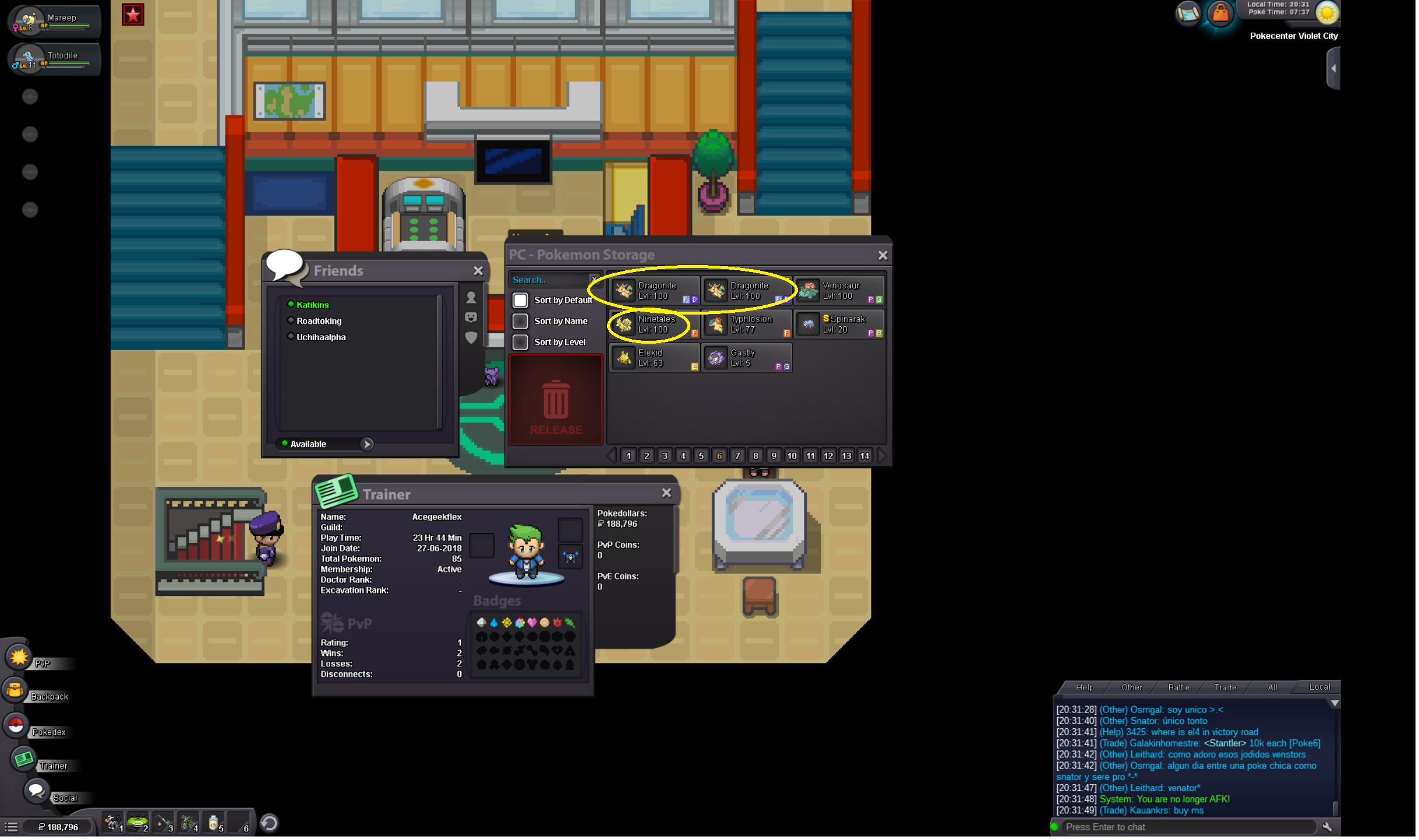
Hi, I borrowed some pokemon from a user named Uchihaalpha. The pokemon are 2 Dragonites, a Blaziken, a Lucario, and a Ninetales. I progressed to the Johto Region and now they are region locked. I cannot place them in my party to give them back and I do not feel that is fair for Uchihaalpha to have to wait till I beat this region to get his pokes back. Please help us! We are on the Gold Server. Thank you for your help and time!