




New Trade Zone
Trade Zone is now live
Use the new Trade Zone for auctions and instant-price trades so Pokemon and item offers are easy to find.


Norex
Discord Moderator
-
Joined
-
Last visited
Everything posted by Norex
-
-
start breloom from Norex3 account
-
Yes, the boost of Membership and the EXP Boost Potion work in the Trainer Tower.
-
As before you need to beat Alucard while having a pokemon with the move Miracle Eye in your party. If that does not work you need to beat Horon again after the cooldown, as it either rewards you with the Rapidash Mount or lets you enter the Dark Realm again.
-
If you want to go back to the Dark Realm you need to first defeat the Horon boss north of Necropolis in the Dark Valley, make sure to beat him without one of your pokemon fainting. Then you will be able to re-enter Alucards castle where you can access the Dark Realm again to repeat the quest.
-
-
-
-
The location of the detective is random within the Ghoul Swamp, you wont find him in the same location.
-
Hey, thats not a bug. To proceed you need to beat Umbra (the Mega-Gengar) within the Dark Realm which you find yourself in during the Darkrai quest.
-
-
-
-
-
-
-
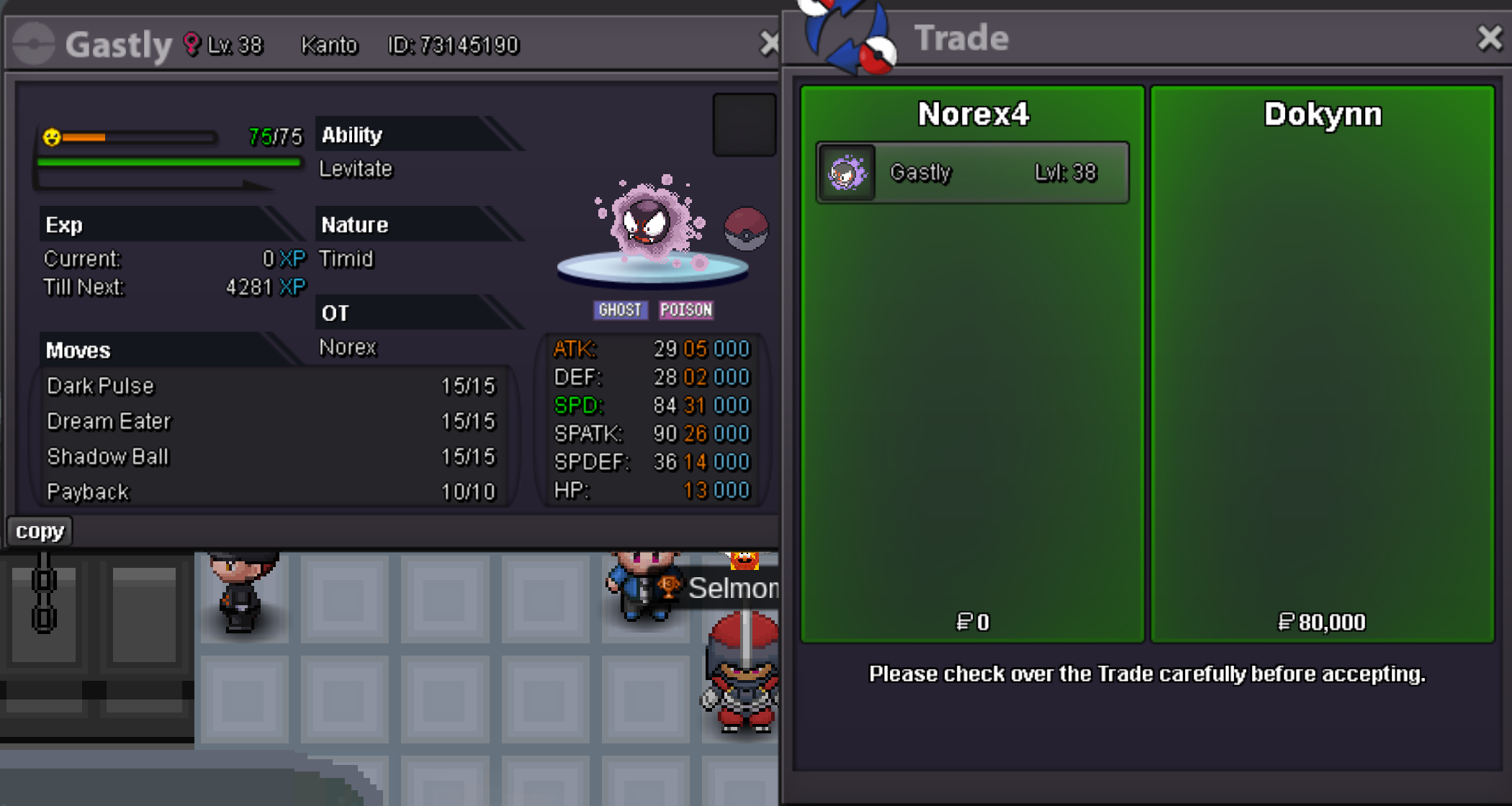
Gastly 80k sold.
-
-
-
-
1.8m from Norex3 account
-
1.6m from Norex3 account
-
1.4m from Norex3 account
-
1.2m from Norex3 account
-

