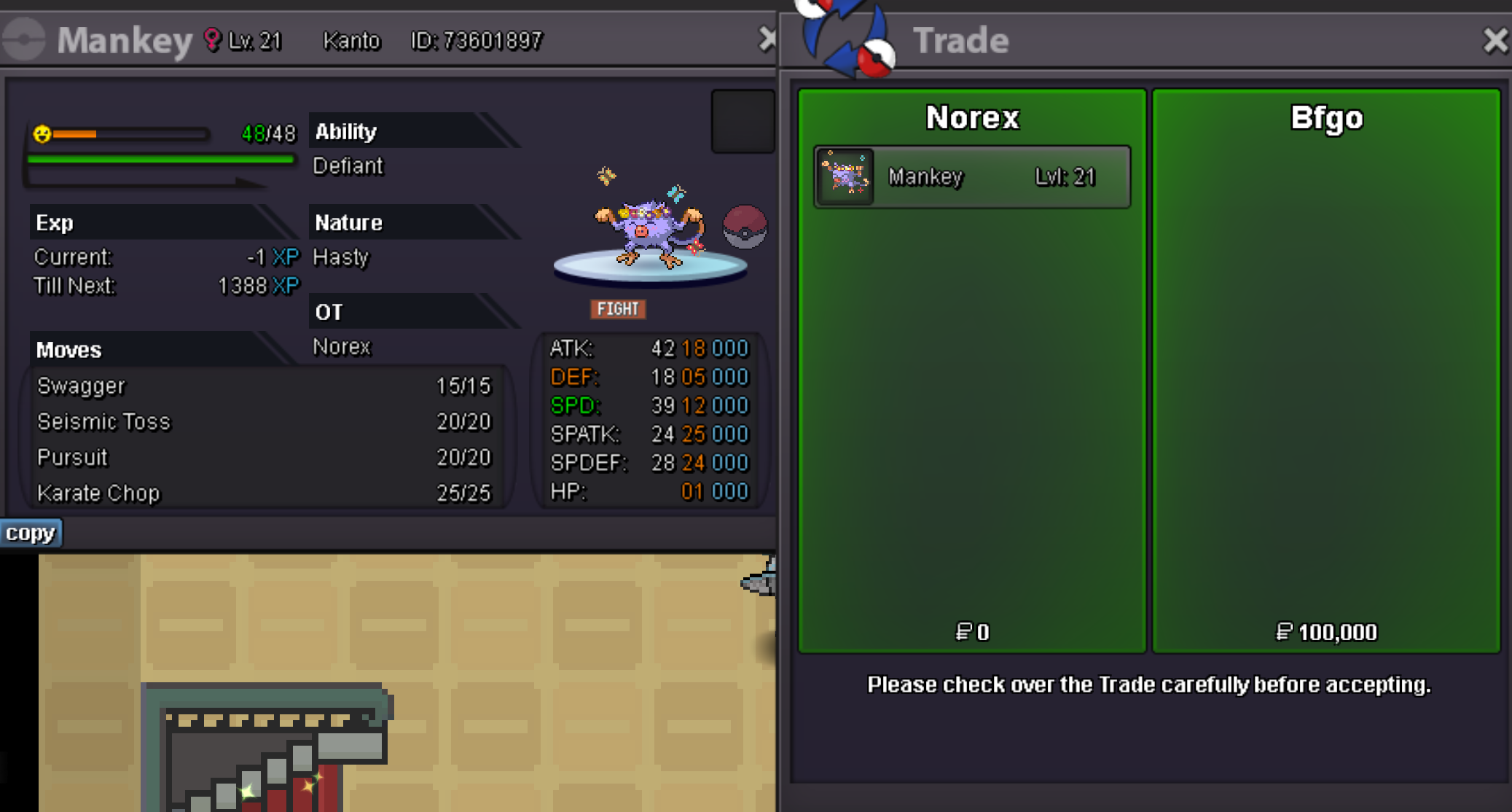
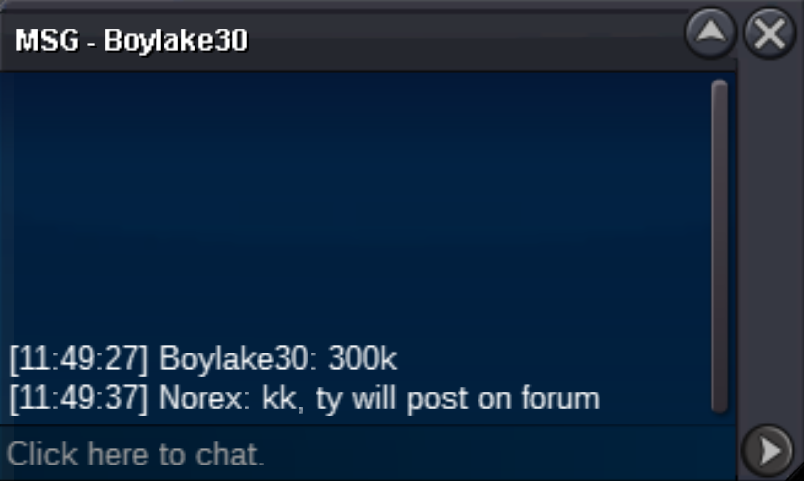
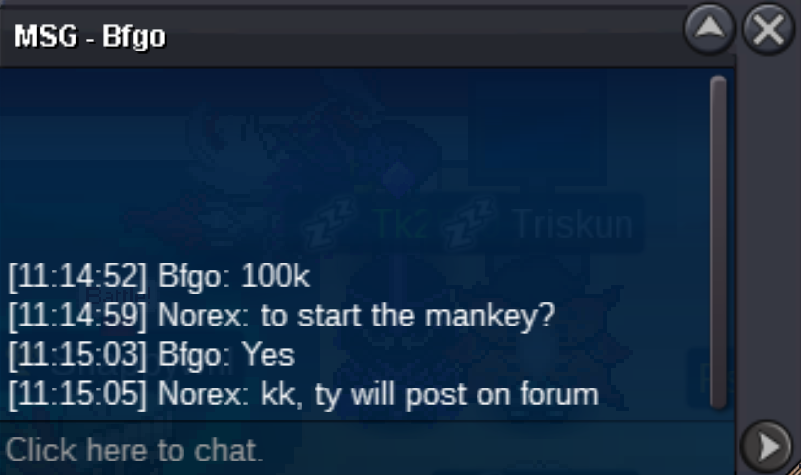
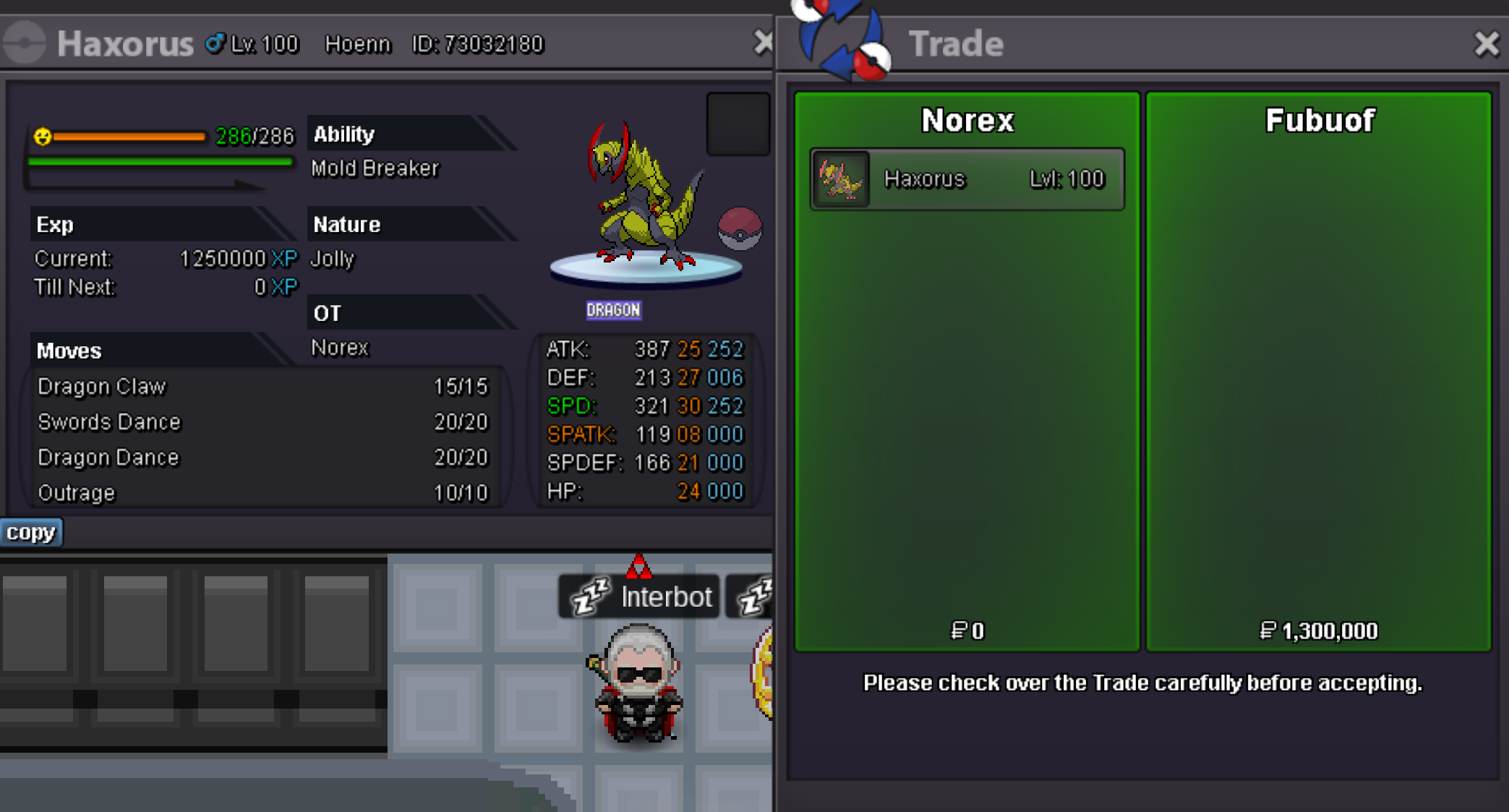
New Trade Zone
Trade Zone is now live
Use the new Trade Zone for auctions and instant-price trades so Pokemon and item offers are easy to find.


Norex
Discord Moderator
-
Joined
-
Last visited
Everything posted by Norex
-
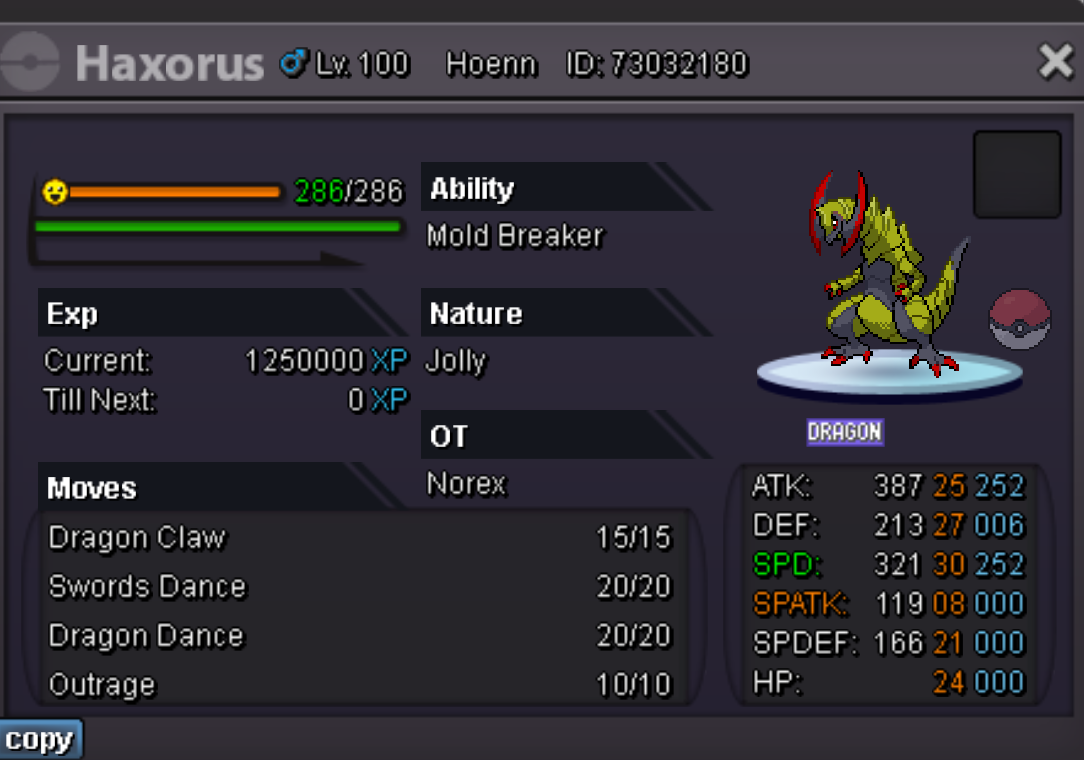
Duration: 24h after first bid Start offer: 250k Min Bid: 50k Insta: None Accepted payments Coin Capsule = 350k Reroll Ticket = 500k Contact Ingame: Norex Discord: norex1234 If you want to bid from Silver Server make sure to mention that when bidding.
 Duration: 24h after first bid Start offer: 60k Min Bid: 20k Insta: None Accepted payments Coin Capsule = 350k Reroll Ticket = 500k Contact Ingame: Norex Discord: norex1234 If you want to bid from Silver Server make sure to mention that when bidding.
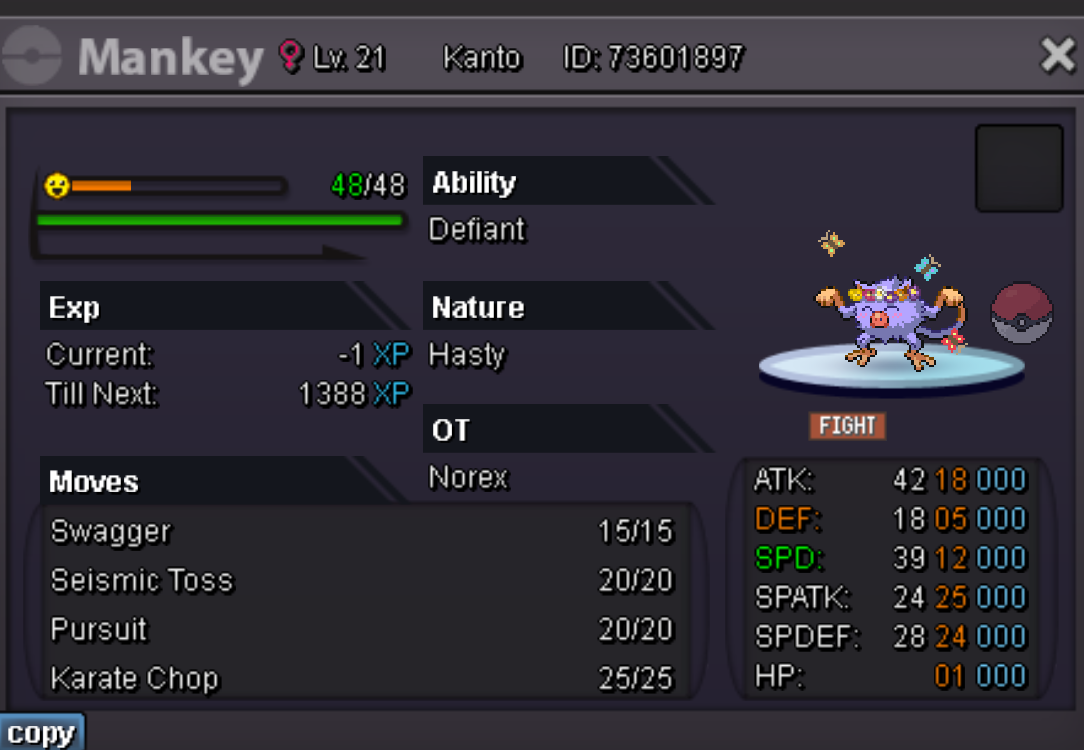 bump, 57 minutes leftAbsol 90k sold.
 bumpDuration: 48h after first bid Start offer: 800k Min Bid: 100k Insta: None Accepted payments Coin Capsule = 350k Reroll Ticket = 550k Contact Ingame: Norex Discord: norex1234 If you want to bid from Silver Server make sure to mention that when bidding.
 The EXP Boost item works in the Trainer Towers. Only the boost from the guild doesnt work currently because of limitations on what is possible with the current code which might change in the future.Hey, I want to buy the Golem-Alolan for 2.5m, paying from Norex3 account on Silver. I am available for the trade in about 1 hour.
Account
Navigation
Search
Configure browser push notifications
Chrome (Android)
- Tap the lock icon next to the address bar.
- Tap Permissions → Notifications.
- Adjust your preference.
Chrome (Desktop)
- Click the padlock icon in the address bar.
- Select Site settings.
- Find Notifications and adjust your preference.
Safari (iOS 16.4+)
- Ensure the site is installed via Add to Home Screen.
- Open Settings App → Notifications.
- Find your app name and adjust your preference.
Safari (macOS)
- Go to Safari → Preferences.
- Click the Websites tab.
- Select Notifications in the sidebar.
- Find this website and adjust your preference.
Edge (Android)
- Tap the lock icon next to the address bar.
- Tap Permissions.
- Find Notifications and adjust your preference.
Edge (Desktop)
- Click the padlock icon in the address bar.
- Click Permissions for this site.
- Find Notifications and adjust your preference.
Firefox (Android)
- Go to Settings → Site permissions.
- Tap Notifications.
- Find this site in the list and adjust your preference.
Firefox (Desktop)
- Open Firefox Settings.
- Search for Notifications.
- Find this site in the list and adjust your preference.