New Trade Zone
Trade Zone is now live
Use the new Trade Zone for auctions and instant-price trades so Pokemon and item offers are easy to find.


Norex
Discord Moderator
-
Joined
-
Last visited
Everything posted by Norex
-
700k from Norex3 account
-
600k from Norex3 account
-
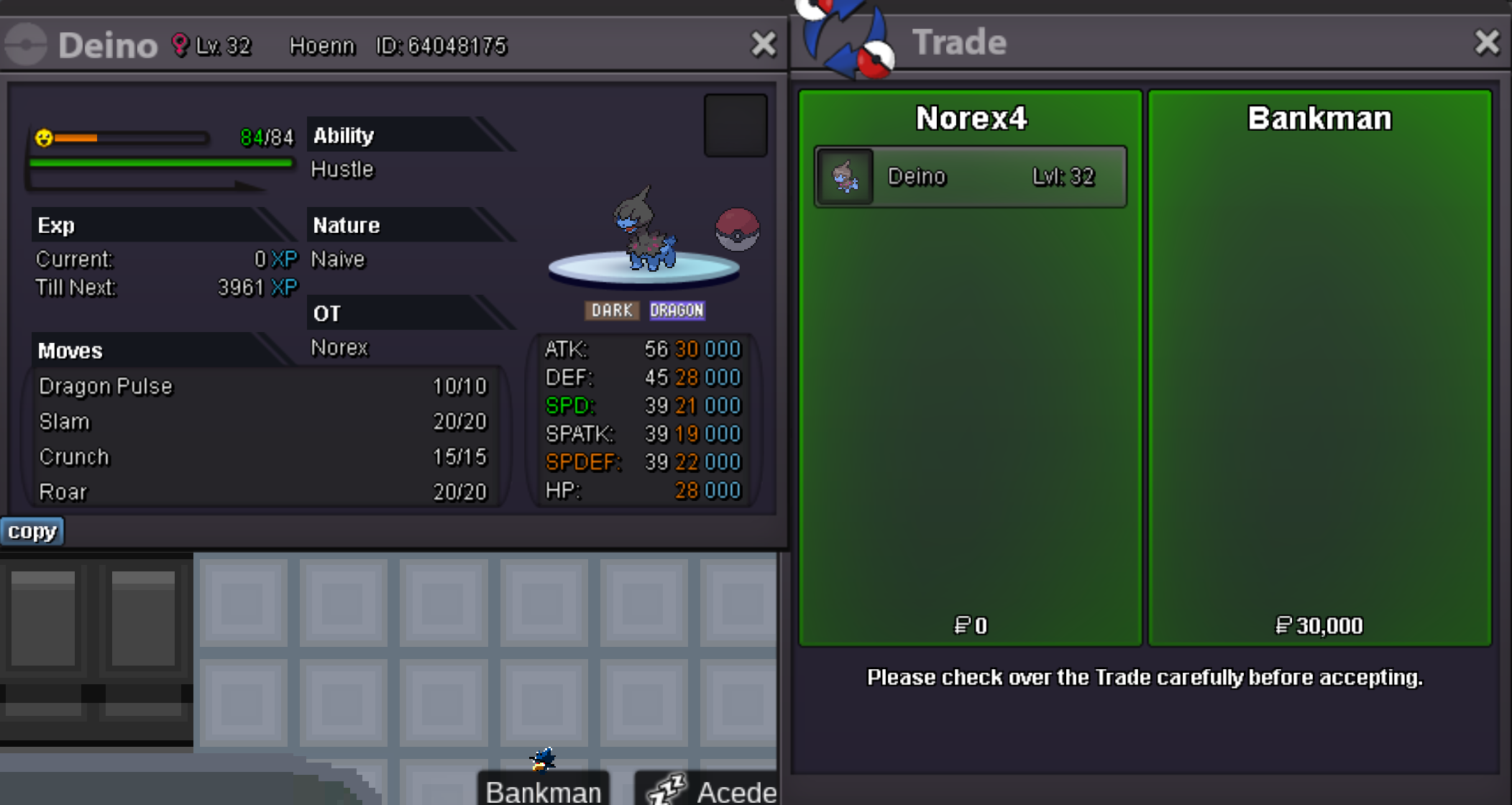
Deino 30k sold.
-
Duration: 24h after first bid Start offer: 100k Min Bid: 50k Insta: None Accepted payments Coin Capsule = 350k Reroll Ticket = 550k Contact Ingame: Norex Discord: norex1234 If you want to bid from Silver Server make sure to mention that when bidding.
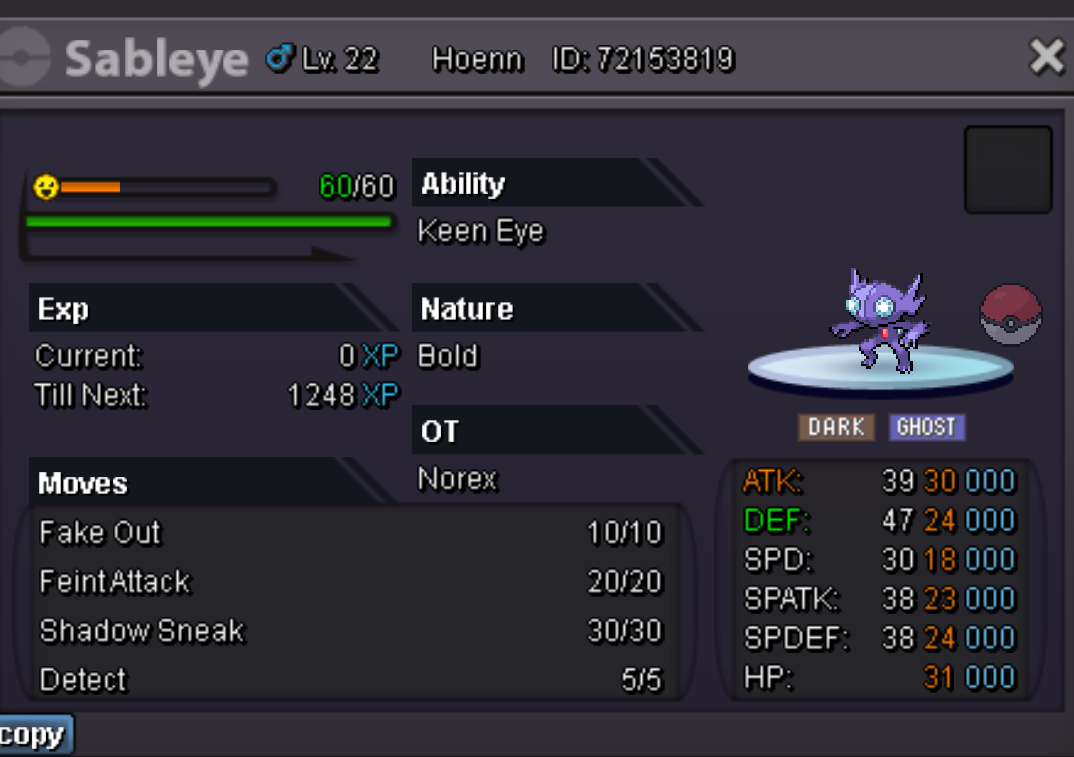 Houndour 40k sold.
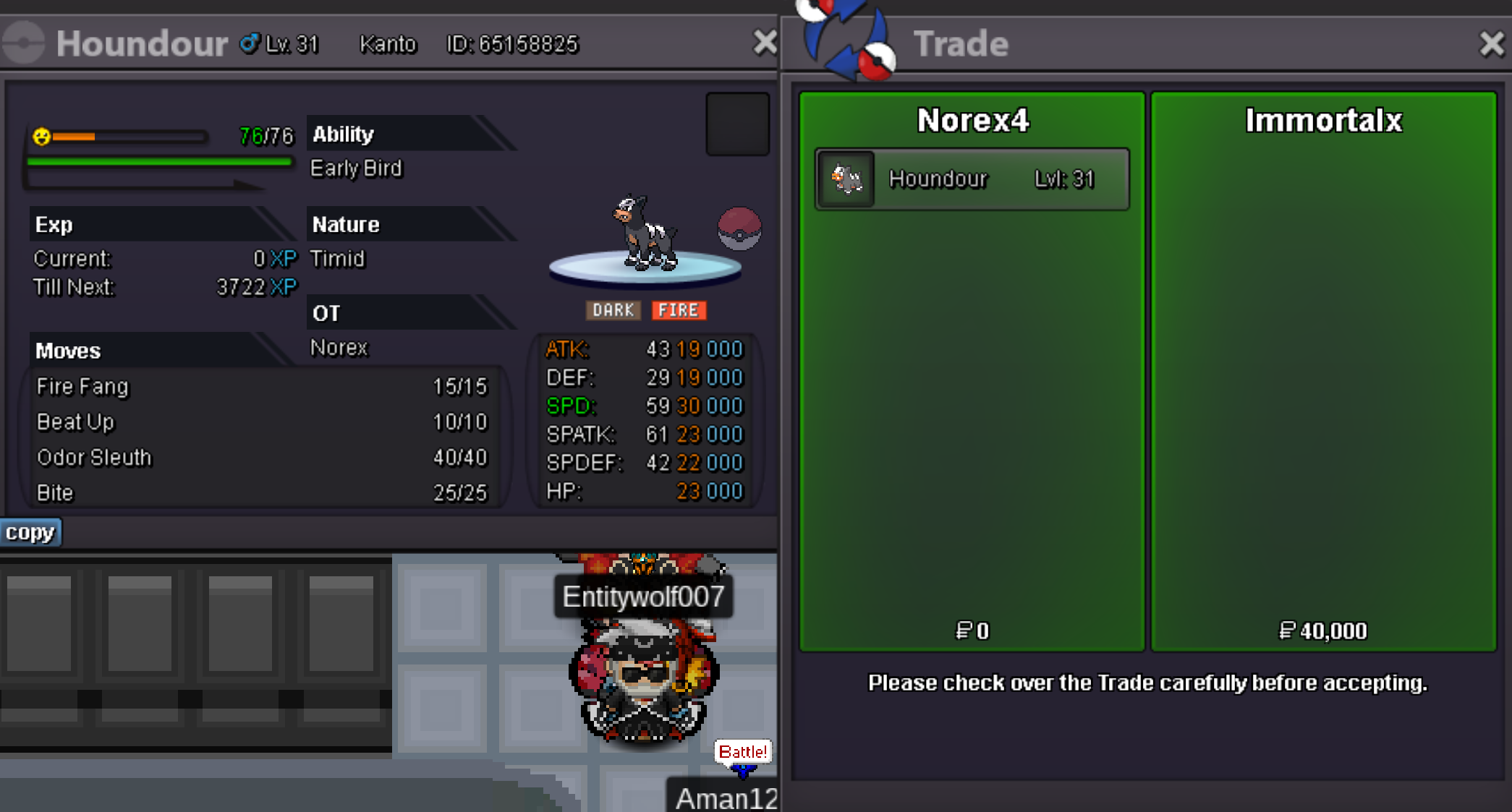 500k from Norex3 accountBagon 100k sold.
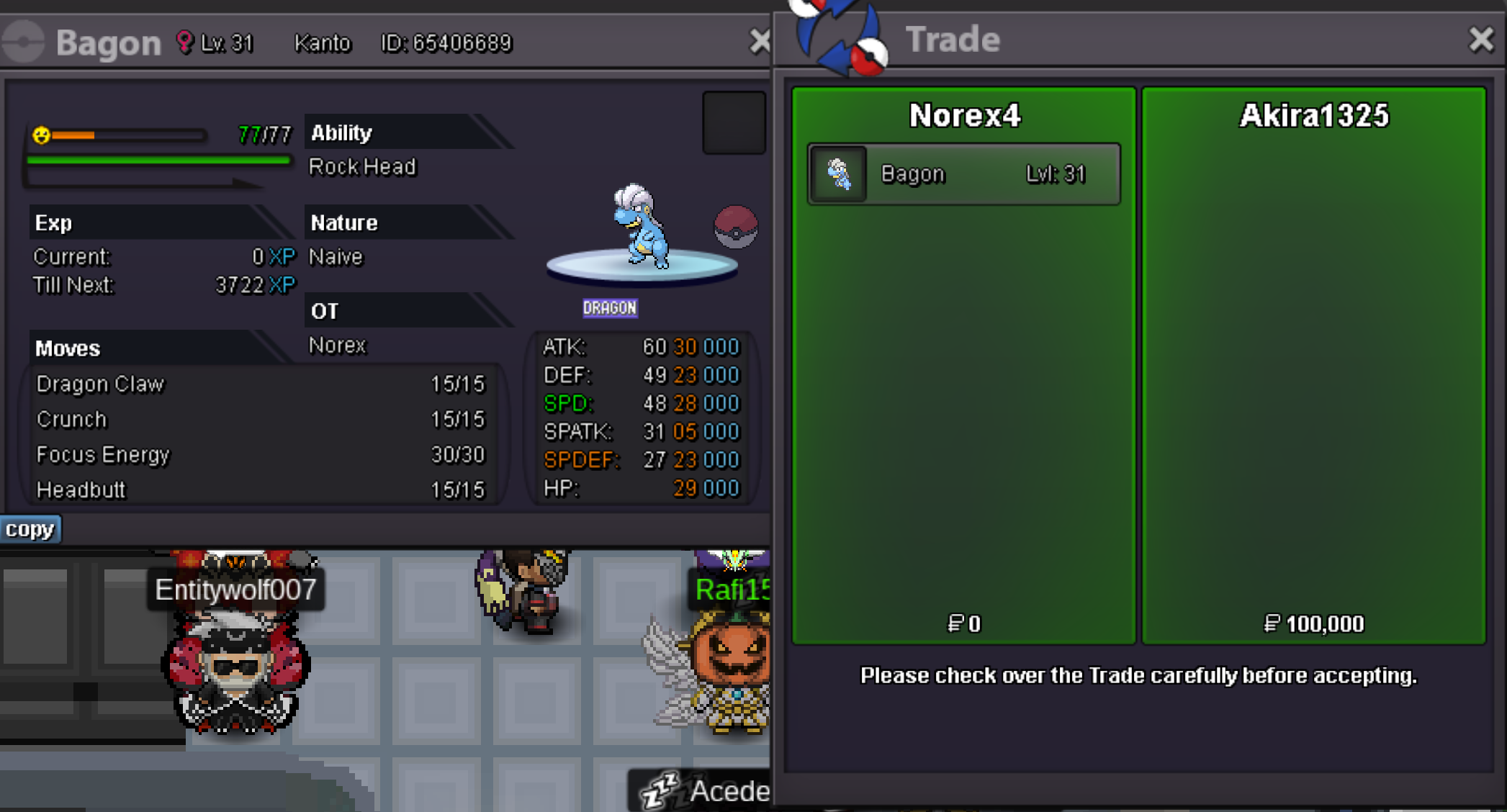 Bagon 120k sold.
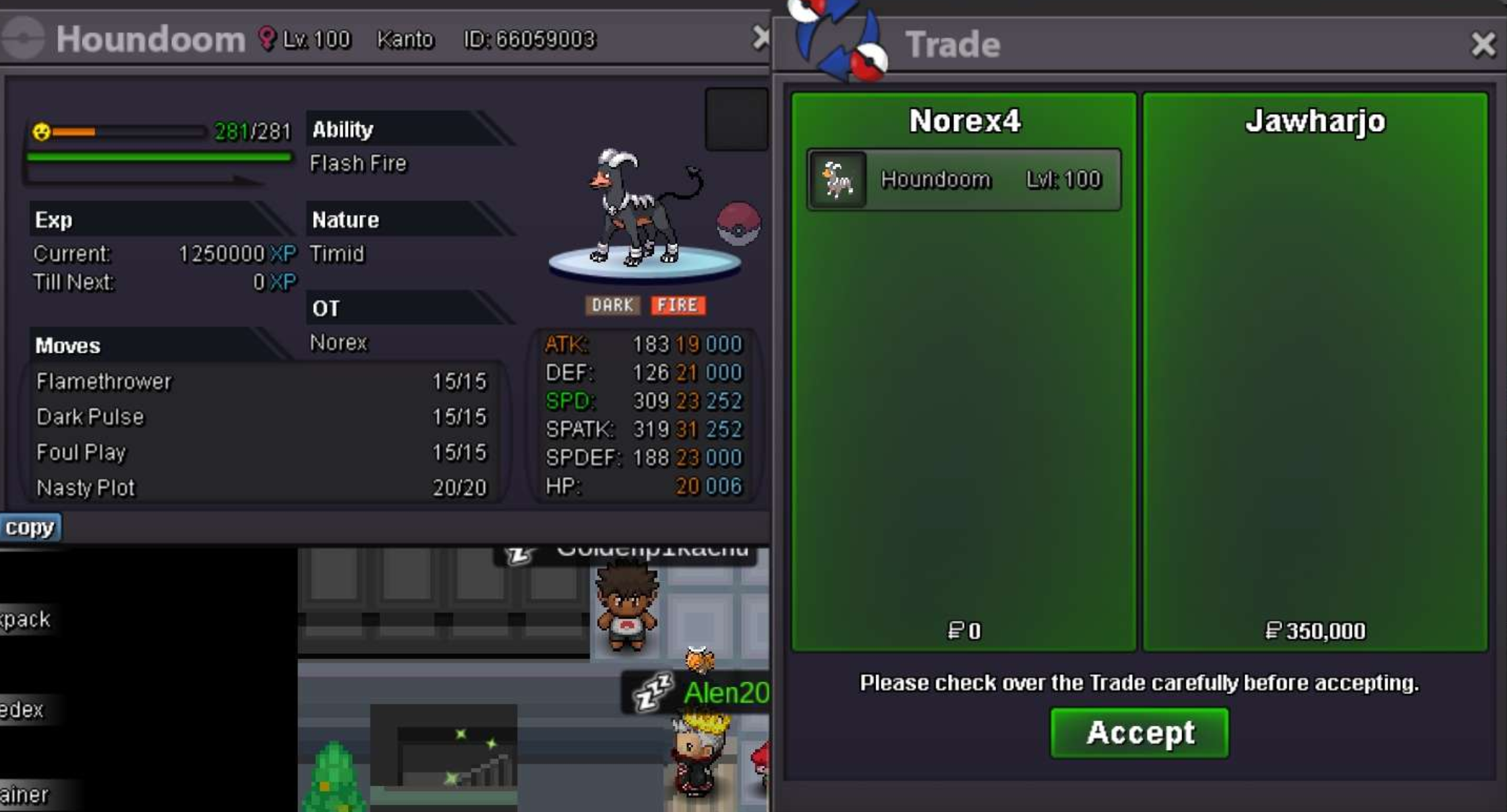
 400k from Norex3 account200k from Norex3 accountstart 50k from Norex3 accountYou seem to have a missunderstanding of the requirement. You need to get the caught-data of 75 individual pokemon from the 4th generation (Sinnoh) which have the dex-numbers 387 - 493. You can check for that on your pokedex, if you have the caught-data of the pokemon there will be a small pokeball icon.Houndoom 350k sold.
 1m900k800k700k600kHey, this sounds like your antivirus may block some files from being dowloaded or extracted. Try to delete all the files, clear your trashbin as well and restart your device. Create an excepetion for PRO on your antivirus software while downloading + extracting it again and see if it works after that.No, you can always use them but they are only purchasable during the duration of the Valentines event.start 250k