




New Trade Zone
Trade Zone is now live
Use the new Trade Zone for auctions and instant-price trades so Pokemon and item offers are easy to find.


Gtchamp7
Registered User
-
Joined
-
Last visited
-
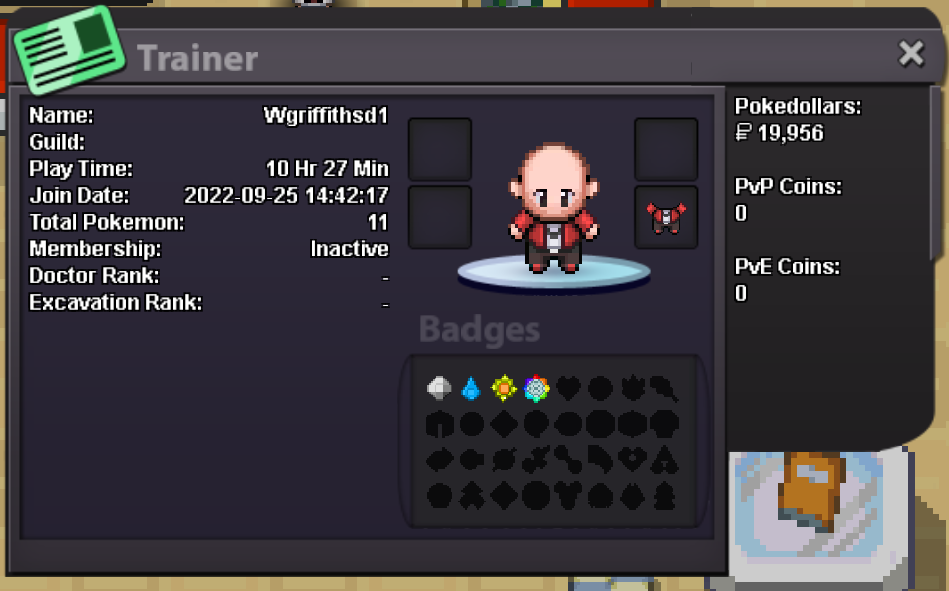
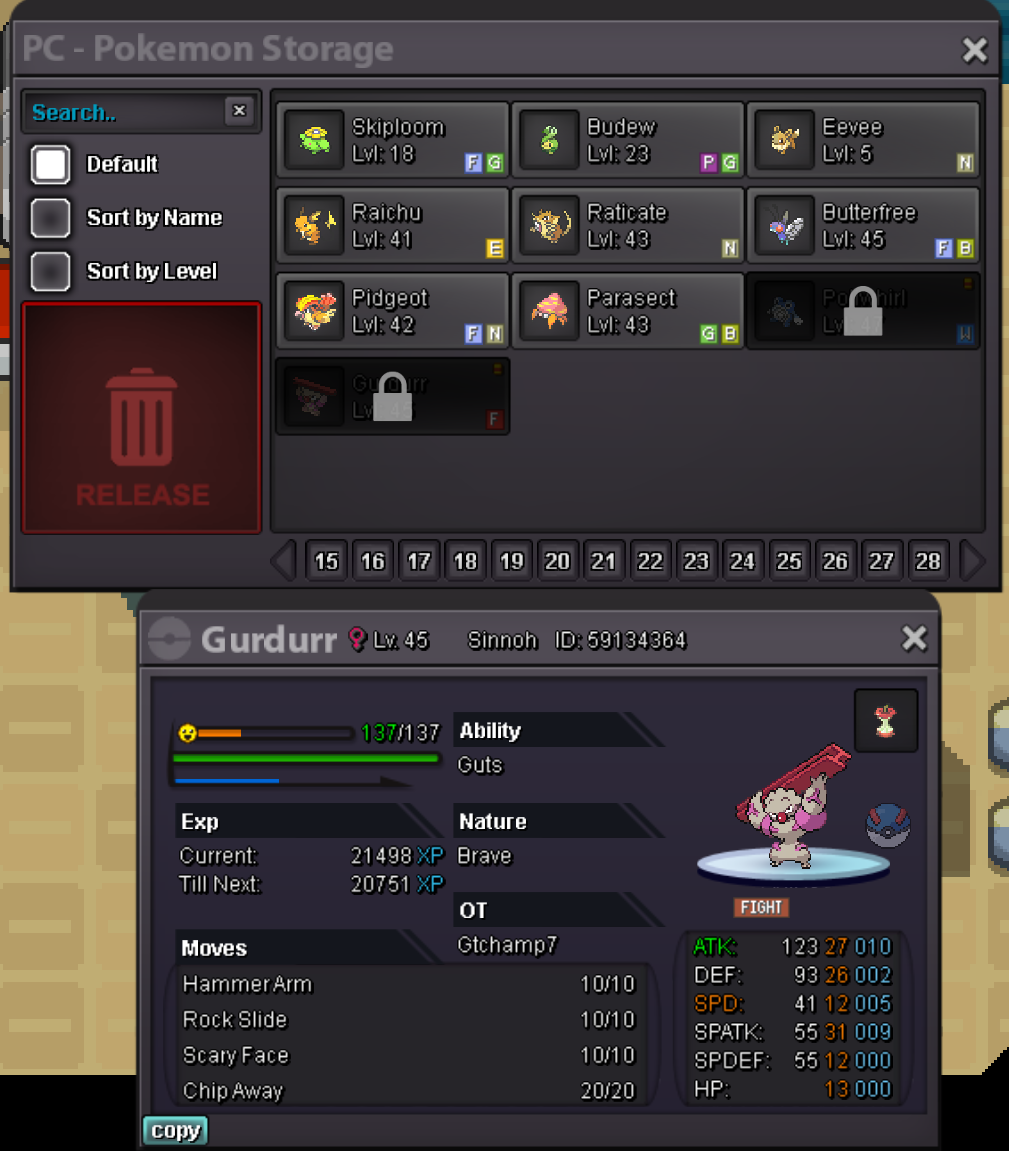
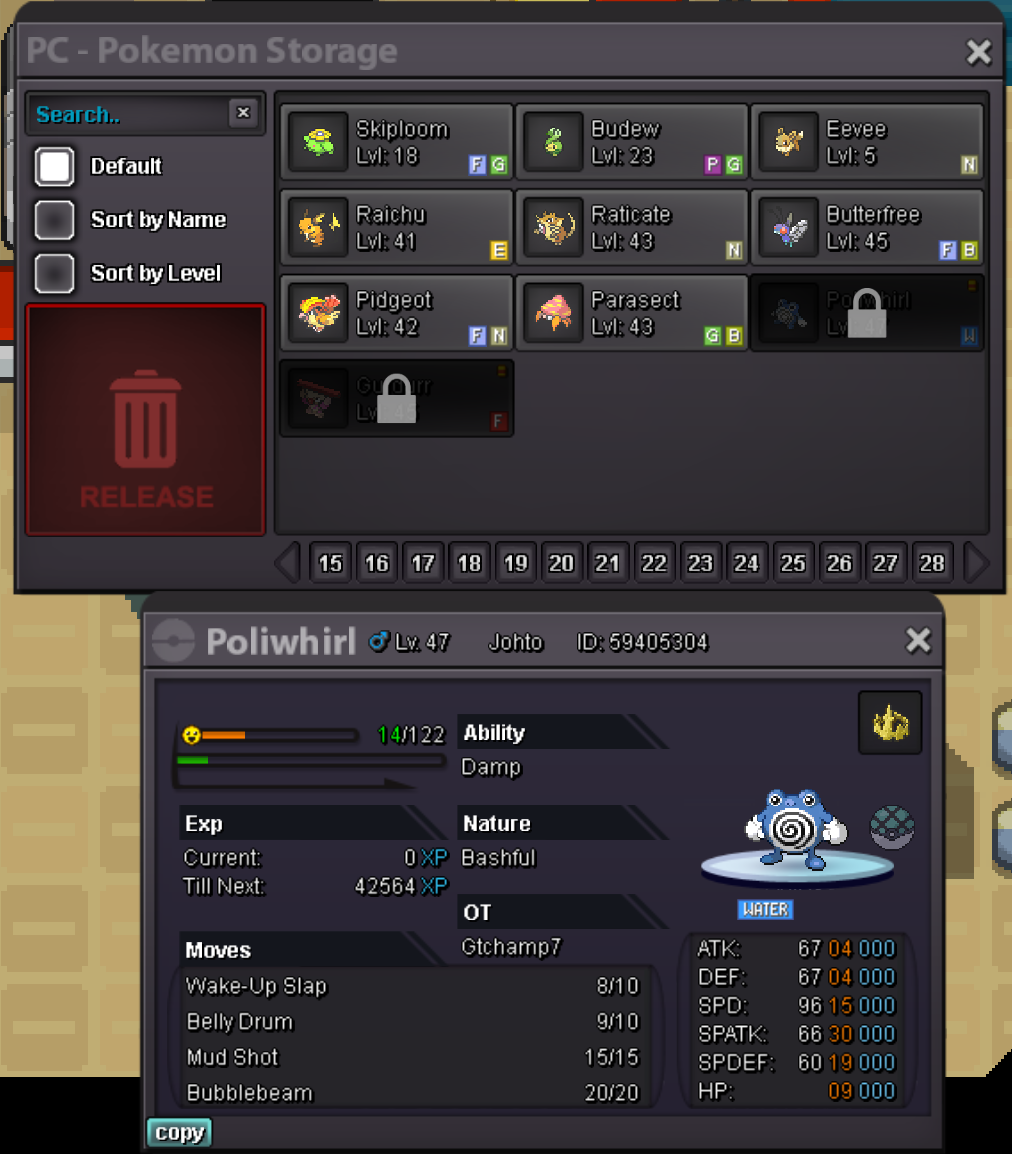
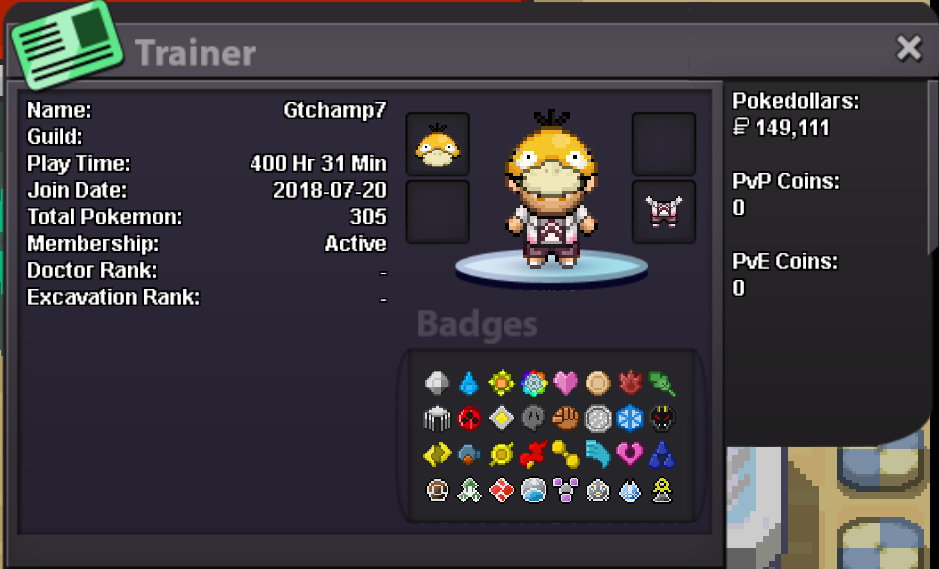
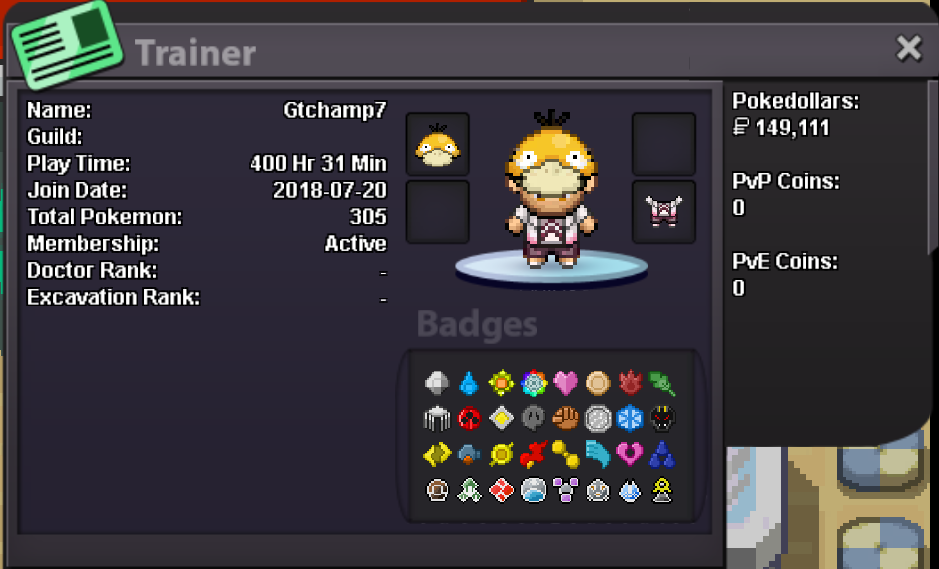
Hello! I made an alt-account and got the Rainbow Badge so I could trade-evolve Pokemon for my main account, but I did not realize that the region lock would not let me trade them back. I asked in Discord and one of the mods said I could get some assistance here. I attached screenshots of the two locked Pokemon and the trainer card for both of my accounts. Thank you in advance for any help! Main account - gtchamp7 Alt account - wgriffithsd1 EDIT: Forgot to add that both accounts are on Gold Server
-
What is your in game name? gtchamp7 How old are you? 29 How many gameplay hours and badges do you have? 370 hours, All badges (from all 4 regions) Do you use discord? Yep! gtchamp7#5370 What is your ingame hobby(farming, selling, pvp, collecting etc)? Mainly collecting, trying to (eventually) have a full Pokedex Why would you like to be in team magma? Meet new in-game people and to join a guild that isn't strictly PvP based
-
Hello! I have a suggestion that I feel would make teaching TMs quicker and more convenient. I was wondering, when the 'Select a Pokemon' box comes up when teaching a TM, if it could be coded to grey-out and/or make un-selectable Pokemon that cannot learn the move? That way the only ones pickable in the list can learn the move. Thanks!