




New Trade Zone
Trade Zone is now live
Use the new Trade Zone for auctions and instant-price trades so Pokemon and item offers are easy to find.

Rajkkapadia
Registered User
-
Joined
-
Last visited
Everything posted by Rajkkapadia
-
I’d like to buy that diggersby for 3cc +300k
-
Jolly digger still available?
-
Any updates on the zoroark?
-
Hi couldn’t find your name on discord... can you pm me on rajkk#5886
-
Hi I wanna buy the Zoroark.
-
-
if its not sold i can start auction from 6m
-
hi is it still available?
-
Can close the topic... cancel
-
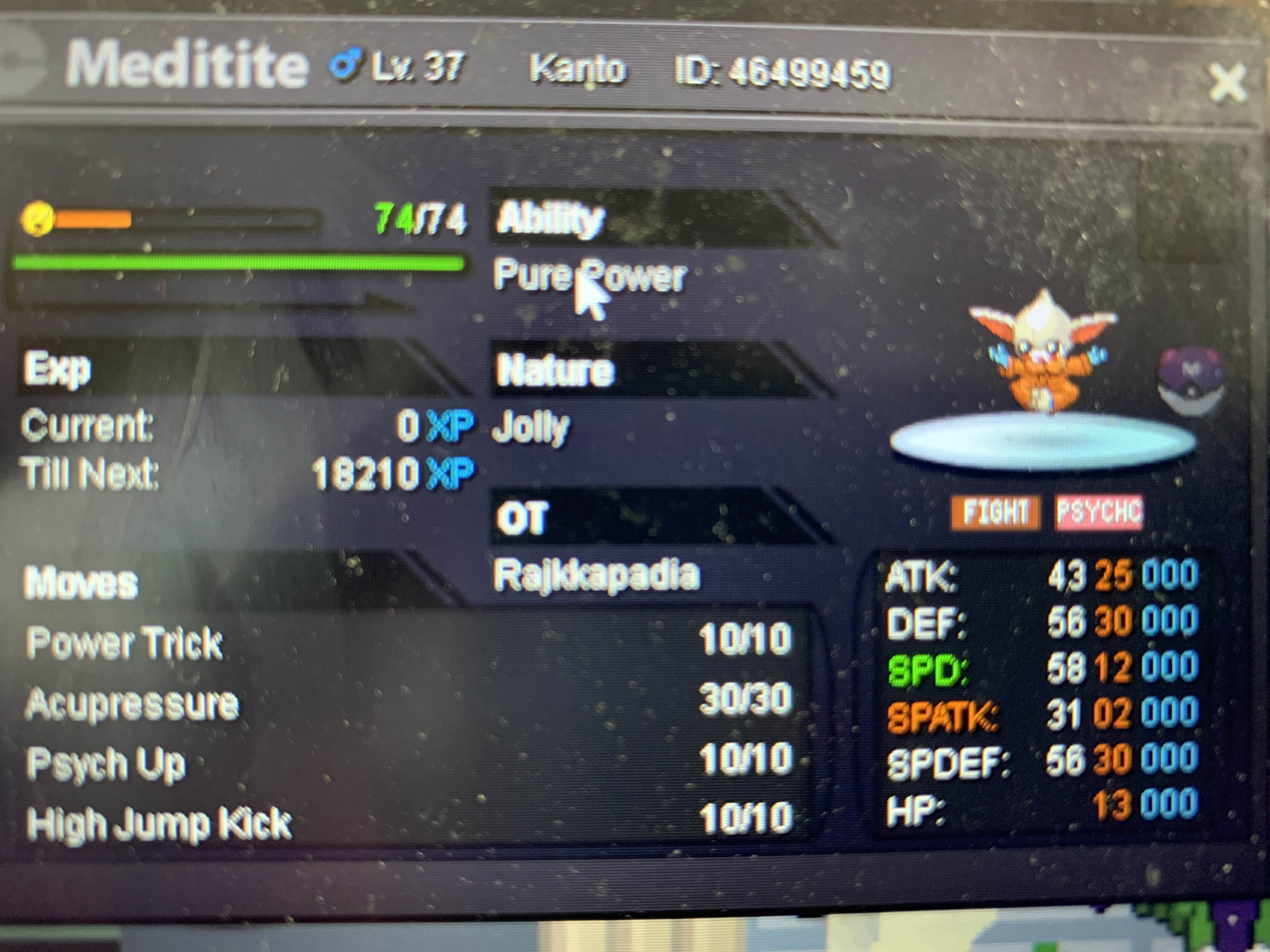
Staring offer 2.5m insta 5m raise 250k 2days from 1st bid cc 400k reroll 700k nature reroll 350k
-
auction cancel
-
Wts shiny tyrunt h.a s.o 10.5m raise 250k insta 15m 1 day from 1st bid

-
5.5m
-
4.5m
-
Auction cancelled
-
bump
-
Thanks
-
Bump
-
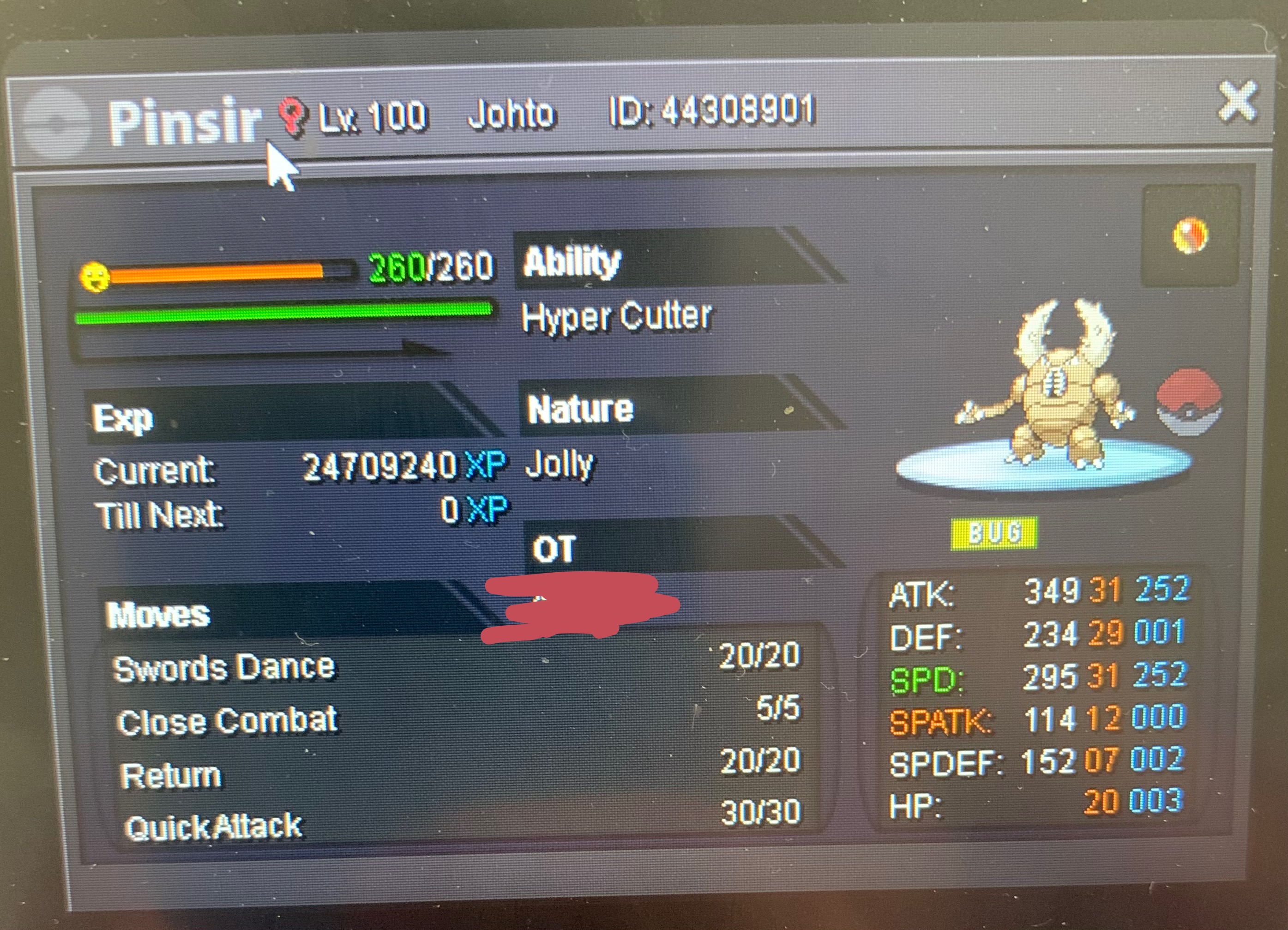
Starting offer 5.5m insta 10m min bid: 250k accept cc 400k reroll iv:700k nature 350k 3 days from 1st bid fake offers will be reported
-
I tried the same thing with my zapdos but my zapdos got its old ivs back... however, it’s not working for lando
-
Hi I had an impish lando long back and had saved the set before I changed it to jolly. (The set is saved). However, recently I tried to load it and the ivs are not changing. My impish lando had low speed and hp def and sp.def over 20(for sure). Pls help me get my ivs back..
-
nice shop gl
-
Instead of banning mega sableye they want to ban this..... it’s already nerfed why do you want to ban this? Pls don’t encourage stall
-
Hi I want to join the guild. New in silver but I’ve played on gold and my rating is 361 right now
-
I just remembered I was on 341 and he was on 208

