New Trade Zone
Trade Zone is now live
Use the new Trade Zone for auctions and instant-price trades so Pokemon and item offers are easy to find.

Kimstarz
Registered User
-
Joined
-
Last visited
Everything posted by Kimstarz
-
Bump
-
Bump
-
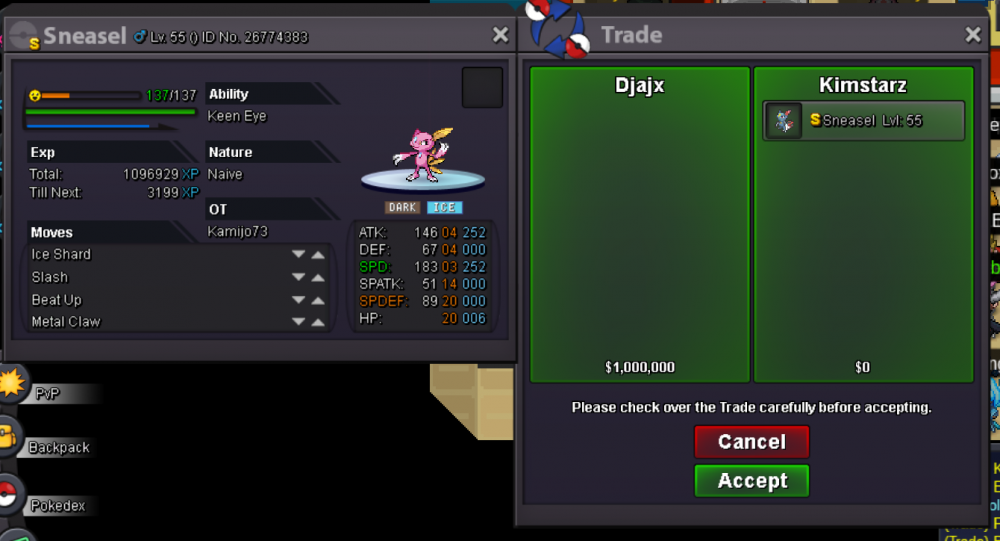
Sold in-game to Djajx for 1m
-
Bump 1 hour left

-
800k
-
17 hours left
-
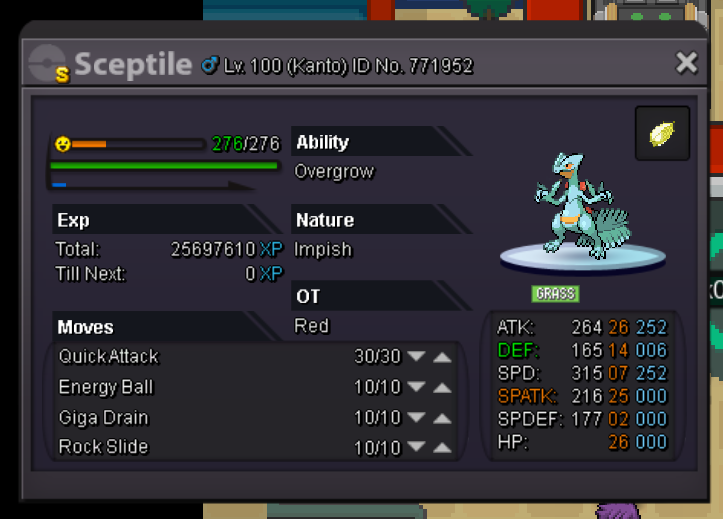
Selling this Shiny Sceptile Starting 16m Insta 20m Accept cc/naturereroll= 280k rerroll ticket=560k and also pvp pokes/godly End of auction = TBA My Discord = KIMSTARZ#2836
-
32 hours left
-
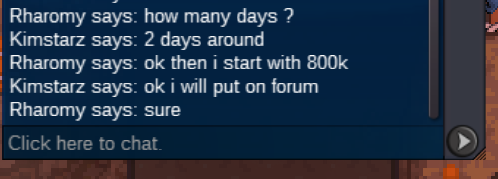
Start Co 800k by Rharomy
-
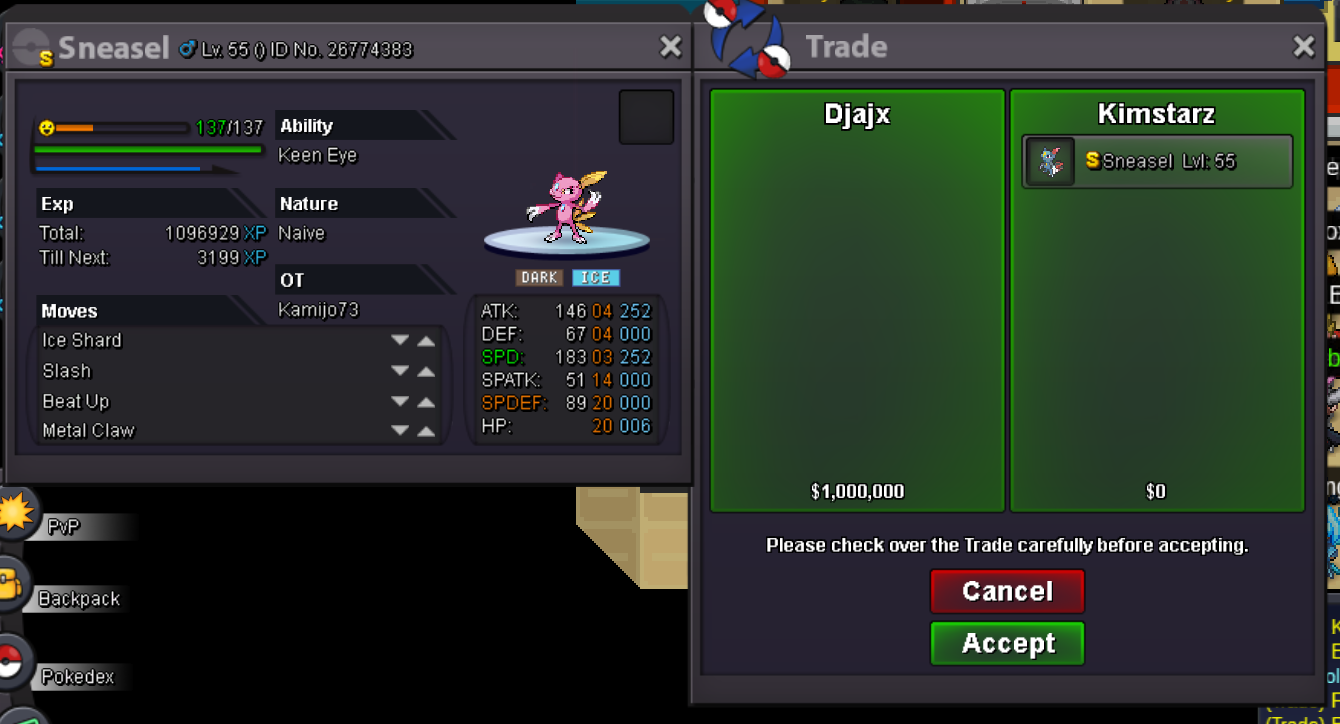
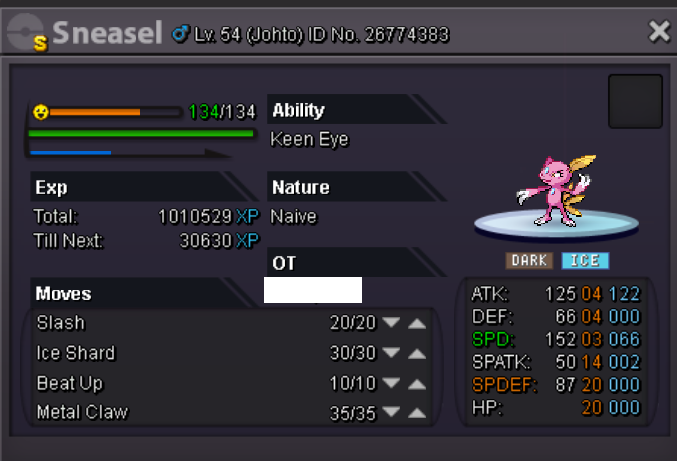
Selling this Shiny Sneasel (nature +speed ) Insta 2m Minimum increase bid 100k End : 2 days after first bid Accept cc=300k rerollivs=550k Rerollnature=275k and other shiny rares/pvp godly *added that bids cant be taken back so please be sure to bid if you really want it My discord = KIMSTARZ#2836
-
Shop still open?
-
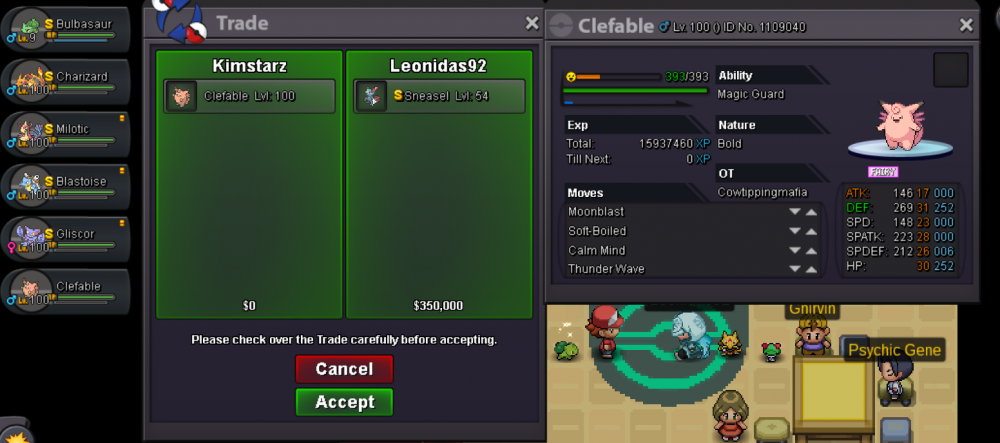
Traded in game for insta (prices for poke was agreed and checked)
-
2 days left
-
Sure start 1m Ic3thirst, 3 days remaining
-
Bump
-
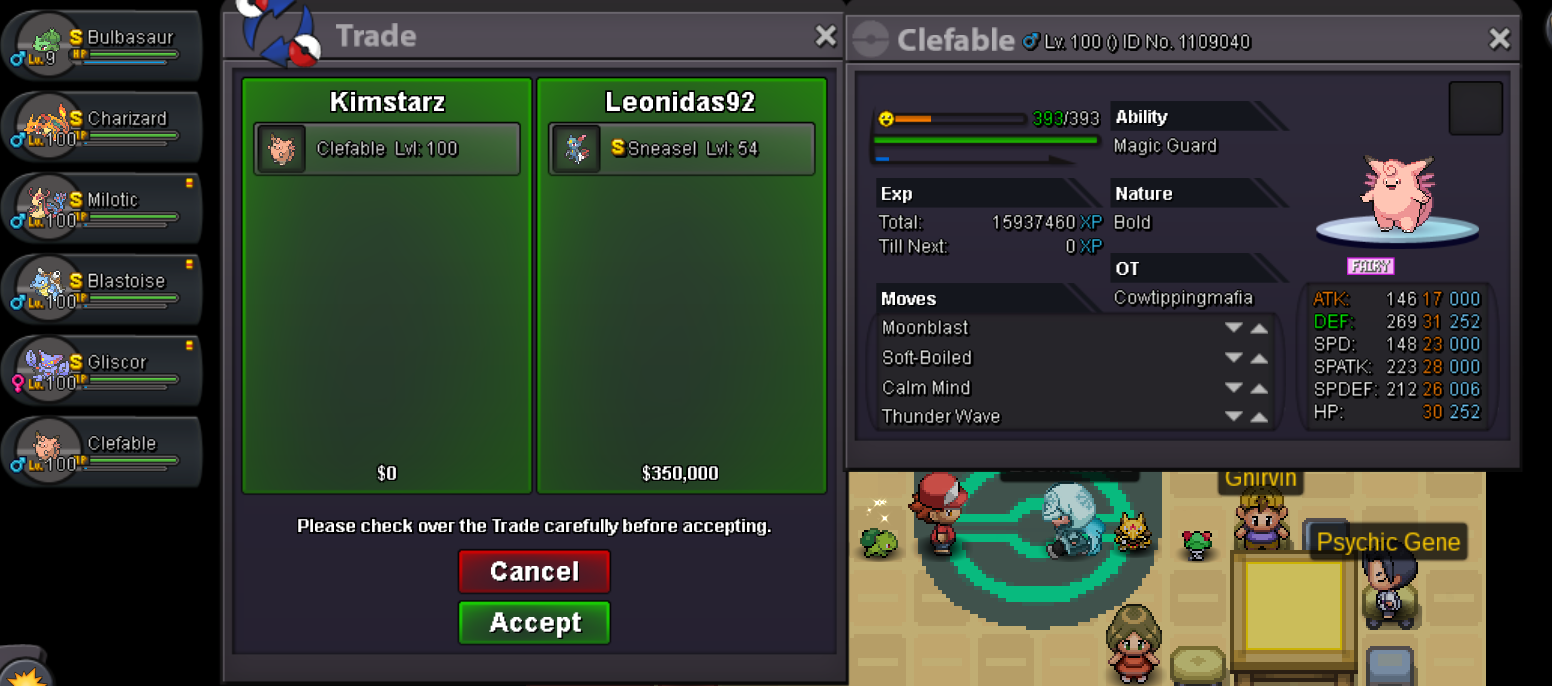
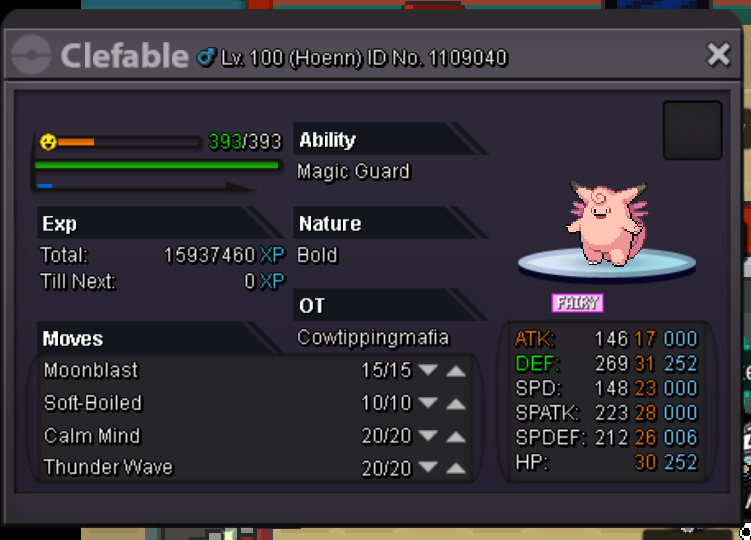
Insta By Leonidas92 (2m) Accept shiny rares, cc=270k reroll tickets=600k If you want to negotiate on the clefable ,im open to offers pm me on discord= KIMSTARZ#2836 IGN= kimstarz
-
Sold in game for 5.7m
-
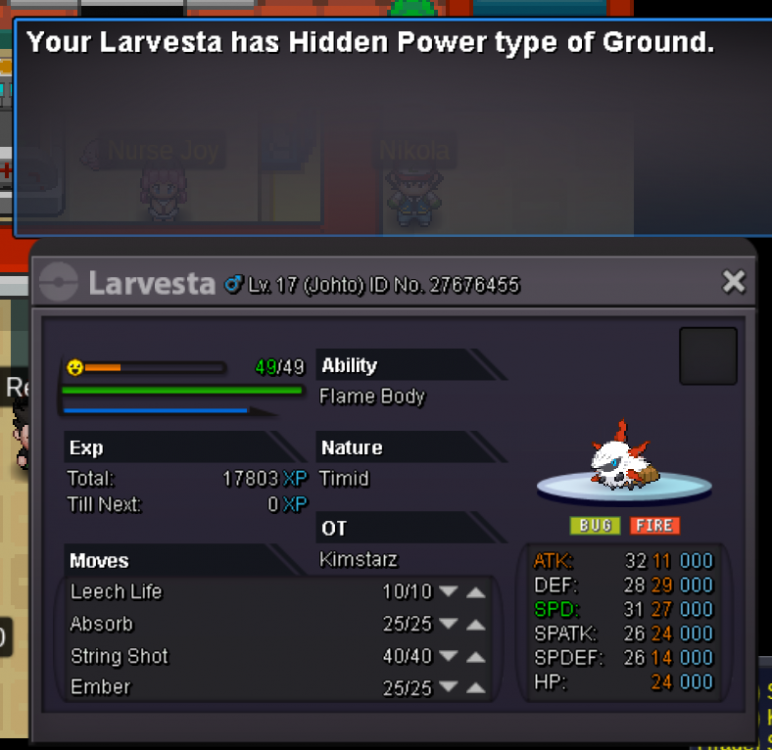
Start 3m Insta 6m Accept cc/rerollivs =270k Auction time : 5 days from starting bid I have the right to cancel auction if offer is not good enough for me
-
hi you online?
-
i start for clef
-
im in please :)
-
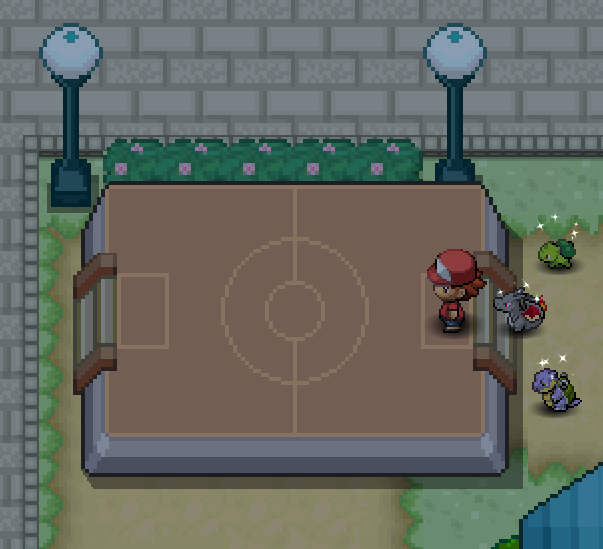
IGN: KimStarz Discord Tag: KIMSTARZ#2836 Server: Silver Cool [spoiler=The Starters awaiting battle]
-
I buy wigglytuff and doduo 70k?
-
Closed because traded in game
-
Starting bid added for magmortar