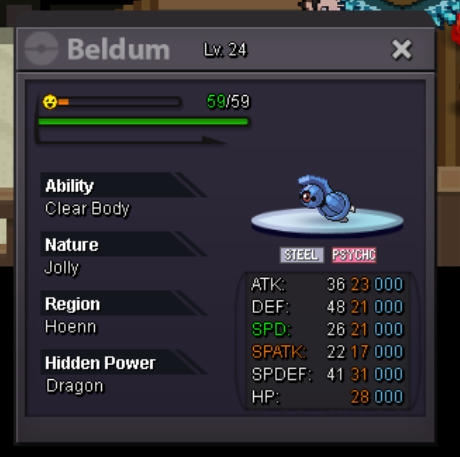
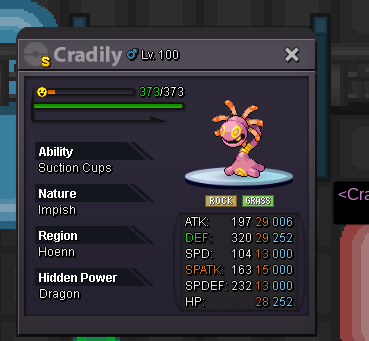
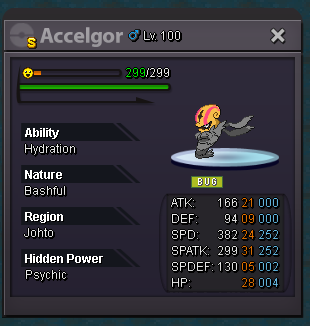
New Trade Zone
Trade Zone is now live
Use the new Trade Zone for auctions and instant-price trades so Pokemon and item offers are easy to find.

Kimstarz
Registered User
-
Joined
-
Last visited
Everything posted by Kimstarz
-
changed the price for 3m
-
bump
-
SOLD accept payments in cc= 450k , reroll ticket= 700k , rarecandy= 6k each, masterball=50k

-
Sold Accept good offers or trade shiny Accept payment in cc= 400k, reroll ticket= 700k
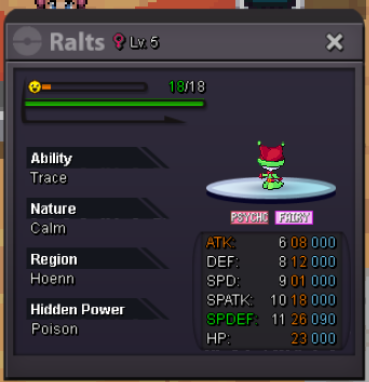
-
bump bought cubone
-
bump
-
Close this topic since no starting offers
-
Bump bought farfetch'd . I can go 900k , max for me sorry800k bro its trash oneBumps. Bought aero and kabuBought drowzee, Bump topicbumpHello I would like to buy these shinies to complete my gen 1 collection : Staryu Scyther Lapras Eevee/Vaporeon Dratini/Dragonair/Dragonite If you have price in mind just pm me in game: KimStarz or private message me on discord: ImSanchez#2836Shiny Farfetch'd 300k Shiny Drowzee/Hypno 200k Shiny Cubone 300k Shiny Staryu 700k Shiny Scyther 6m Shiny Lapras 10m-20m Shiny Eevee/Vaporeon 12m-18m Shiny Kabuto/Kabutops 800k Shiny Aerodactyl 1m Shiny Dratini/Dragonair/Dragonite 10m-15mcan help in confirm if this player has 41m @Hawluchaai bid the chomp 280kbump for cutie kipStart 40m2 more hours remainingSERVER TRANSFER Username: Kimstarz Server to charge the money from: Silver Main Server to transfer: GoldbumpPrice = 1.5m Accept cc=300k reroll ticket =600k and pvp items pm in game = kimstarz pm in discord = robloxisnice#2836
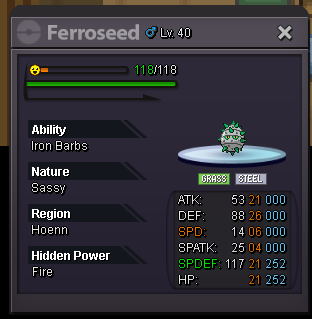 i bid 6.2m munchlax