




New Trade Zone
Trade Zone is now live
Use the new Trade Zone for auctions and instant-price trades so Pokemon and item offers are easy to find.

Xxakitxx
Suspended
-
Joined
-
Last visited
Everything posted by Xxakitxx
-
10m garchomp
-
Bid 200k for garchomp
-
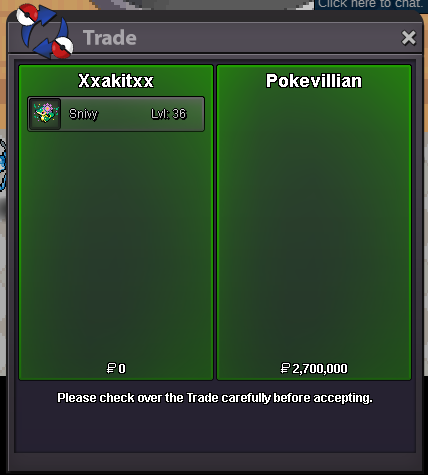
C.o 2.7m by Pokevillian, 16min left
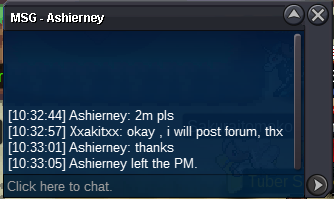
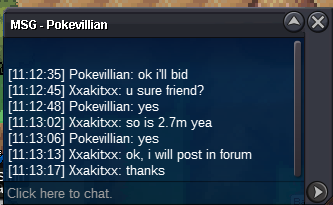 Bump, auction time 22hours left, c.o 2.2m by JadeAshC.o 2m by Ashierney
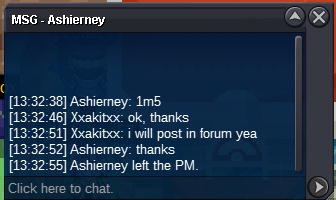
 C.o 1.5m by Ashierney
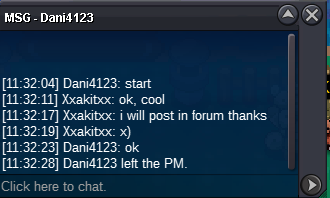
 Start 1m by Dani4123
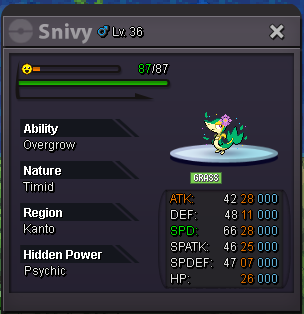
 Summer form snivy from gold server ( I can transfer if you are in silver server ) C.o 2.5m by xjenix Insta 6m Payment accepting pokedollars and cc (350k) Min bid 200k Auction time 3days (72 Hours) after starting bid.
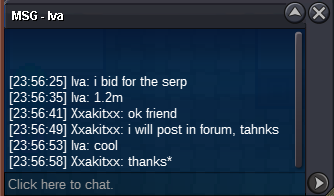
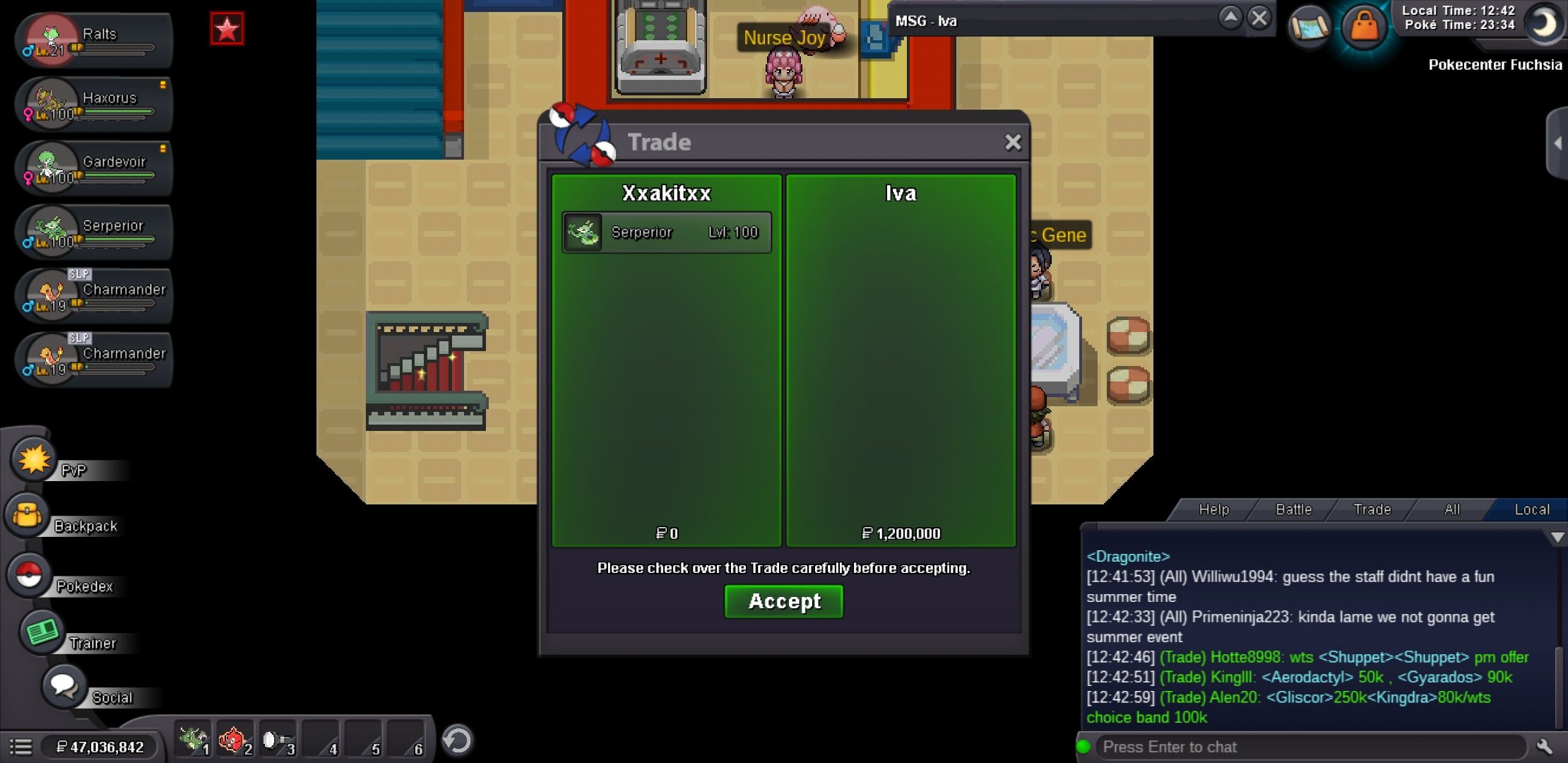
 Hi, sorry yea you have to wait me a while due i am outside doing something, i will pm u once i am free to online.Auction end and the winner is Iva by 1.2mBump, Auction time 3hours left1.2m by Iva, Auction time 12hours left
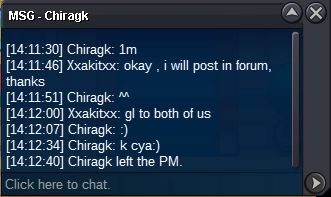
 1m by Chiragk, Auction 22hours left
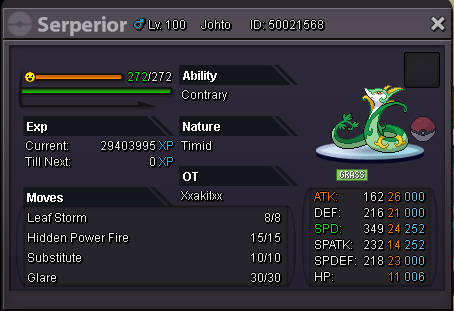
 Bump, 24hours leftBump, auction 49hours leftSerperior from gold server ( I can transfer if you are in silver server ) C.o 1.2m by Iva Insta 6m Payment accepting pokedollars and cc (350k) Min bid 200k Auction time 3days (72 Hours) after starting bid.
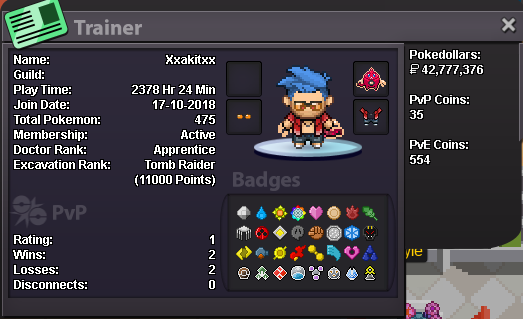
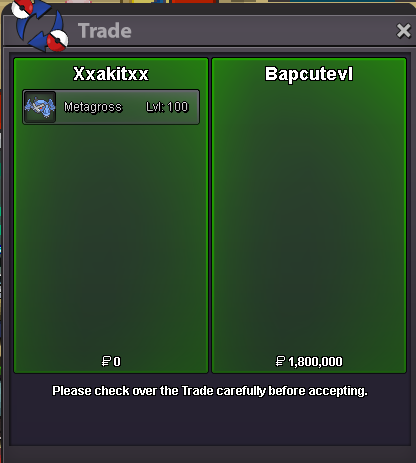
 Auction end and the winner is bapcutevl by 1.8mBump, auction 2hours left!I am applying to join unbridled II Trainer card Country: Malaysia Age: 29 Gender: Male Favorite Pokemon: Dragonite Goals on Pro: Collect all shiny rare ot pokemons and godly/epic pvpable ot pokemons Discord tag: Akit#7116
 Bump, auction 20hours leftBump, auction 38 hours leftC.o 1.5m by Actionreplay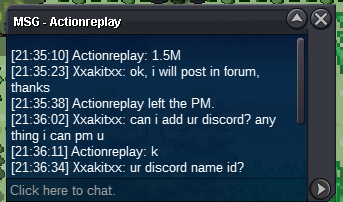

Account
Navigation
Search
Configure browser push notifications
Chrome (Android)
- Tap the lock icon next to the address bar.
- Tap Permissions → Notifications.
- Adjust your preference.
Chrome (Desktop)
- Click the padlock icon in the address bar.
- Select Site settings.
- Find Notifications and adjust your preference.
Safari (iOS 16.4+)
- Ensure the site is installed via Add to Home Screen.
- Open Settings App → Notifications.
- Find your app name and adjust your preference.
Safari (macOS)
- Go to Safari → Preferences.
- Click the Websites tab.
- Select Notifications in the sidebar.
- Find this website and adjust your preference.
Edge (Android)
- Tap the lock icon next to the address bar.
- Tap Permissions.
- Find Notifications and adjust your preference.
Edge (Desktop)
- Click the padlock icon in the address bar.
- Click Permissions for this site.
- Find Notifications and adjust your preference.
Firefox (Android)
- Go to Settings → Site permissions.
- Tap Notifications.
- Find this site in the list and adjust your preference.
Firefox (Desktop)
- Open Firefox Settings.
- Search for Notifications.
- Find this site in the list and adjust your preference.