




New Trade Zone
Trade Zone is now live
Use the new Trade Zone for auctions and instant-price trades so Pokemon and item offers are easy to find.

Superdarcks
Registered User
-
Joined
-
Last visited
Everything posted by Superdarcks
-
Start 150k
-
-
THANKS 😄
-
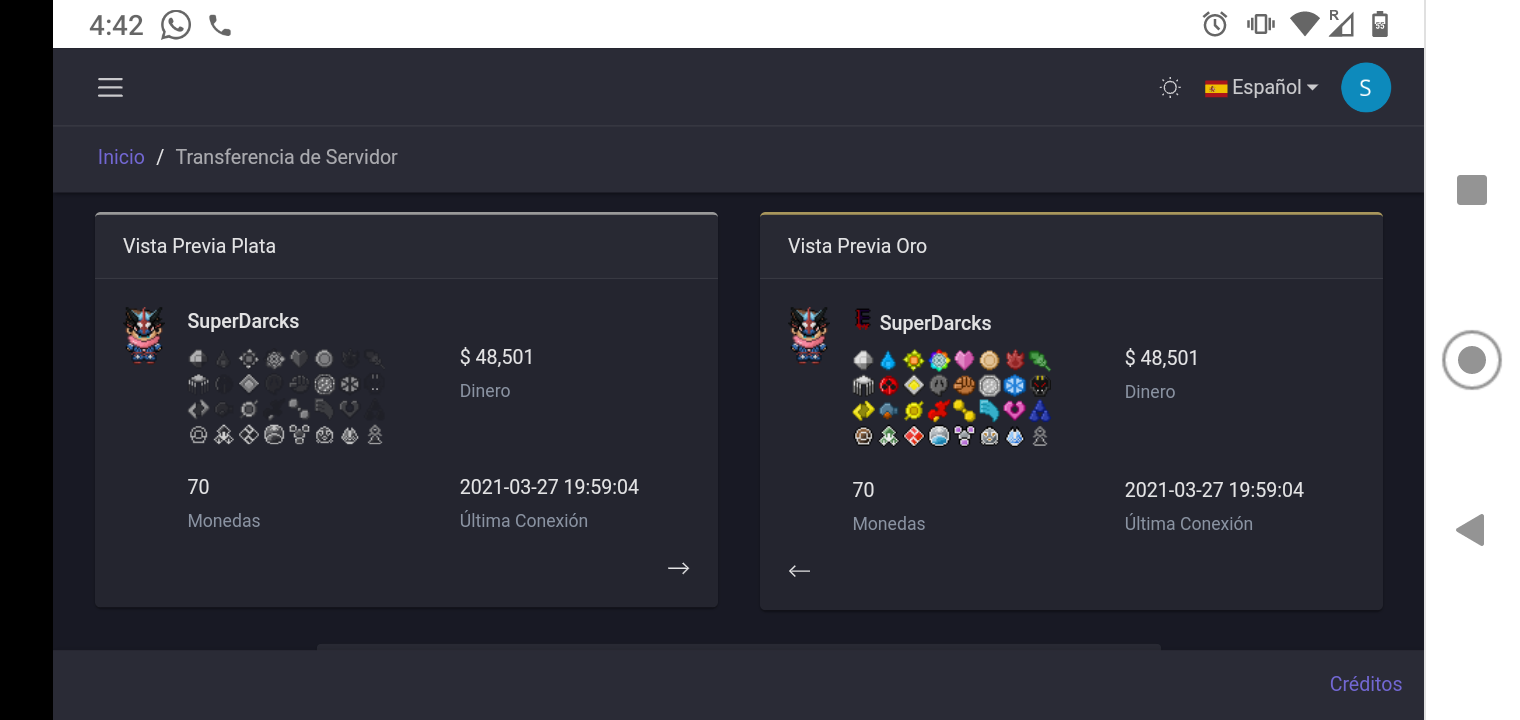
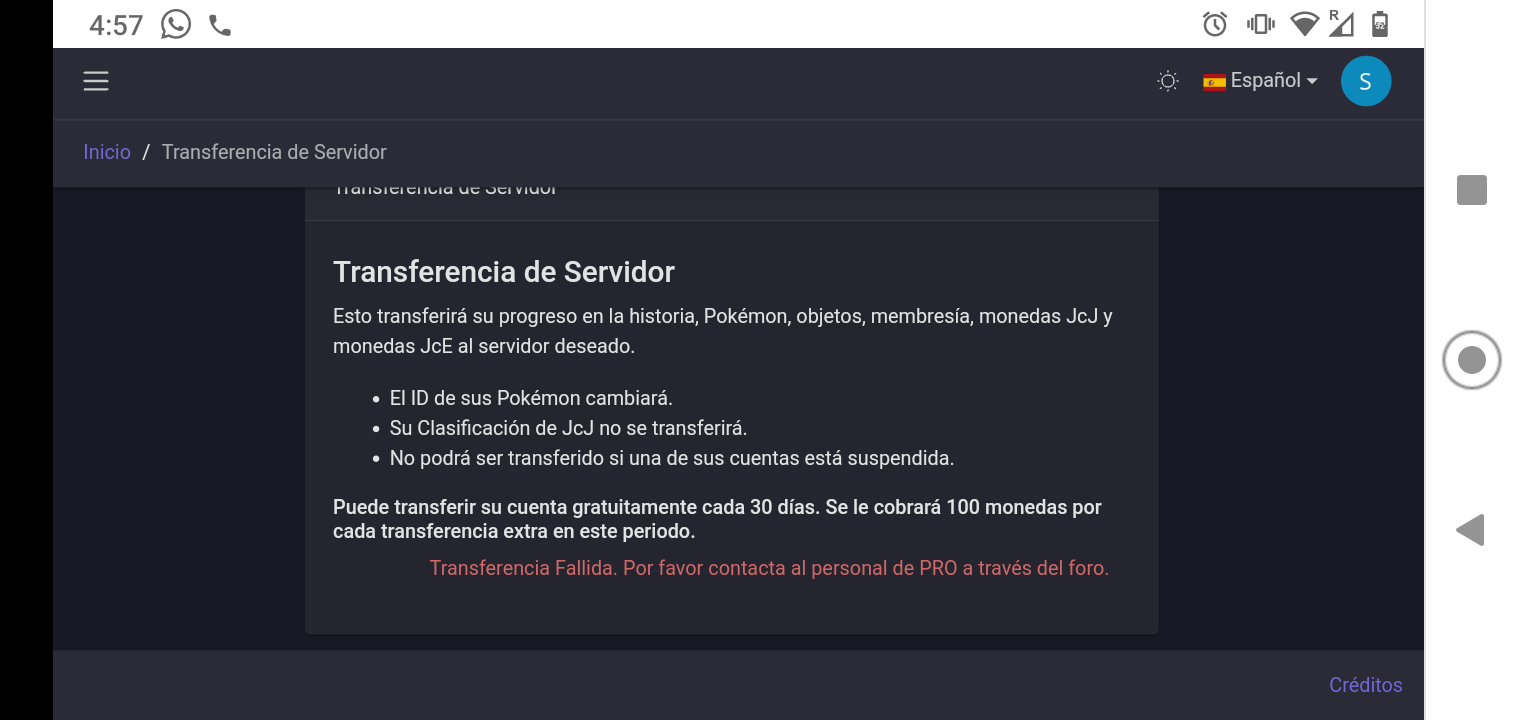
I tried to change of server, I wanted to change my account to silver server, but when I did click to transfer account I waited a few minutes. Finally, when I tried to log in the Client , appears a message that says: "User Account not Activated" Well, later I enter to my panel control to check what is going wrong, and appears another message that says: "Transfer failed. Please contact PRO staff through the forum." I need help, I can't log in any server
-
Gyarados *Cerulean City, hay un NPC llamado Lorelei te va a pedir tener el Mega-brazalete y ser Campeón de Kanto. Después te va a pedir ir a la ruta 19 y hablar con Misty *Tendrás que participar y mostrar un Magikarp que sus IVS sumen 125 *Tienes que enfrentarte a los 3 maestros con un equipo de pokemones tipo agua (los NPC tienen pokes entrenados) *Después un maestro te pondrá un acertijo, a lo cual tendrás que ir a la ruta 22 a hablar con el maestro *Después regresarás a la ruta 19 para enfrentar a Juan y por último a Misty *Al derrotar a Misty te darán la Megapiedra de Gyarados (Lleven un buen equipo porque todos los NPC tienen pokes entrenados) Créditos a Futurista12392
