New Trade Zone
Trade Zone is now live
Use the new Trade Zone for auctions and instant-price trades so Pokemon and item offers are easy to find.

Rizlax
Registered User
-
Joined
-
Last visited
Everything posted by Rizlax
-
-
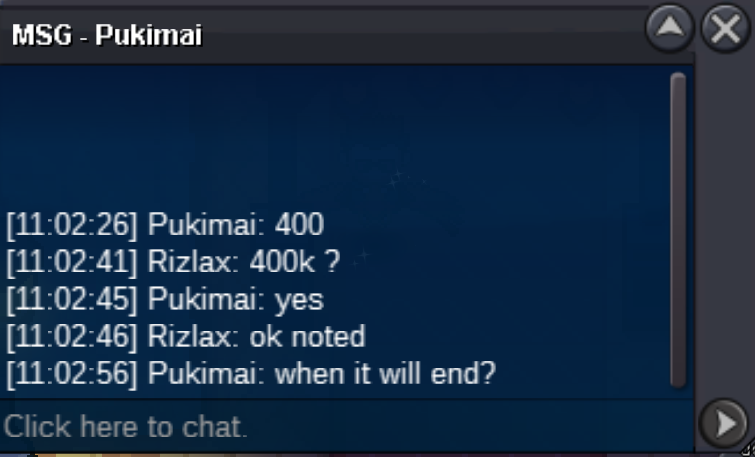
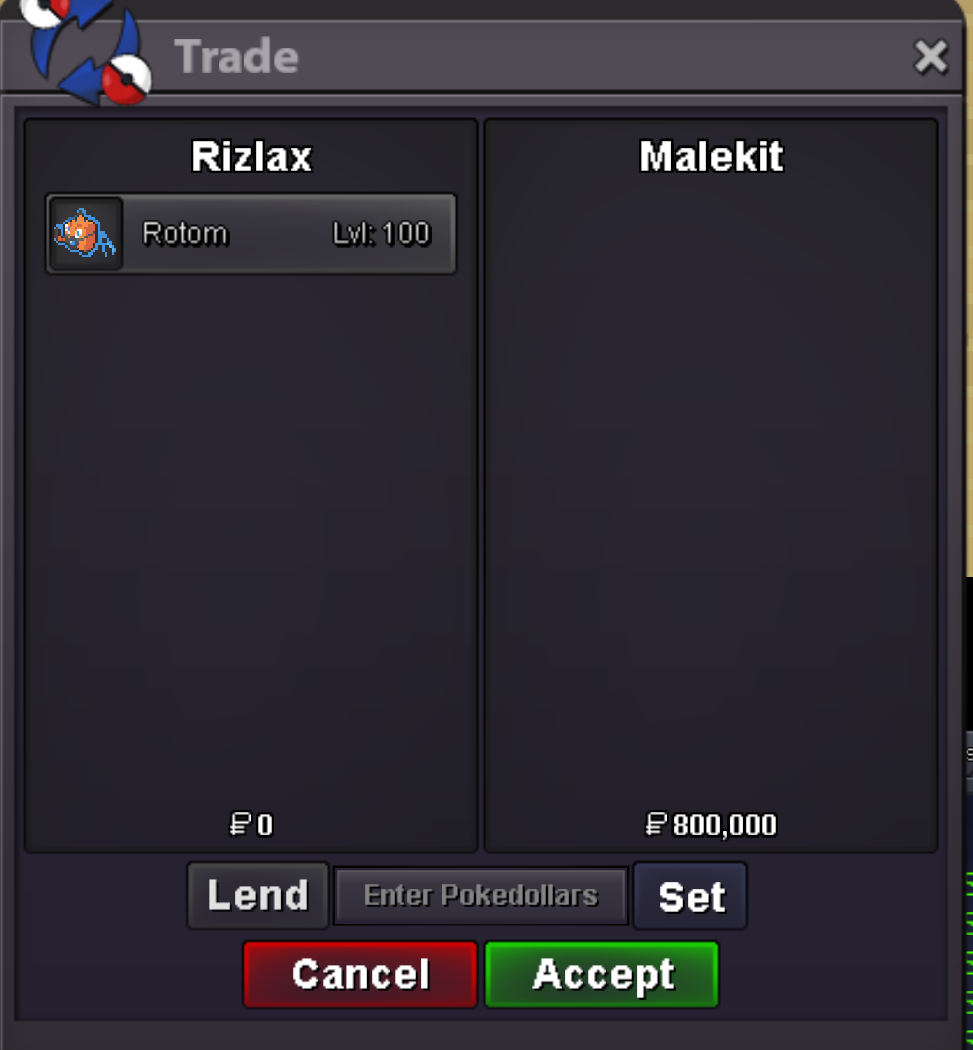
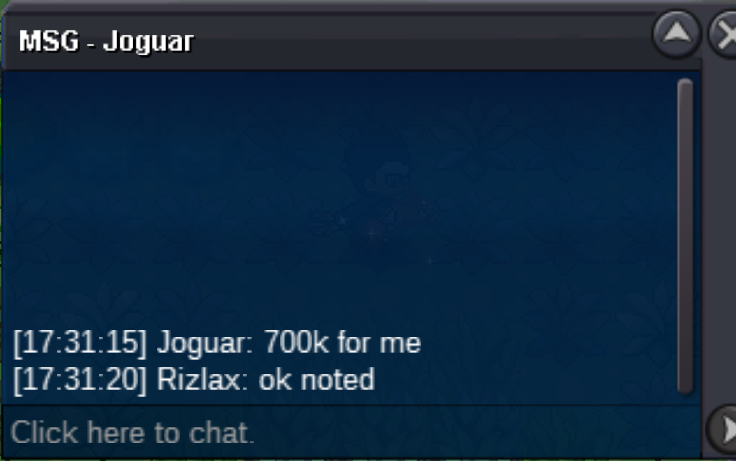
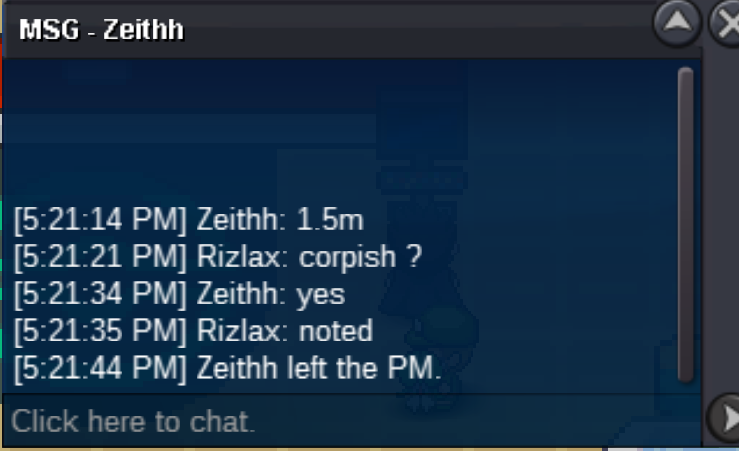
Start 100k min bid 100k no insta end 72h after first bid
 Start 100k min bid 100k no insta end 72h after first bid gl all
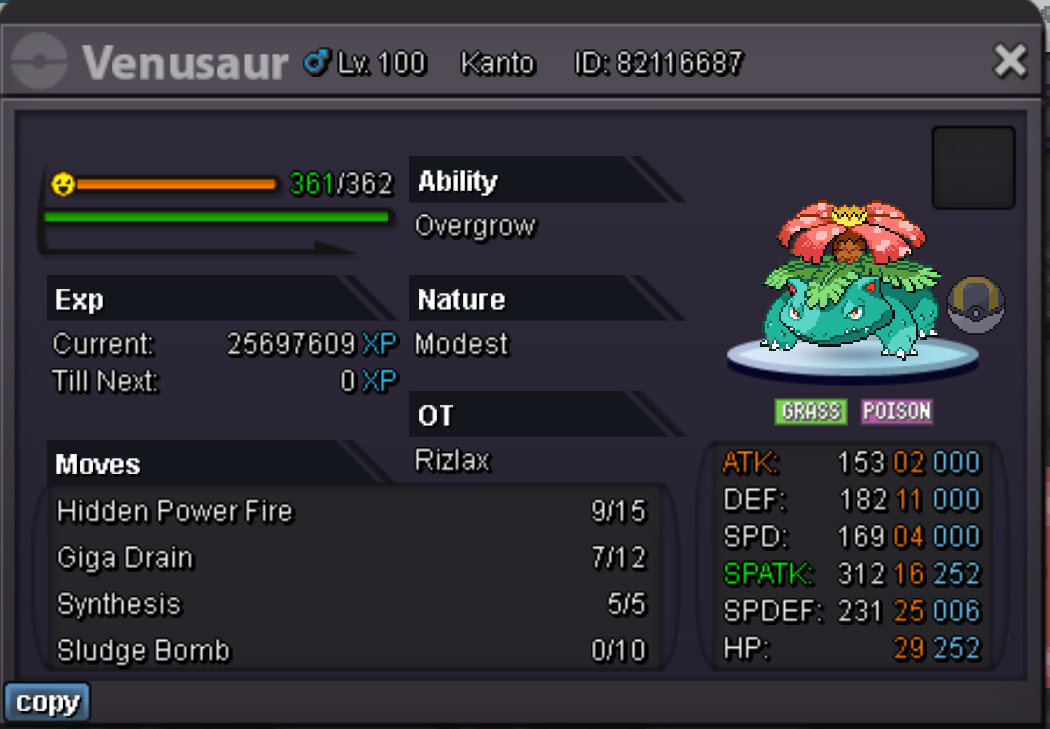 S.o 500k min bid 100k no insta end after 48 hrs after 1st bid
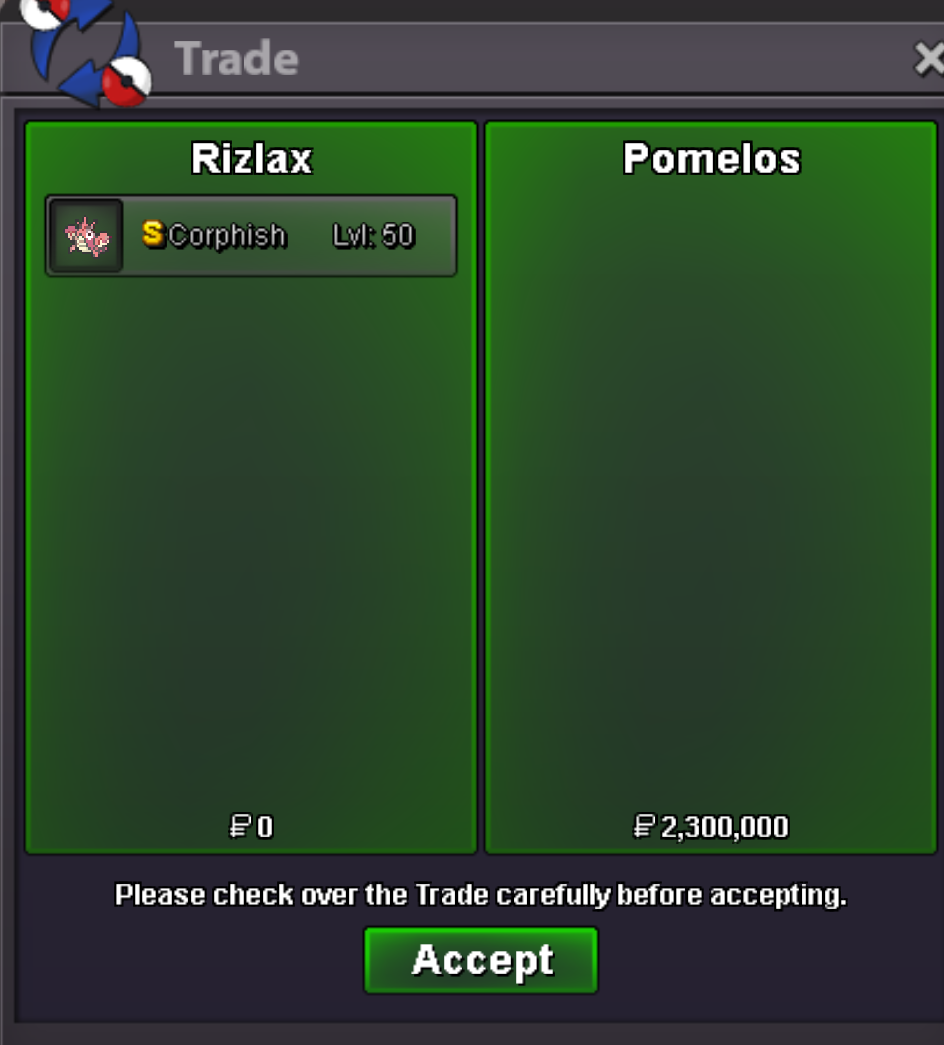
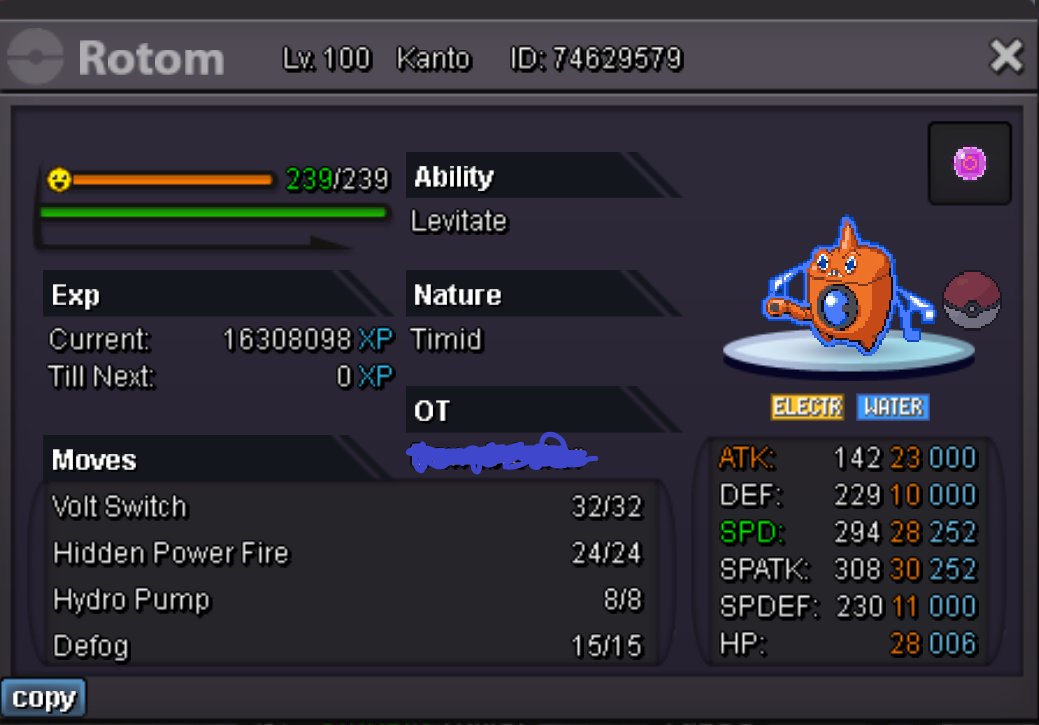 Pomelos win since she bid on the final schedule and nobody bid after 15 minStart : 100k Min bid : 100k End : 72 h AFTER FIRST BID No insta Pokedollars only good luck
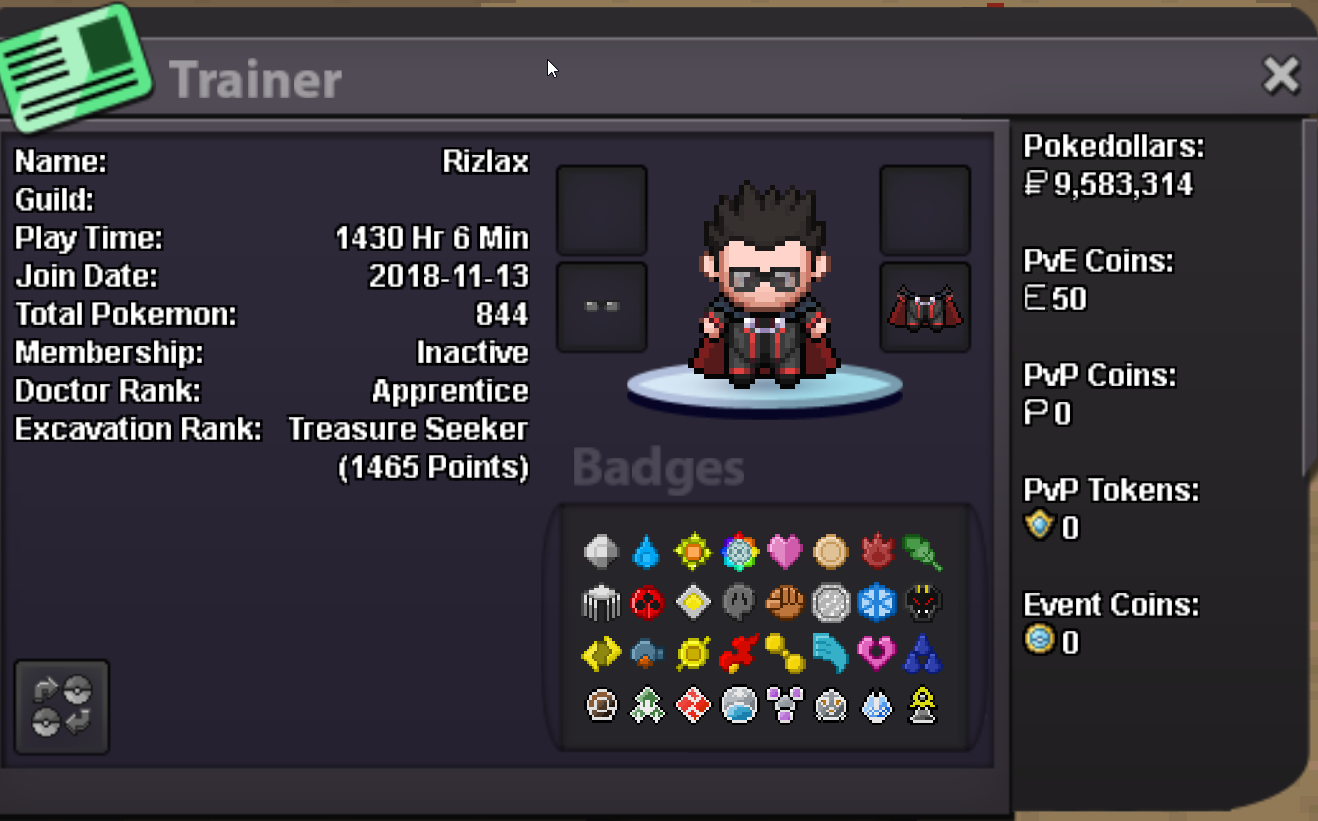
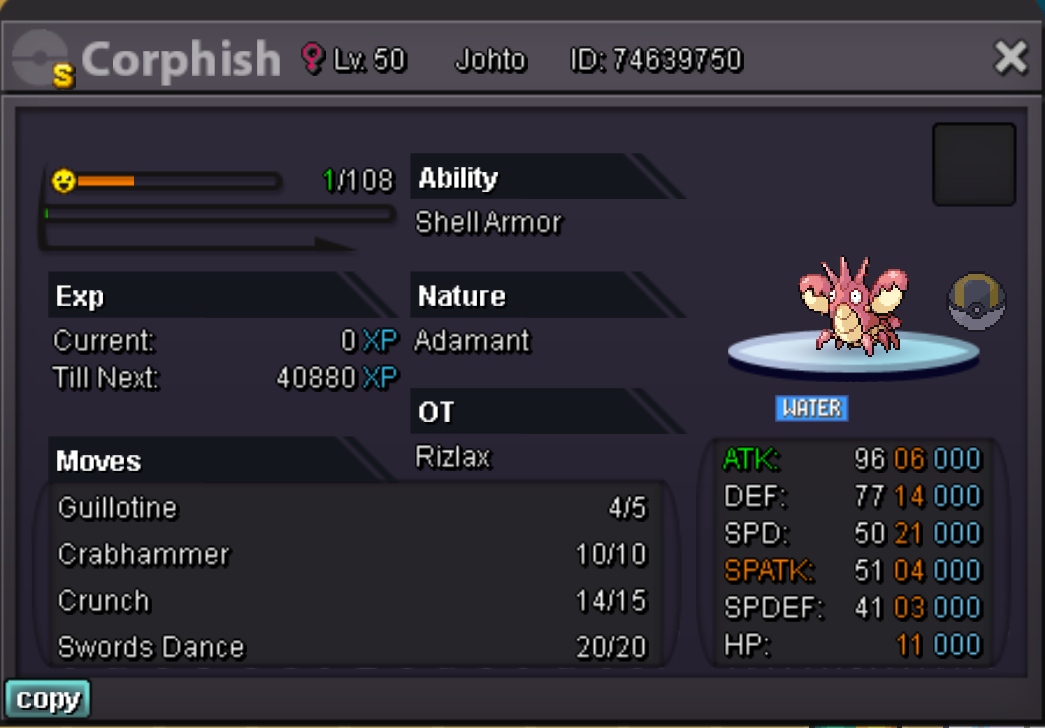 ● What's your in-game name? Rizlax ● How old are you? 31 ● Are you active in Discord? yes ● Where are you from? France ● What's your total playtime? 1253h ● What's your goal in PRO? Progress in pvp ● What do you enjoy while playing the game? haunting and selling ● Why do you want to be part of the guild? We never go far alone ^^ ● What's your favorite Pokemon and why? Haxorus screamWhat's your Player name (IGN) : Rizlax Number of hours played : 1230h What's your favourite Pokemon : Haxorus What country are you from : France How old are you : 31 Which server do you play on : SilverbumpRizlax in pro or -Klaw#1149 discord to contact me with price .
Account
Navigation
Search
Configure browser push notifications
Chrome (Android)
- Tap the lock icon next to the address bar.
- Tap Permissions → Notifications.
- Adjust your preference.
Chrome (Desktop)
- Click the padlock icon in the address bar.
- Select Site settings.
- Find Notifications and adjust your preference.
Safari (iOS 16.4+)
- Ensure the site is installed via Add to Home Screen.
- Open Settings App → Notifications.
- Find your app name and adjust your preference.
Safari (macOS)
- Go to Safari → Preferences.
- Click the Websites tab.
- Select Notifications in the sidebar.
- Find this website and adjust your preference.
Edge (Android)
- Tap the lock icon next to the address bar.
- Tap Permissions.
- Find Notifications and adjust your preference.
Edge (Desktop)
- Click the padlock icon in the address bar.
- Click Permissions for this site.
- Find Notifications and adjust your preference.
Firefox (Android)
- Go to Settings → Site permissions.
- Tap Notifications.
- Find this site in the list and adjust your preference.
Firefox (Desktop)
- Open Firefox Settings.
- Search for Notifications.
- Find this site in the list and adjust your preference.