New Trade Zone
Trade Zone is now live
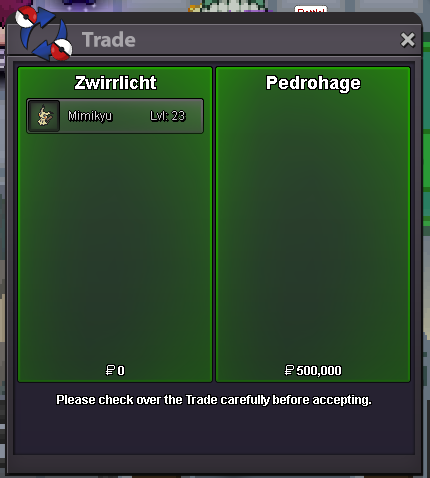
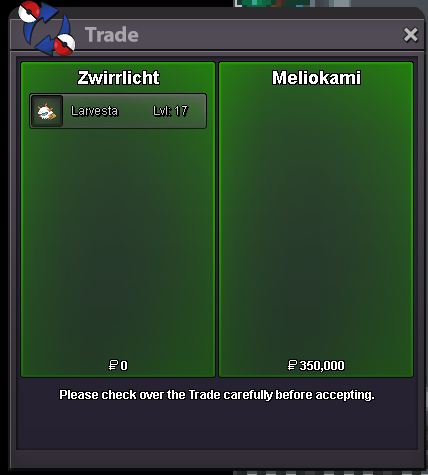
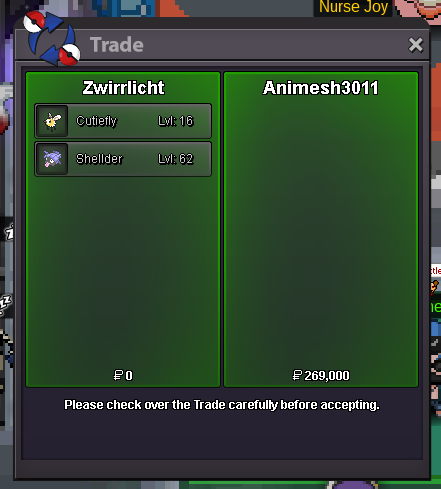
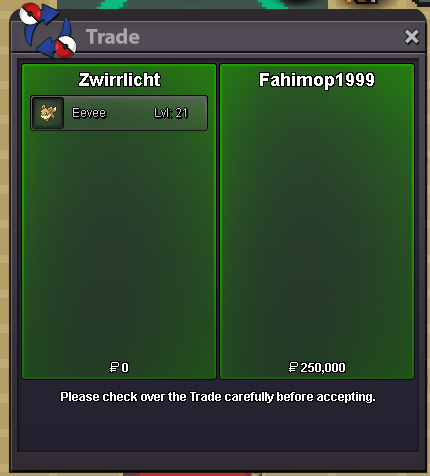
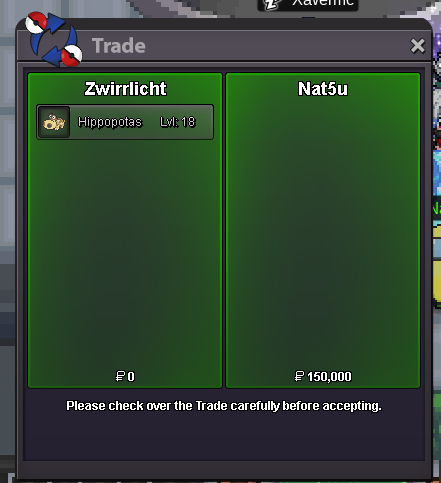
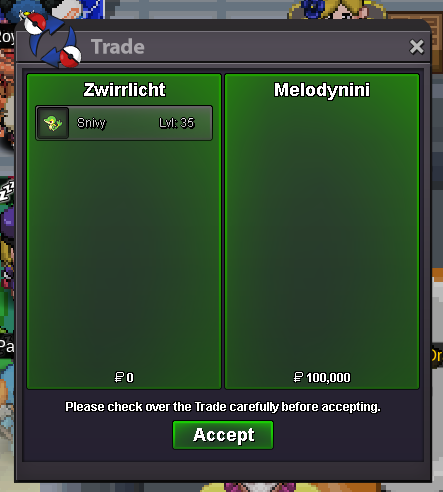
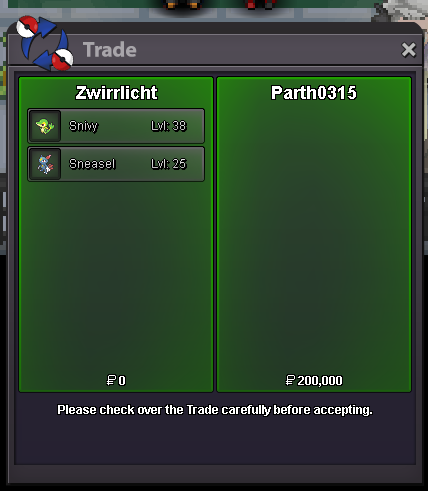
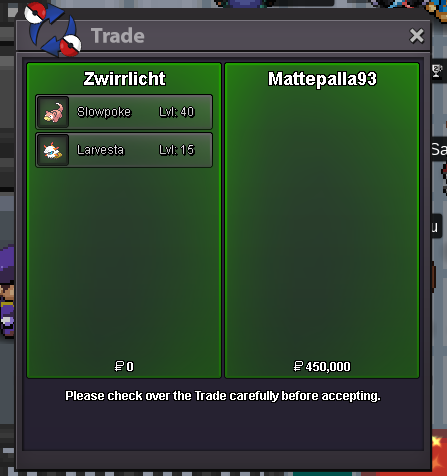
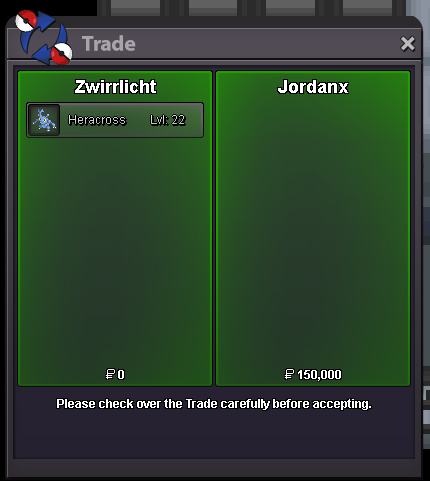
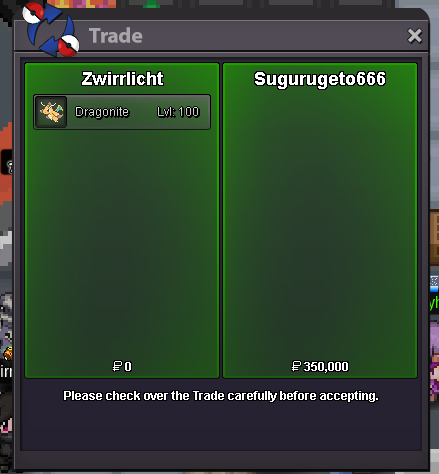
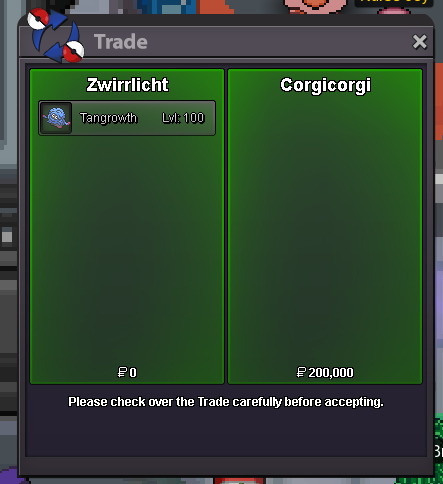
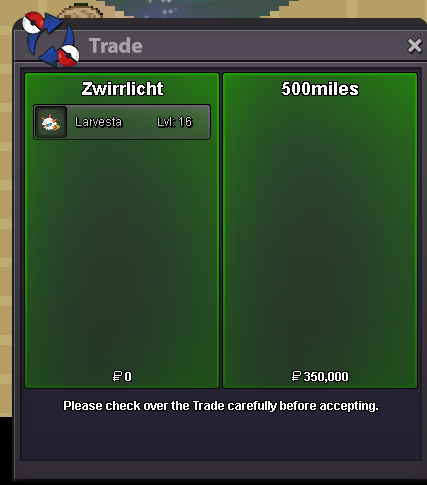
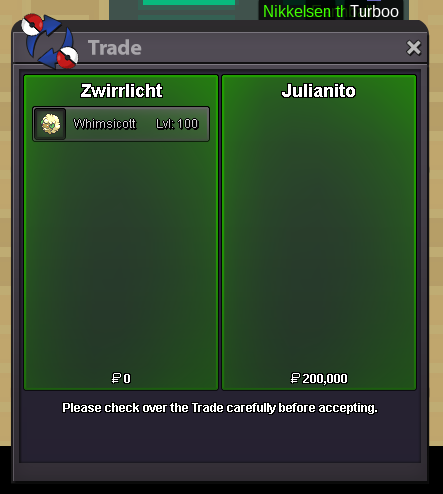
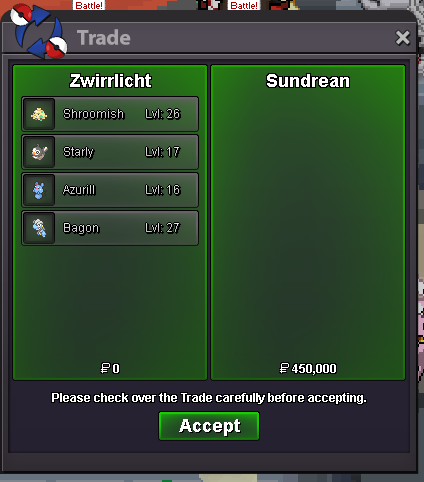
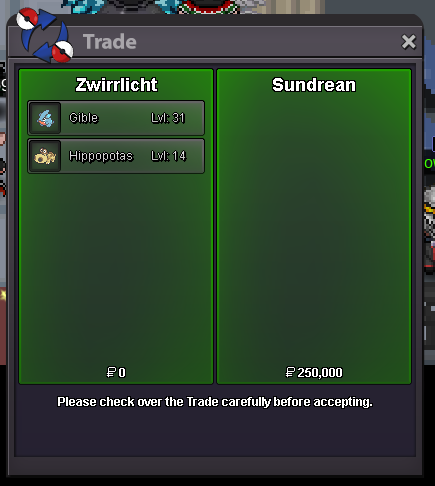
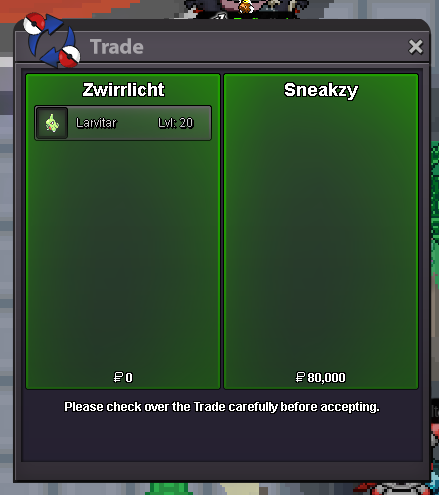
Use the new Trade Zone for auctions and instant-price trades so Pokemon and item offers are easy to find.

Zwirrfinst
Registered User
-
Joined
-
Last visited
Everything posted by Zwirrfinst
-
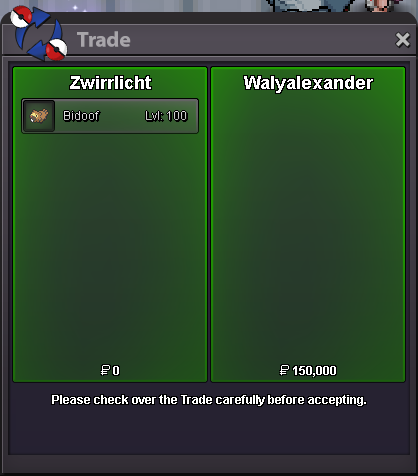
I'm on with Zwirrlicht atm. Pm me pls ingame if you are on.I'm home and online (with Zwirrlicht) now, trying to pm you
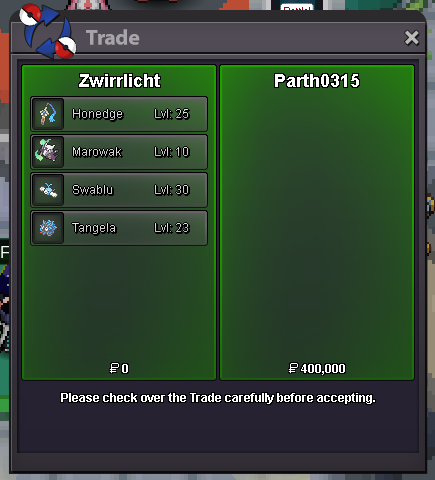 Are u on in the next hour? If not, I'll be at work then and home again like 10 - 11h later
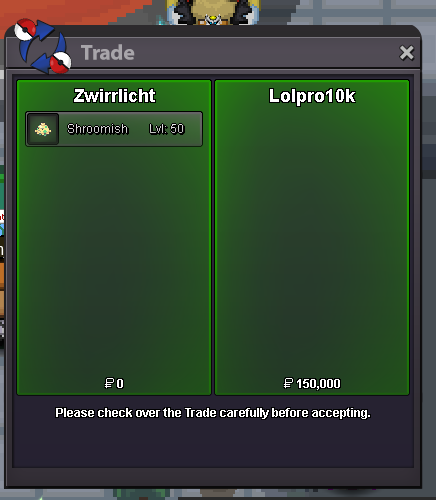 bumpVery very good suggestions, I like all of them! Dungeons atm doesn't feel rewarding enough compared to PvP since the boxes are out and these things -every single one of them- would change that. There is 1 thing I would like to add: These Mounts or items in general from these specific dungeon shop(s) shouldn't be tradeable, so that equality between PvE and PvP gets created. Like "If you want these items, do dungeons" as the same for PvP Shop items.Looking for an Xmas or Shiny Audino. PM me with screen and price pls, ty 🙂Hey, dont worry, it will happen sooner or later. I requested a namechange too a few weeks ago and it took 11 days iirc. It seems like there is a lot to do atm and the staff members who can change names are busy with other stuff, so just wait a bit longer 🫡Hey, sry for the late response. It's not sold and still available. PM me ingame please when you are online. /pm Zwirrlicht /pm Zwirrfinst
Account
Navigation
Search
Configure browser push notifications
Chrome (Android)
- Tap the lock icon next to the address bar.
- Tap Permissions → Notifications.
- Adjust your preference.
Chrome (Desktop)
- Click the padlock icon in the address bar.
- Select Site settings.
- Find Notifications and adjust your preference.
Safari (iOS 16.4+)
- Ensure the site is installed via Add to Home Screen.
- Open Settings App → Notifications.
- Find your app name and adjust your preference.
Safari (macOS)
- Go to Safari → Preferences.
- Click the Websites tab.
- Select Notifications in the sidebar.
- Find this website and adjust your preference.
Edge (Android)
- Tap the lock icon next to the address bar.
- Tap Permissions.
- Find Notifications and adjust your preference.
Edge (Desktop)
- Click the padlock icon in the address bar.
- Click Permissions for this site.
- Find Notifications and adjust your preference.
Firefox (Android)
- Go to Settings → Site permissions.
- Tap Notifications.
- Find this site in the list and adjust your preference.
Firefox (Desktop)
- Open Firefox Settings.
- Search for Notifications.
- Find this site in the list and adjust your preference.