




New Trade Zone
Trade Zone is now live
Use the new Trade Zone for auctions and instant-price trades so Pokemon and item offers are easy to find.

Aromalpoke
Registered User
-
Joined
-
Last visited
-
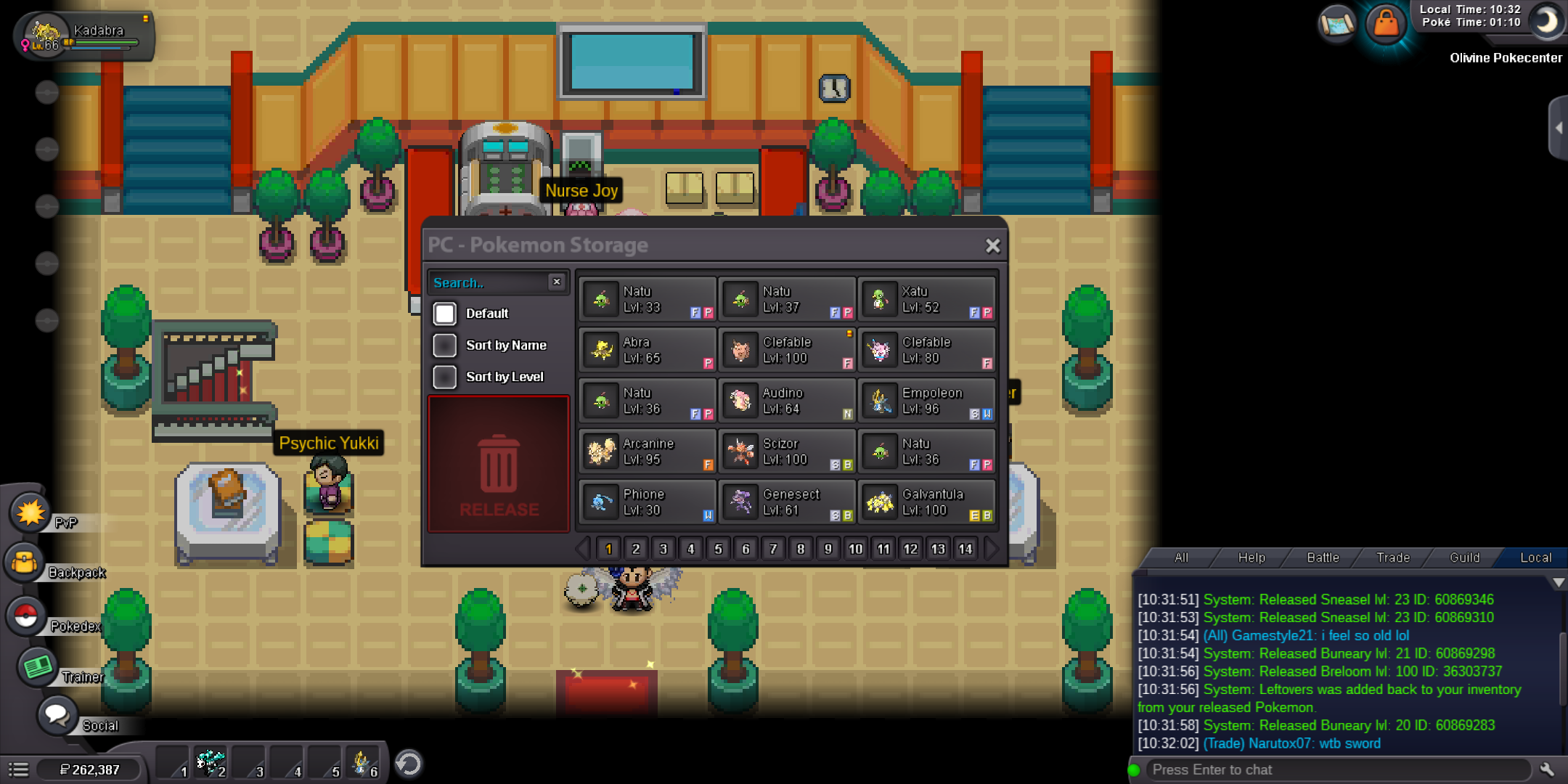
I accidentally Released my 100lvl breloom.Can I get it back? ID:36303737
-
yes thank you guys,it worked when i decreased its happines and then increasing it to 255.
-
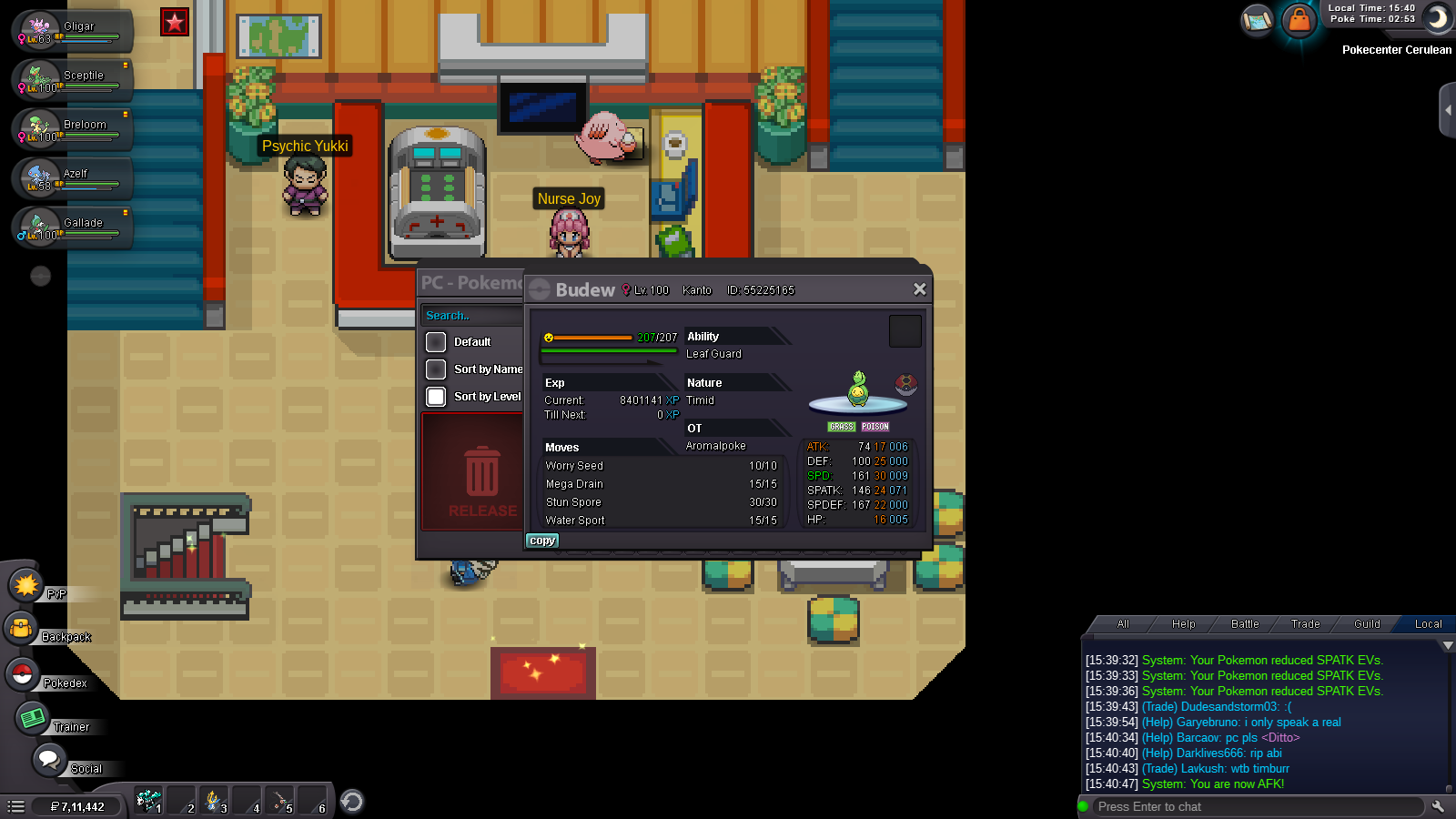
Iam not able to evolve my Budew even after all the conditions are met.I gave mysterious candy at day time and morning,still not evolving in to roselia.It has also Max Happines tooo.
-
bidding 500k
-
Player name: Aromalpoke Server:Gold Timezone (in GMT):GMT +5:30
-
What's your IGN? Aromalpoke How many hours do you have in PRO? 622 hrs What is your discord ID? AromalPoke#4216 How far are you in story? Completed all regions How active are you in PRO? (How often do you play?) I play PRO for almost 4 to 5 hours a day and even more when there is an event Are you a PvP or PvE player? Or do you enjoy both? Actually I play both PvP and PvE but now Iam more focused on PvE. Have you ever been banned in game and why? Yes My first account was permanently banned when I didn't really know about PRO rules.It was a trade ban.I took a Pokemon from another guy and didn't gave back.But now I am feeling guilty of what I did against the PRO rules and hadn't broke any PRO rules since then and my new account has more than 600 hours now.❤️ Why do you want to join Calamity guild? I need good friendly people and friends who can help each other in various occasions and yeah I need to be more like a PvP player and I would love to get some great advices from experience players in guild. Thank you.❤️
