New Trade Zone
Trade Zone is now live
Use the new Trade Zone for auctions and instant-price trades so Pokemon and item offers are easy to find.

Exca
Registered User
-
Joined
-
Last visited
-
Hey, I was wondering if I could change my name on my second account (this one) that has less than three months, even if I have an account with 2 years on it I still play. Seeing how I do play I wouldn't see an issue with this potentially happening but I was just curious if I could be an acceptation due to my longevity of playing PRO. I have proof of account ownership i.e email confirmation/paypal receipts Thanks for help in advance.
-
NAME CHANGE Username: Excaliburprime New Username: Exca Server to charge the money from: Gold
-
Added on discord
-
bump thread Buy scyther 2 90k, Xmas mareep 90k
-
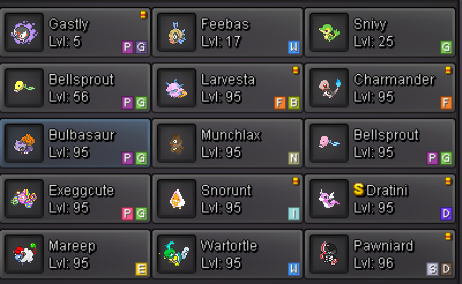
Finished 11 Poke Larvesta - Pawniard

-
-
Buy scyther 2 90k, Xmas mareep 90k
-
lmao chill, you're a little too hyped up over a mistake. I didn't see it.
-
50k easter poke
-
-
35k
-
35k voltorb 300k slowbro
-
I'll buy both, add on disc Excalibur#0411

-
Start Auction Greninja 300k, add me on disc.
-
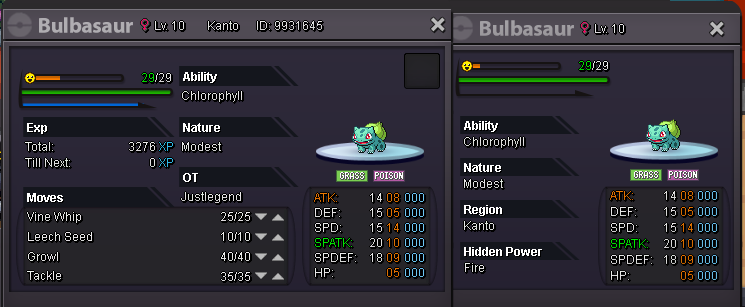
I'll buy bulbasaur instant