




New Trade Zone
Trade Zone is now live
Use the new Trade Zone for auctions and instant-price trades so Pokemon and item offers are easy to find.

N1ghtmarex
Suspended
-
Joined
-
Last visited
Everything posted by N1ghtmarex
-
notedAuction happiny : End date = 23:45 gmt 23 september Minimum raise = 100k Start offer = 1m current offer = 2.1m by Trunghieud16 Payment methods = pokedollars, iv rerol 680k , nature rerol 300k , cc 350k
.png.7e2945612b7230242c277d5f8cf0c8b2.png) Hi I just found a bug from talking to the mega mount (Conrad) npc. When i was trying to see the price of mega charizard mount I cancel because I didn't had enough money and this dialogue of an error occurred
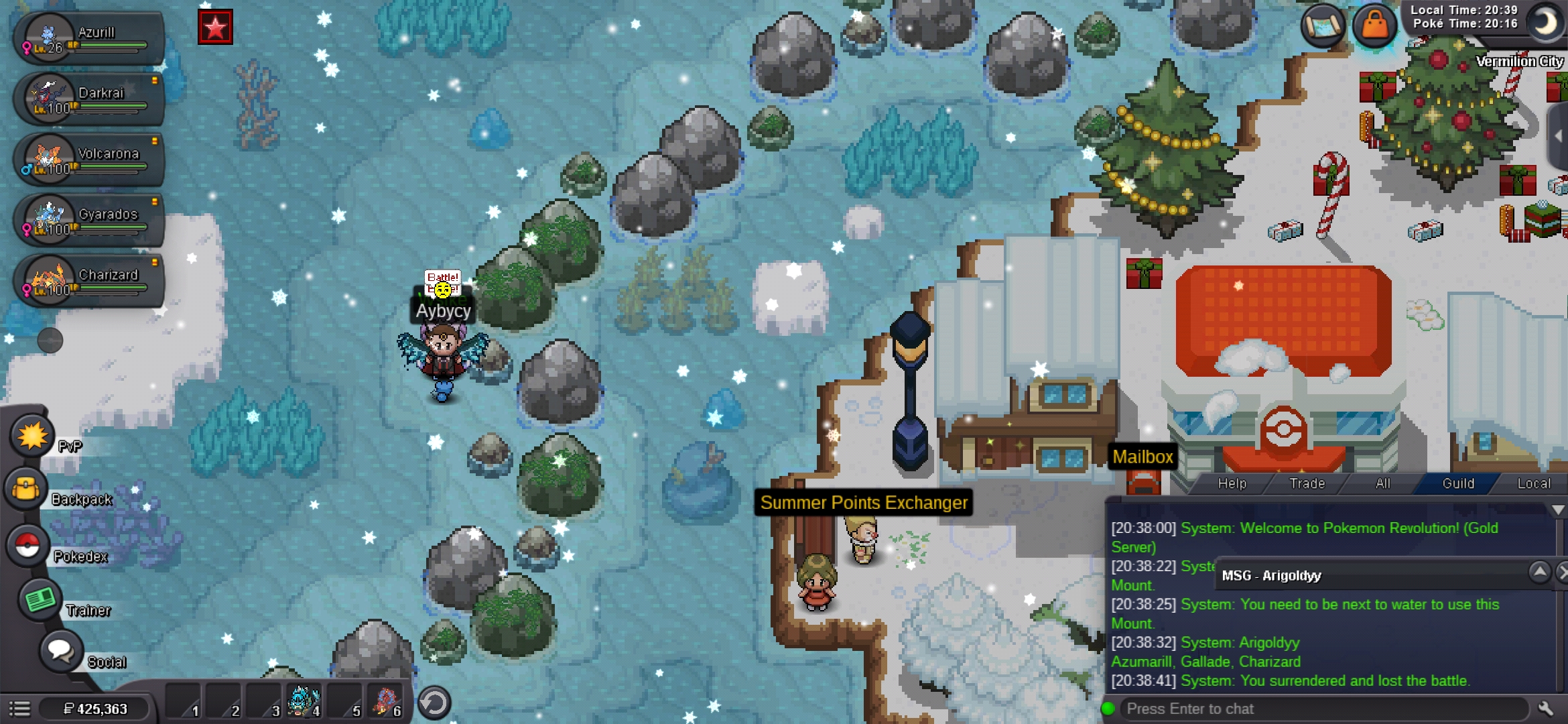
Hi I just found a bug from talking to the mega mount (Conrad) npc. When i was trying to see the price of mega charizard mount I cancel because I didn't had enough money and this dialogue of an error occurred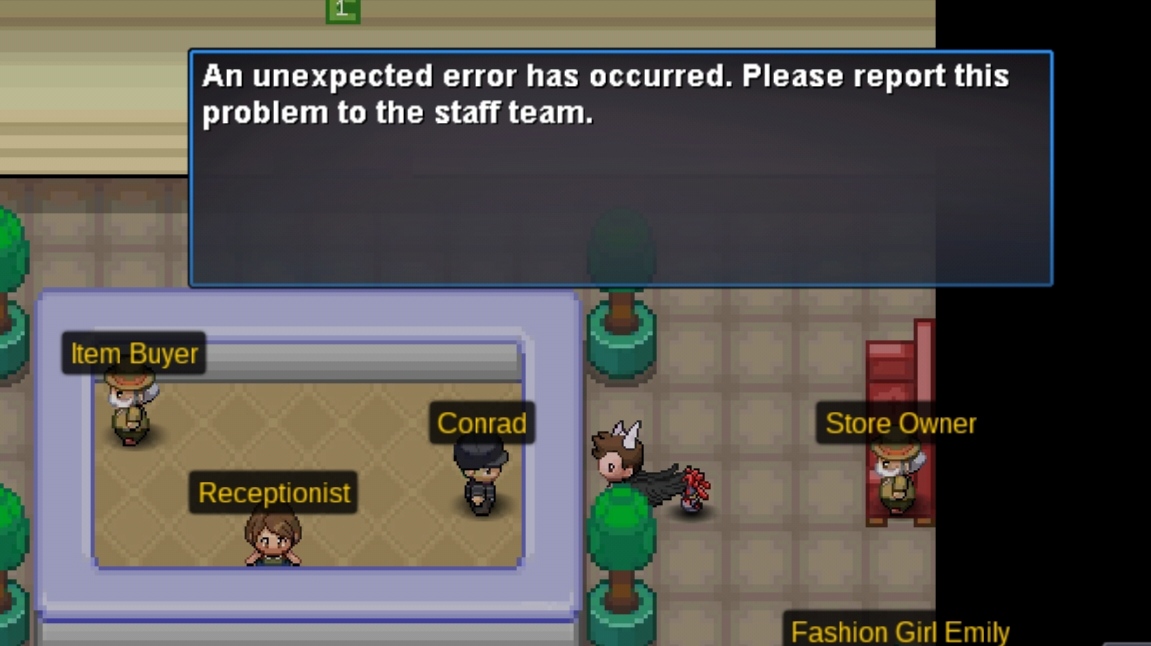 Bought a medicham. Trade went without an issue. Now i have a nice medichamWe are top 3 last season join now!I like raidersStartWhat's the hp of the serperiorThanks white baron teleported me outI use an escape rope to teleport to the Christmas pc and I got stuck outside of verm and I can't move my friend tried battling me and I lost but I'm still stuck there can you teleport me out of here?
 Good idea grisWhen r u online?Can I buy that 31 SPD sneasel?Thanks it was so hard to beatOw thank you that's my reward?So I have beaten nightmare battlefield hard mode and it said I got a reward but I don't know or didn't received the reward can someone help meOne of our friend (name remain hidden) bought it insta and said hey u want ur gyara back and he sold us our gyara back so because we don't want to get ban this auction is now close because of a pranking friendStarted by joker22 400k
.png.44746fd84c13e11190ee2cd0692222b1.png)
.png.12de0c612b82c7074b8be1117ad199fa.png)
.png.9e46d9e40007c9ebd03eb059bfbd9cbe.png)
.png.140f6424140f8252566a8f48a9b93aaa.png)
.png.d807a931bcd17adc91ac5af94fd0e9b6.png)
.png.be6e499ad3ad4f74ef2dece725711698.png)

Account
Navigation
Search
Configure browser push notifications
Chrome (Android)
- Tap the lock icon next to the address bar.
- Tap Permissions → Notifications.
- Adjust your preference.
Chrome (Desktop)
- Click the padlock icon in the address bar.
- Select Site settings.
- Find Notifications and adjust your preference.
Safari (iOS 16.4+)
- Ensure the site is installed via Add to Home Screen.
- Open Settings App → Notifications.
- Find your app name and adjust your preference.
Safari (macOS)
- Go to Safari → Preferences.
- Click the Websites tab.
- Select Notifications in the sidebar.
- Find this website and adjust your preference.
Edge (Android)
- Tap the lock icon next to the address bar.
- Tap Permissions.
- Find Notifications and adjust your preference.
Edge (Desktop)
- Click the padlock icon in the address bar.
- Click Permissions for this site.
- Find Notifications and adjust your preference.
Firefox (Android)
- Go to Settings → Site permissions.
- Tap Notifications.
- Find this site in the list and adjust your preference.
Firefox (Desktop)
- Open Firefox Settings.
- Search for Notifications.
- Find this site in the list and adjust your preference.