




New Trade Zone
Trade Zone is now live
Use the new Trade Zone for auctions and instant-price trades so Pokemon and item offers are easy to find.

Partha69
Registered User
-
Joined
-
Last visited
Everything posted by Partha69
-
1.3m
-
25m
-
Partha69 Silver
-
Partha69 Silver 🧙🔮🪄 Doing magic so that your fever disappear
-
Partha69 silver 🥈
-
Partha69 🥈
-
Hello... I would appreciate if you could mail me the giveaway reward. I have busy schedule.
-
Partha69 Silver 🥈:)
-
Partha69 Silver 🥈 😌
-
Partha69 Silver 🙂
-
Partha69 Silver 🥈
-
Ign - partha69 Silver 🪥
-
Ign :- partha69 Silver 🥈
-
Ign :- partha69 Silver 🙂
-
Start
-
-
Start
-
Check discord. I'm available for straight 10h. Tag anytime
-
200k
-
Start
-
Start from silver
-
Alright understood.
-
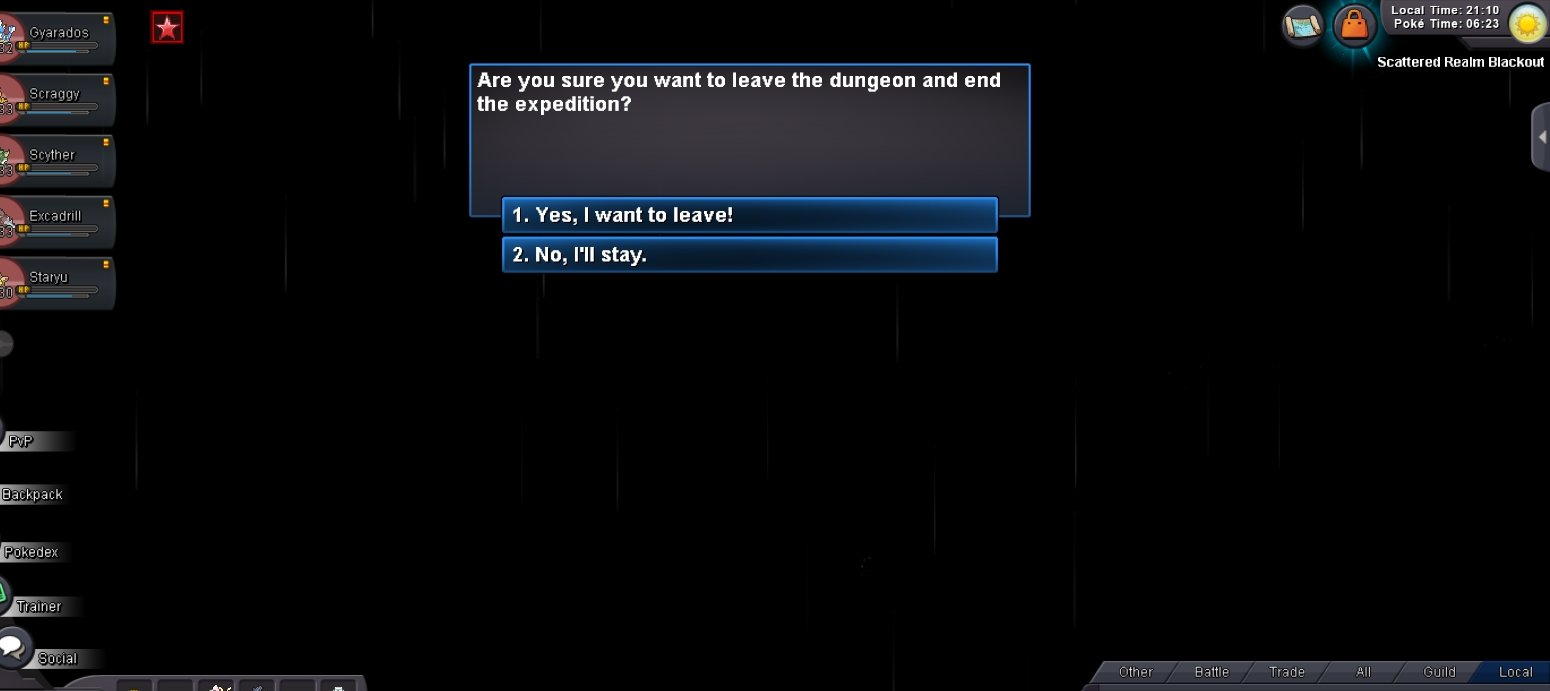
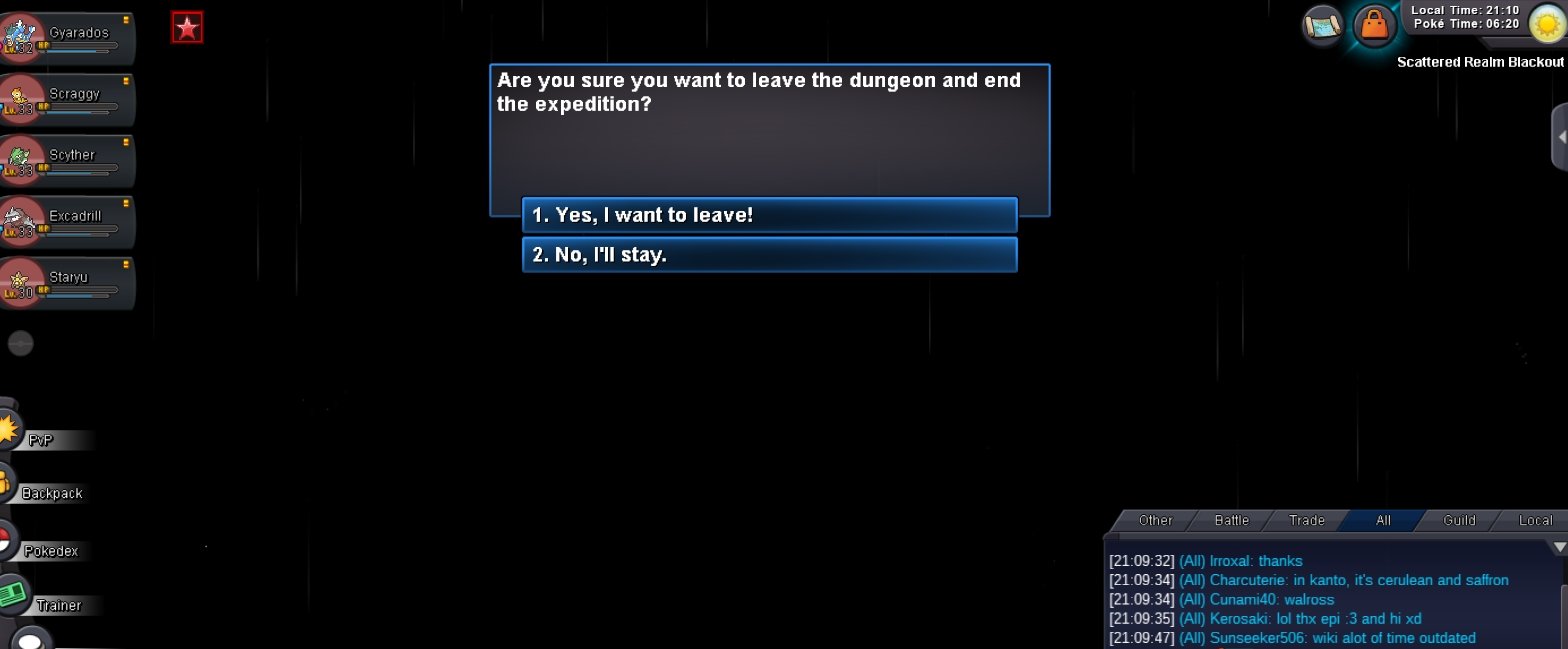
Hello, I was doing hoopa dungeon. I have gained all the xp from wild mons and I'm about to enter the boss room where you get a dialogue before entering. I was sure this is the boss room but when I tried to enter there was no dialogue showed....even I couldn't enter the next area(means boss room). I couldn't even use mounts. I tried to enter the room again and again but just nothing. So I thought server gonna crash or my net is slow. I waited few moment and I see no sign of network issue. So I relogged. And when I logged back into game this happened. As you can see in this picture. Full black. My all pokes fainted. I couldn't go anywhere. Only this dialogue shows everytime. And finally I relogged again and same thing. I was in water room. Now I don't know if this is a bug or not. Or is this bcz of I logged out while entering the boss room. Well I had no option bcz I couldn't use anything and there was no sign of network issue in the screen as well as no dialogue showed and can't enter next room. Waiting for reply.
-
-
2.9m +1k
