New Trade Zone
Trade Zone is now live
Use the new Trade Zone for auctions and instant-price trades so Pokemon and item offers are easy to find.

Hulkman1
Registered User
-
Joined
-
Last visited
-
Username: Hulkman1 Server: Gold Country/Timezone: Tunisia / GMT+1
-
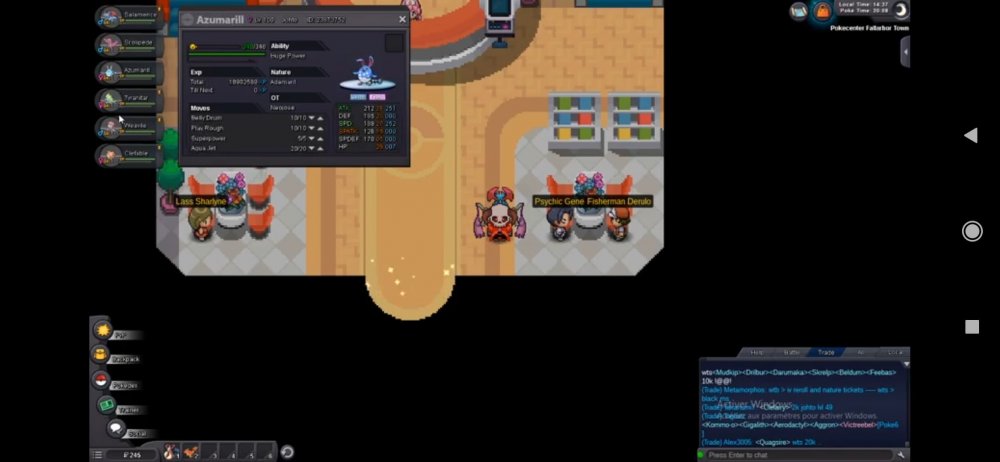
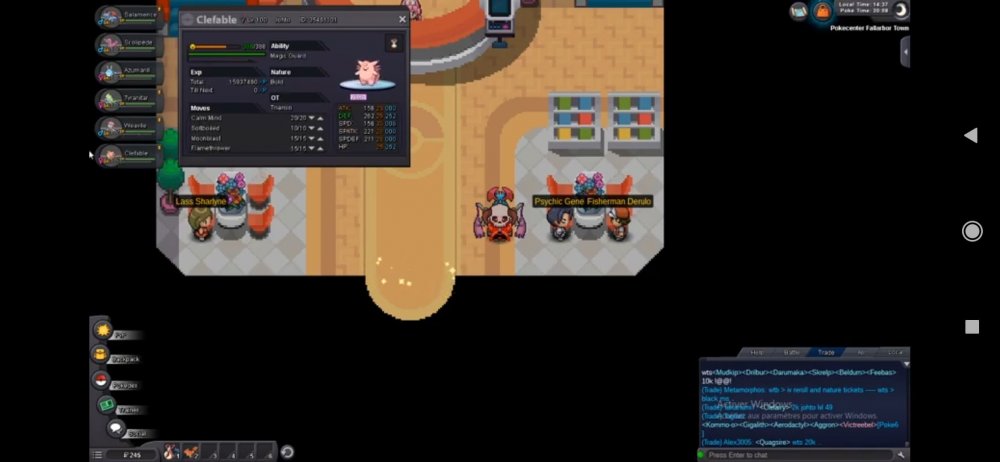
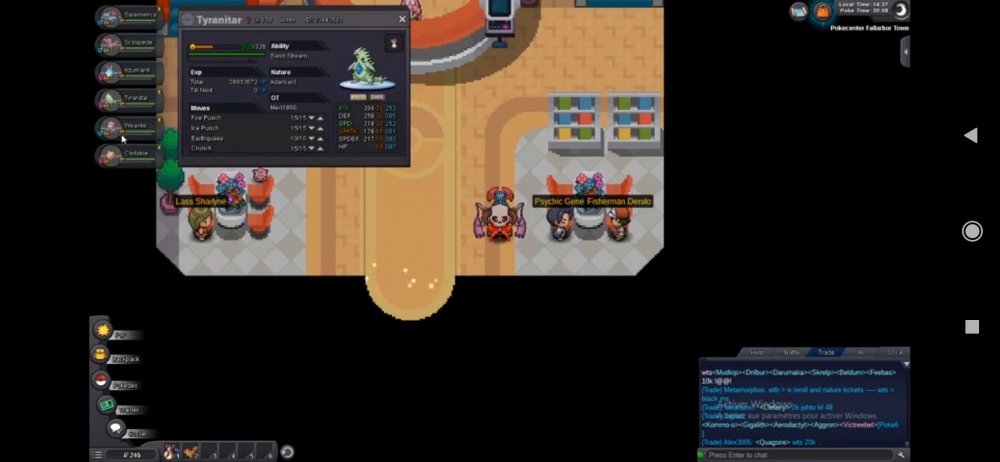
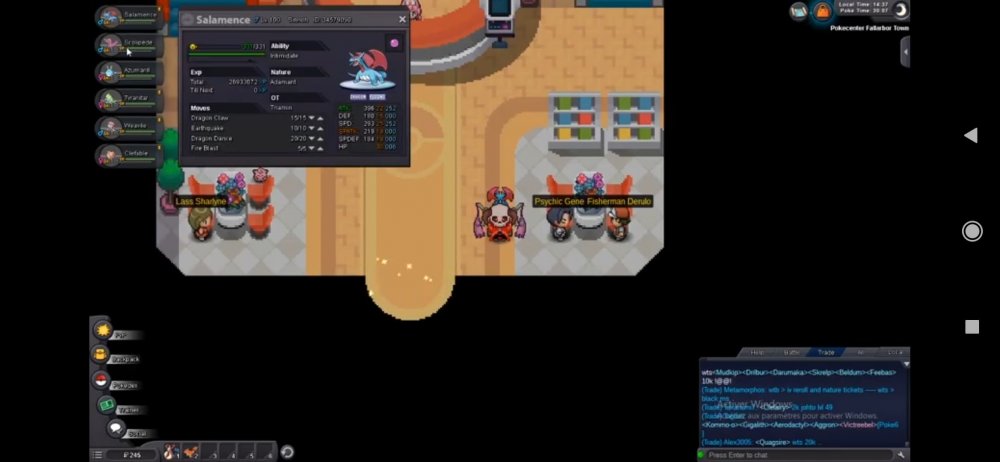
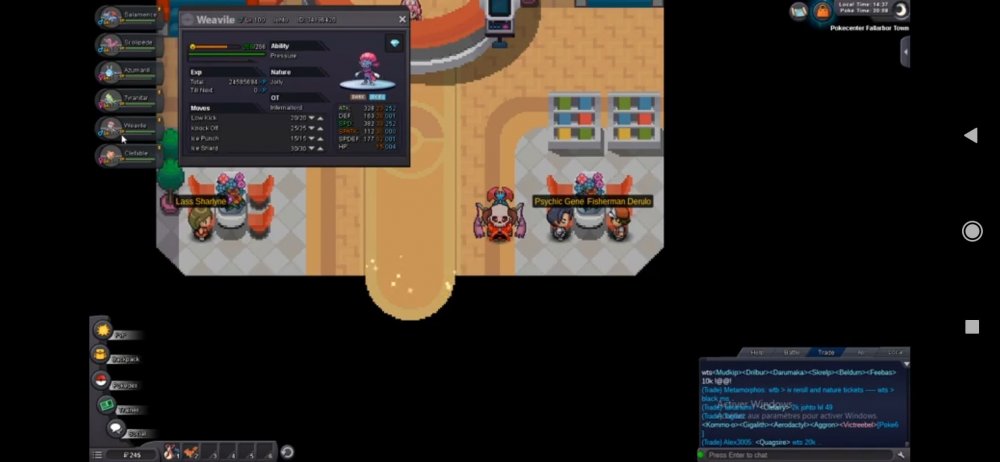
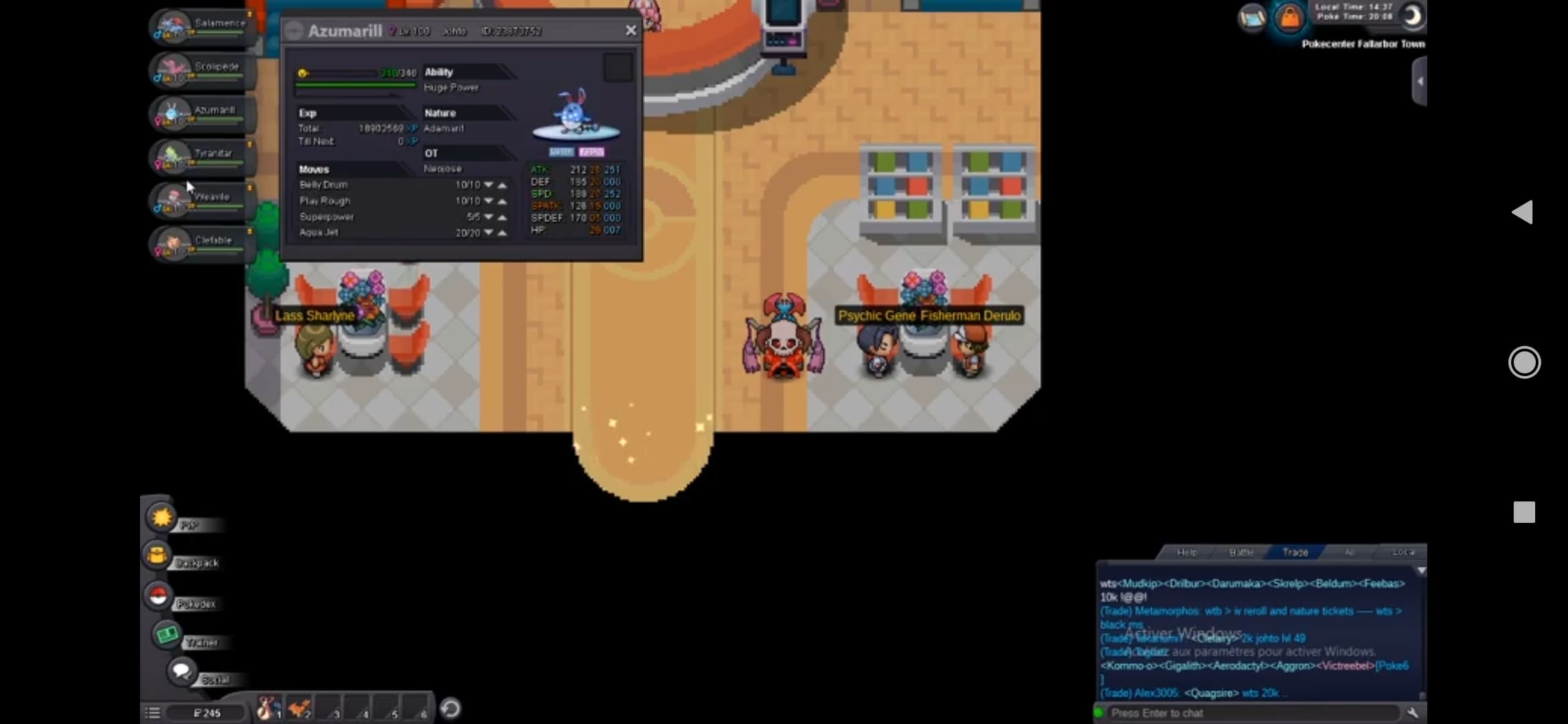
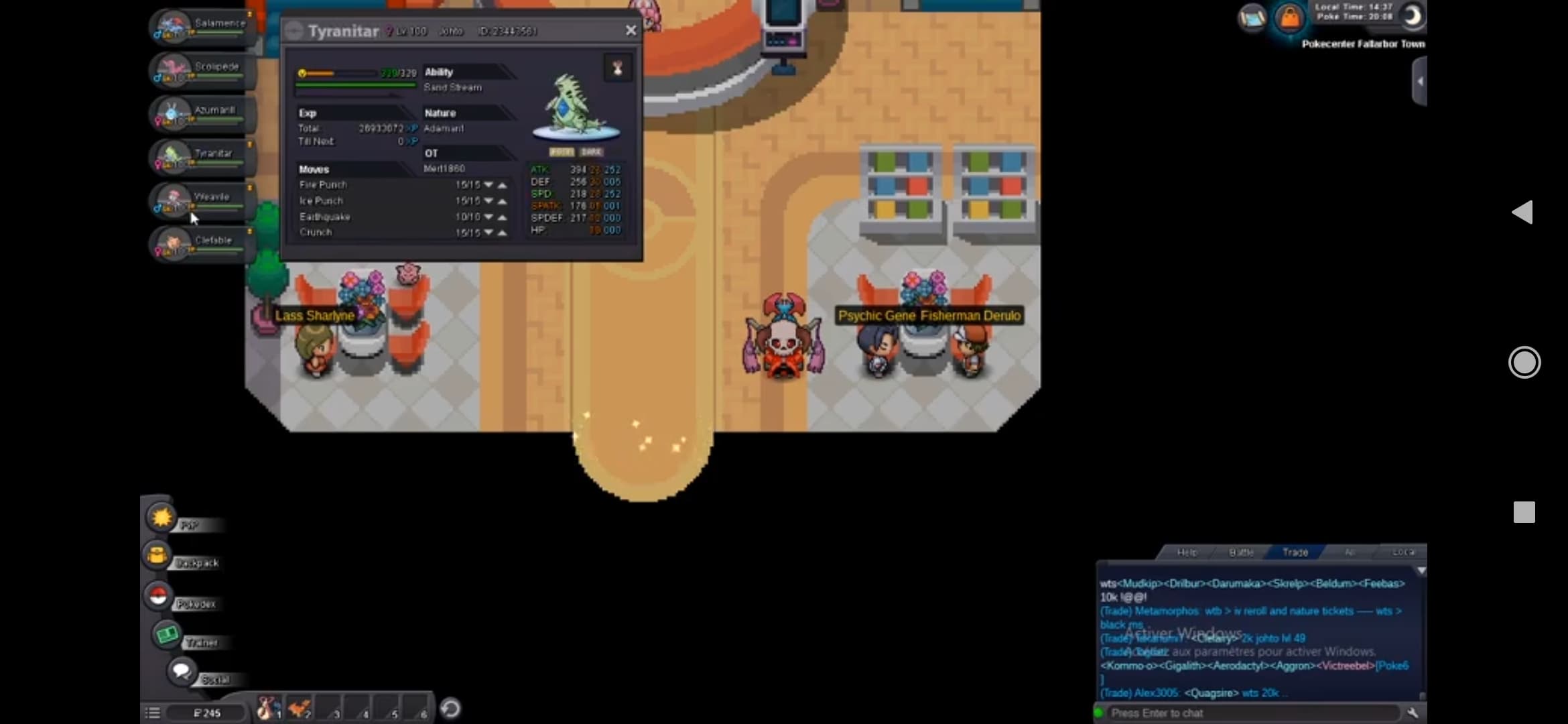
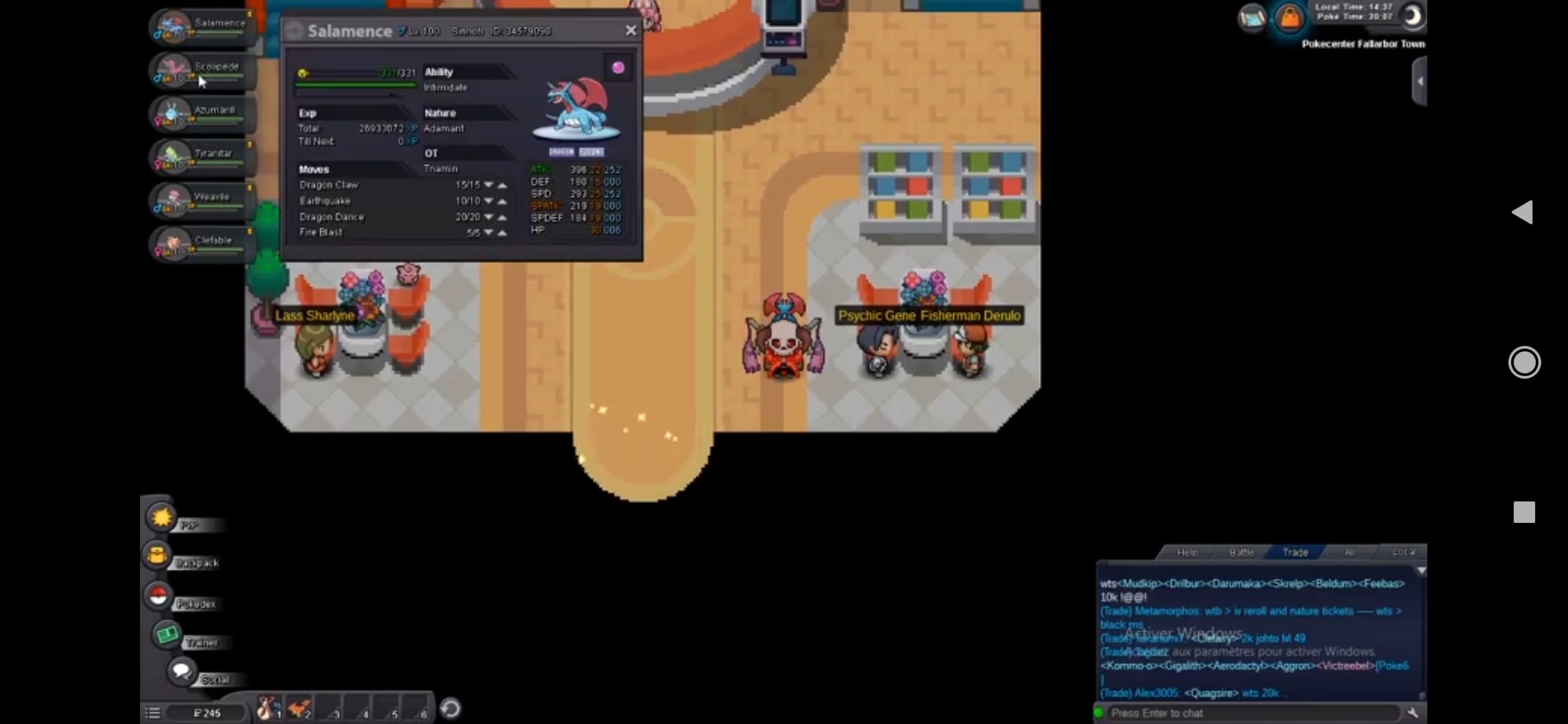
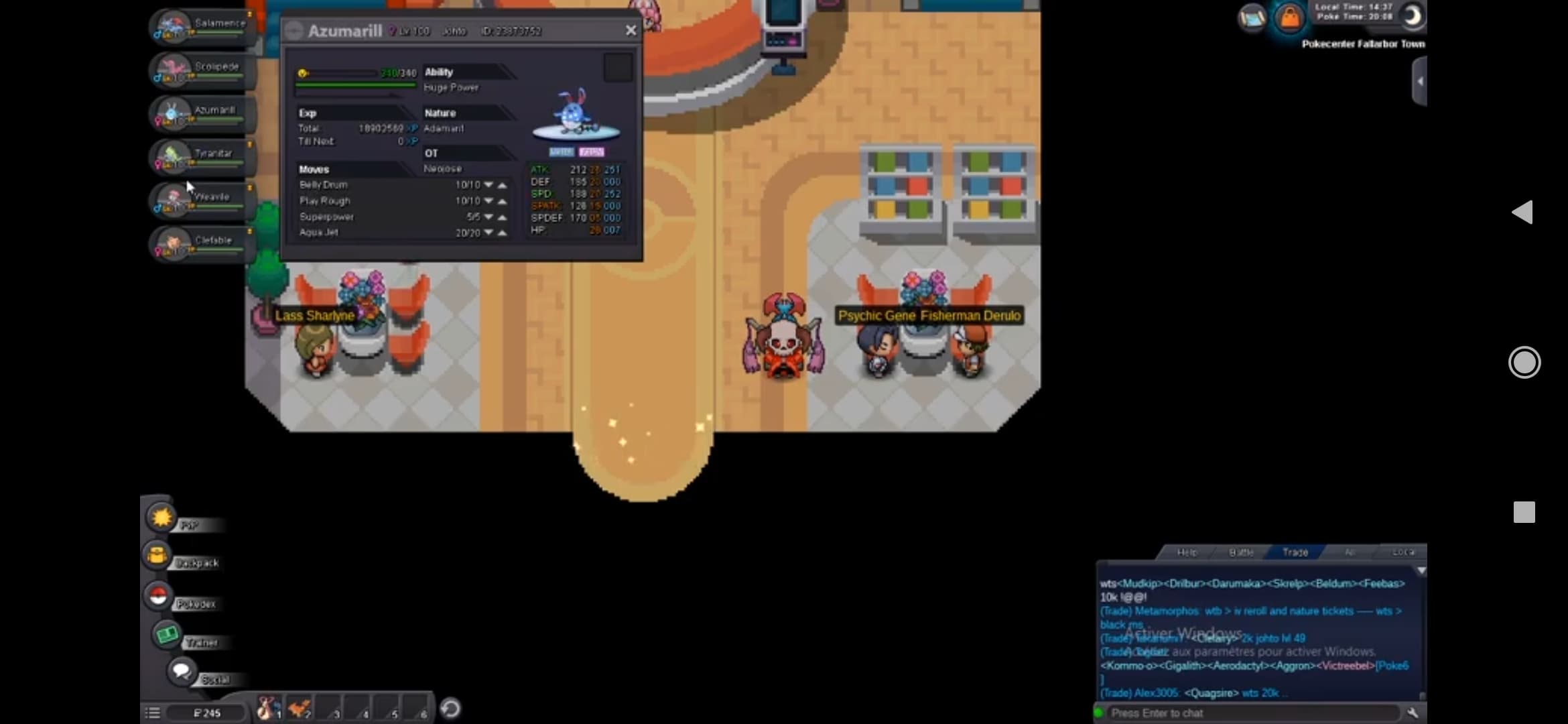
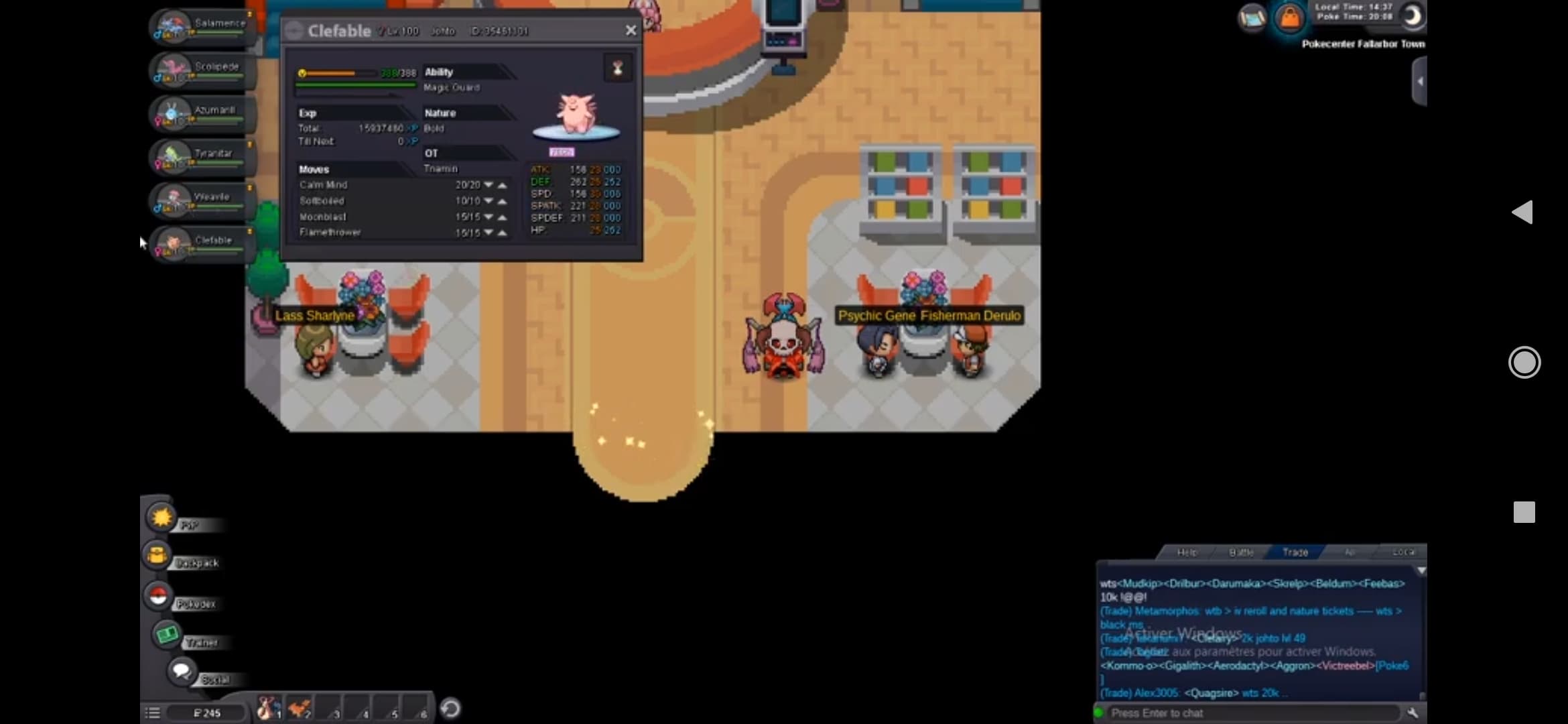
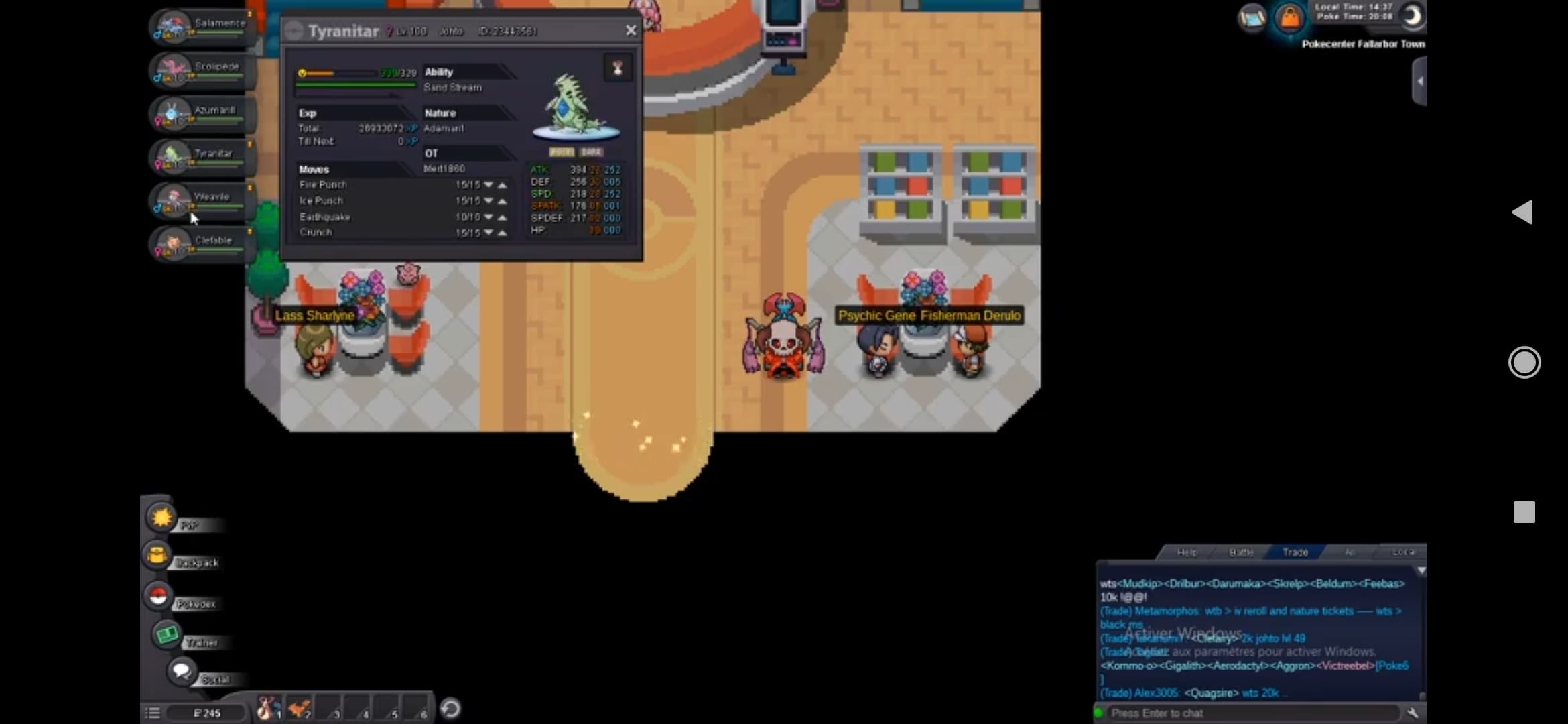
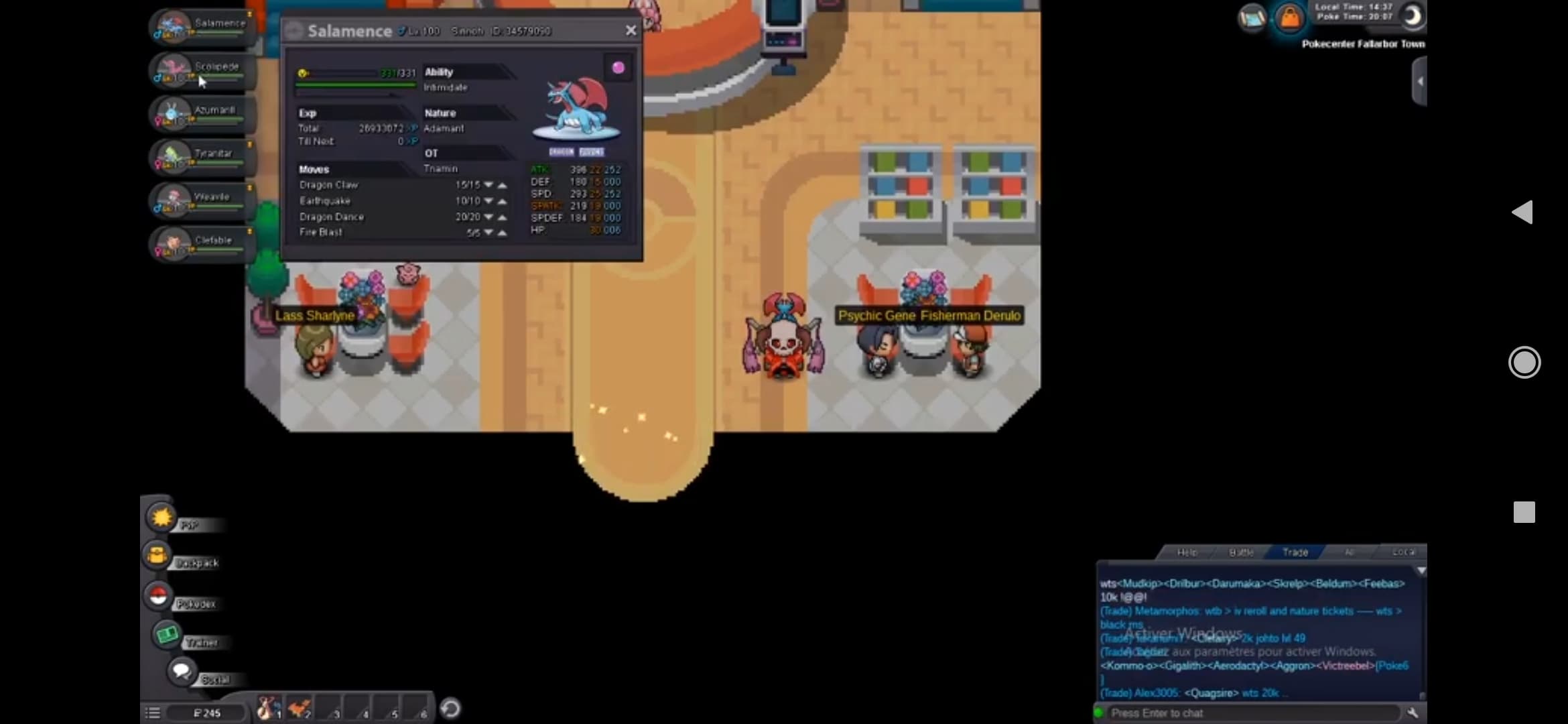
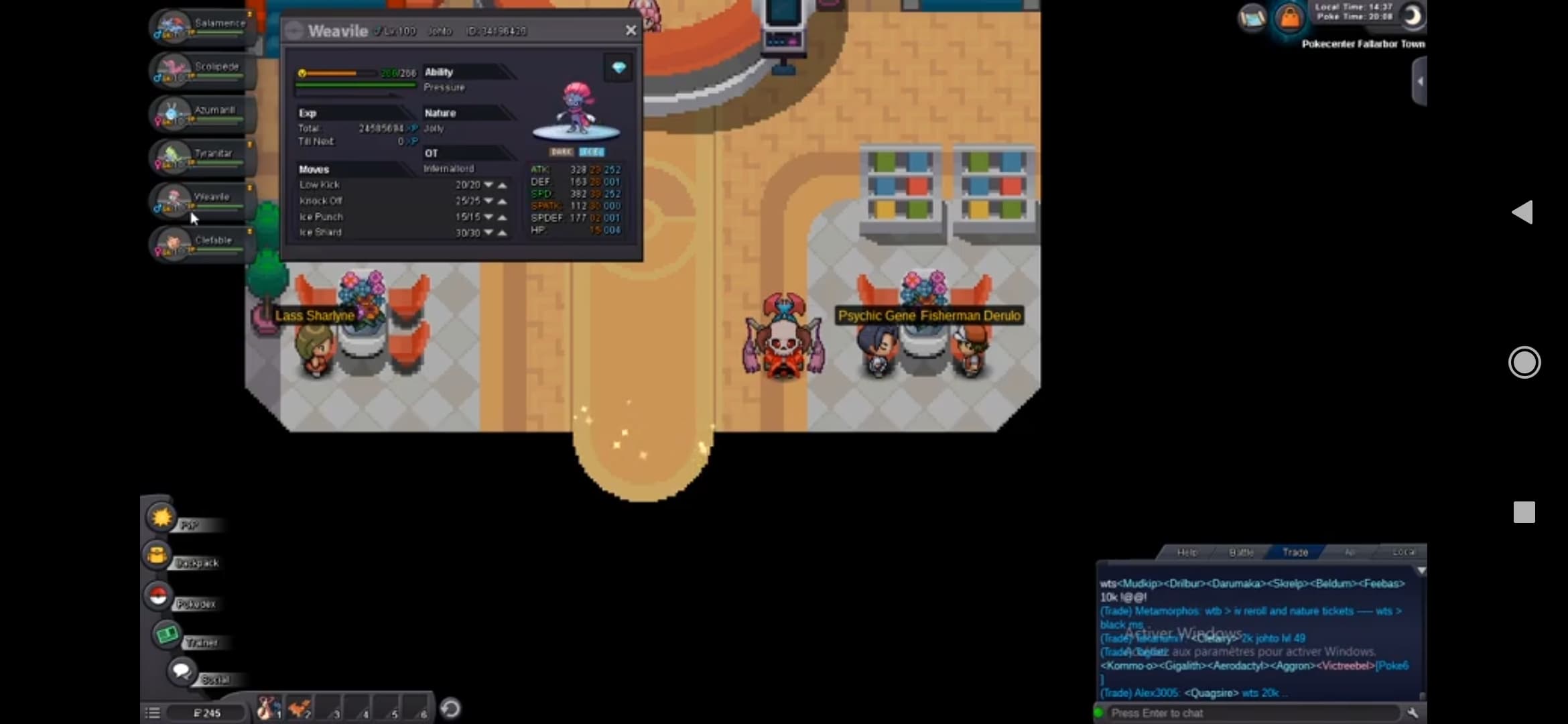
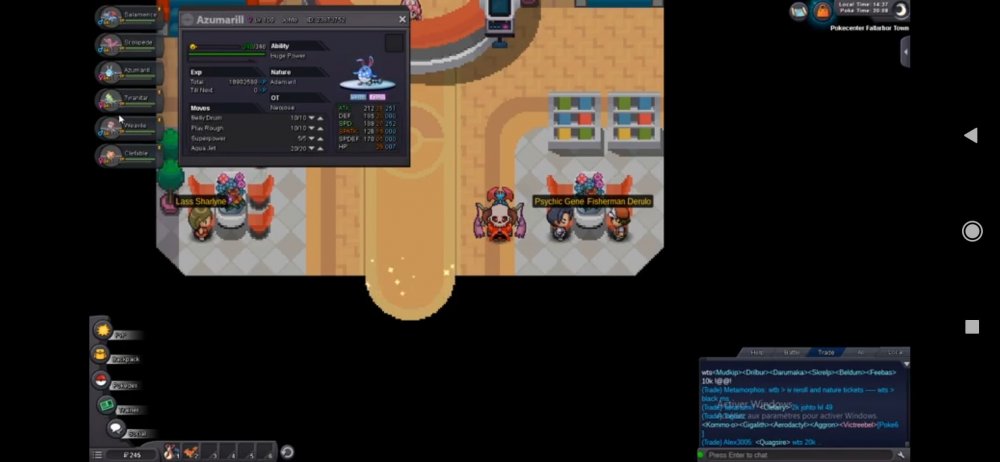
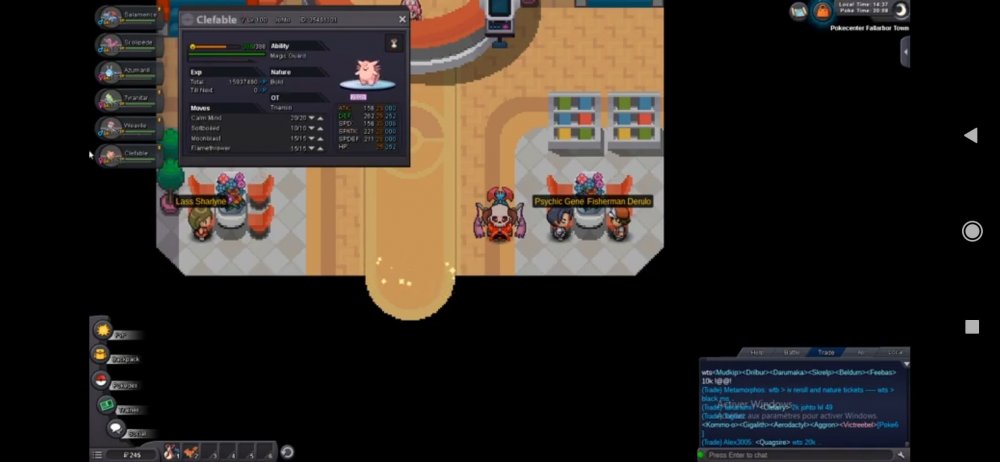
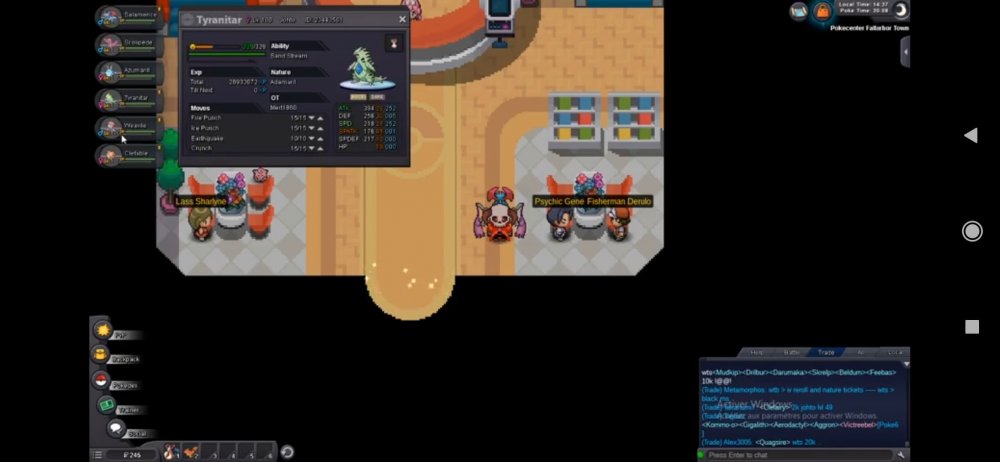
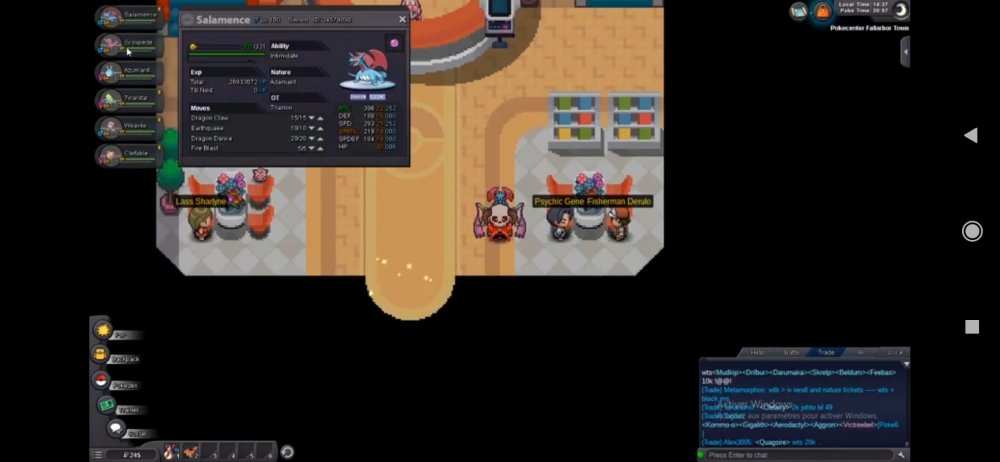
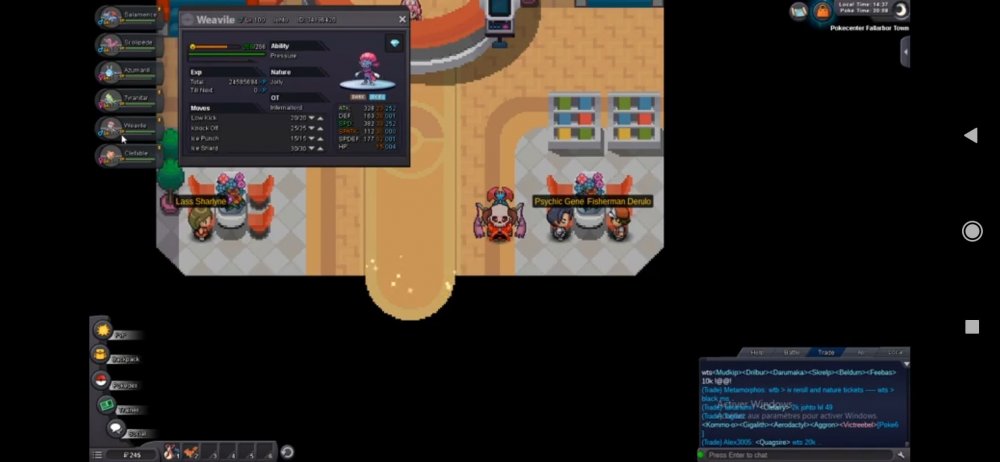
Hi , My friend tnamin gave pokemons to play with it so when i will return it to him i make a mistake and i traded with another player and he take pokemons and i forget his name how can i return my pokemons? . please also i need trades history to know the name of the player . i know also all the ot name of pokemons. and i have all the screenshots of each pokemons please help me please Gold server
-
Hi , My friend tnamin gave pokemons to play with it so when i will return it to him i make a mistake and i traded with another player and he take pokemons and i forget his name how can i return my pokemons? . please also i need trades history to know the name of the player . i know also all the ot name of pokemons. and i have all the screenshots of each pokemons