New Trade Zone
Trade Zone is now live
Use the new Trade Zone for auctions and instant-price trades so Pokemon and item offers are easy to find.

Autobots
Registered User
-
Joined
-
Last visited
Everything posted by Autobots
-
I won't according to the rule buyer has to transfer that's what I read.
-
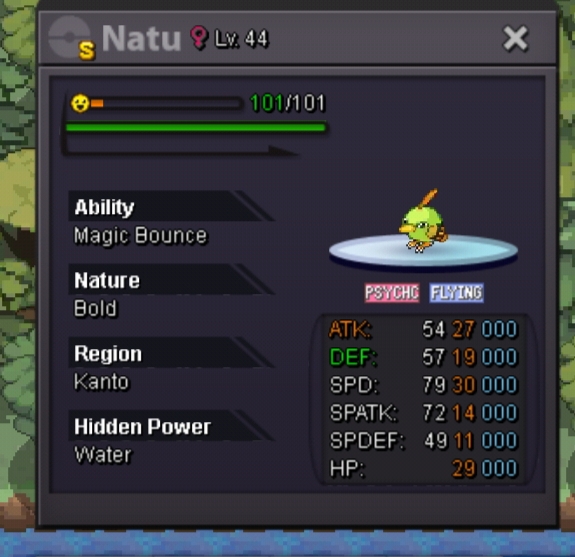
Current bid-3m(voidwarrior) Min bid-50k No Insta. Duration-48hrs from first bid. Accept Cc-400k/iv reroll-720k Buyer has to transfer to silver if he is a gold player
-
I can do 2m if u can reduce the starting
-
Sold to hotu6996
-
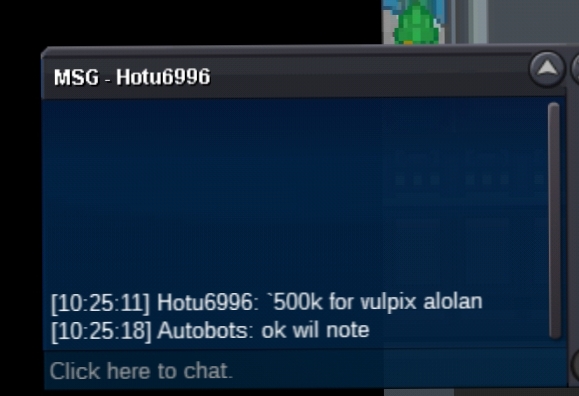
500k bo
-
-
The issue is resolved thank you . You may close this topic
-
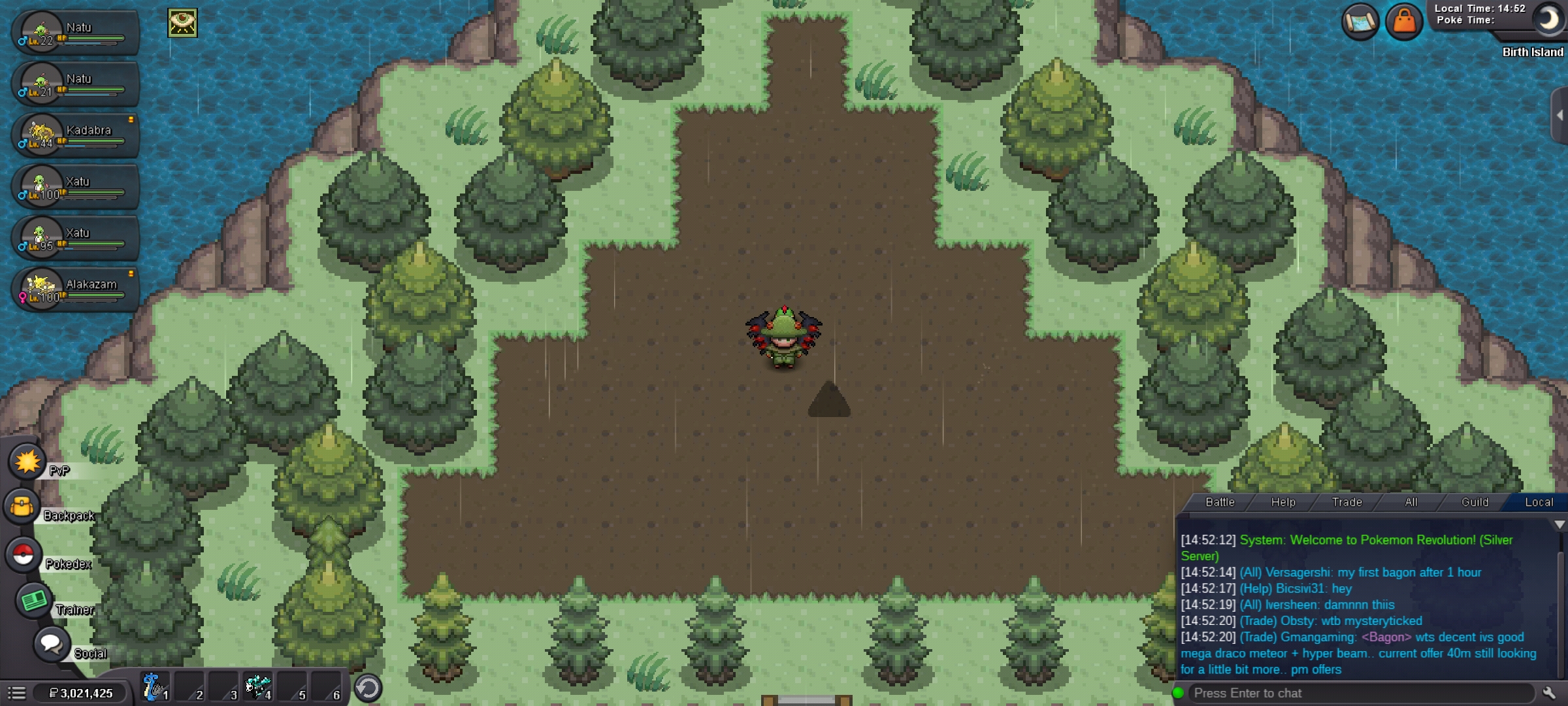
I had mysterious ticket from previous world quest. I used it and went to birth island. In birth island there is not even a single Pokemon. If I come back from birth island I will loose a mysterious ticket. Pls do something
-
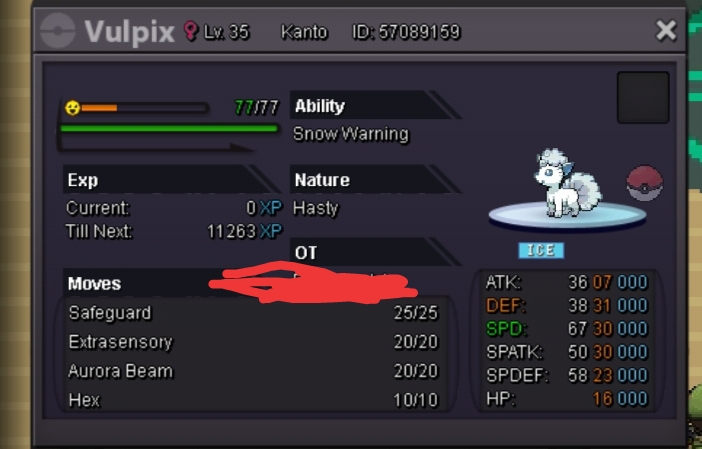
Hp water S.o-300k(zafei) Instant-2mil Duration-36hours Minimum bid-100k
-
5mil
-
Ya sure ,I forgot to put that up, thank u for the reminder
-
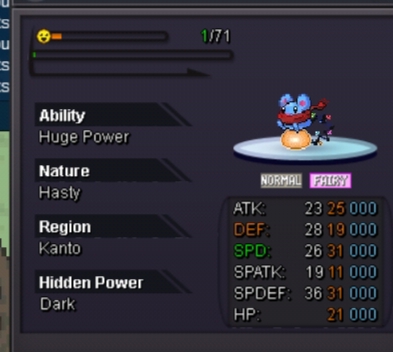
Accept cc and rerolls at(420k and 720k) Minimum bid 200k Starting-2m Ends -48 hours after 1st bid Instant-6m
-
Reply here or ping me ig
-
Sure I have been trying to find u ig
-
Updated 25hours left
-
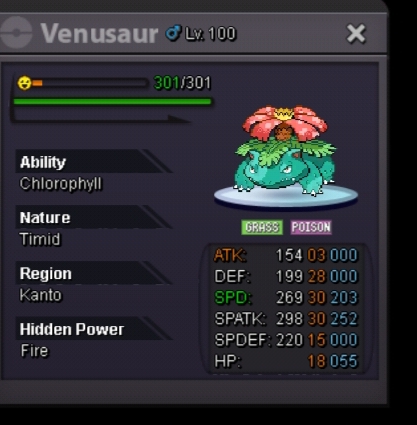
Starting-3m by moethchdn Min bid -200k Instant-7m Accept CCs and reroll (420k/720k) Duration 48houra after first bid
-
Looofor sassy ha hp fire epic tangela or evos
-
sold 29 speed honedge to ashtonbaldo
-
ya u did congragulations
-
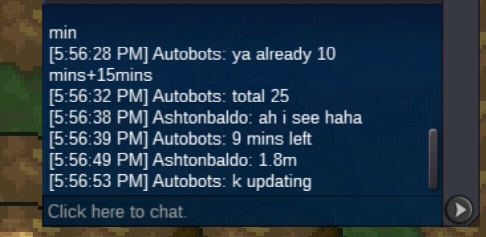
1.8m by ashtonbaldo
-
Ok updated
-
Ok thank you
-
Updated new bo
-
Current offer 1.6m by ashtonbaldo

-
Ok noted