




New Trade Zone
Trade Zone is now live
Use the new Trade Zone for auctions and instant-price trades so Pokemon and item offers are easy to find.

Nargiel
Registered User
-
Joined
-
Last visited
-
Hello Could you restore scyther id 93543840 lvl 100
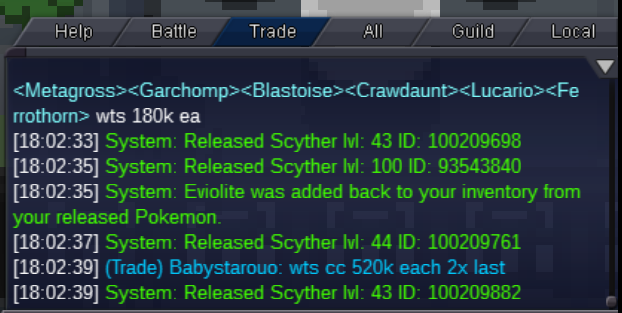
-
Hey can you restore this birb 🙂

-
what is so speacil about this ralts ?
-
Nice, thanks 🙂
-
Is it really worth it ?
-
Hellooo I traded with Clonezifo and got here :)) Can you help

-
Thanks i got it
-
Yeah i m stuck too !
-
Hi, name is Nargiel and i traded with star117v on Silver After that i can't get my 3 pokemons back. She says they are locked. Can you help us ?
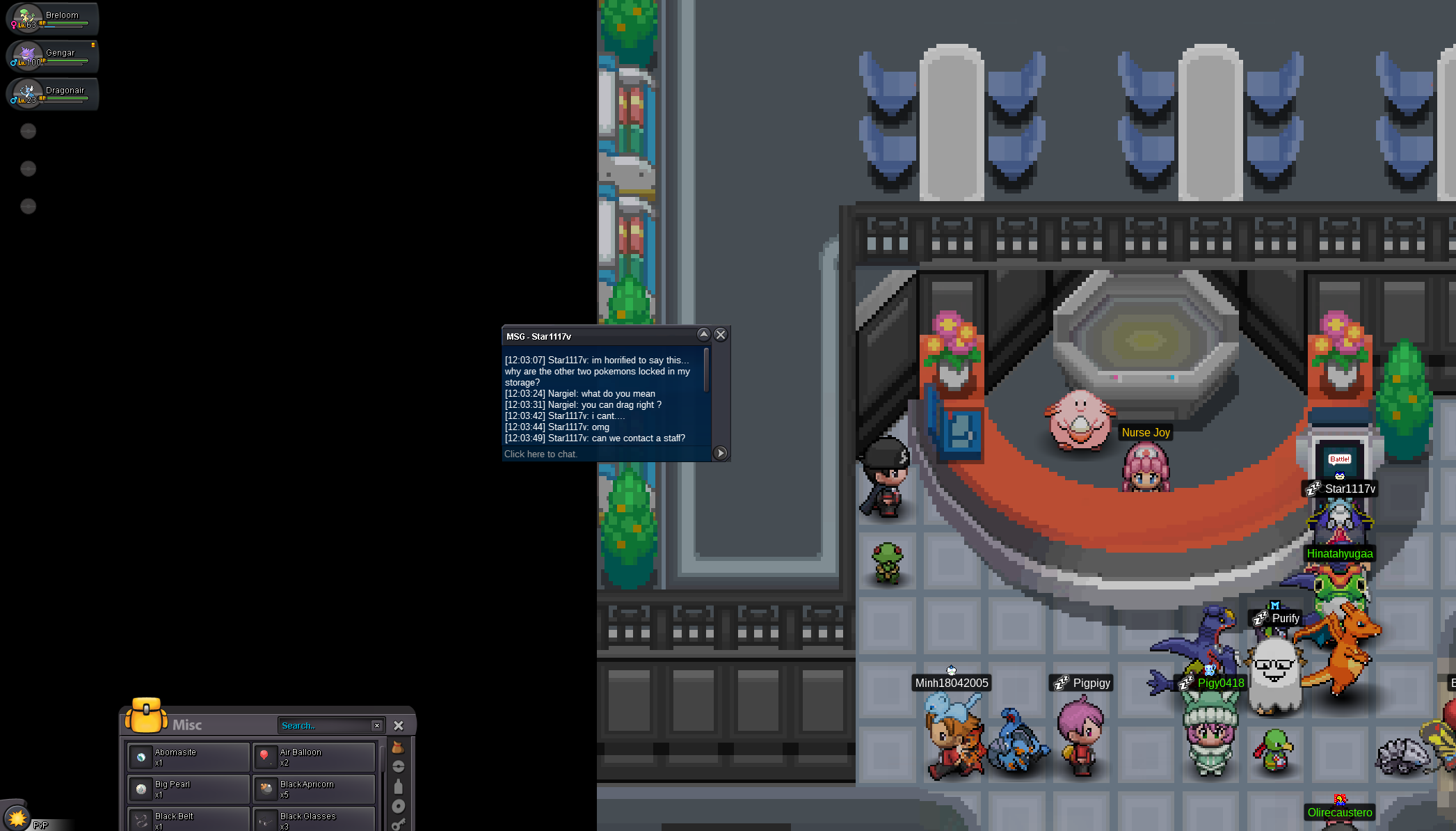

-
Oh boy ! What a fail ! 😞 😄 Thanks
-
Hi I traded my Gligar(with Razor Fang) and Sneasel(with Razor Claw) back but they did not evolve. Did i do something wrong ? Can you help me ? Thx Name Nargiel - Server Silver

-
This is disappointing :( but thanks.
-
I still don't understand. Can ı use my Johto pokemon that i catched in Kanto region or do i have to catch them again in Johto ?
