New Trade Zone
Trade Zone is now live
Use the new Trade Zone for auctions and instant-price trades so Pokemon and item offers are easy to find.

Rkyt1
Registered User
-
Joined
-
Last visited
-
Champboy#4655 wtb timid infernape quick!
-
buy gastrodon
-
🤣
-
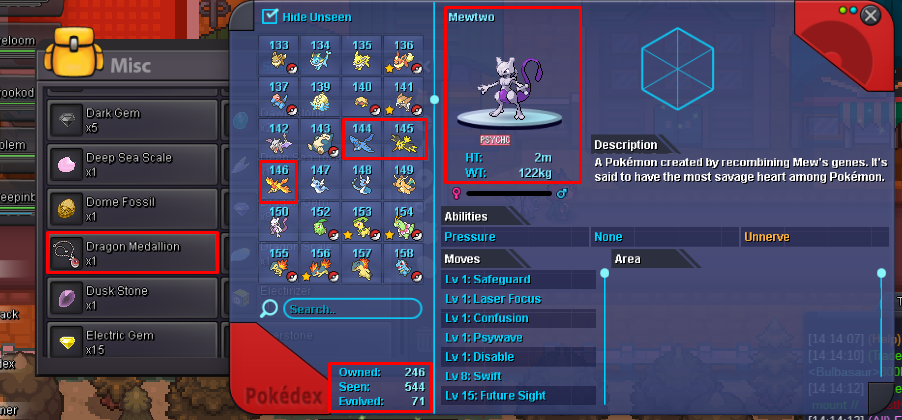
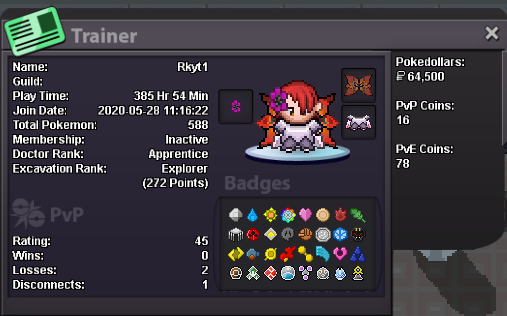
my IGN : Rkyt1 Age: 18 years Are you active in Discord? yes I am from India 349 hours 18 min playtime , i am a active player want to become a decent pvper and enjoy the game i always intended to be in a friendly community filled with members who talk positively , have atleast some sense of humour and treat people equally. I think Choas has members like that so thats why i want to be part of Chaos. my favorite pokemons are shiny mew and yveltal because shiny mew is cute and yveltal because it is dark type legend with oblivion wing(no reason actually) my favorite animal is dog because i love their loyalty and their love towards their ownerHi 👦.The problem i am facing is regarding my mew quest. i actually have all requirements for the mew quest.here they are👇 so to get old sea map,i should talk to old man in celadon office,he is saying indirectly to get my dex checkup.so i went to prof.oak(according to youtube videos) and here the problem shows up.: Prof.Oak should ask me regarding me dex according to video but rather he is asking me regarding mega evolutions of kanto starters(squirtle,bulbasaur,charmander)... so pls help with this issue