




New Trade Zone
Trade Zone is now live
Use the new Trade Zone for auctions and instant-price trades so Pokemon and item offers are easy to find.

Go1denp1kachu
Registered User
-
Joined
-
Last visited
Everything posted by Go1denp1kachu
-
-
-
-
-
Naah just keep chasing your dream! Whatever that may be! And if you dont know what it is yet then time will tell ❤️ Only reason I have long vacation is because I have my own businesses xD So I am already settled.
-
Me myself have vacatoin now until mid August
-
Haha as long as you have food on your table and a roof over your head xD
-
Yeah that would be amazing
-
It's amazing btw ❤️
-
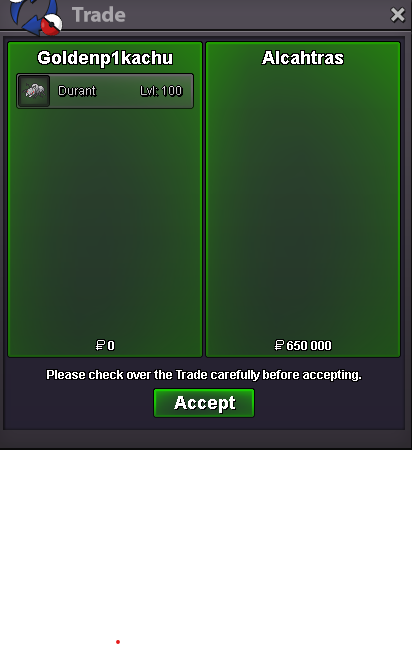
Wont be last tho4795M4M On Gold2.5M449Bump!4.6M21K3.5M



Account
Navigation
Search
Configure browser push notifications
Chrome (Android)
- Tap the lock icon next to the address bar.
- Tap Permissions → Notifications.
- Adjust your preference.
Chrome (Desktop)
- Click the padlock icon in the address bar.
- Select Site settings.
- Find Notifications and adjust your preference.
Safari (iOS 16.4+)
- Ensure the site is installed via Add to Home Screen.
- Open Settings App → Notifications.
- Find your app name and adjust your preference.
Safari (macOS)
- Go to Safari → Preferences.
- Click the Websites tab.
- Select Notifications in the sidebar.
- Find this website and adjust your preference.
Edge (Android)
- Tap the lock icon next to the address bar.
- Tap Permissions.
- Find Notifications and adjust your preference.
Edge (Desktop)
- Click the padlock icon in the address bar.
- Click Permissions for this site.
- Find Notifications and adjust your preference.
Firefox (Android)
- Go to Settings → Site permissions.
- Tap Notifications.
- Find this site in the list and adjust your preference.
Firefox (Desktop)
- Open Firefox Settings.
- Search for Notifications.
- Find this site in the list and adjust your preference.