New Trade Zone
Trade Zone is now live
Use the new Trade Zone for auctions and instant-price trades so Pokemon and item offers are easy to find.


Katowiczanin
Registered User
-
Joined
-
Last visited
Everything posted by Katowiczanin
-
i buy ada tyr 200k
-
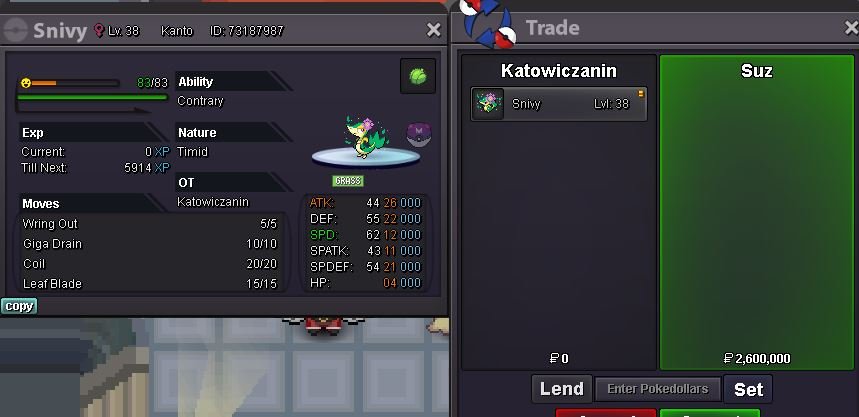
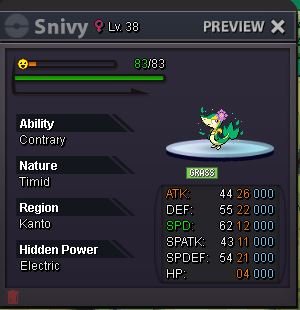
@Suz won with 2.6m bid msg me here, ig Katowiczanin or discord KAT'owiczanin.#1423bumpBumpHello Let sell this cutie 😉 Auction rules: Start : 100k Min bid 100k No Insta 5 days after start Countdown: https://www.tickcounter.com/countdown/3388009/snivy
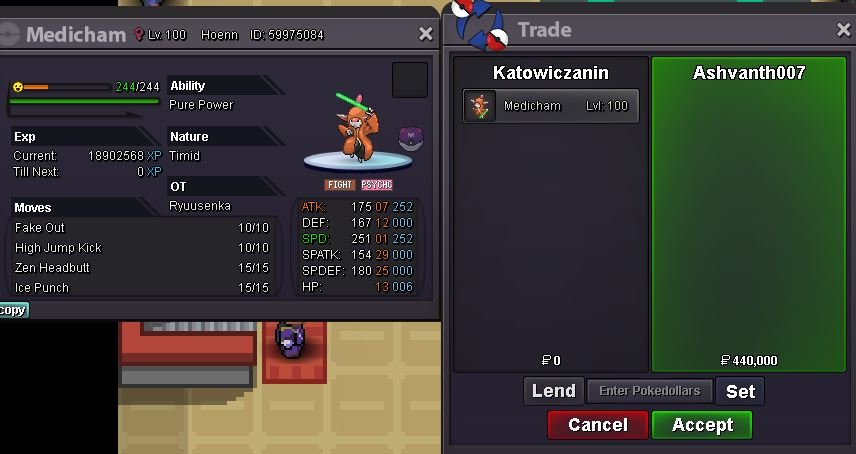
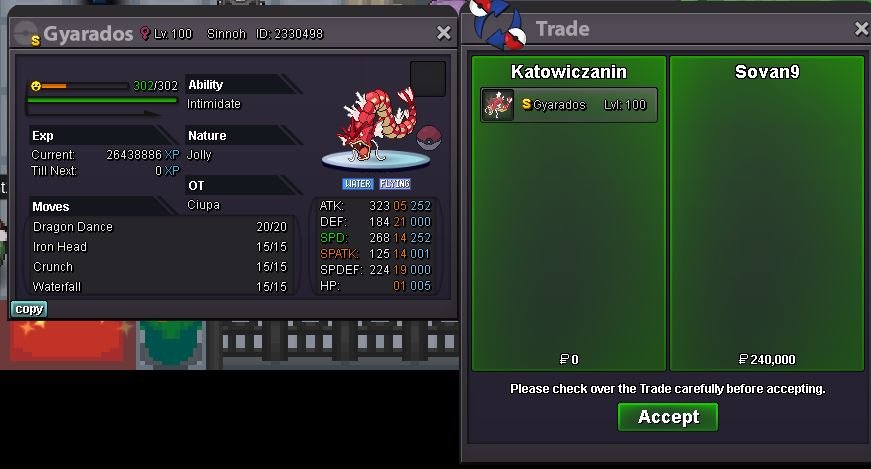
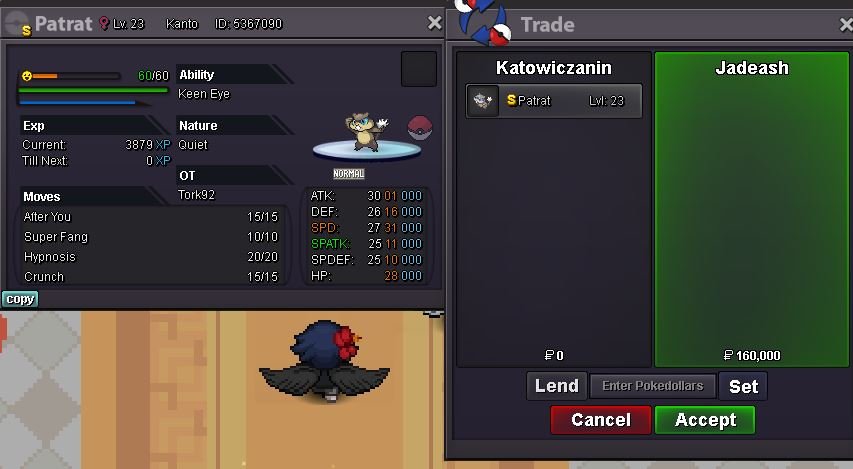
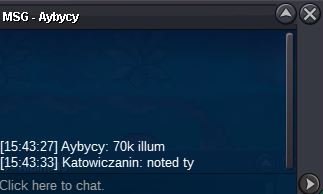
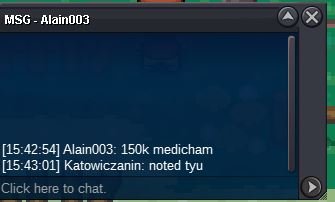
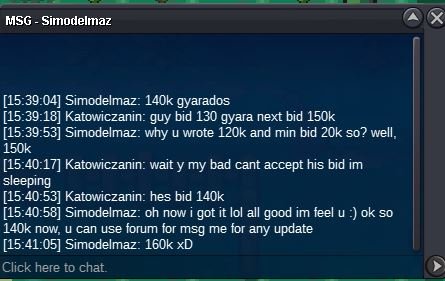
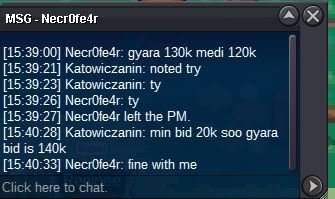
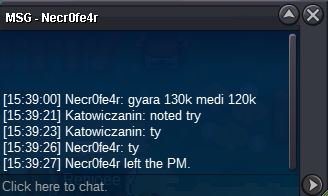
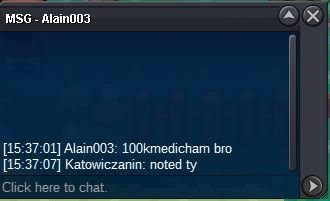
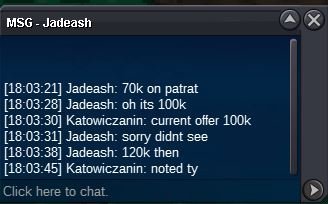
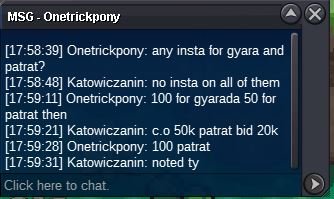
 medi sold to @Ashvanth007 with 440k bid@Sovan9im online if u wanna trade ig Katowiczanin or discord KAT'owiczanin.#1423illu won by @SHINYragnaros with 270k bidmedicham and illumise 15 mins left c.o medi 200k by @Ashvanth007 c.o illu 270k by @SHINYragnaros@JadeAsh won patrat with 160k bid @Sovan9won gyara with 240k bidBumpstart 😉
Account
Navigation
Search
Configure browser push notifications
Chrome (Android)
- Tap the lock icon next to the address bar.
- Tap Permissions → Notifications.
- Adjust your preference.
Chrome (Desktop)
- Click the padlock icon in the address bar.
- Select Site settings.
- Find Notifications and adjust your preference.
Safari (iOS 16.4+)
- Ensure the site is installed via Add to Home Screen.
- Open Settings App → Notifications.
- Find your app name and adjust your preference.
Safari (macOS)
- Go to Safari → Preferences.
- Click the Websites tab.
- Select Notifications in the sidebar.
- Find this website and adjust your preference.
Edge (Android)
- Tap the lock icon next to the address bar.
- Tap Permissions.
- Find Notifications and adjust your preference.
Edge (Desktop)
- Click the padlock icon in the address bar.
- Click Permissions for this site.
- Find Notifications and adjust your preference.
Firefox (Android)
- Go to Settings → Site permissions.
- Tap Notifications.
- Find this site in the list and adjust your preference.
Firefox (Desktop)
- Open Firefox Settings.
- Search for Notifications.
- Find this site in the list and adjust your preference.