New Trade Zone
Trade Zone is now live
Use the new Trade Zone for auctions and instant-price trades so Pokemon and item offers are easy to find.


Katowiczanin
Registered User
-
Joined
-
Last visited
Everything posted by Katowiczanin
-
Yeah it make no sense to be honest . Like 1iv can change a lot if you get 1/2hko and price should be higher obviously but ppl are not that deep into pvp numbers etc.
-
Yo Rules applies to all mons. Start: 50K Bid: 20k No Insta 24h after start Poke$ only Countdown for gyarados & patrat https://www.tickcounter.com/countdown/3379995/gyarapat

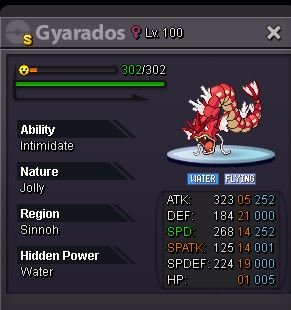
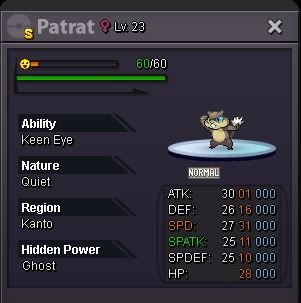
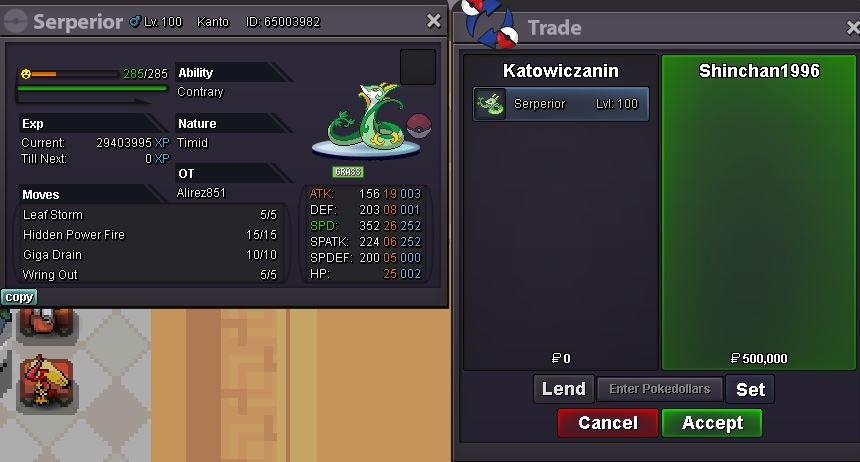
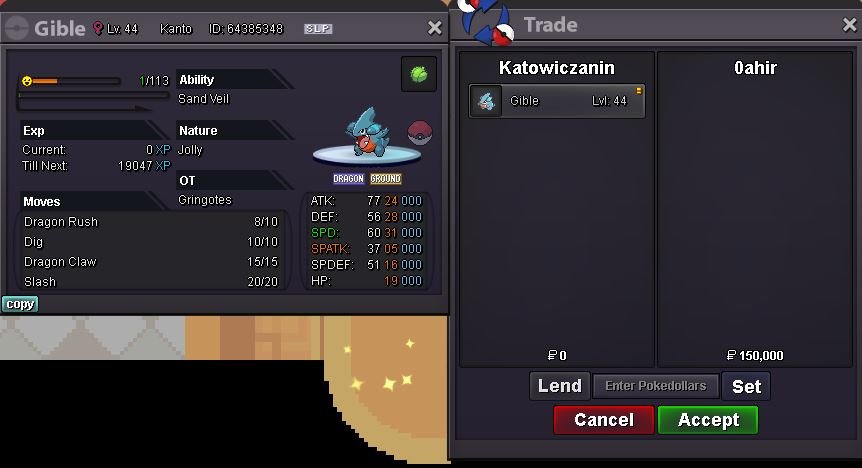
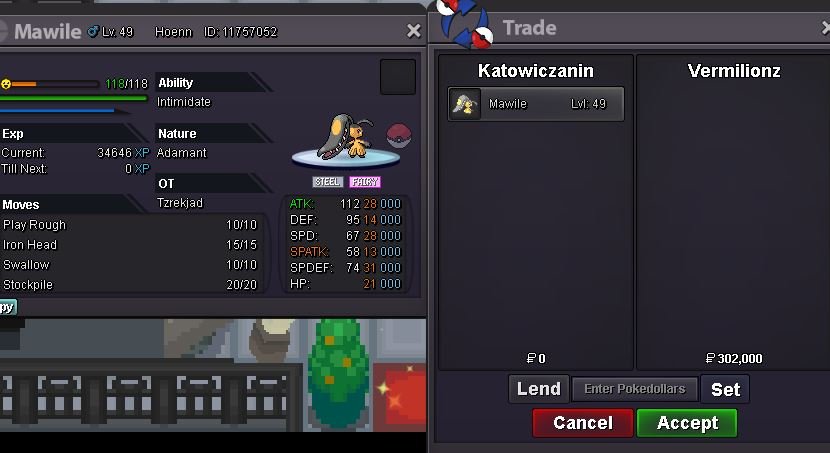
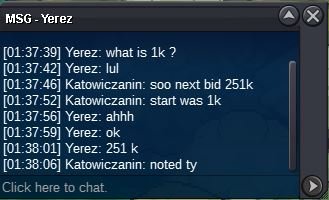
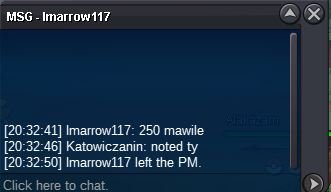
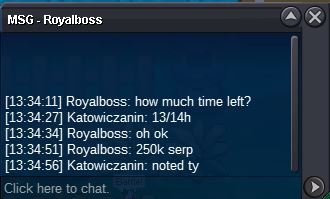
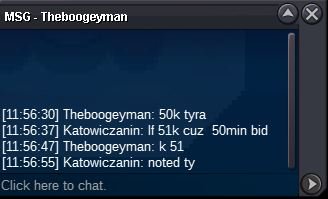
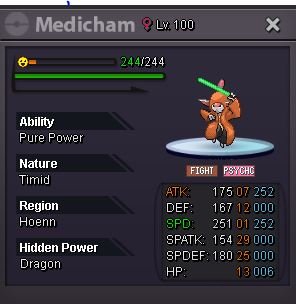 2.5mStartStartperson that will comment after me , got to give me all poke$ and mons (o_O)mawile won by @Vermilionz with 302k bid serperior won by @shinchan1996 with 500k bid tyranitar won by @Ramadianwith 101k bid gible won by @Ahir with 150k bid Winners contact me here , ig Katowiczanin or on discord KAT'owiczanin.#1423how much for this?
 u cant accept 2m bid btw1.999.9991msorry @JadeAsh guy bidded that earlier idk why my post didnt went thru I was sure i did post it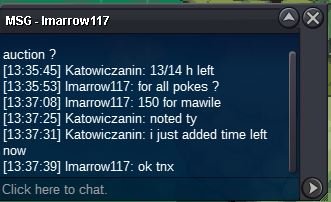
Account
Navigation
Search
Configure browser push notifications
Chrome (Android)
- Tap the lock icon next to the address bar.
- Tap Permissions → Notifications.
- Adjust your preference.
Chrome (Desktop)
- Click the padlock icon in the address bar.
- Select Site settings.
- Find Notifications and adjust your preference.
Safari (iOS 16.4+)
- Ensure the site is installed via Add to Home Screen.
- Open Settings App → Notifications.
- Find your app name and adjust your preference.
Safari (macOS)
- Go to Safari → Preferences.
- Click the Websites tab.
- Select Notifications in the sidebar.
- Find this website and adjust your preference.
Edge (Android)
- Tap the lock icon next to the address bar.
- Tap Permissions.
- Find Notifications and adjust your preference.
Edge (Desktop)
- Click the padlock icon in the address bar.
- Click Permissions for this site.
- Find Notifications and adjust your preference.
Firefox (Android)
- Go to Settings → Site permissions.
- Tap Notifications.
- Find this site in the list and adjust your preference.
Firefox (Desktop)
- Open Firefox Settings.
- Search for Notifications.
- Find this site in the list and adjust your preference.