




New Trade Zone
Trade Zone is now live
Use the new Trade Zone for auctions and instant-price trades so Pokemon and item offers are easy to find.


Katowiczanin
Registered User
-
Joined
-
Last visited
Everything posted by Katowiczanin
-
I buy slowpoke and durant. Final offer for both ? Contact me here or on discord KAT'owiczanin.#1423
-
Medi for 1m?
-
start happiny 😉
-
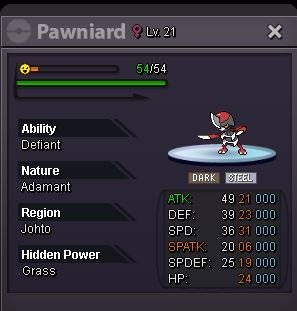
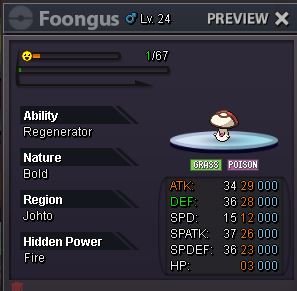
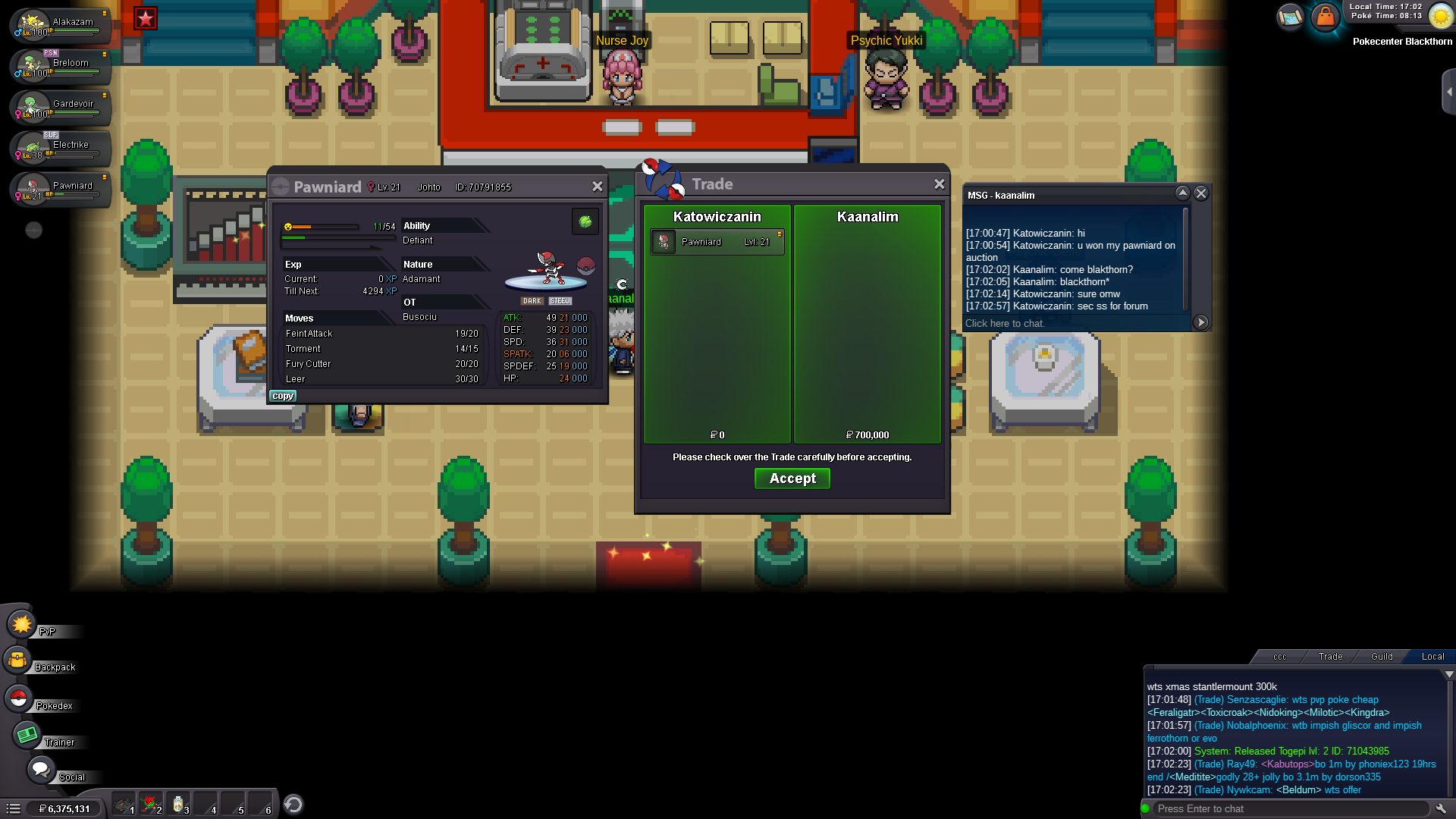
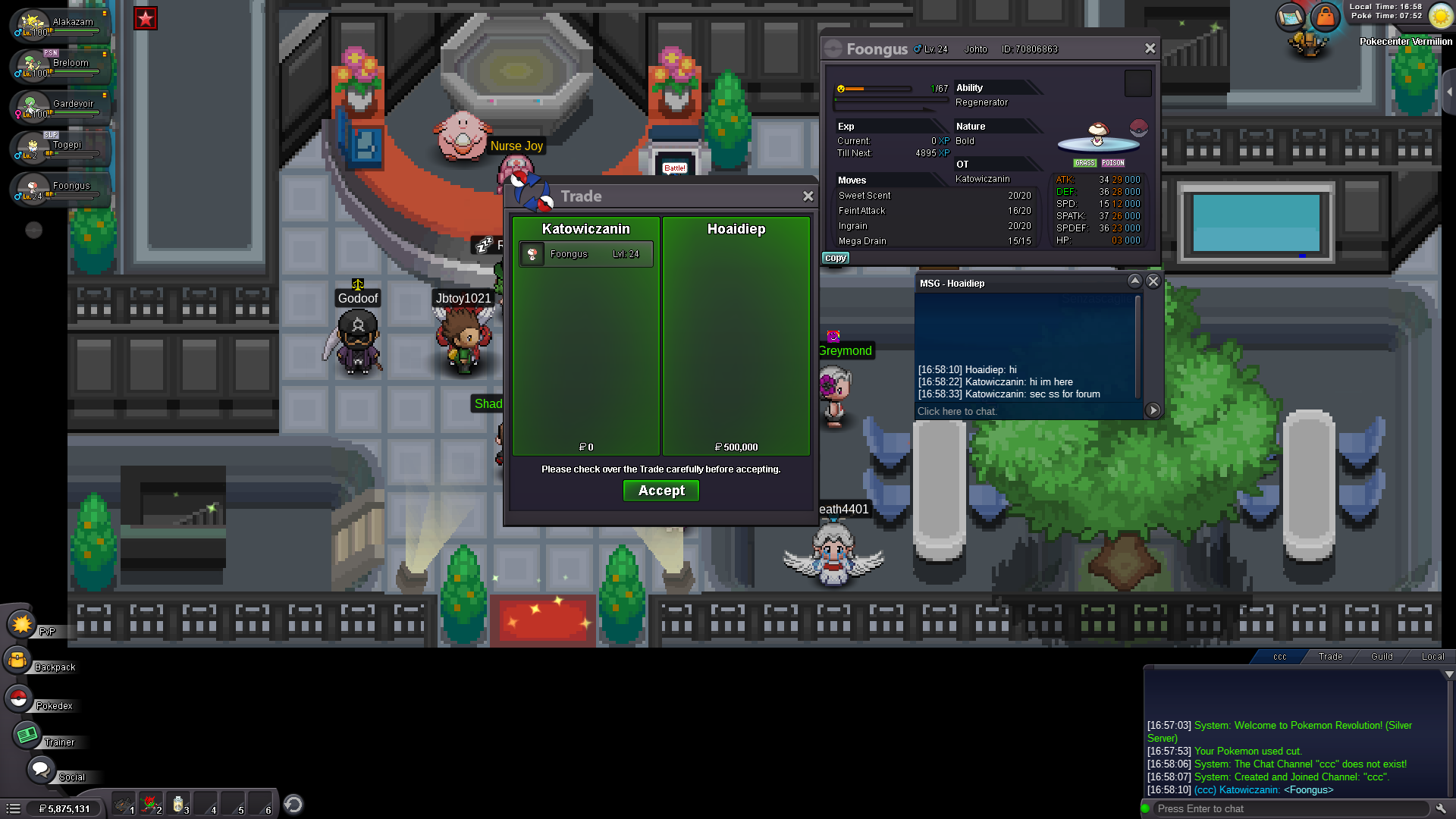
times up foongus sold to @hoaidiep my contact is posted abovepawniard won by Kaanalim with 700k bid @kaanalim contact me here , in game Katowiczanin or on dicord KAT'owiczanin.#1423@Euniatime is growing now because that how its work on this webiste. Time was up at 5.17pm UK time like its says there
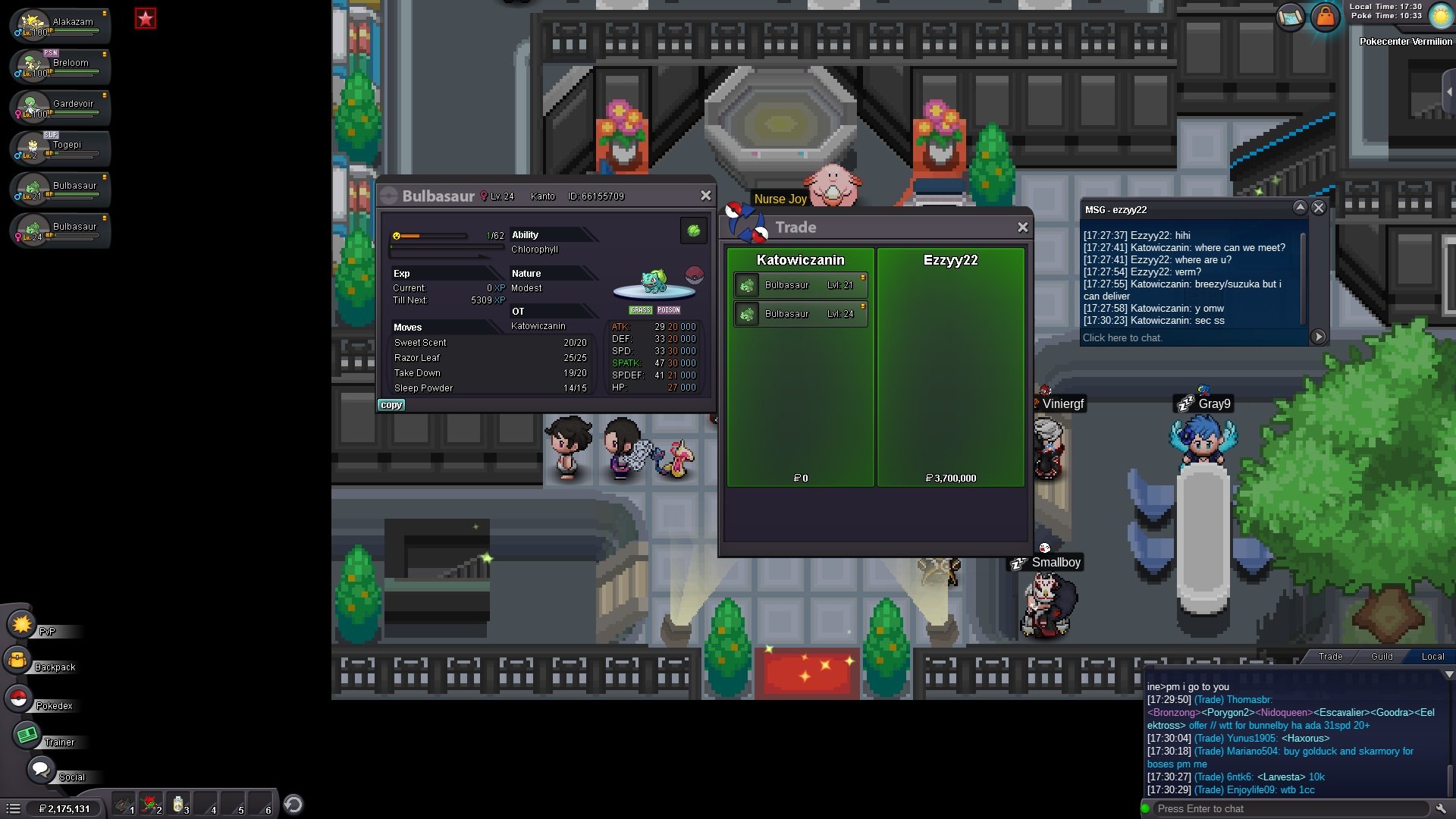
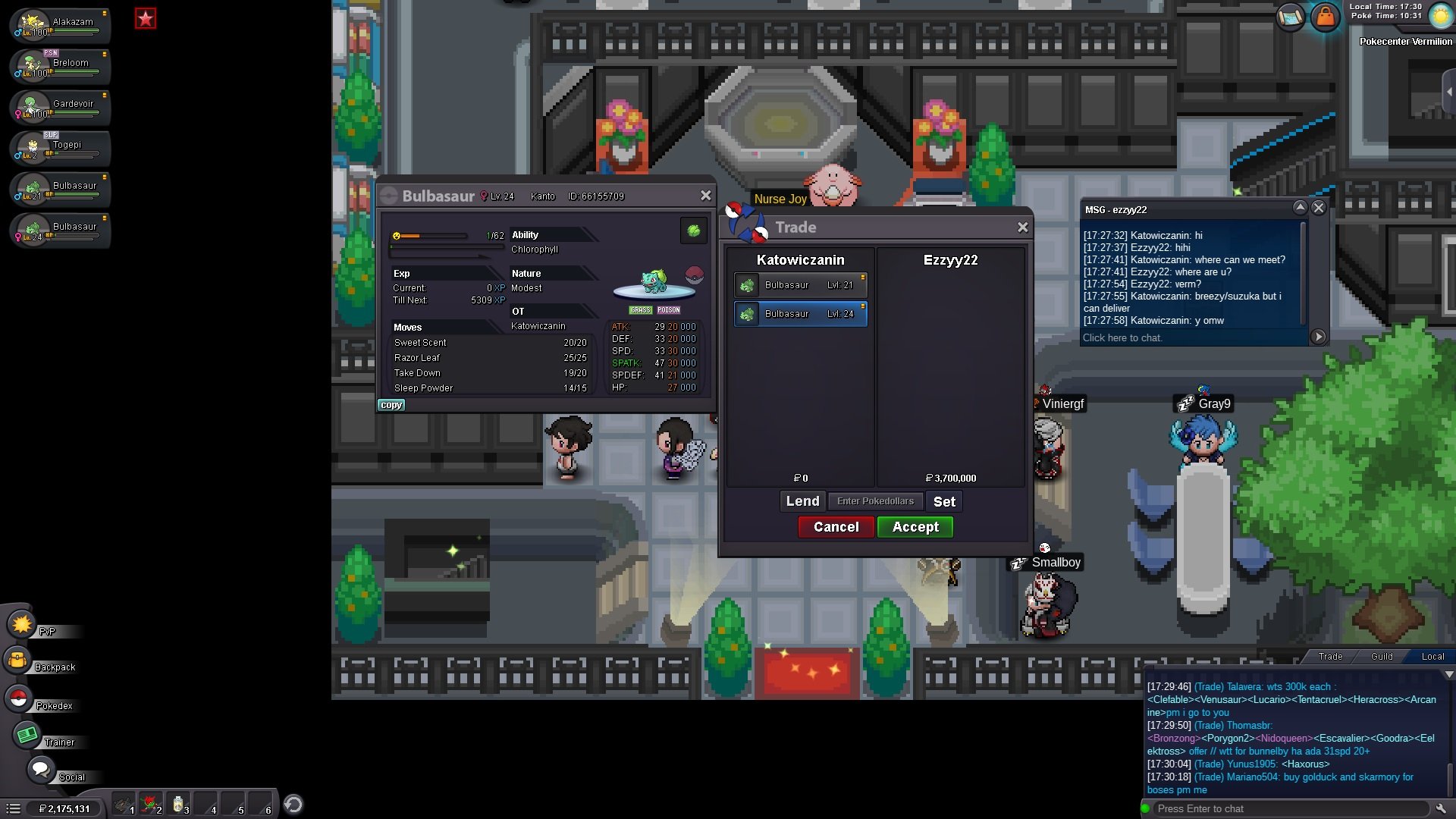
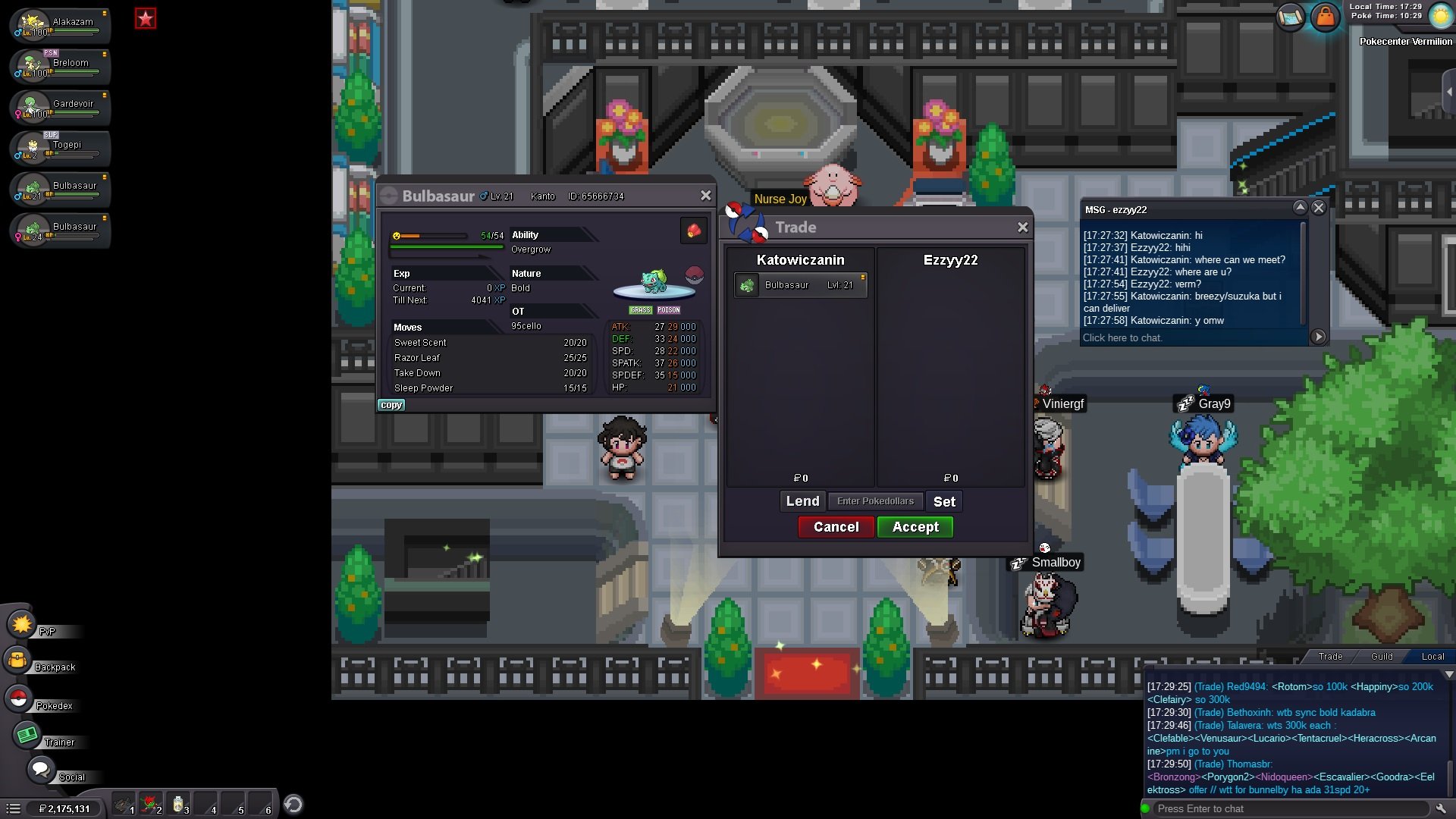
 @ezzyy22 you won both bulbas contact me here . in game Katowiczanin or on dicord KAT'owiczanin.#1423foongus start 200k
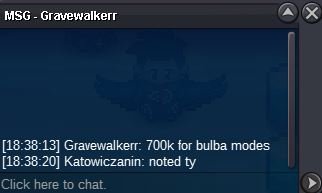
 700k bulba #1
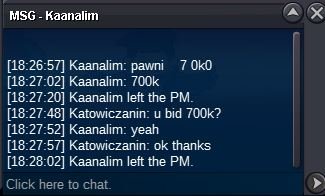
 Pawniard started with 700k bid ;o
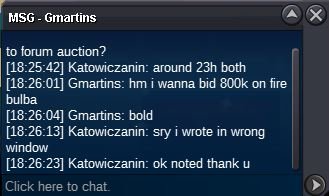
 800k bid bulba #2
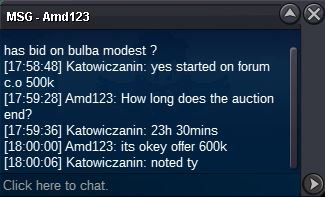
 600k bulba #1
 700k bulba #2
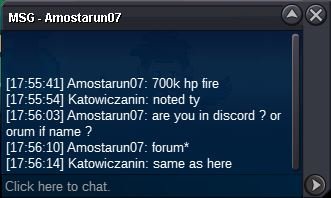 600k bulba #2
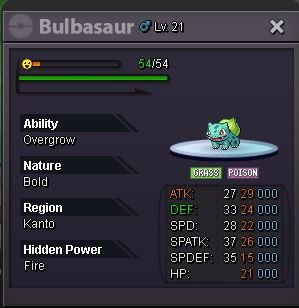
 @xChase Ty for start . I didn't wrote it soo thats mean poke$ only @tejkkapadia123Hi Let sell few mons again 😉 Bulba #1 Bulba #2 Countdown for both bulbas: https://www.timeanddate.com/countdown/vacation?iso=20220510T1717&p0=90&font=cursive Pawniard Countdown: https://www.timeanddate.com/countdown/vacation?iso=20220510T1827&p0=90&font=cursive Applyin to 3 mons above: S.o 500k Min bid 100k No insta 24h duration Foongus Countdown: https://www.timeanddate.com/countdown/vacation?iso=20220510T185824&p0=90&font=cursive S.o 200k Min bid 50k No insta 24h duration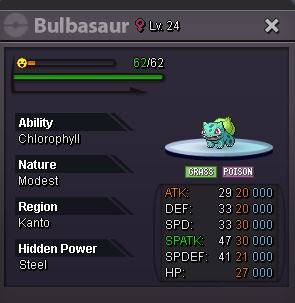
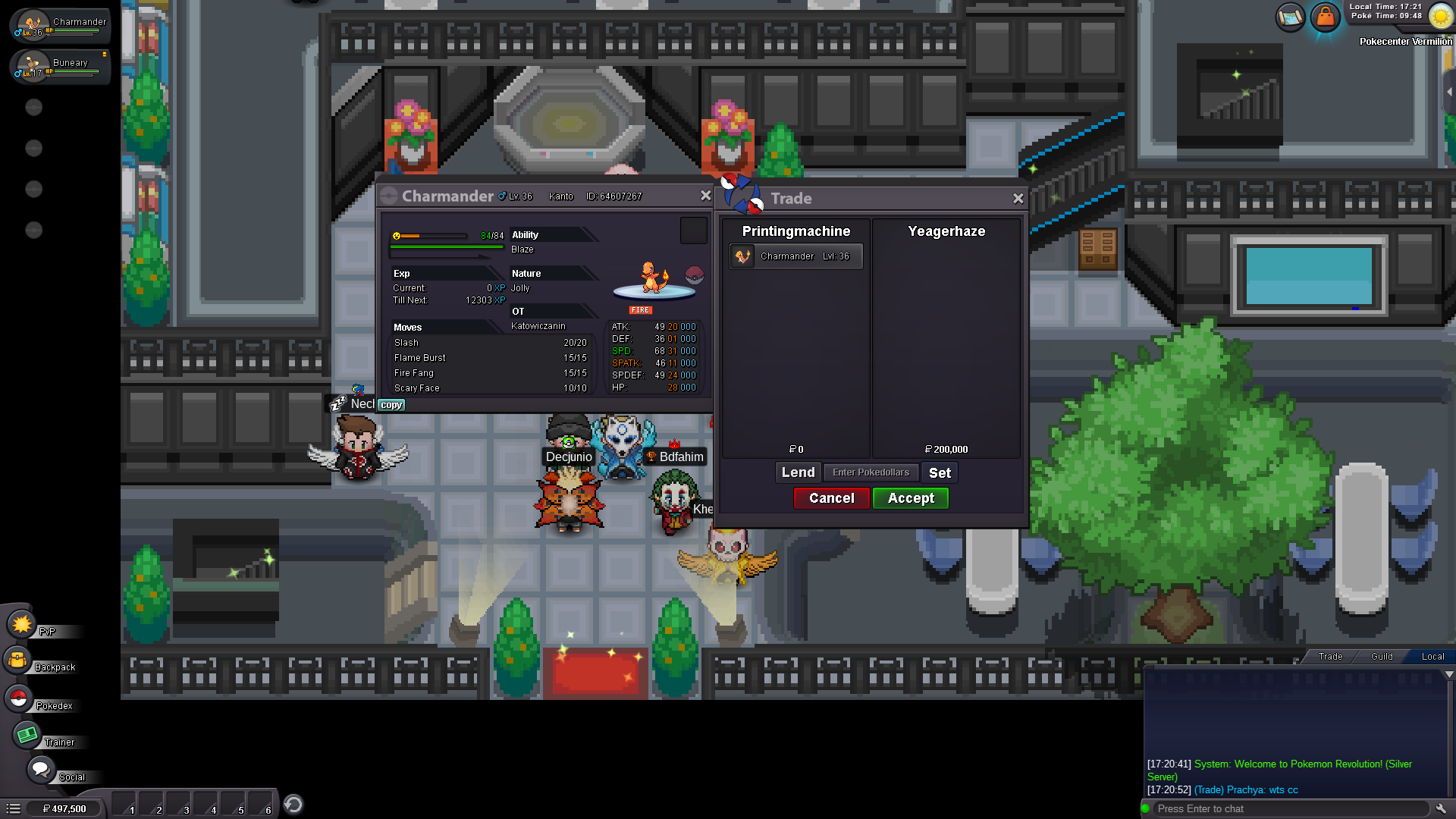
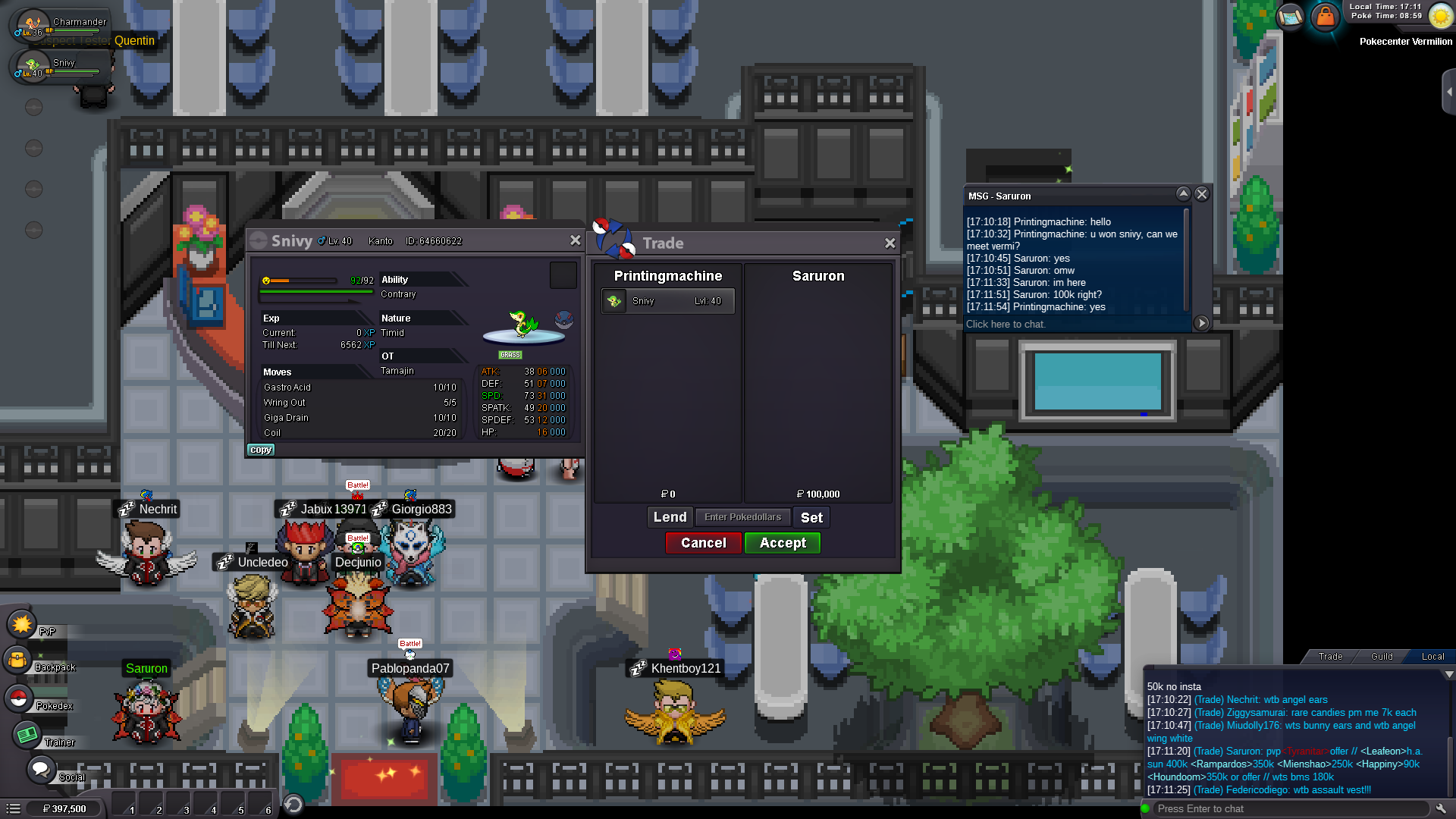
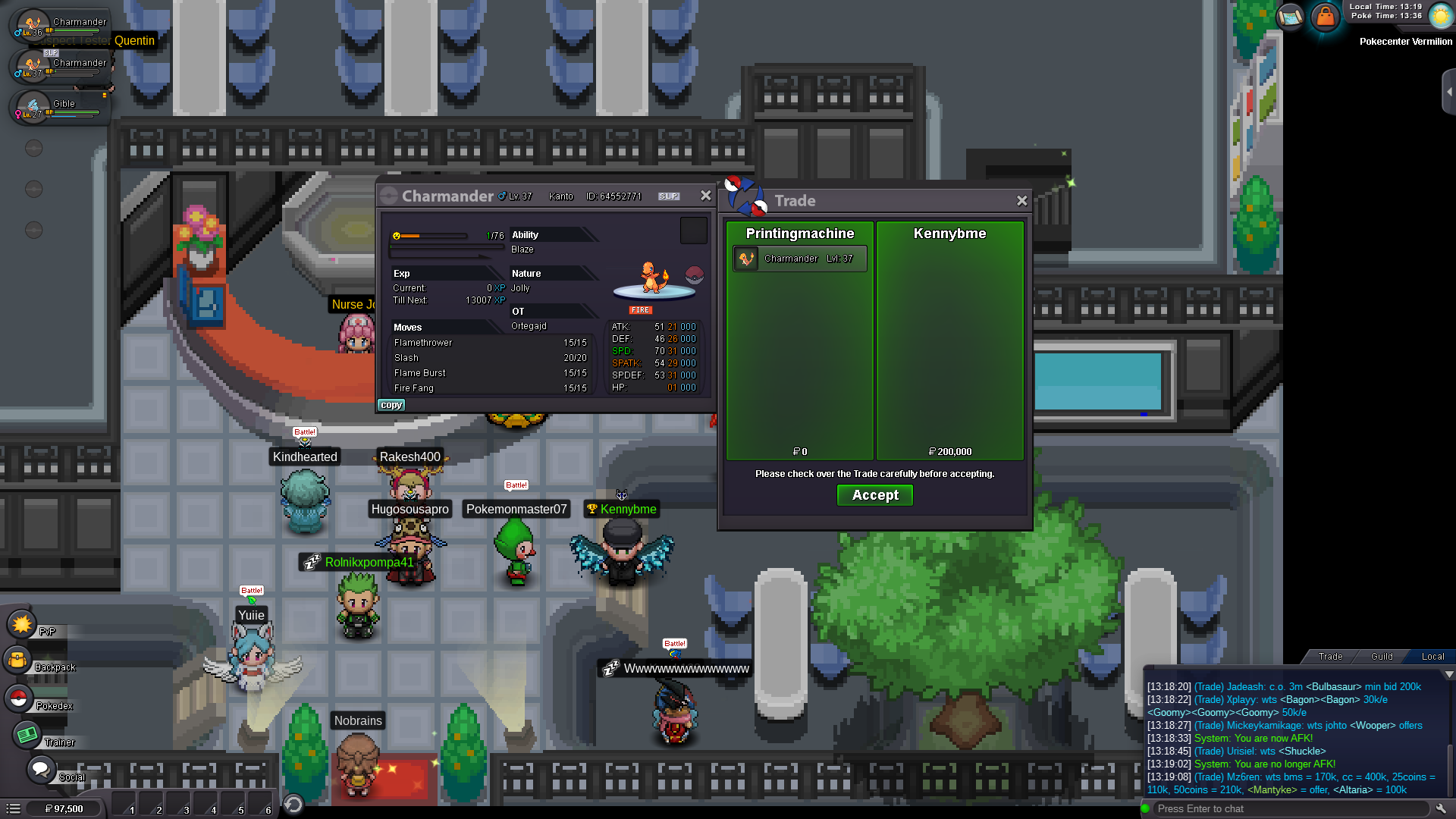
 @Saruron ye its done is your in game nickname same?Thank you @Eoncharmander n.o 1 won by @kennybme with 200k bid and gible won by @iCacherazo with 100k bid. Ty contact me here , in game "Katowiczanin" or discord KAT'owiczanin.#1423 . Reminder to @YeagerHaze

Account
Navigation
Search
Configure browser push notifications
Chrome (Android)
- Tap the lock icon next to the address bar.
- Tap Permissions → Notifications.
- Adjust your preference.
Chrome (Desktop)
- Click the padlock icon in the address bar.
- Select Site settings.
- Find Notifications and adjust your preference.
Safari (iOS 16.4+)
- Ensure the site is installed via Add to Home Screen.
- Open Settings App → Notifications.
- Find your app name and adjust your preference.
Safari (macOS)
- Go to Safari → Preferences.
- Click the Websites tab.
- Select Notifications in the sidebar.
- Find this website and adjust your preference.
Edge (Android)
- Tap the lock icon next to the address bar.
- Tap Permissions.
- Find Notifications and adjust your preference.
Edge (Desktop)
- Click the padlock icon in the address bar.
- Click Permissions for this site.
- Find Notifications and adjust your preference.
Firefox (Android)
- Go to Settings → Site permissions.
- Tap Notifications.
- Find this site in the list and adjust your preference.
Firefox (Desktop)
- Open Firefox Settings.
- Search for Notifications.
- Find this site in the list and adjust your preference.