




New Trade Zone
Trade Zone is now live
Use the new Trade Zone for auctions and instant-price trades so Pokemon and item offers are easy to find.

Walyalexander
Registered User
-
Joined
-
Last visited
Everything posted by Walyalexander
-
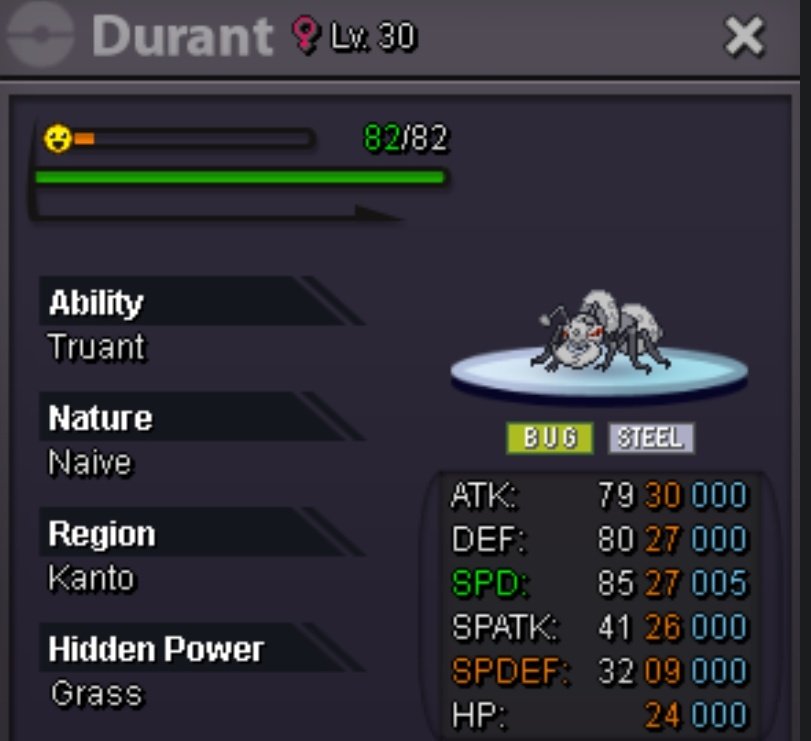
Wtb this durant. 100k pls
-
71k
-
65k
-
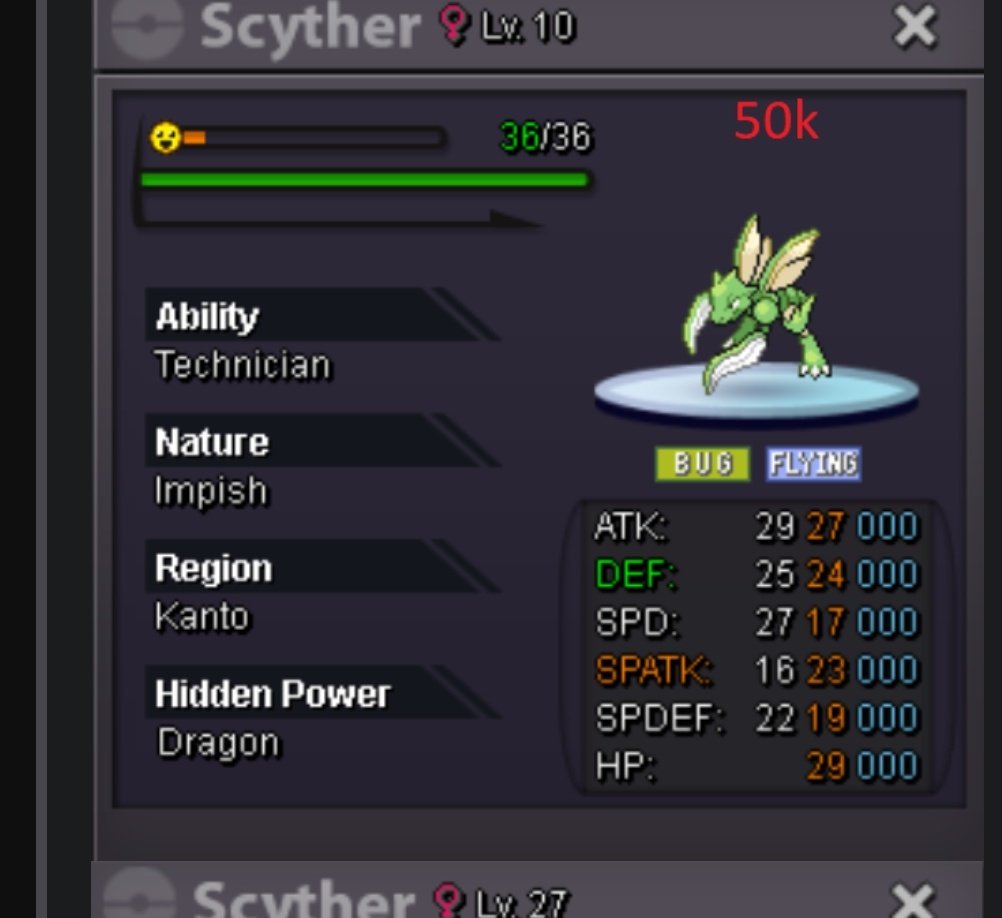
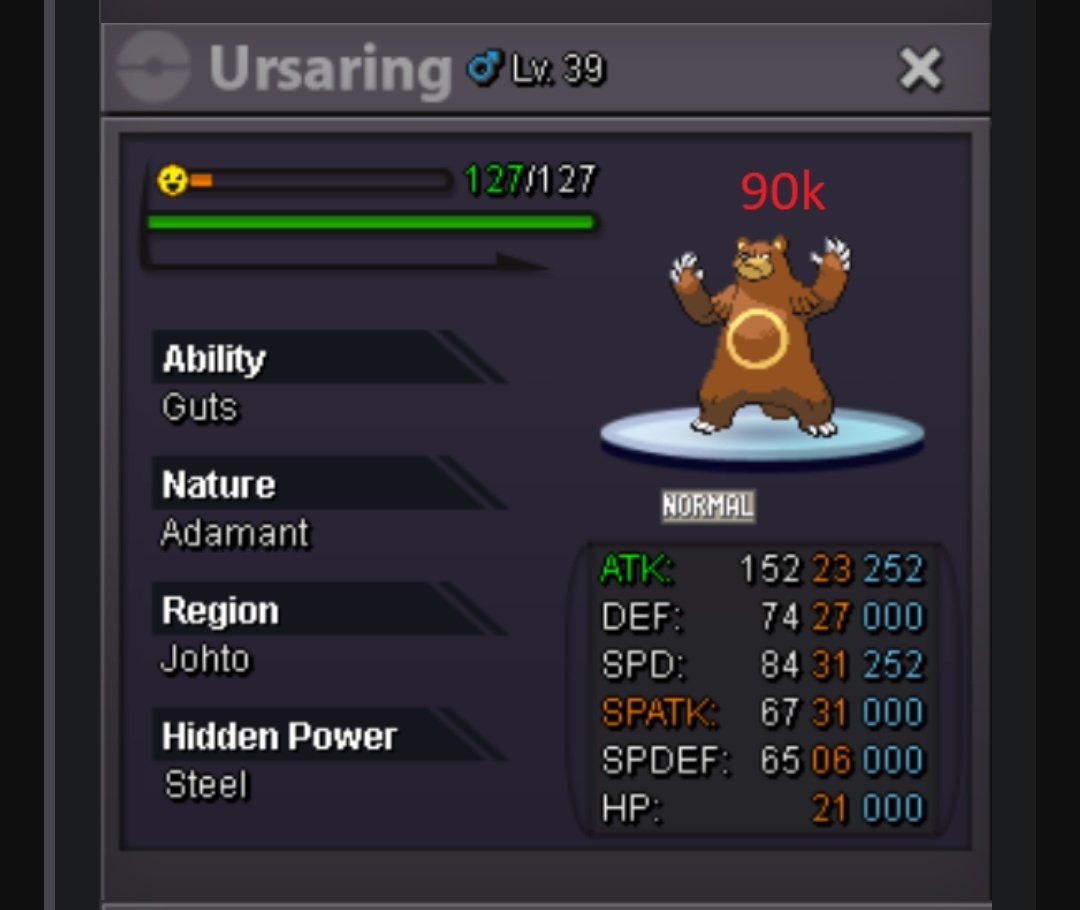
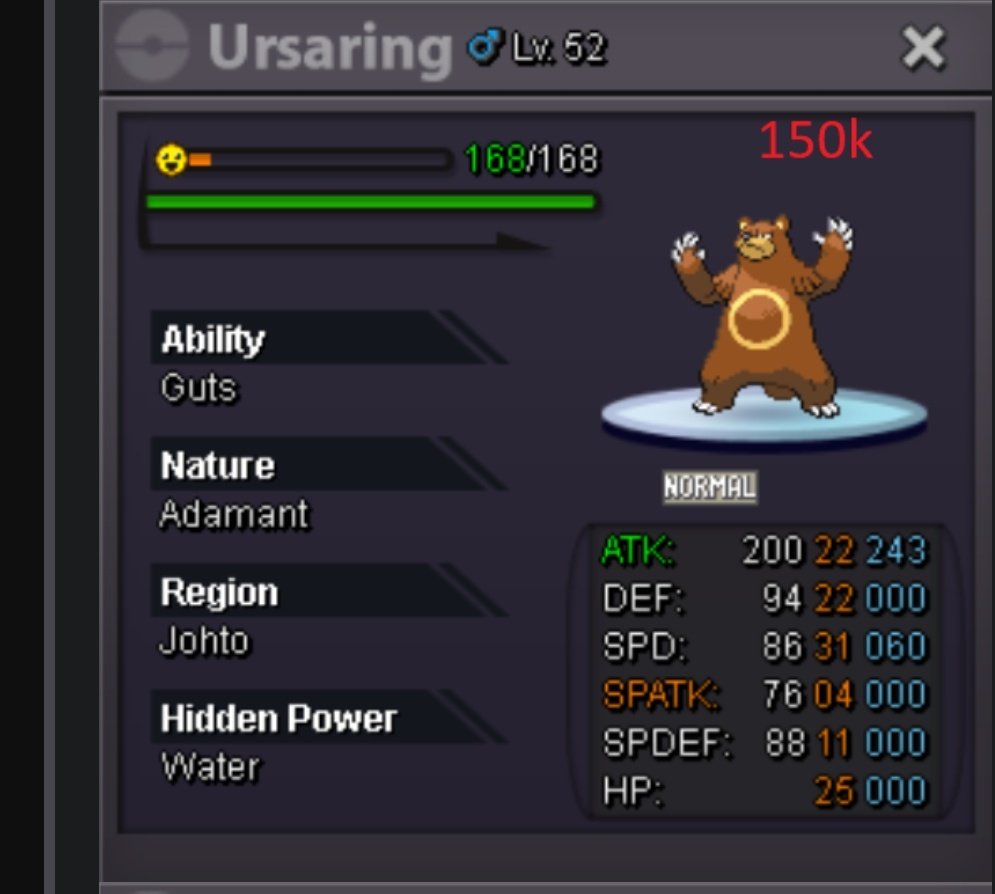
Wtb these
-
Wtb doublade calm
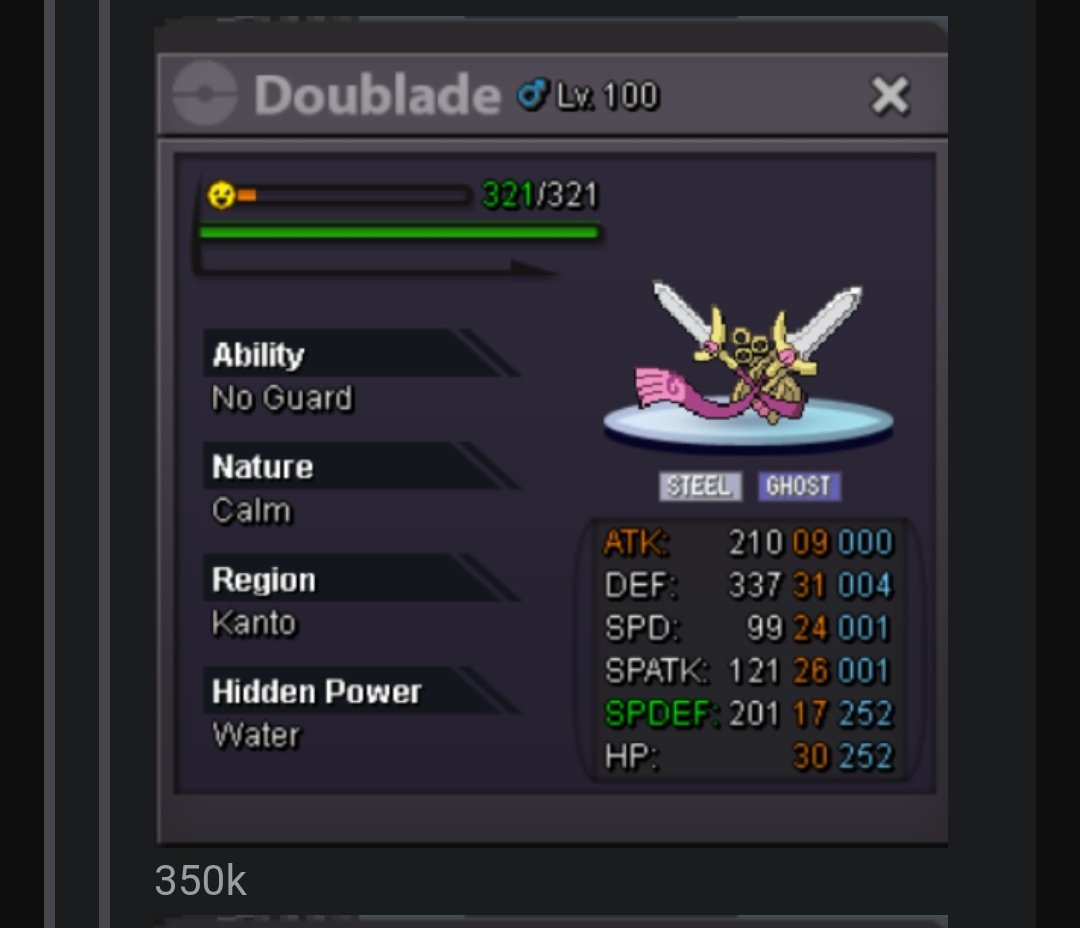
-
Wtb doublade calm
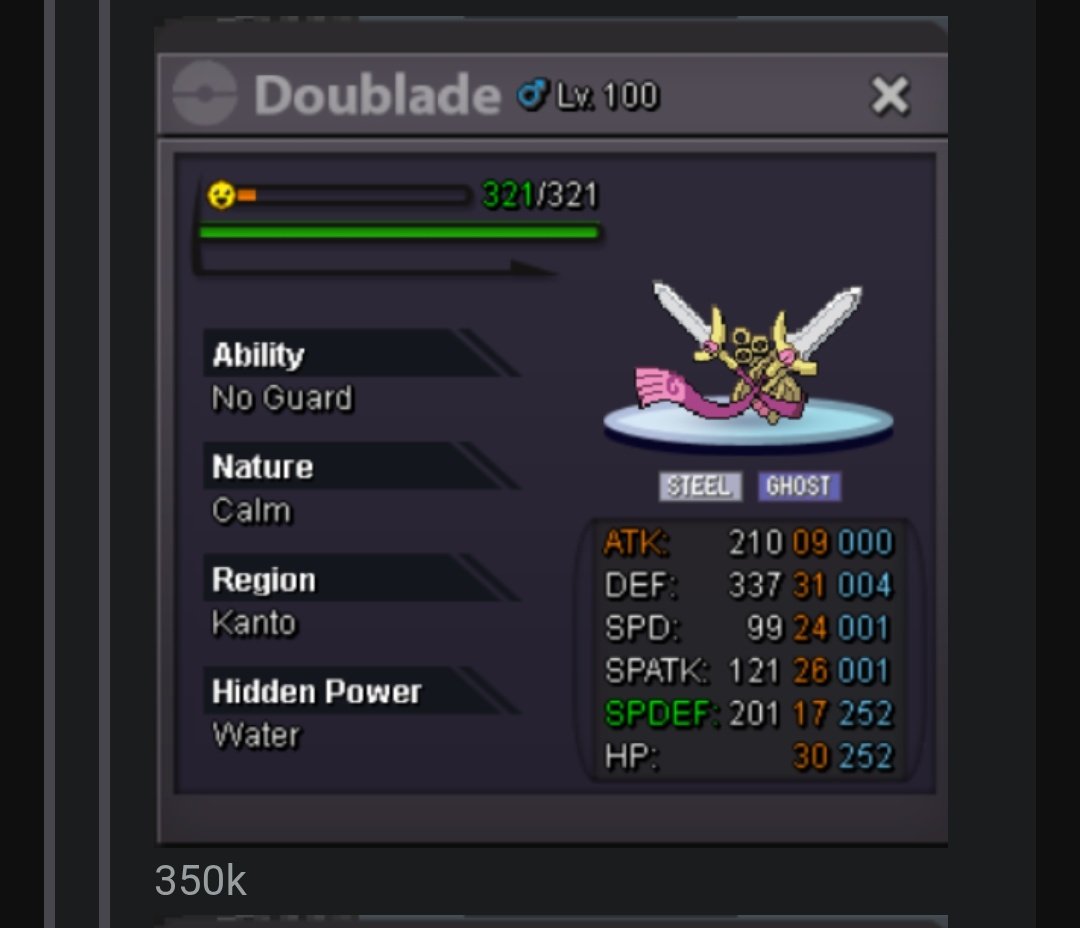
-
Wtb these
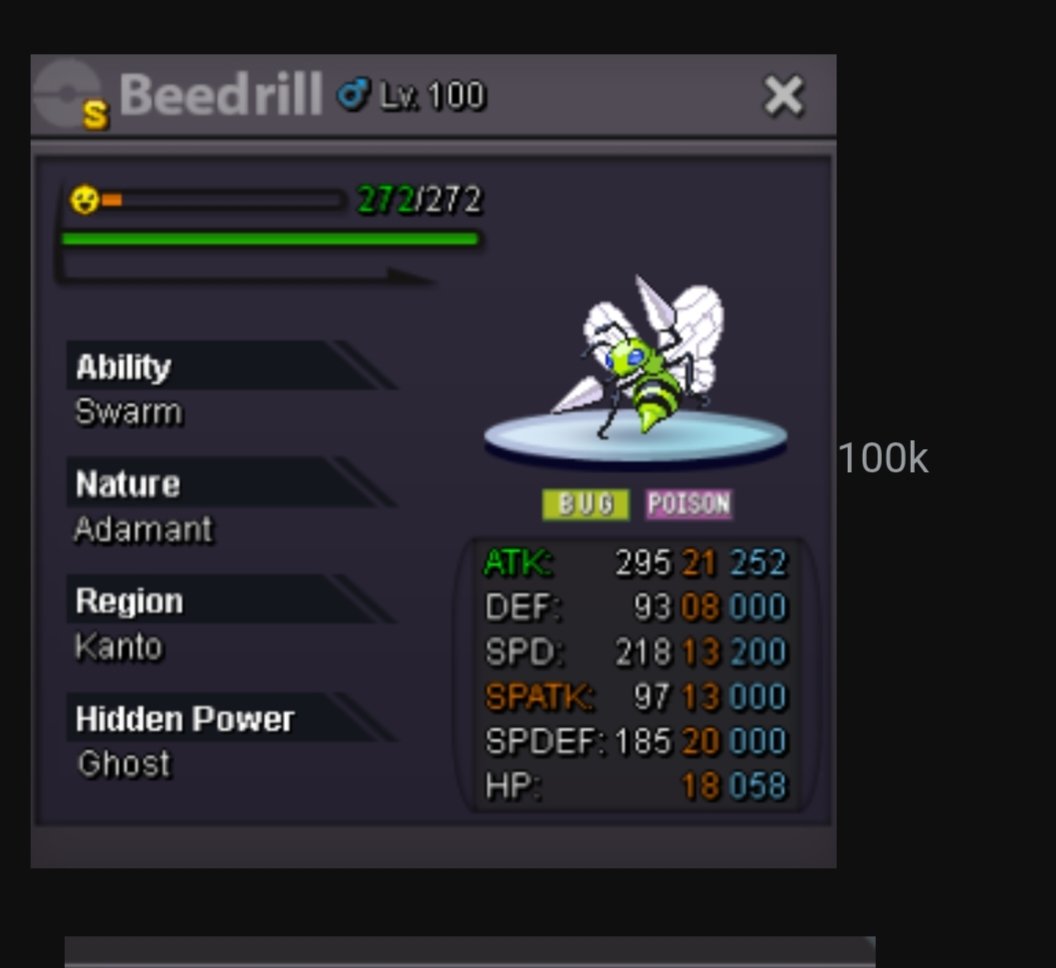
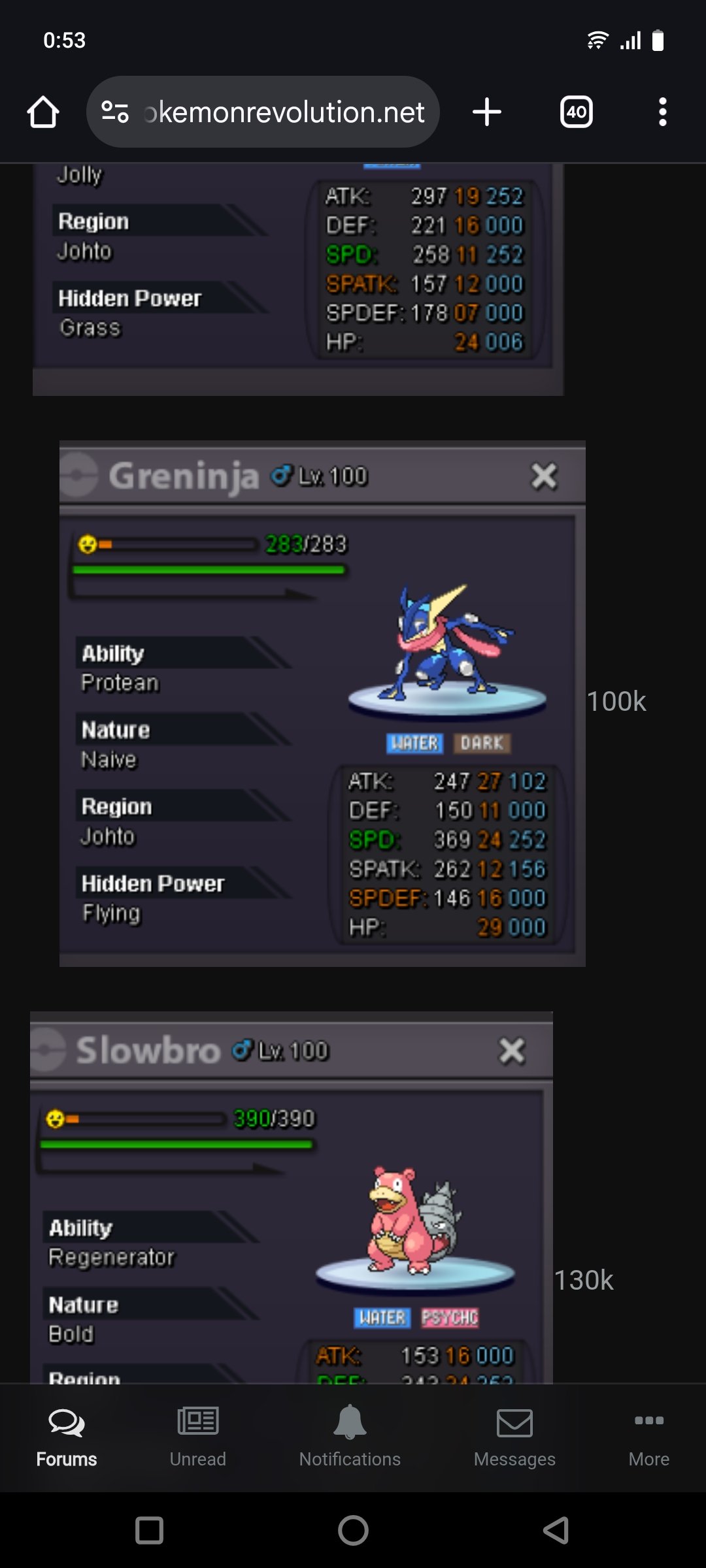
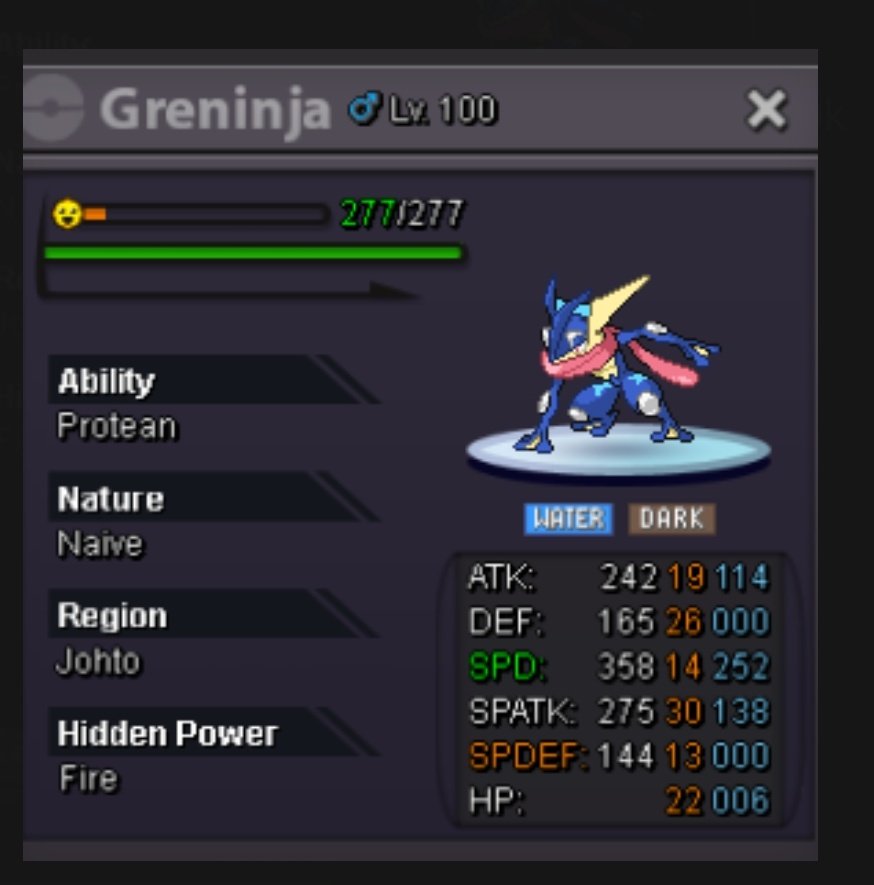
-
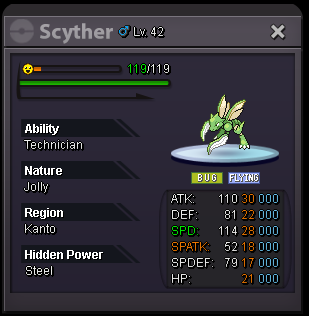
StartUpI want IV rr ticketsSorry i want Cancel my bid, I didn't see you were from gold silver broSrartBumpBuy scyther
 Lowered pricesHi., my username IS "Walyalexander", im from silver server. Mi nick in discord: "alex_w" , "alex_waly" Her i ll put some Pokémons to sell. 400k 350k 300k 350k 130k 280k 700k 100k 1m. (SOLD) 180k 300k 320k 30k 150k 300k 130k 200k 450k 400k 180k 180k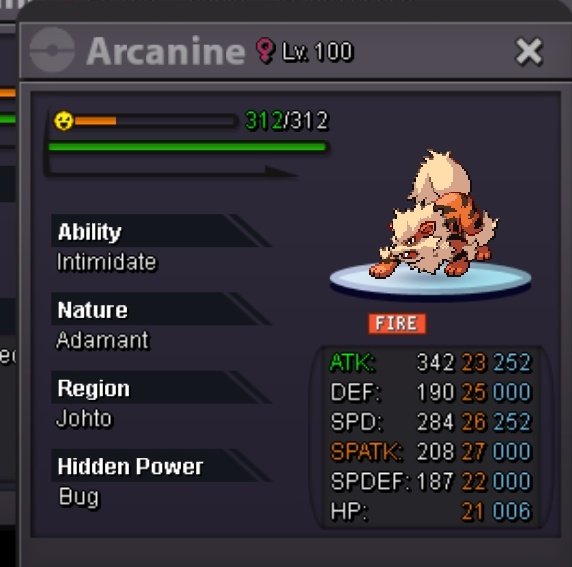
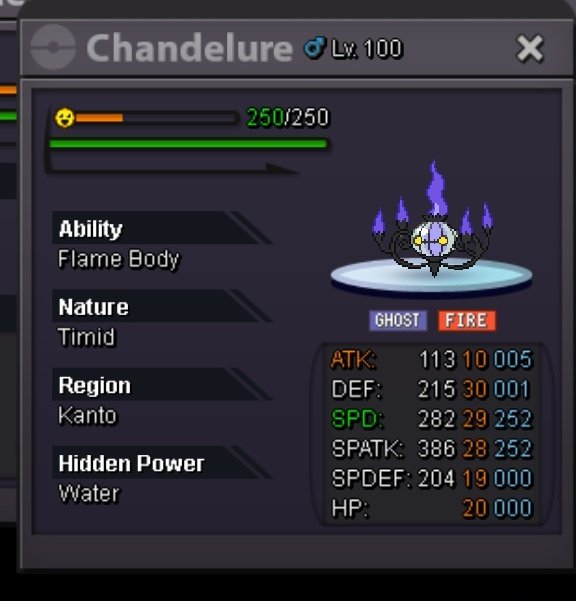
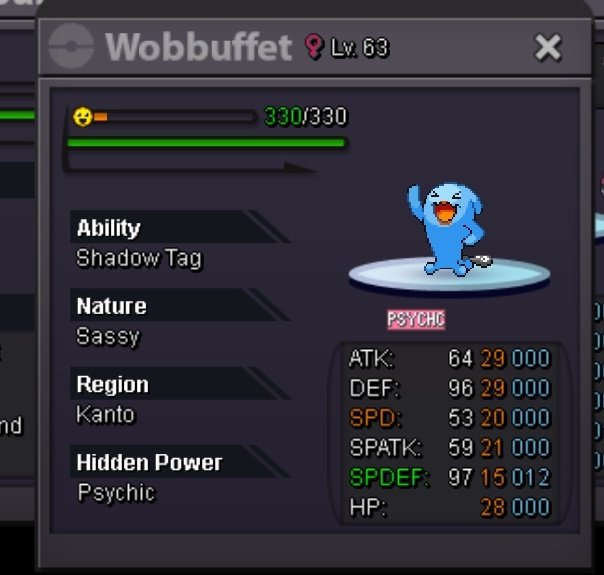
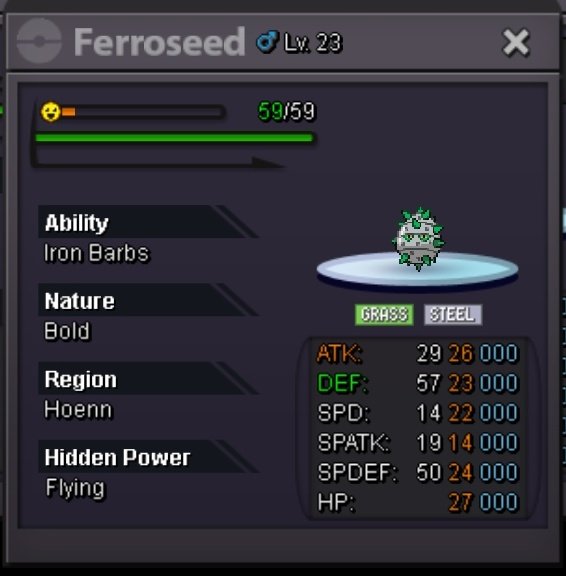
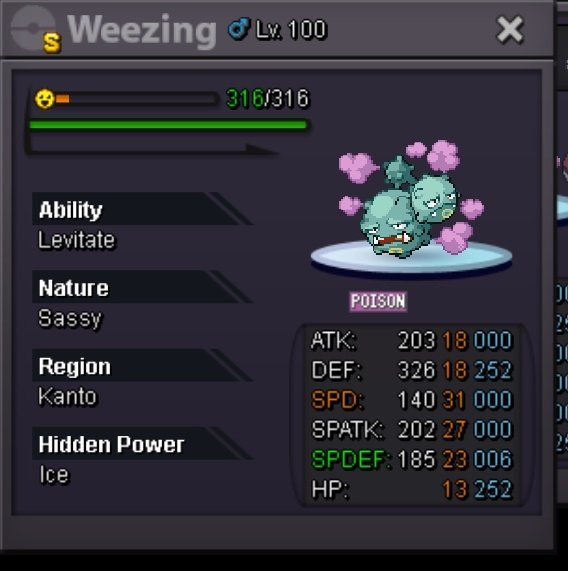
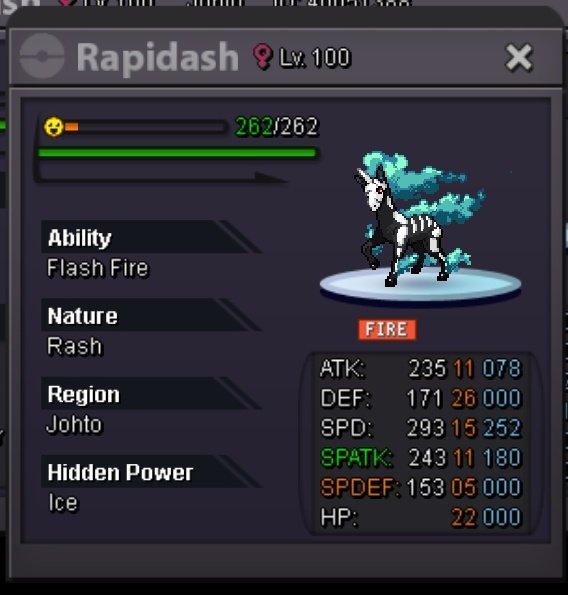
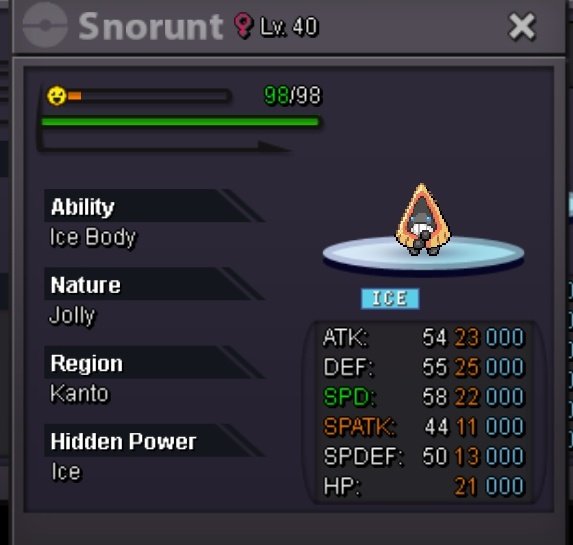
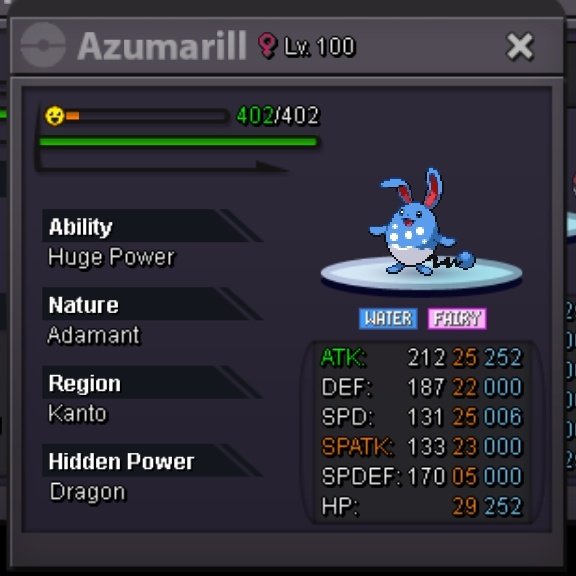
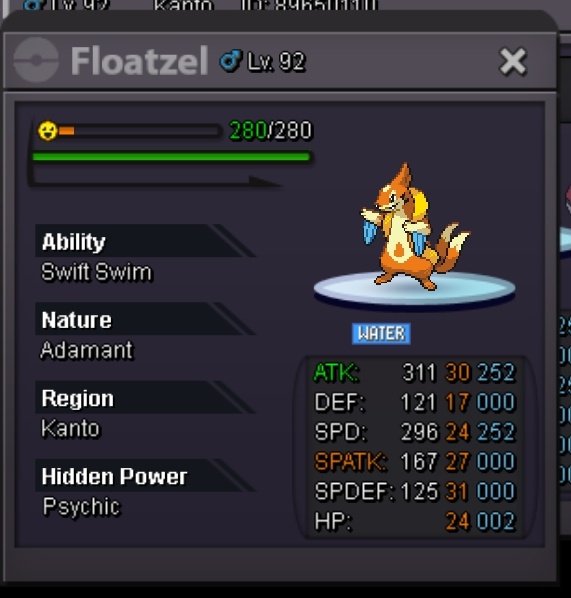
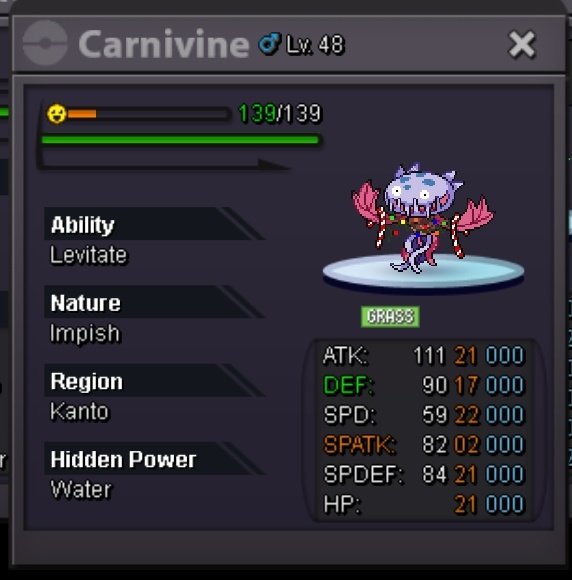
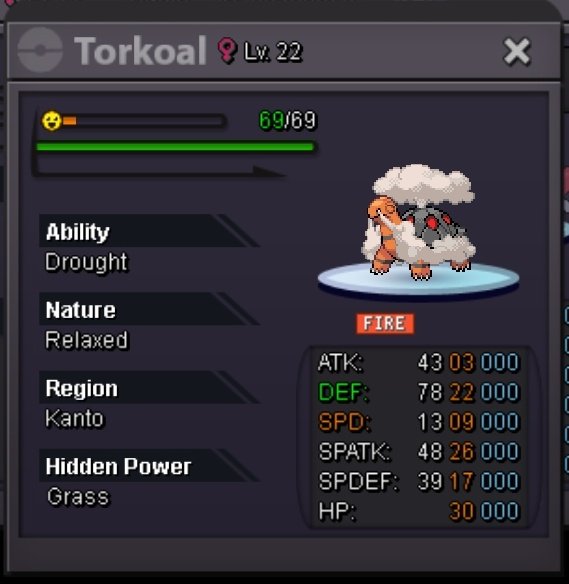
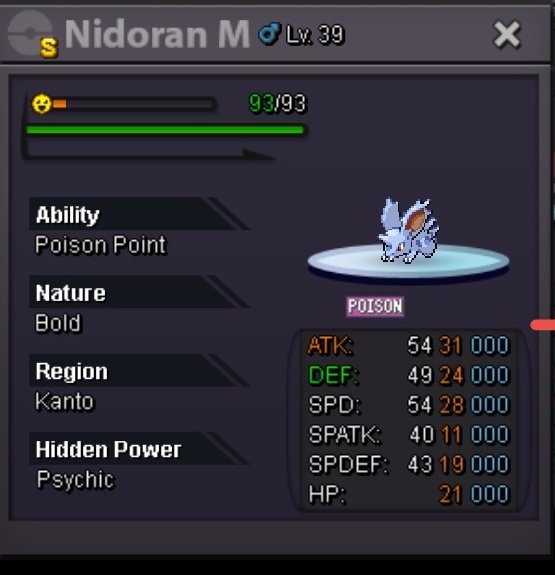
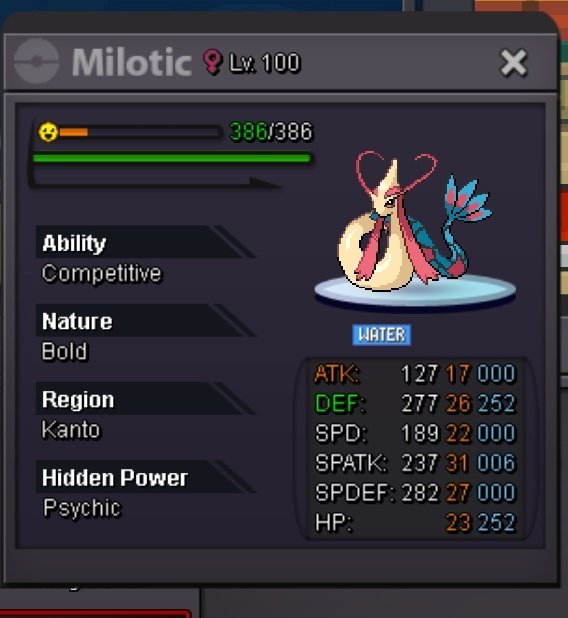
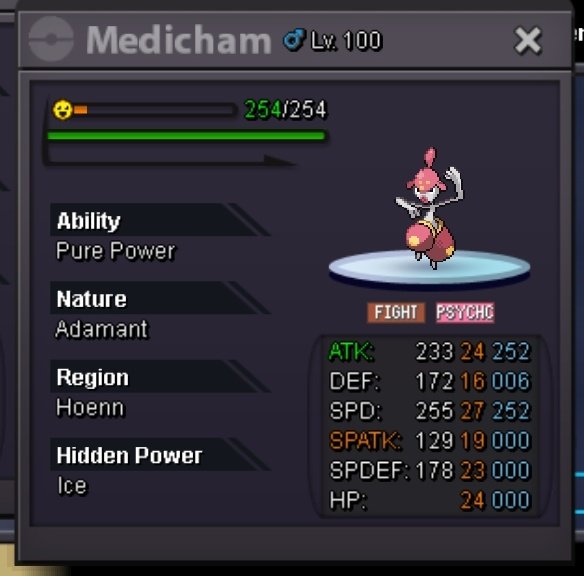
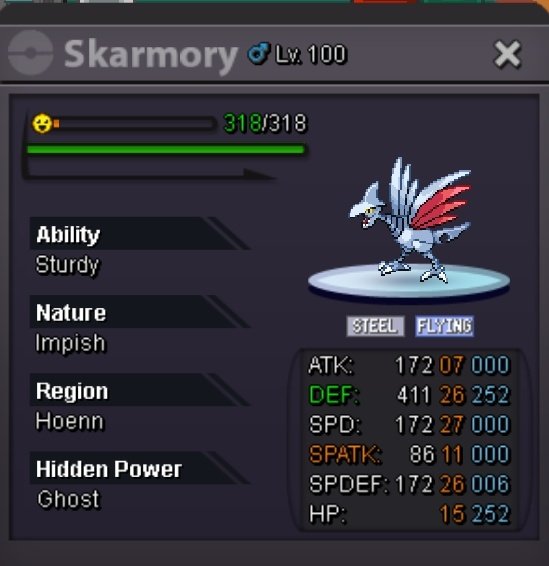
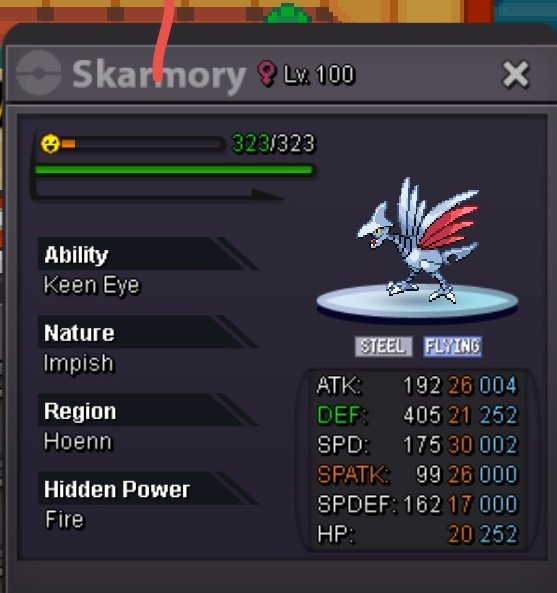
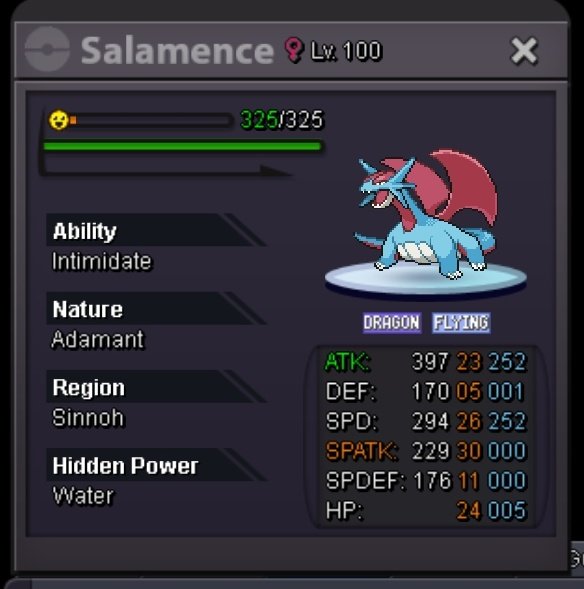
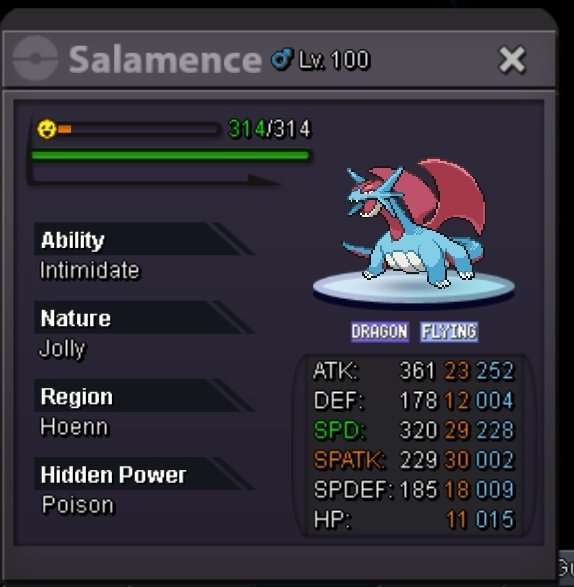
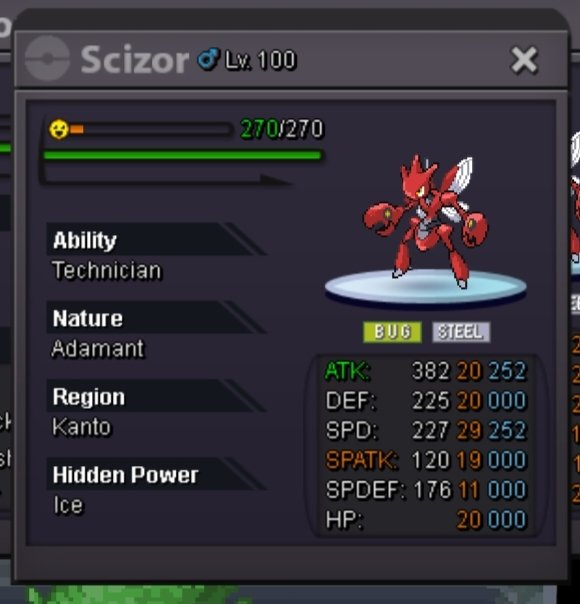
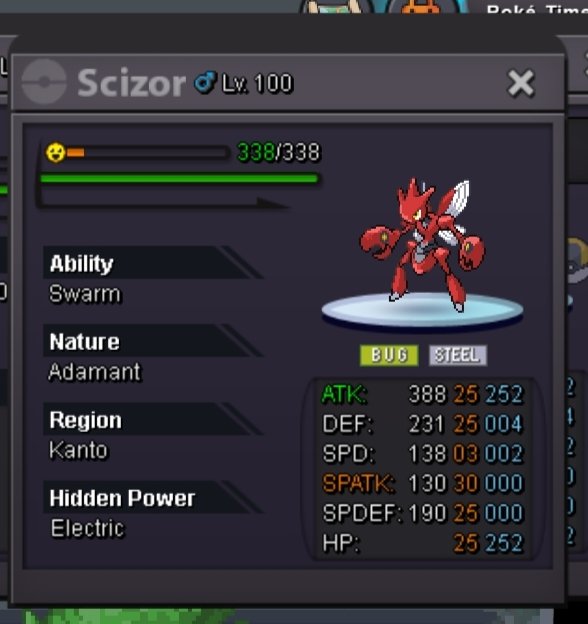
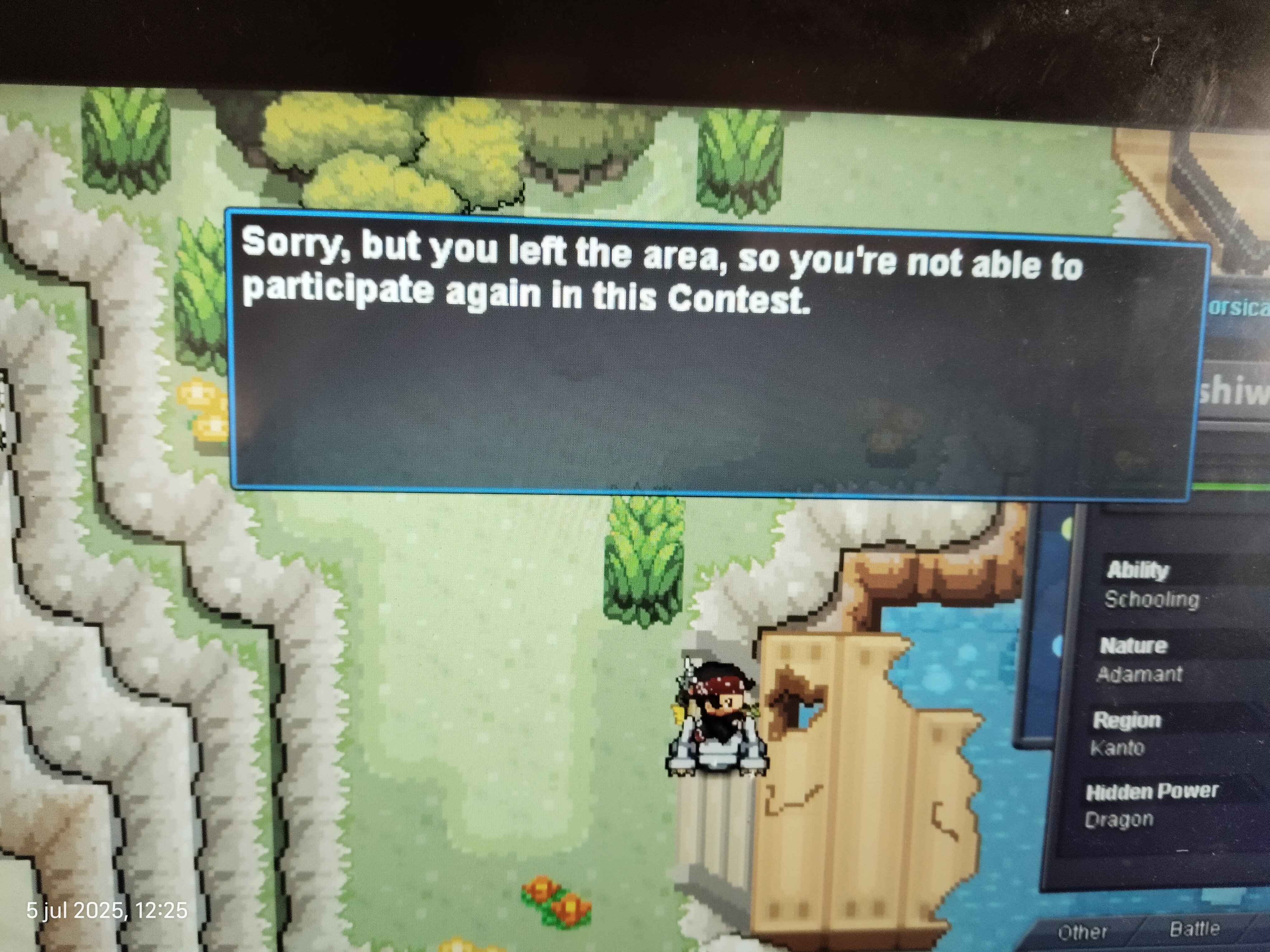
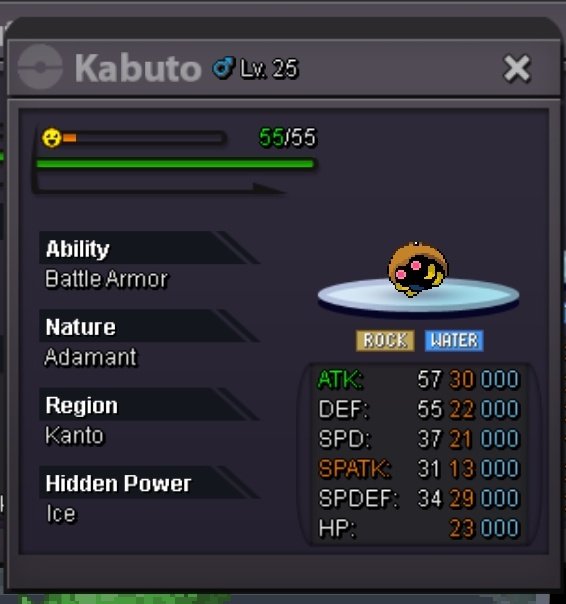 Wtb bidof jolly 31spd2,5m or offer, send me pm walyalexanderWhat should I do if I don't remember where I got the plant-like stone from?Hi, I was doing the mission And I forgot where I got the plant-like stone. I just can't remember where I got it, and every time I go in, it takes me to Eternal City. Please help. There's no way to know where it goes after the solution The puzzle. I don't know. Help please.Hi, I was doing the mission And I forgot where I got the plant-like stone. I just can't remember where I got it, and every time I go in, it takes me to Eternal City. Please help. There's no way to know where it goes after the solution The puzzle. I don't know. Help please.I've tried that several times, but it doesn't work anyway. I've tried some other way many times.


Account
Navigation
Search
Configure browser push notifications
Chrome (Android)
- Tap the lock icon next to the address bar.
- Tap Permissions → Notifications.
- Adjust your preference.
Chrome (Desktop)
- Click the padlock icon in the address bar.
- Select Site settings.
- Find Notifications and adjust your preference.
Safari (iOS 16.4+)
- Ensure the site is installed via Add to Home Screen.
- Open Settings App → Notifications.
- Find your app name and adjust your preference.
Safari (macOS)
- Go to Safari → Preferences.
- Click the Websites tab.
- Select Notifications in the sidebar.
- Find this website and adjust your preference.
Edge (Android)
- Tap the lock icon next to the address bar.
- Tap Permissions.
- Find Notifications and adjust your preference.
Edge (Desktop)
- Click the padlock icon in the address bar.
- Click Permissions for this site.
- Find Notifications and adjust your preference.
Firefox (Android)
- Go to Settings → Site permissions.
- Tap Notifications.
- Find this site in the list and adjust your preference.
Firefox (Desktop)
- Open Firefox Settings.
- Search for Notifications.
- Find this site in the list and adjust your preference.