




Skip to content
View in the app

A better way to browse. Learn more.

Pokemon Revolution Online

A full-screen app on your home screen with push notifications, badges and more.

To install this app on iOS and iPadOS
  1. Tap the Share icon in Safari
  2. Scroll the menu and tap Add to Home Screen.
  3. Tap Add in the top-right corner.
To install this app on Android
  1. Tap the 3-dot menu (⋮) in the top-right corner of the browser.
  2. Tap Add to Home screen or Install app.
  3. Confirm by tapping Install.

Nextge

Registered User
  • Joined

  • Last visited

  1. why would the staff care about this? what do they have to lose?
  2. great job, i like it! i agree the blue flame has a nice touch!
  3. kind of unrelated, but i love your signature image, nice work
  4. These are some beautiful arts from the Pokemon 2020 Calendar. The first picture with Pikachu, Scorbunny, Sobble and the last one with the Christmas one really stand out.
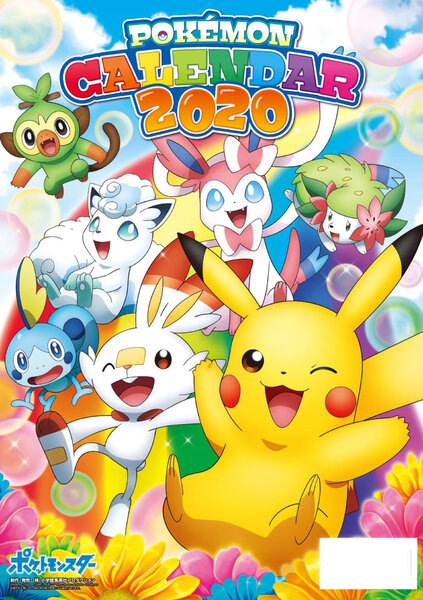
  5. Nextge changed their profile photo
  6. I would say... yes no no, i want a separate one

Account

Navigation

Search

Search

Configure browser push notifications

Chrome (Android)
  1. Tap the lock icon next to the address bar.
  2. Tap Permissions → Notifications.
  3. Adjust your preference.
Chrome (Desktop)
  1. Click the padlock icon in the address bar.
  2. Select Site settings.
  3. Find Notifications and adjust your preference.