New Trade Zone
Trade Zone is now live
Use the new Trade Zone for auctions and instant-price trades so Pokemon and item offers are easy to find.

Shykitch
Suspended
-
Joined
-
Last visited
Everything posted by Shykitch
-
Bump
-
-
Bump
-
Bump
-
Bump
-
Im really sorry i had not updated this, karp and kingdra sold bro. Really sorry
-
Ah its because i crop it like that The nature is hasty
-
Bump
-
Bump
-
Cant do sorry
-
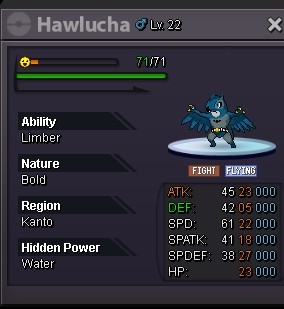
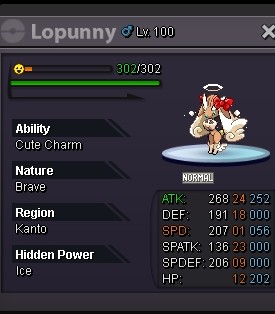
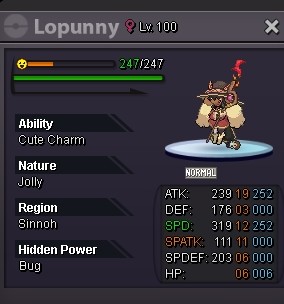
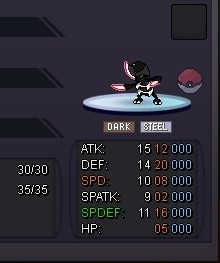
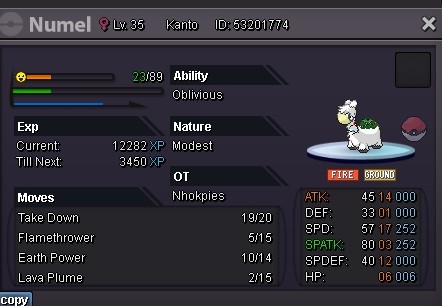
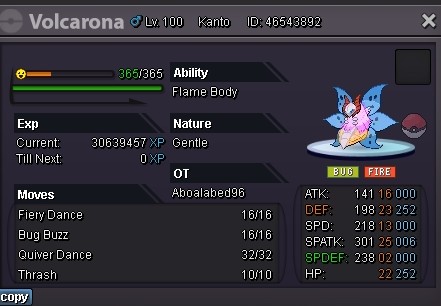
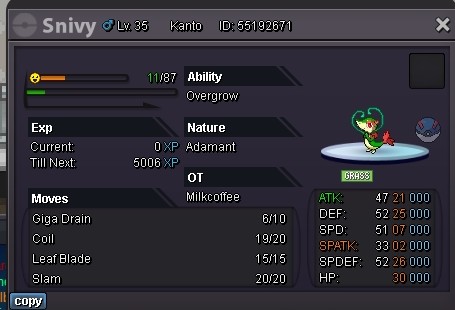
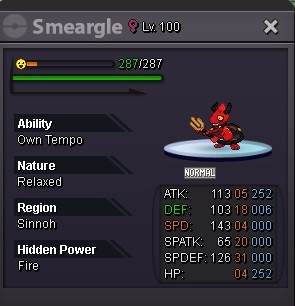
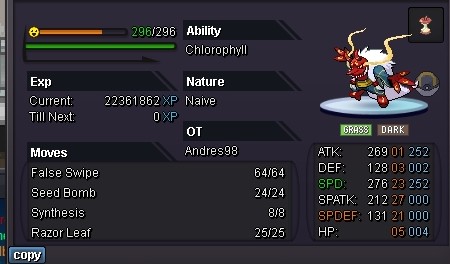
Wts variant event form Accept payment PokeDollar, cc 350k and rr 640k Sold Sold 800k Sold Sold Sold Sold Sold Sold 300k Sold 3.5m 2m Sold Sold 2.5m Sold Sold 1m Sold Sold 2m 200k Sold Sold Sold Sold 800k 1m



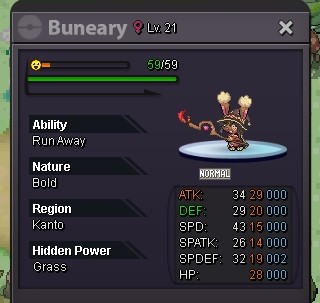
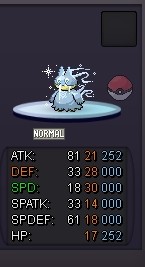
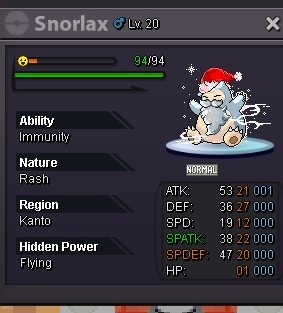
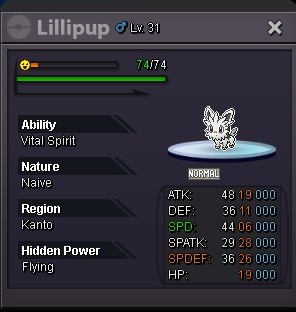
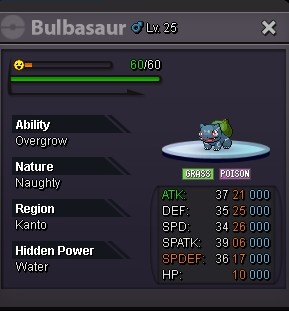
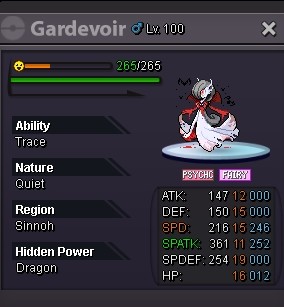
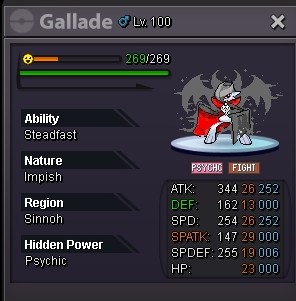
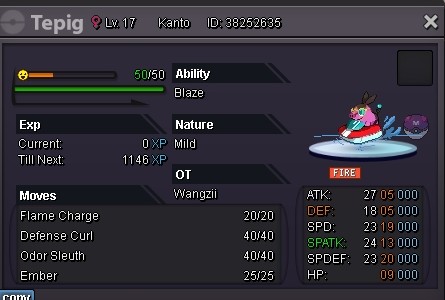
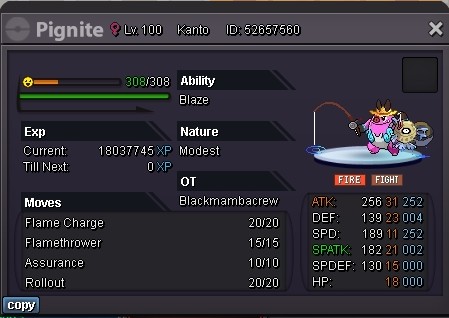

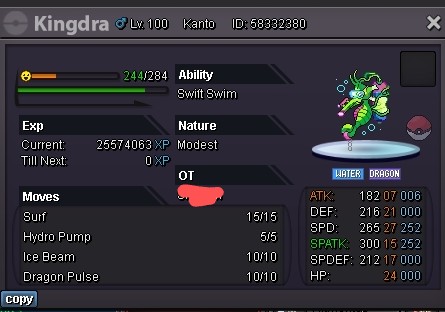
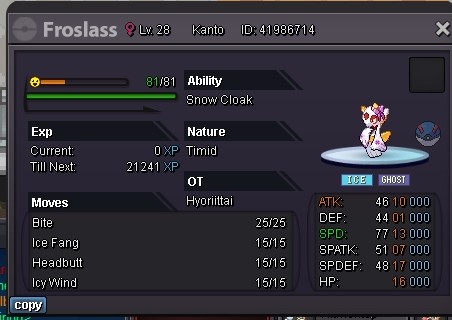
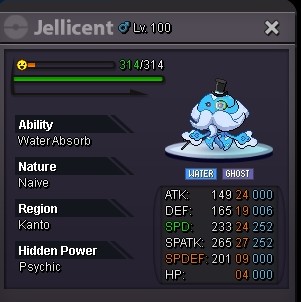




-
200k1.2mIs it ok for Xmas smeargle 2m?Hi i accidentally release my kadabra, hope i can get it back. Thanks Ign: Shykitch Server: gold
 Hi could i get my zapdos back, accidentally release it. Thanks admin Server: gold
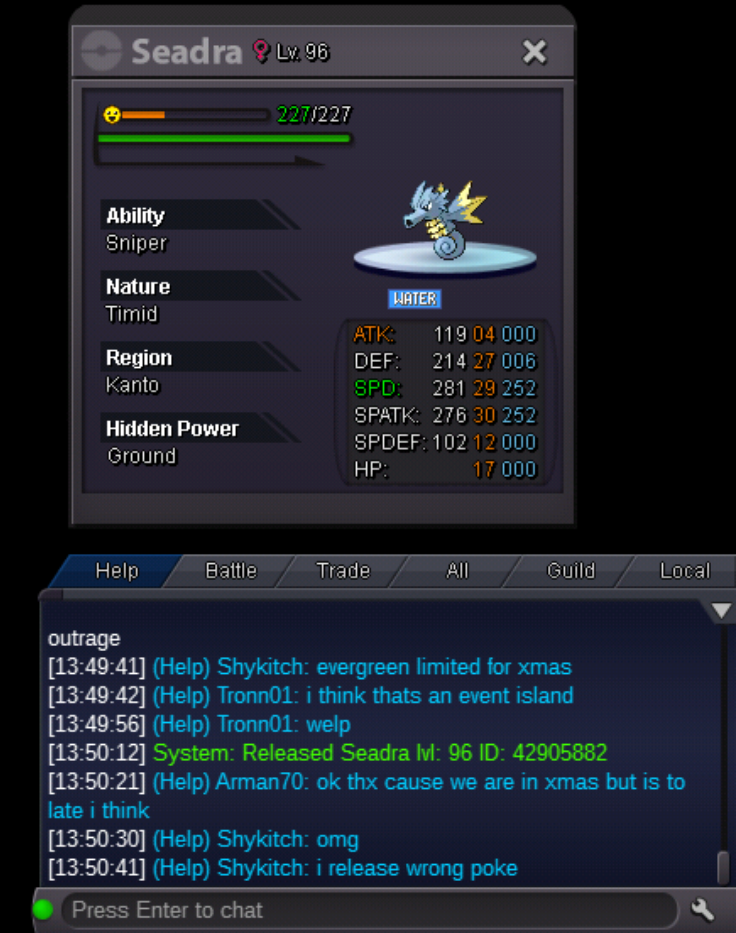
 I released my seadra by mistake, hope it would get restored, thanks. Id : 42905882 server : gold
 Im sorry ephi for the inconveniece, For my friend case, i had jst check, he did start pinkan quest. for my exp boost turned out it was used by my brother. It all jst miscommunication on my side. Thanks for the reply.Me and my friend lost some items . Few days ago my friend login and found that all of his pokeballs gone, every single pokeball all type were gone. And today i had jst realize i lost my exp boost gone when i wanna use it. How could such thing happened? How to retrieve it. Thanks, regardsthis please
 sold to Dokmesh
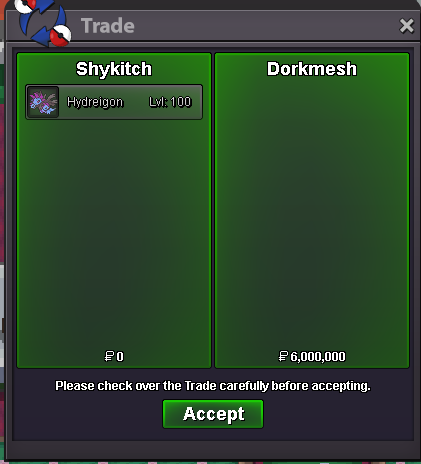 6m by Dorkmesh
 1.5m by pokereborn
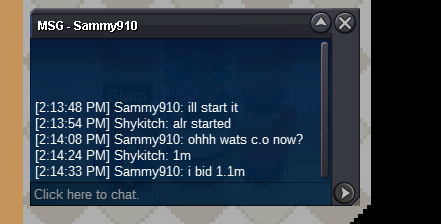
 1.1m by sammy910