




Skip to content
View in the app

A better way to browse. Learn more.

Pokemon Revolution Online

A full-screen app on your home screen with push notifications, badges and more.

To install this app on iOS and iPadOS
  1. Tap the Share icon in Safari
  2. Scroll the menu and tap Add to Home Screen.
  3. Tap Add in the top-right corner.
To install this app on Android
  1. Tap the 3-dot menu (⋮) in the top-right corner of the browser.
  2. Tap Add to Home screen or Install app.
  3. Confirm by tapping Install.
New Trade Zone
Trade Zone is now live
Use the new Trade Zone for auctions and instant-price trades so Pokemon and item offers are easy to find.
Open Trade Zone

Nightmare021

Registered User
  • Joined

  • Last visited

  1. Itzrohan started following Nightmare021
  2. Nightmare021 started following Haruyukio
  3. Nightmare021 started following Epithet
  4. Nightmare021 started following Manbat
  5. thx for letting me move now close this fourm
  6. it was many weeks ago i cant remmber but i think it was kanto i will be online from now to 2 pm which time you will be online sir
  7. i cant move i have tryed quit leave game everything that i could i am in a pokecenter cant move it happened with me some weeks ago i though its a new glitch and left game and after those weeks i came back but still cant move pls give me a solution
  8. Nightmare021 started following Obbg
  9. Nightmare021 started following Monteria
  10. yes sorry for disturbing i was not know about that i can go sinnoh now thanks so much sir have a nice day
  11. bump plsfast reply sir/mam
  12. HY SIR/MAM I HAVE ALL REQUIEMENTS BUT I CANT SEE PAUL AND NOT BE ABLE TO DO SINNOH QUEST PLS FIX IT OUT
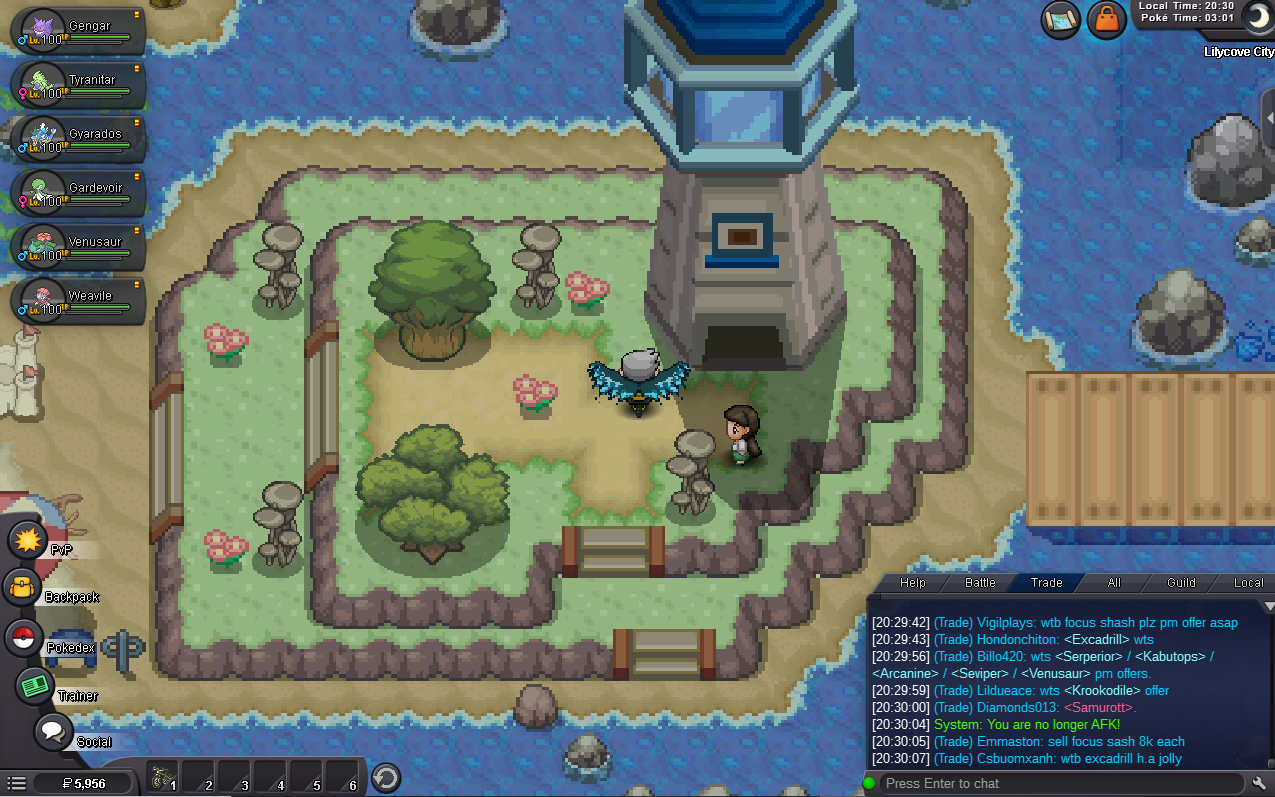
  13. why u got banned if u r so why u dont make new acc and lets start a new journey with me
  14. guys i have 4 badges searching for a good buyer anybody want anything so say to me but i amn newbie lol NICE TO MEET U GUYS

Account

Navigation

Search

Search

Configure browser push notifications

Chrome (Android)
  1. Tap the lock icon next to the address bar.
  2. Tap Permissions → Notifications.
  3. Adjust your preference.
Chrome (Desktop)
  1. Click the padlock icon in the address bar.
  2. Select Site settings.
  3. Find Notifications and adjust your preference.