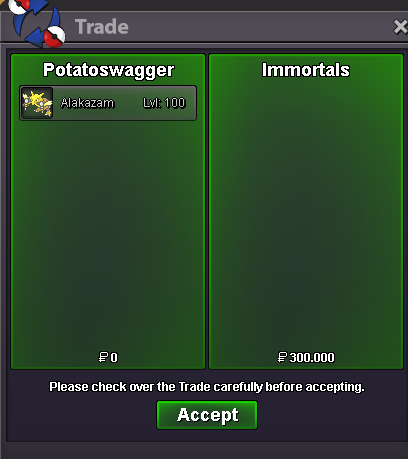
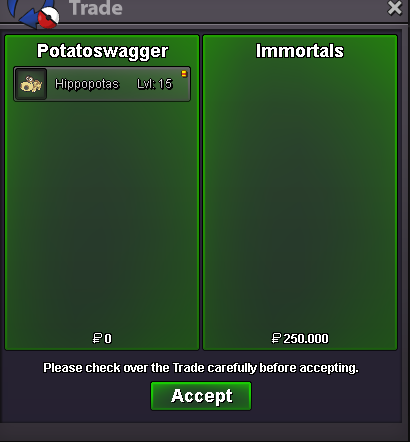
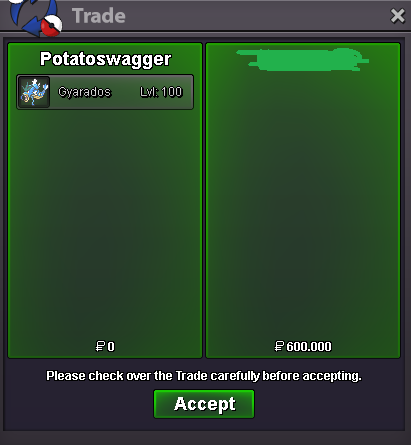
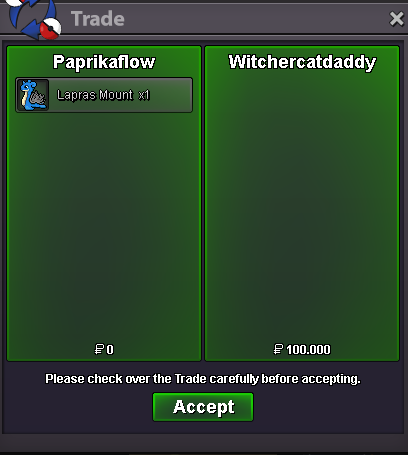
New Trade Zone
Trade Zone is now live
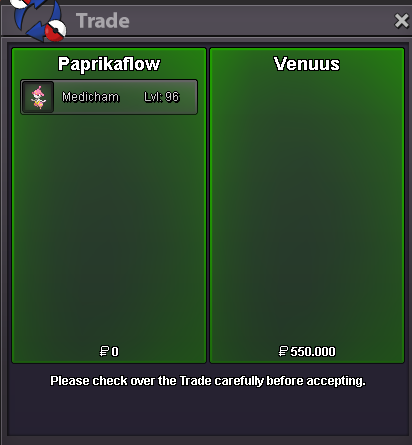
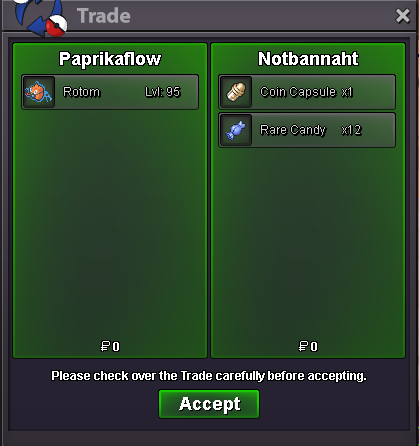
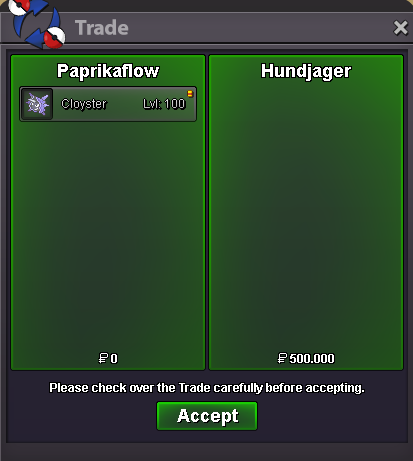
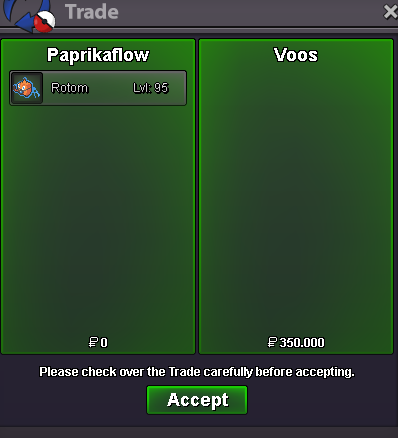
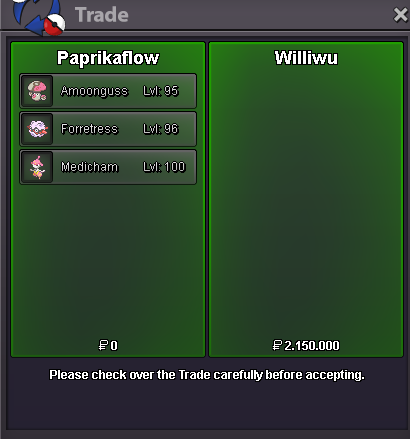
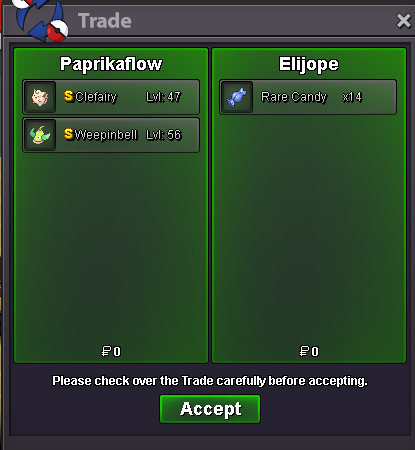
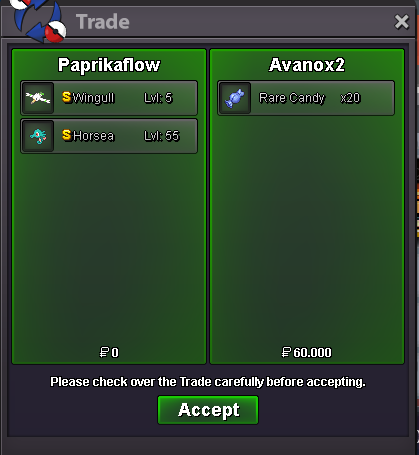
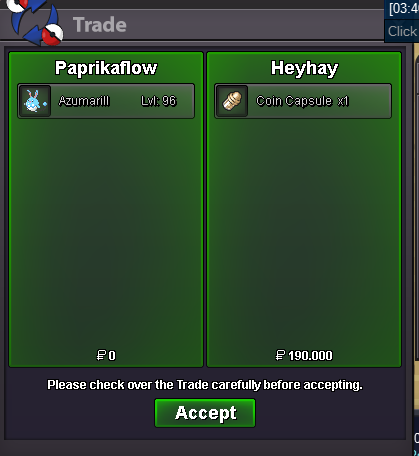
Use the new Trade Zone for auctions and instant-price trades so Pokemon and item offers are easy to find.


Paprikaflow
Registered User
-
Joined
-
Last visited
Everything posted by Paprikaflow
-
I am generally always for new content, here I am rather concerned with how the pve mounts would effect the prices of pvp mounts. It would devalue the prestige mount more and make pvp even more unrewarding. So if this should be implemented, it would be nice if there would be a option to use pvp coins better.
-
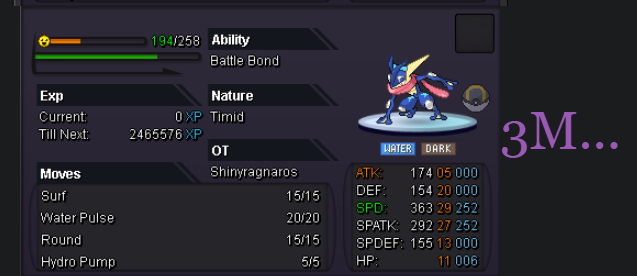
added Azumarillshop updatedthat is what the majority here assumed and why we kindly ask you to reconsider, regarding the named argumentsI am in full support of reverting that change. The reasons bhimoso mentioned are pretty much the same I would bring forward myself. It brings uneccessary frustration to the game (pun not intended), and I struggle to find any good reason for that change. The only reason I heard, is that it is to stay true with the original game, which is a "it has always been like that" kind of argument. A thing I liked about PRO always was, that it understand certain struggles players had while playing Pokemon or MMOs and found nice solutions for it. Frustation/Return coding was one of them. The reverting of that is therefore are reversion of a progressive thought.3mSold
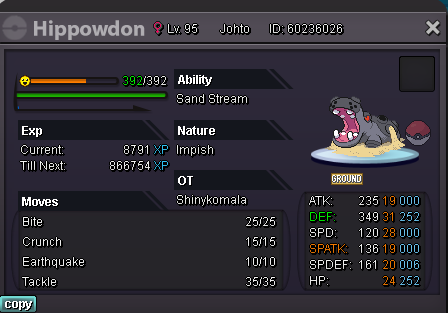 Soldwtb this
 wtb the mawile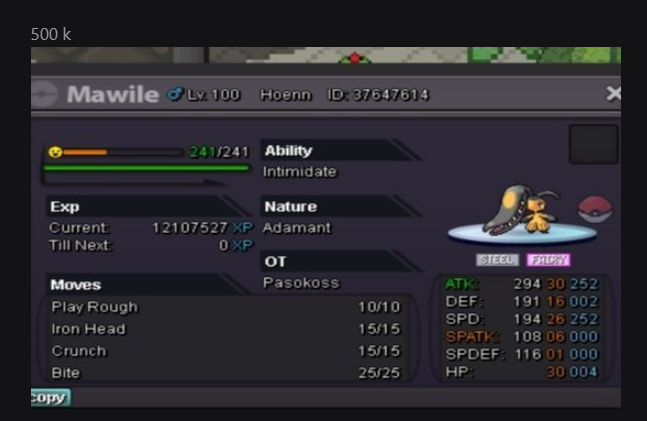
Account
Navigation
Search
Configure browser push notifications
Chrome (Android)
- Tap the lock icon next to the address bar.
- Tap Permissions → Notifications.
- Adjust your preference.
Chrome (Desktop)
- Click the padlock icon in the address bar.
- Select Site settings.
- Find Notifications and adjust your preference.
Safari (iOS 16.4+)
- Ensure the site is installed via Add to Home Screen.
- Open Settings App → Notifications.
- Find your app name and adjust your preference.
Safari (macOS)
- Go to Safari → Preferences.
- Click the Websites tab.
- Select Notifications in the sidebar.
- Find this website and adjust your preference.
Edge (Android)
- Tap the lock icon next to the address bar.
- Tap Permissions.
- Find Notifications and adjust your preference.
Edge (Desktop)
- Click the padlock icon in the address bar.
- Click Permissions for this site.
- Find Notifications and adjust your preference.
Firefox (Android)
- Go to Settings → Site permissions.
- Tap Notifications.
- Find this site in the list and adjust your preference.
Firefox (Desktop)
- Open Firefox Settings.
- Search for Notifications.
- Find this site in the list and adjust your preference.