




New Trade Zone
Trade Zone is now live
Use the new Trade Zone for auctions and instant-price trades so Pokemon and item offers are easy to find.


Eetaachee
Registered User
-
Joined
-
Last visited
Everything posted by Eetaachee
-
C.O. 350k by Axaero Min Bid 50k Insta 700k Ends in 48hrs from start End Time - 2:19am 3/3/24 IST GMT+5.30 Accepts Pokedollars only

-
1m
-
300k
-
Start
-
I can even let go of that, just being unable to boss from multiple accounts at least will break my heart :') Nerfing is fine but this (bossing nerf) will be a mega nerf, especially for new players, the rich people will have a big advantage from that move because they will already have tonnes of money in their banks. New players or not-so-old-players like me can grind now and make money and be rich but this change will take that away. If you have 500m and I have 5m, you will definitely be happy for this change because reaching that position will be next to impossible after the update. P.S. - I just stated my reason why I am against the boss nerf move, nothing to you personally.
-
Everything is fine, just not the limit of bossing to one character. Nerf it but don't nerf straight from 4 to 1. Can do 3. Also, trading between characters should be allowed.
-
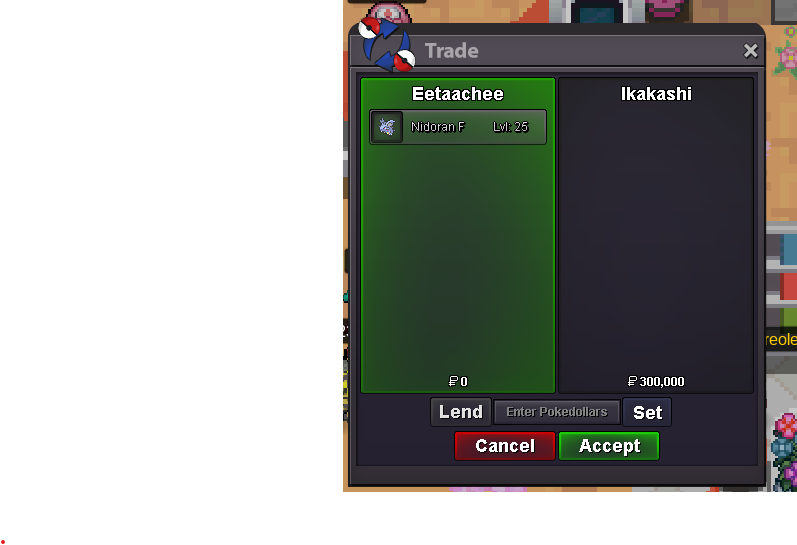
Sold.
-
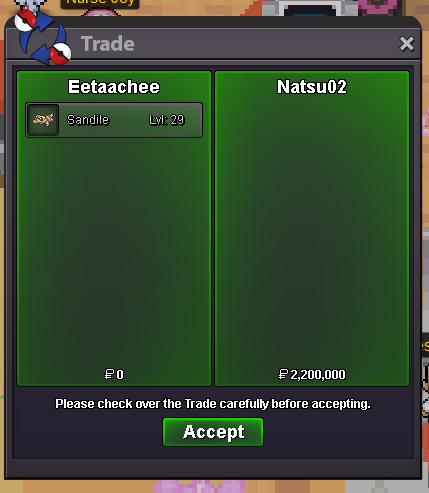
Sold.
-
Aphrodia PC Possible?
-
I can come online now.
-
Let's do it at night bro. I am at work.
-
You win
-
6 mins left
-
You won bro
-
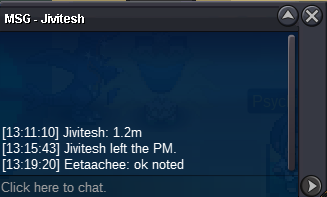
C.O. 1.2m
-
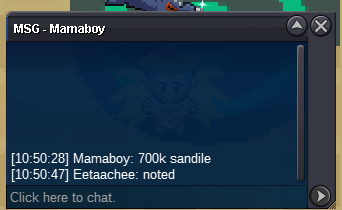
C.O. 700k
-
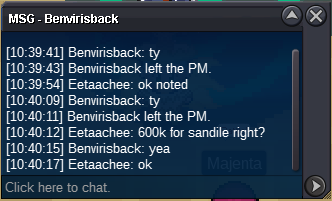
C.O. 600k
-
C.O. 2.2m by Natsu02 Min Bid 100k Insta 5m Auction ends in 24 hours from start End Time - 10:21am 19/2/24 IST GMT +5.30 Accepted Payments - Pokedollars, IV Rerolls (500k) and Coin Capsules (400k)

-
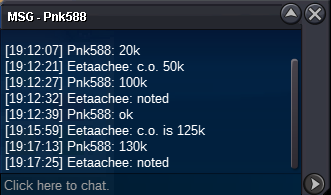
C.O. 130k
-
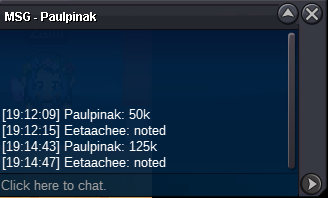
C.O. 125k
-
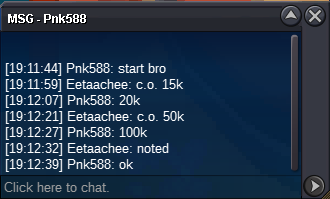
C.O. 100k
-
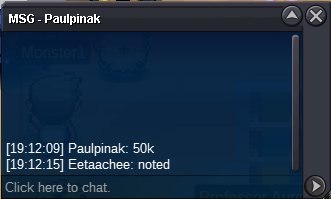
C.O. 50k
-
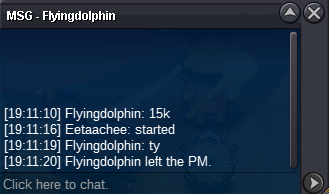
Started
-
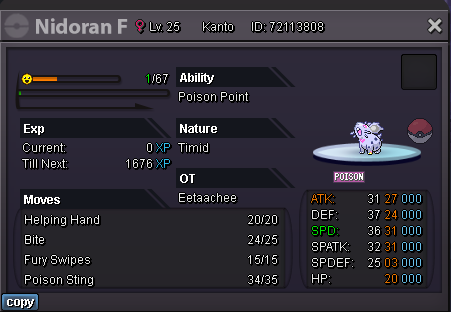
C.O. 300k by Ikakashi Min Bid 5k Ends in 24 hours from start point End Time - 7:11pm 18/2/24 IST GMT +5.30 Accepted payments - Coin Capsule (400k), IV Reroll (500k) and Pokedollars
-
@Shadowgamer0 you won

