




New Trade Zone
Trade Zone is now live
Use the new Trade Zone for auctions and instant-price trades so Pokemon and item offers are easy to find.

Uxxelmon
Registered User
-
Joined
-
Last visited
Everything posted by Uxxelmon
-
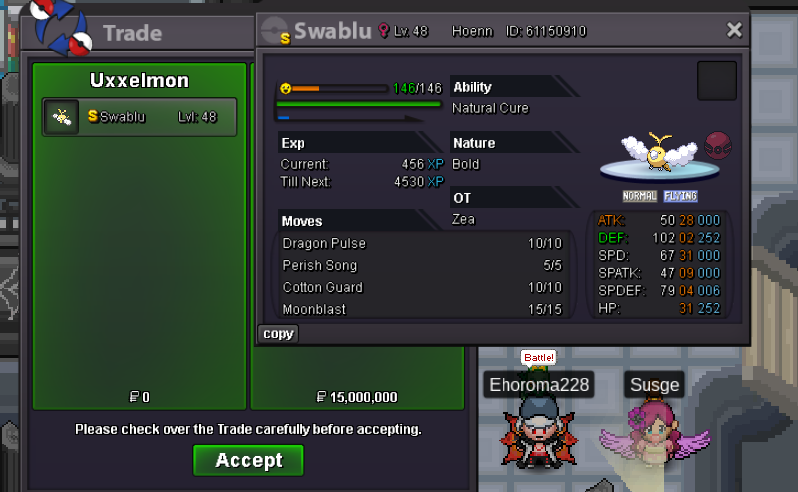
https://tenor.com/view/biggie-cheese-gif-270933532,1m for the legend Biggie Cheese150k💪up2.5madded prices!Sry mate already found a buyer for swablu, trade is pending.Tini sold
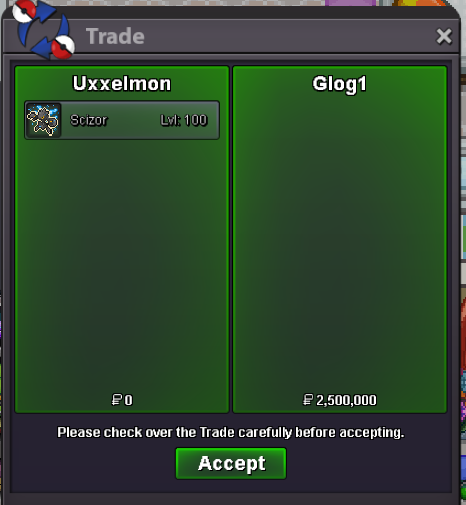
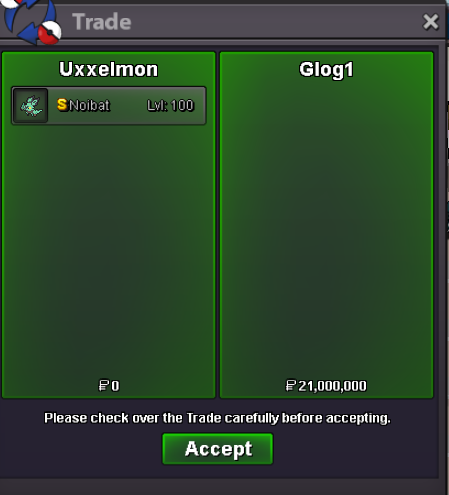
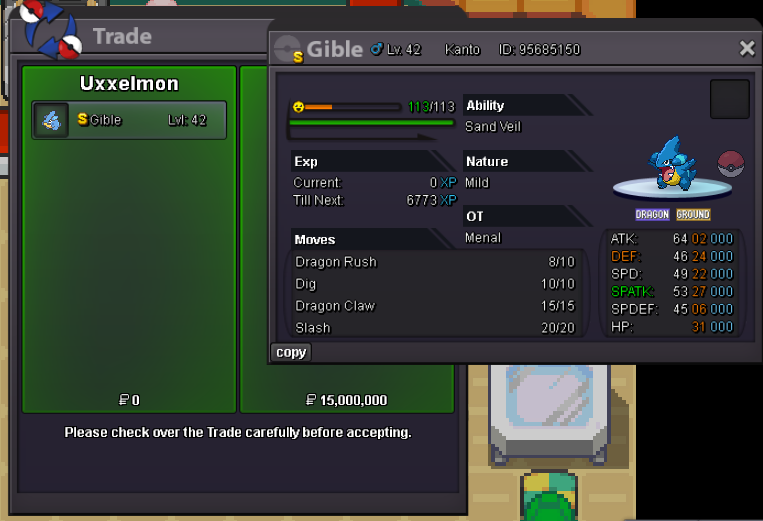
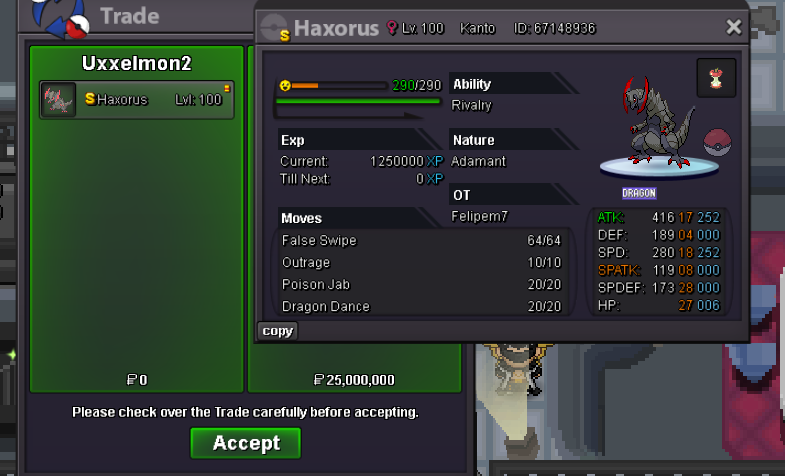
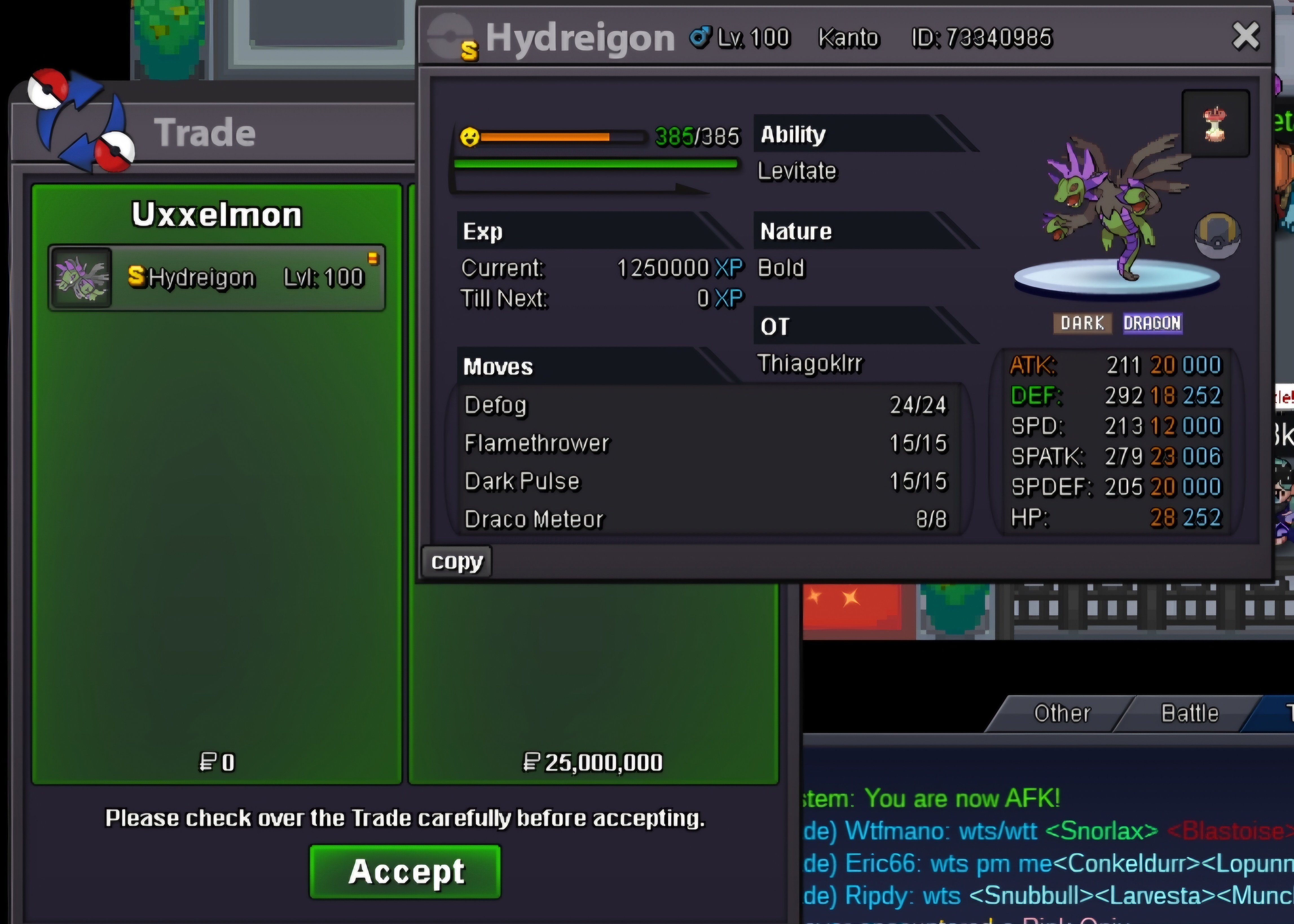
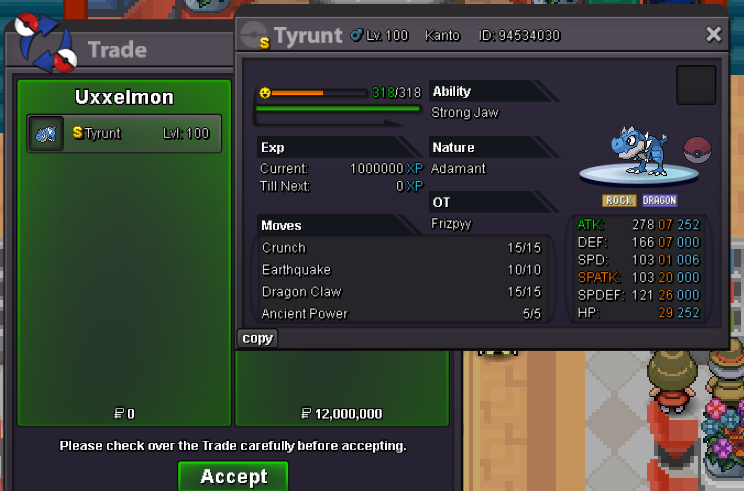
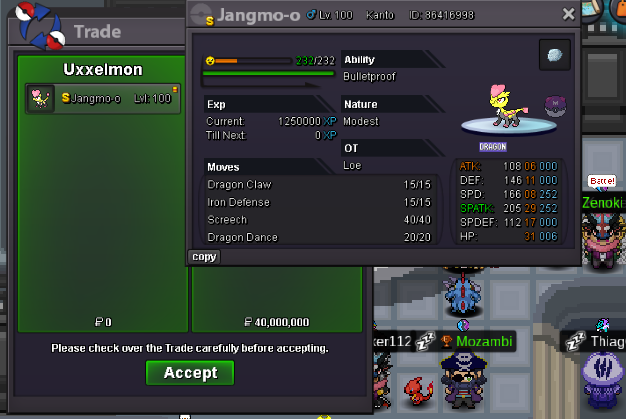
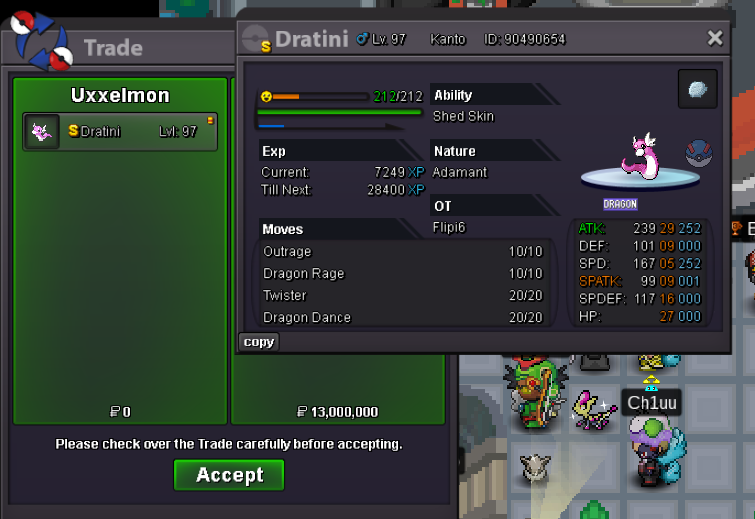 Hello there, as the title spoiled already, im going to liquidate some parts of my collection. My discord-tag: fckoffimsalty I´m always looking for pvpable shinies, if you got some to sell/trade lmk! Thanks! Shinies for sale: Event Forms for Sale ✨Collection Showcase:✨ Sold: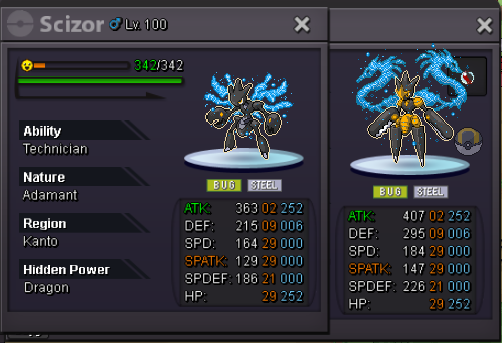
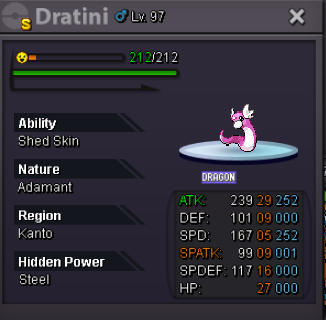
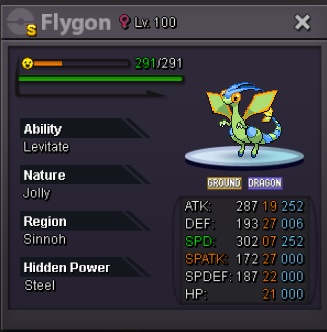
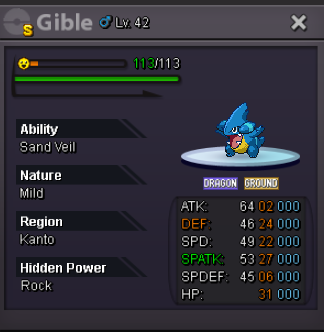
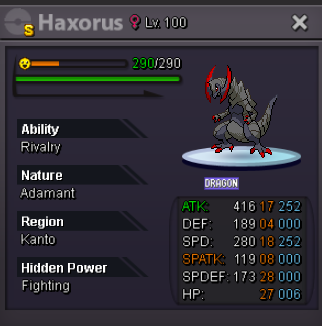
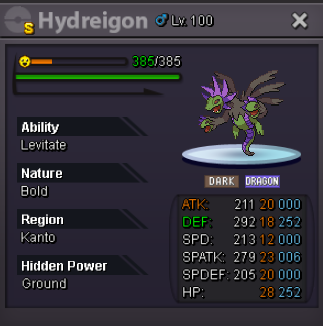
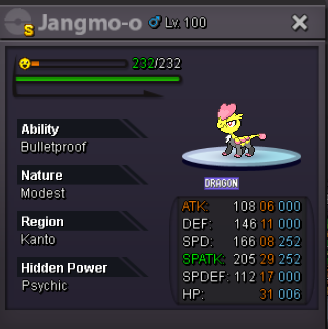
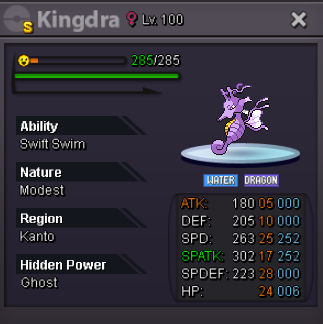
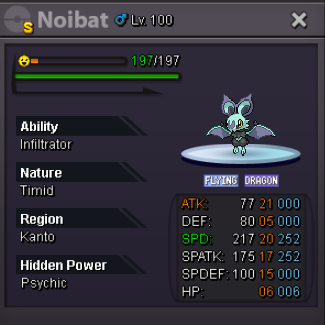
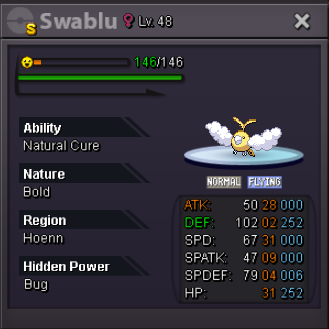
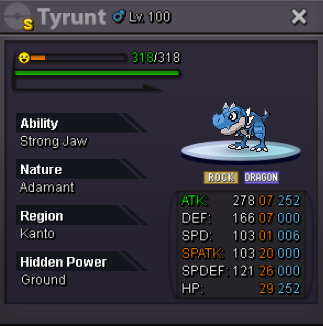
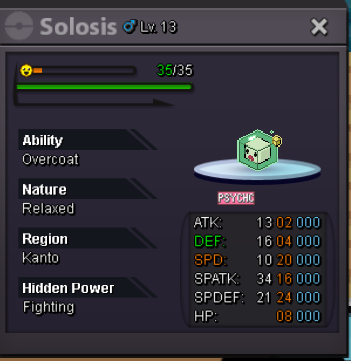
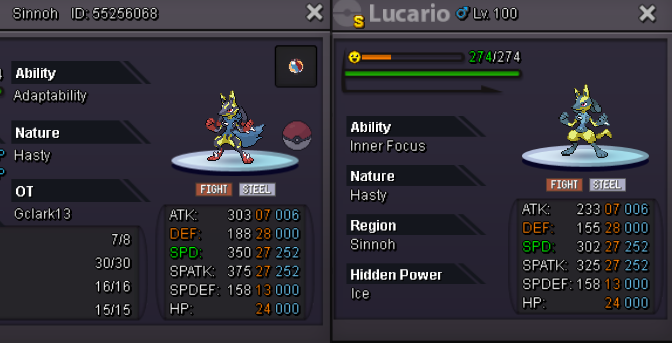
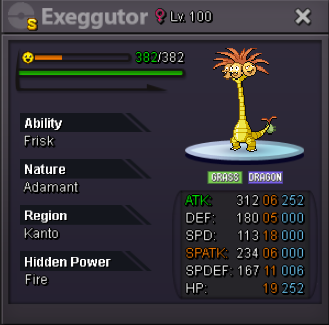
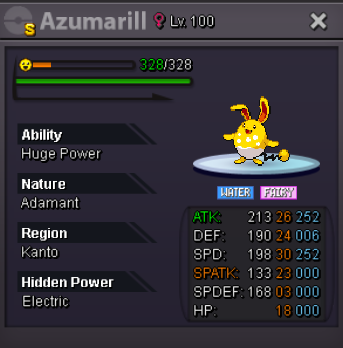
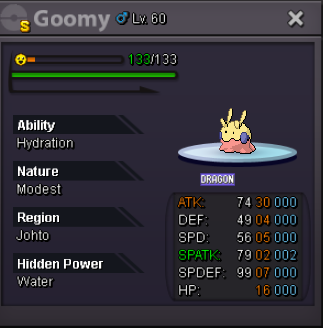
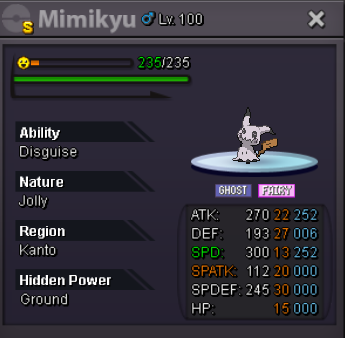

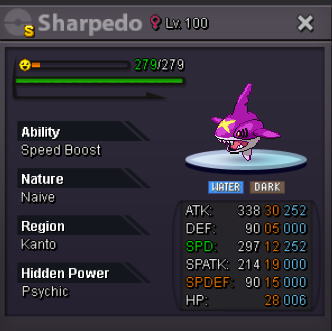
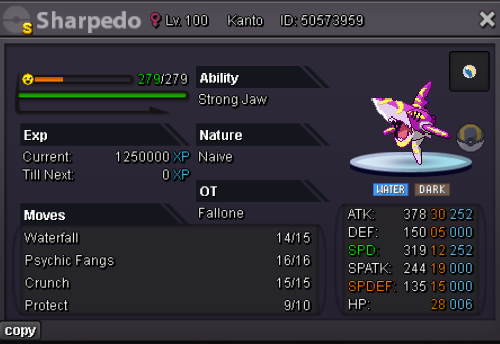
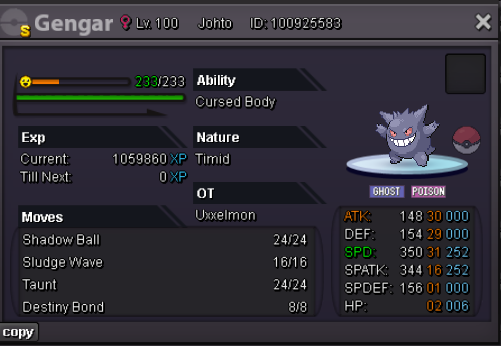
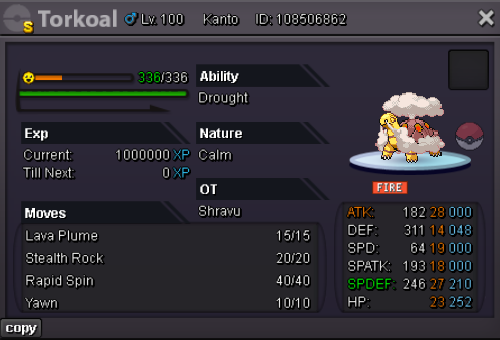
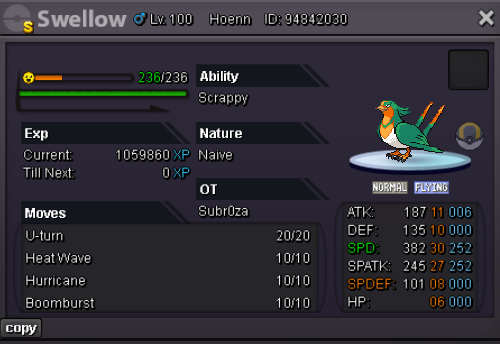
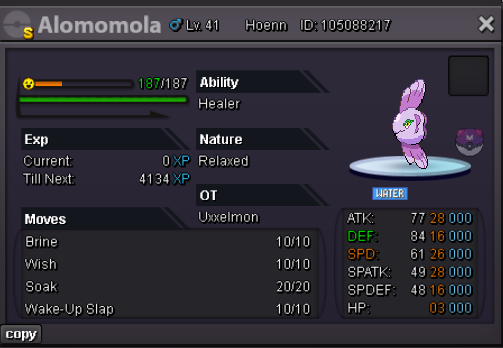
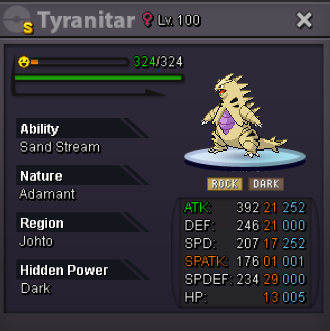
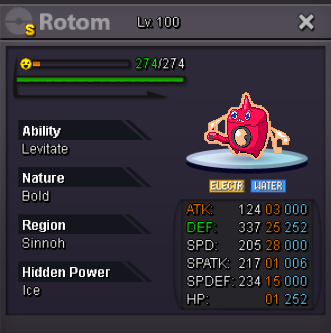
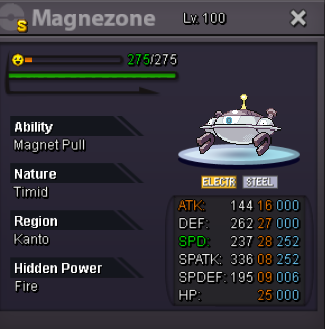
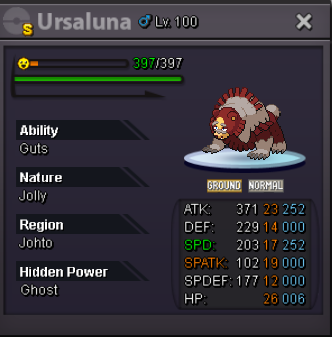
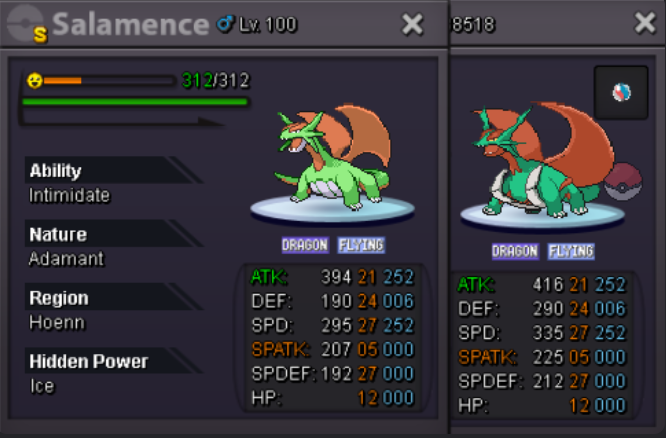
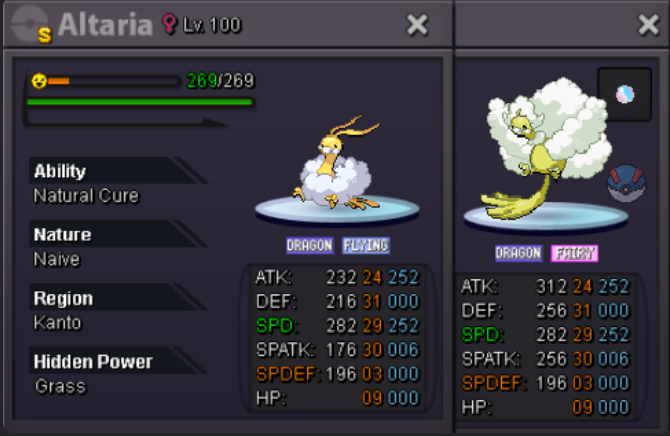
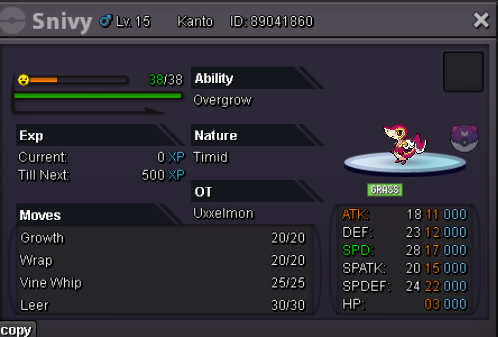
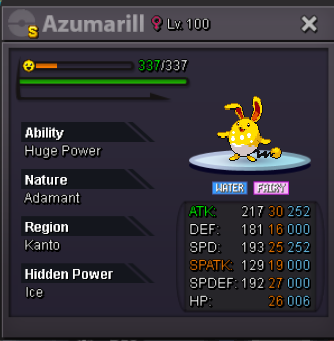
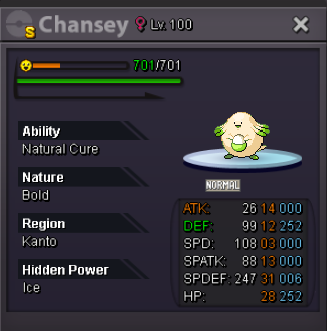
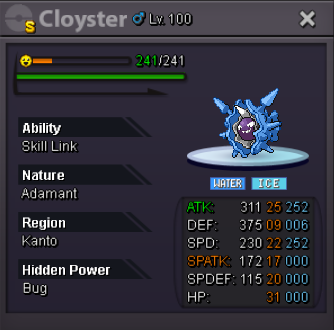
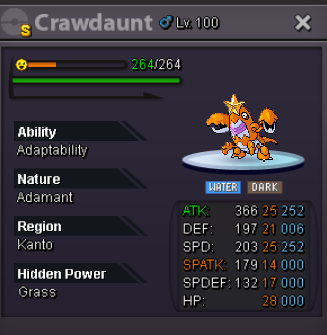
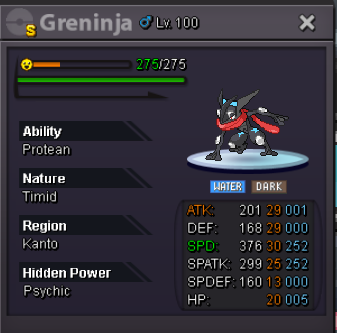
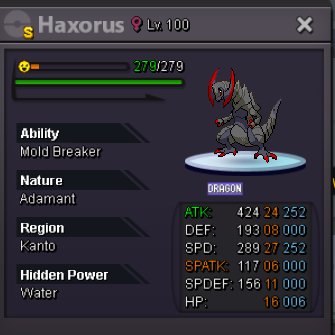
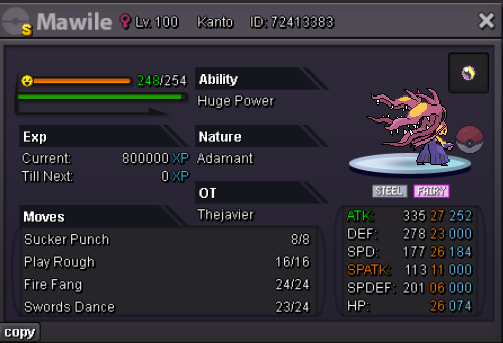
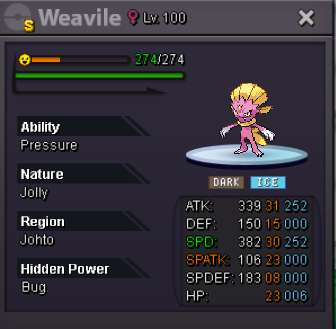
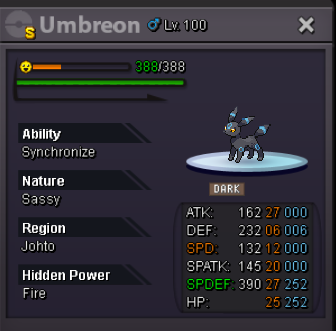 9.1m 🇫🇷7m clef5.5m clef 😴5.3m clef5.1m clefstart allFerrothorn 1 sold to Irnomatsui´d like to buy some mons, i pmd you on discord


Account
Navigation
Search
Configure browser push notifications
Chrome (Android)
- Tap the lock icon next to the address bar.
- Tap Permissions → Notifications.
- Adjust your preference.
Chrome (Desktop)
- Click the padlock icon in the address bar.
- Select Site settings.
- Find Notifications and adjust your preference.
Safari (iOS 16.4+)
- Ensure the site is installed via Add to Home Screen.
- Open Settings App → Notifications.
- Find your app name and adjust your preference.
Safari (macOS)
- Go to Safari → Preferences.
- Click the Websites tab.
- Select Notifications in the sidebar.
- Find this website and adjust your preference.
Edge (Android)
- Tap the lock icon next to the address bar.
- Tap Permissions.
- Find Notifications and adjust your preference.
Edge (Desktop)
- Click the padlock icon in the address bar.
- Click Permissions for this site.
- Find Notifications and adjust your preference.
Firefox (Android)
- Go to Settings → Site permissions.
- Tap Notifications.
- Find this site in the list and adjust your preference.
Firefox (Desktop)
- Open Firefox Settings.
- Search for Notifications.
- Find this site in the list and adjust your preference.