




New Trade Zone
Trade Zone is now live
Use the new Trade Zone for auctions and instant-price trades so Pokemon and item offers are easy to find.

Uxxelmon
Registered User
-
Joined
-
Last visited
Everything posted by Uxxelmon
-
Start offer: 1m Duration: 36 hours after first bid Min. bid: 100k Insta: 3.5m Accept cash, cc(400k), iv rerolls (700k)


-
Great lvl+ev service, fast and reliable!
-
1,420mnope still availableSure buddy. Better read the auction rules before starting an auction.
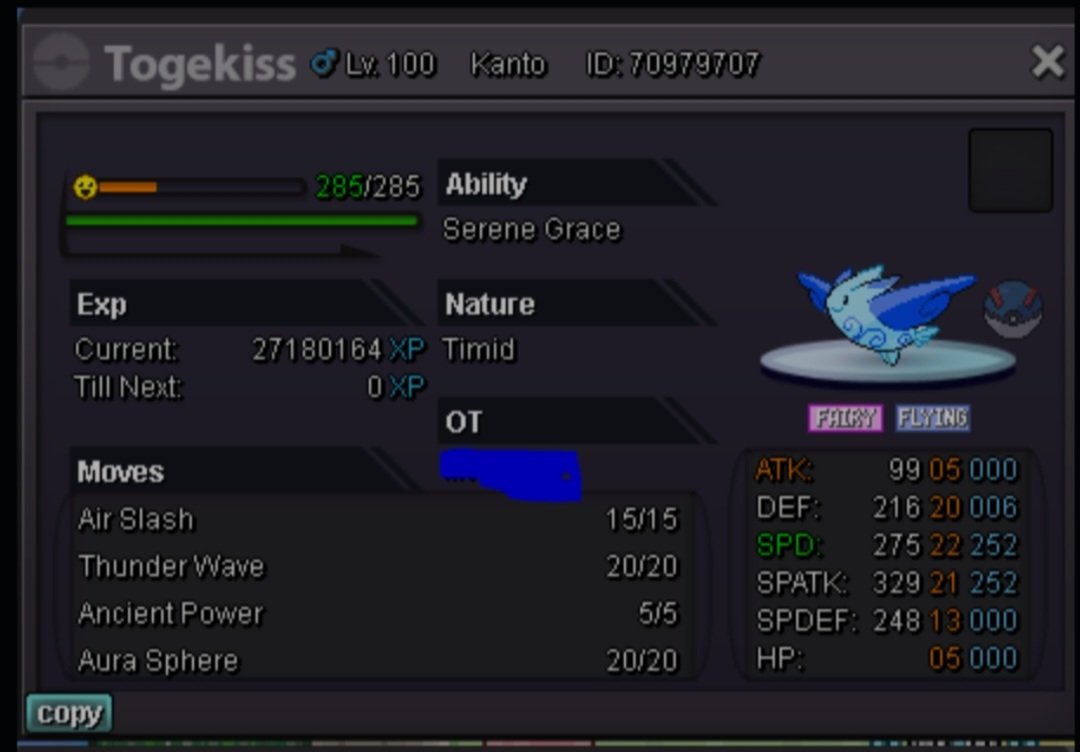
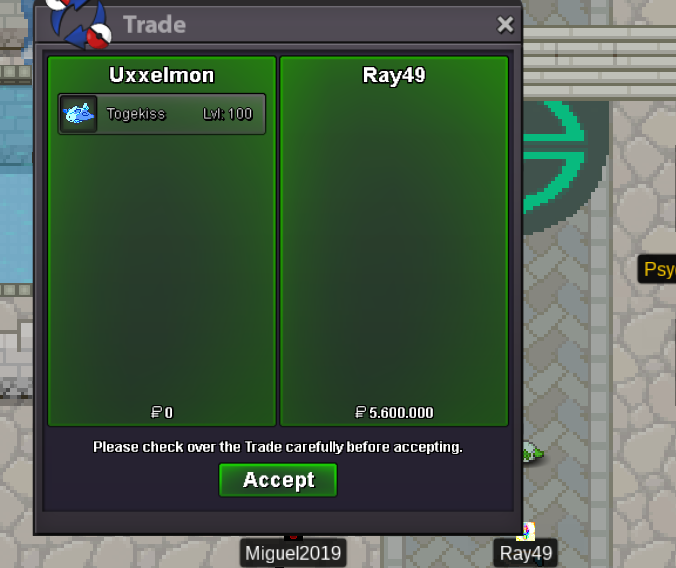
 Start🍺you changed the auction time from 24 to 48 hours and added an insta price ingame after i started the auction. Gl I´m out ^^Greetings, as some of us spend half of their lifetime in pro, adding an additional layer of security to our accounts seems like a good feature to me. For example: When logging in on a new device for the first time, you have to complete one of the following tasks: - verify via E-Mail (which is connected to your account) - receive a code on your smart-phone (connect your phone-number or use one of the existing applications made for 2FA) I´m looking forward to your feedback.777kbump700kyou can´t compare a common poke with a rare one ^^ Spawnrates of rare eventforms are as ridiculous as they were in the easter event.you won, im online atm2 hours leftbump, little less than 24 hours leftnoted, auction ends 07.07.2022, 08:02 pm gmt +2Start Point/Price: 500k End Point: 48 hours after first bid no insta Min. Raise: 100k Accepted Payment(s): cash, cc (400k), iv reroll (700k) sold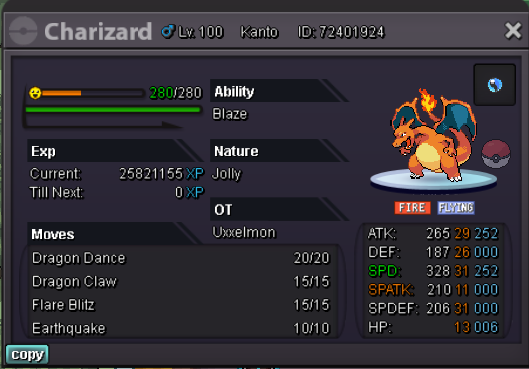
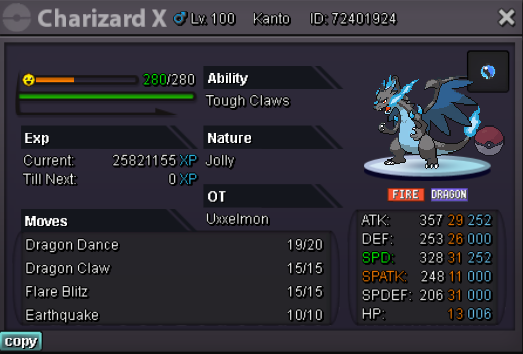
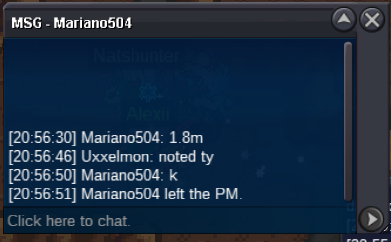
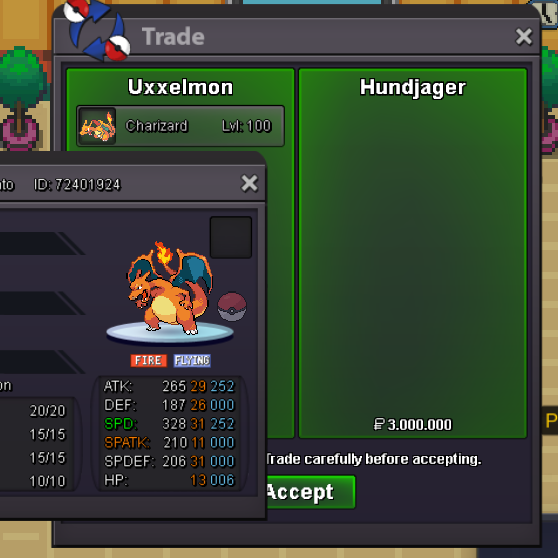 start 2m from silver 🙂


Account
Navigation
Search
Configure browser push notifications
Chrome (Android)
- Tap the lock icon next to the address bar.
- Tap Permissions → Notifications.
- Adjust your preference.
Chrome (Desktop)
- Click the padlock icon in the address bar.
- Select Site settings.
- Find Notifications and adjust your preference.
Safari (iOS 16.4+)
- Ensure the site is installed via Add to Home Screen.
- Open Settings App → Notifications.
- Find your app name and adjust your preference.
Safari (macOS)
- Go to Safari → Preferences.
- Click the Websites tab.
- Select Notifications in the sidebar.
- Find this website and adjust your preference.
Edge (Android)
- Tap the lock icon next to the address bar.
- Tap Permissions.
- Find Notifications and adjust your preference.
Edge (Desktop)
- Click the padlock icon in the address bar.
- Click Permissions for this site.
- Find Notifications and adjust your preference.
Firefox (Android)
- Go to Settings → Site permissions.
- Tap Notifications.
- Find this site in the list and adjust your preference.
Firefox (Desktop)
- Open Firefox Settings.
- Search for Notifications.
- Find this site in the list and adjust your preference.