




New Trade Zone
Trade Zone is now live
Use the new Trade Zone for auctions and instant-price trades so Pokemon and item offers are easy to find.

Vns44
Suspended
-
Joined
-
Last visited
-
Vns44 changed their profile photo
-
would love to have aron family form and should add another starters form for the halloween (other than char , bulba and squirtle)
-
-
whats your ingame name?yea u won we can meet rnon rncongratulations ahirtime overs .o = 800k min bin = 50k no insta end 2 days after first bid
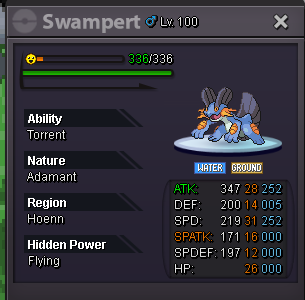 s.o = 300k min bid = 50k no insta auction end 24 hrs after first bid
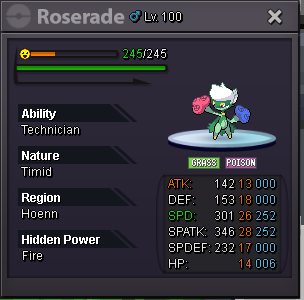 Got this error when i got 272 pts in bcc and came first . at this moment bcc is supposed to gimme a price for coming first but shows this error
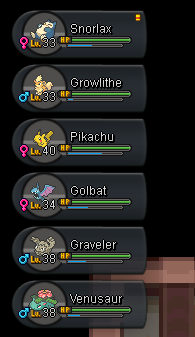
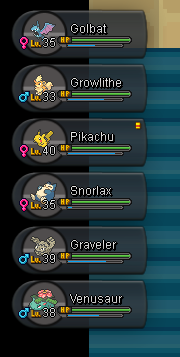
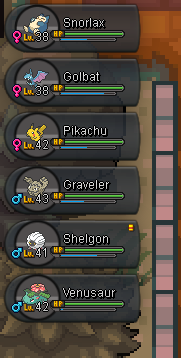
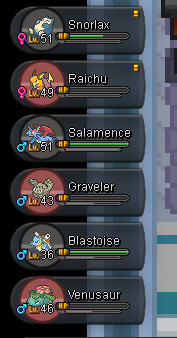
 before gym1before gym1 after gym1 before 2nd gym after gym 2 gym3 gym4 gym5 before gym5 after gym6 before gym6 after gym7 gym8 Feedback : overall addition of the exp share is very nice but it gives very less exp . And it even created a bug i guess if the exp share holder poke died then we choose other one then the animation shows the exp share poke is thrown out and it faints again and then choose poke again. But adding exp share is very nice . Plus i would like to suggest to bring the snowy map to all regions in main servers too in christmas update it kinda looks cool. Thank you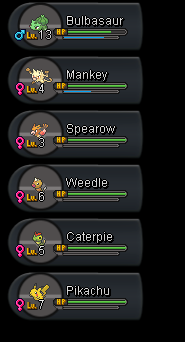
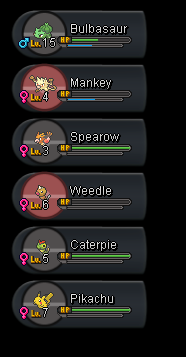
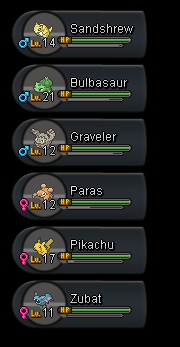
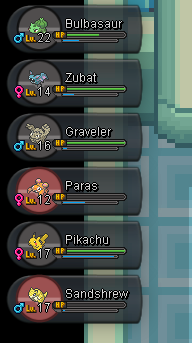
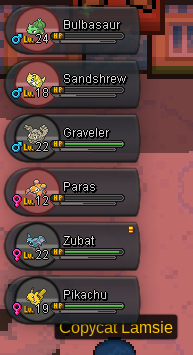
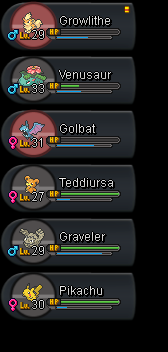
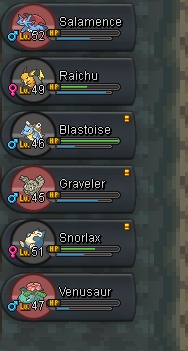
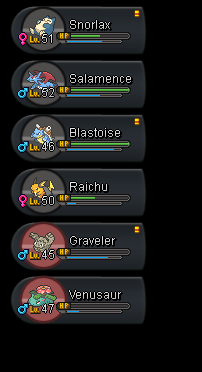 garchomp charizard metagross



