New Trade Zone
Trade Zone is now live
Use the new Trade Zone for auctions and instant-price trades so Pokemon and item offers are easy to find.

Alduiin
Registered User
-
Joined
-
Last visited
Everything posted by Alduiin
-
Hi i want buy all these for 3.1m, tell me if acceptable, thank u
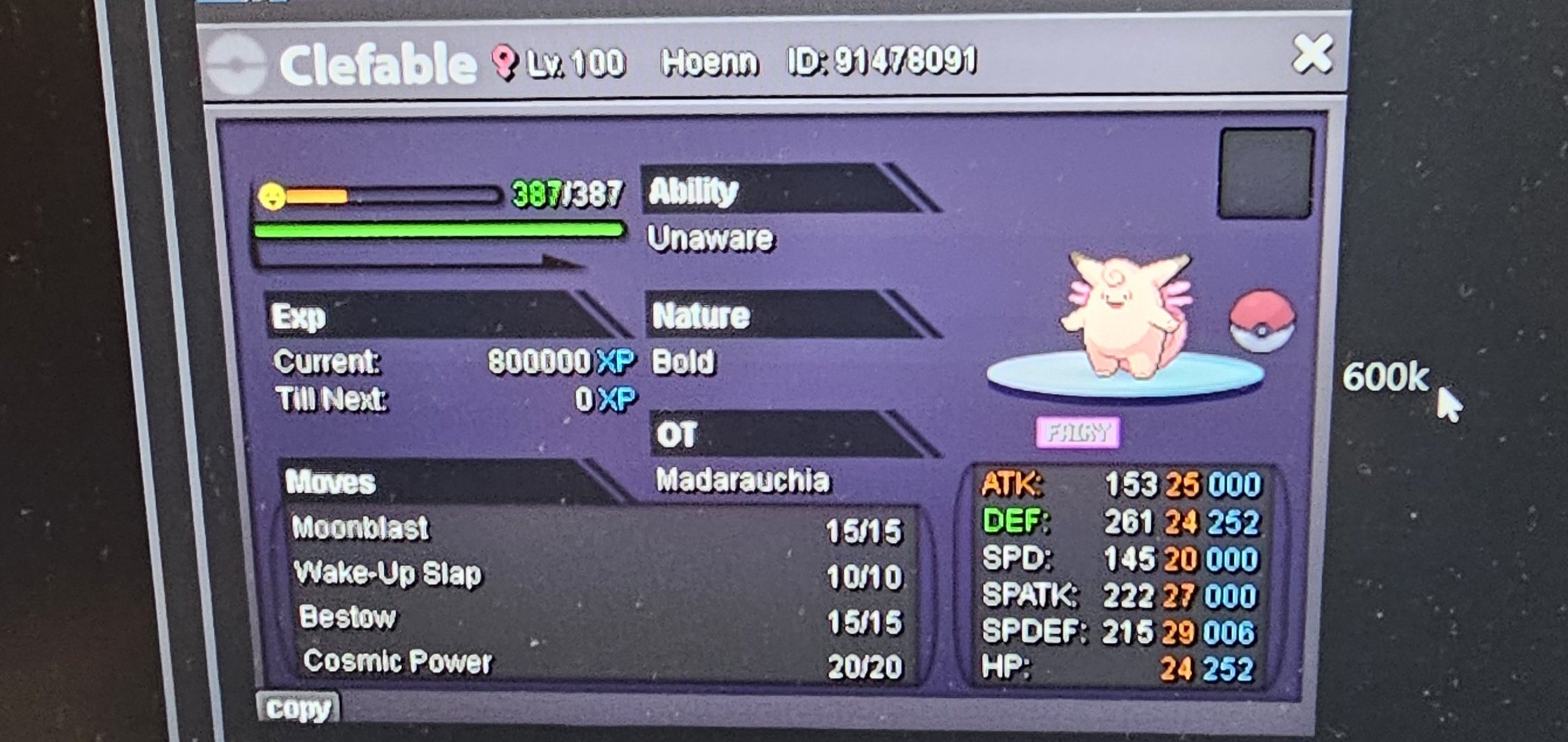
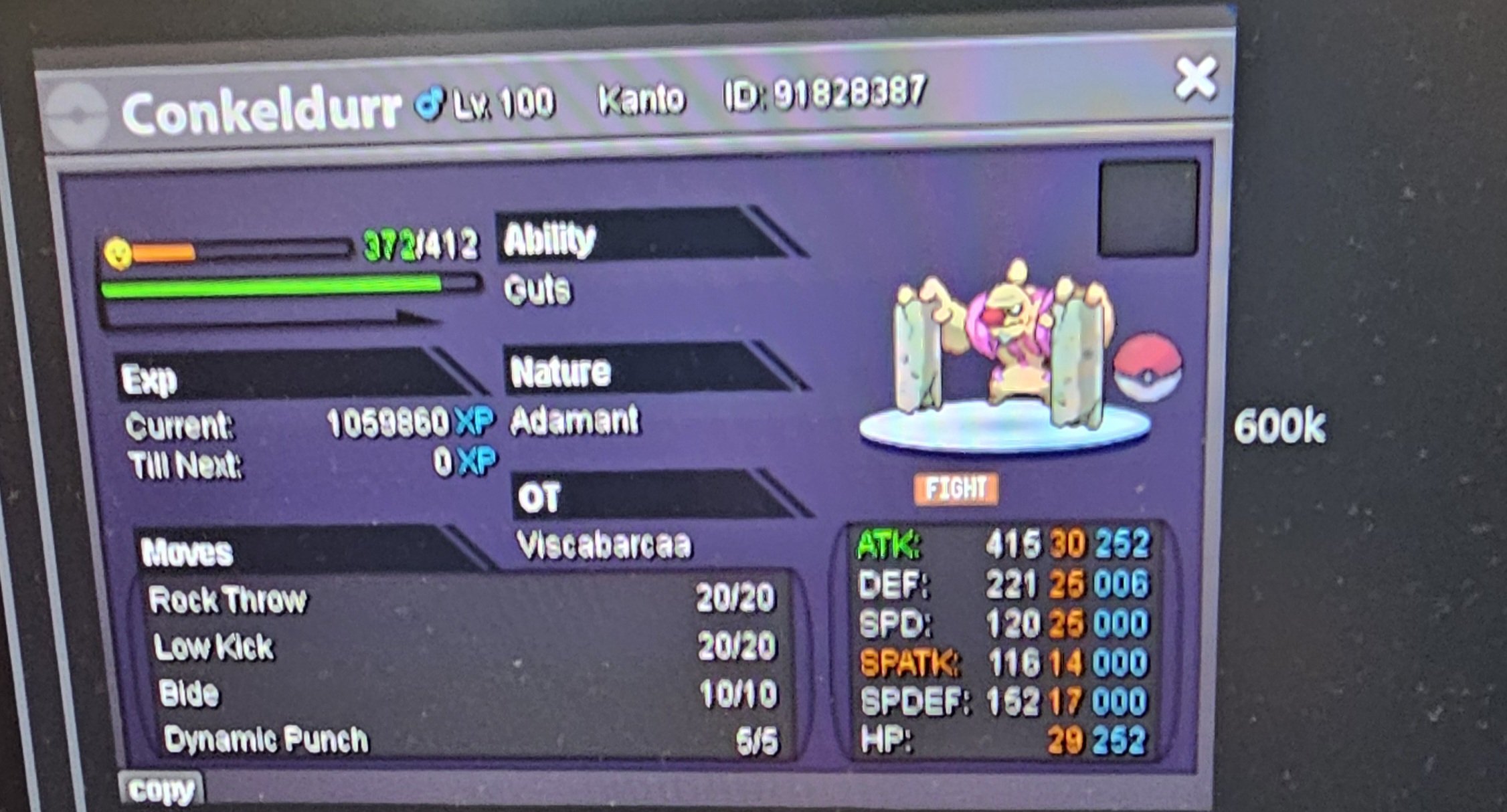
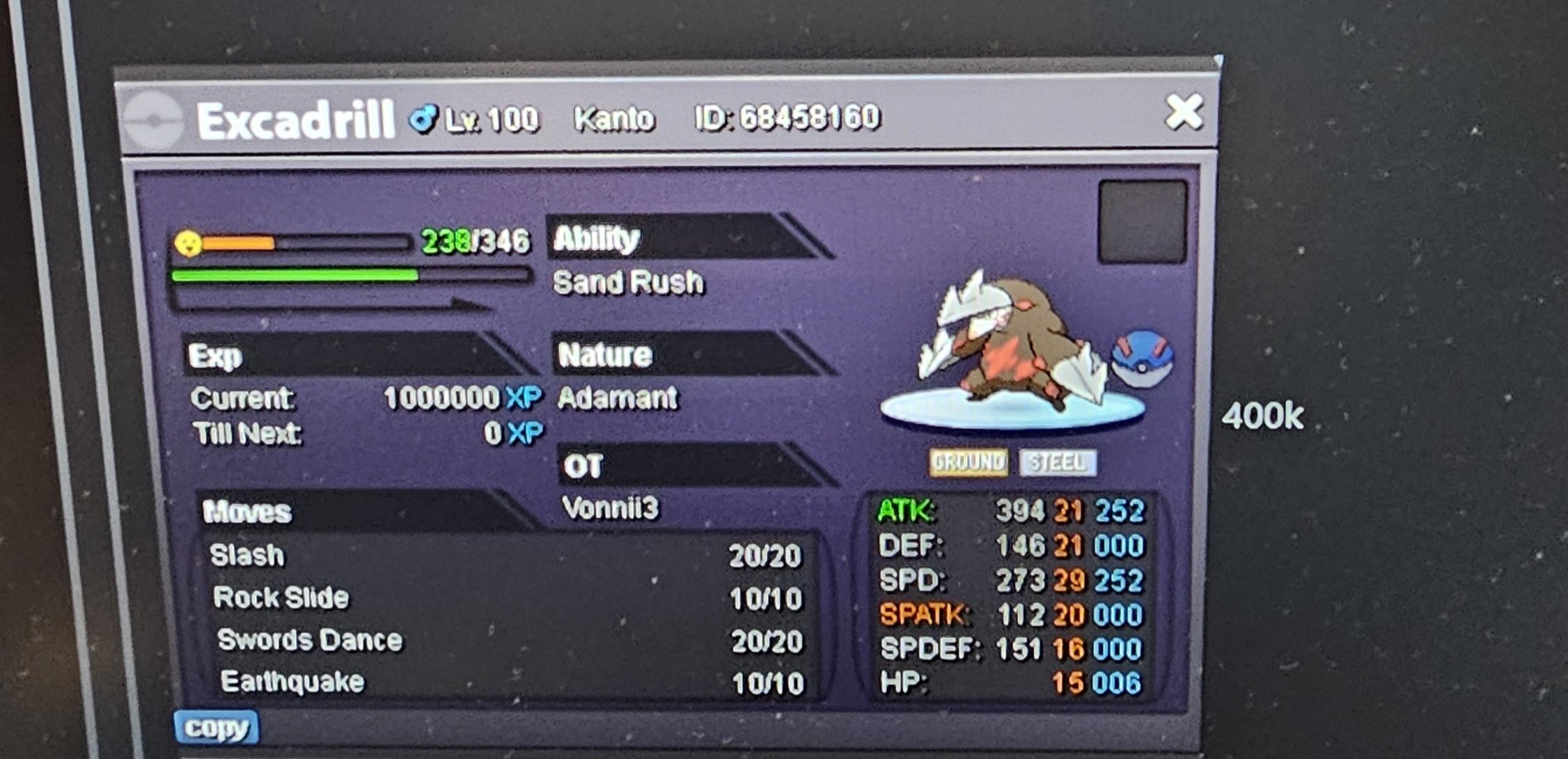
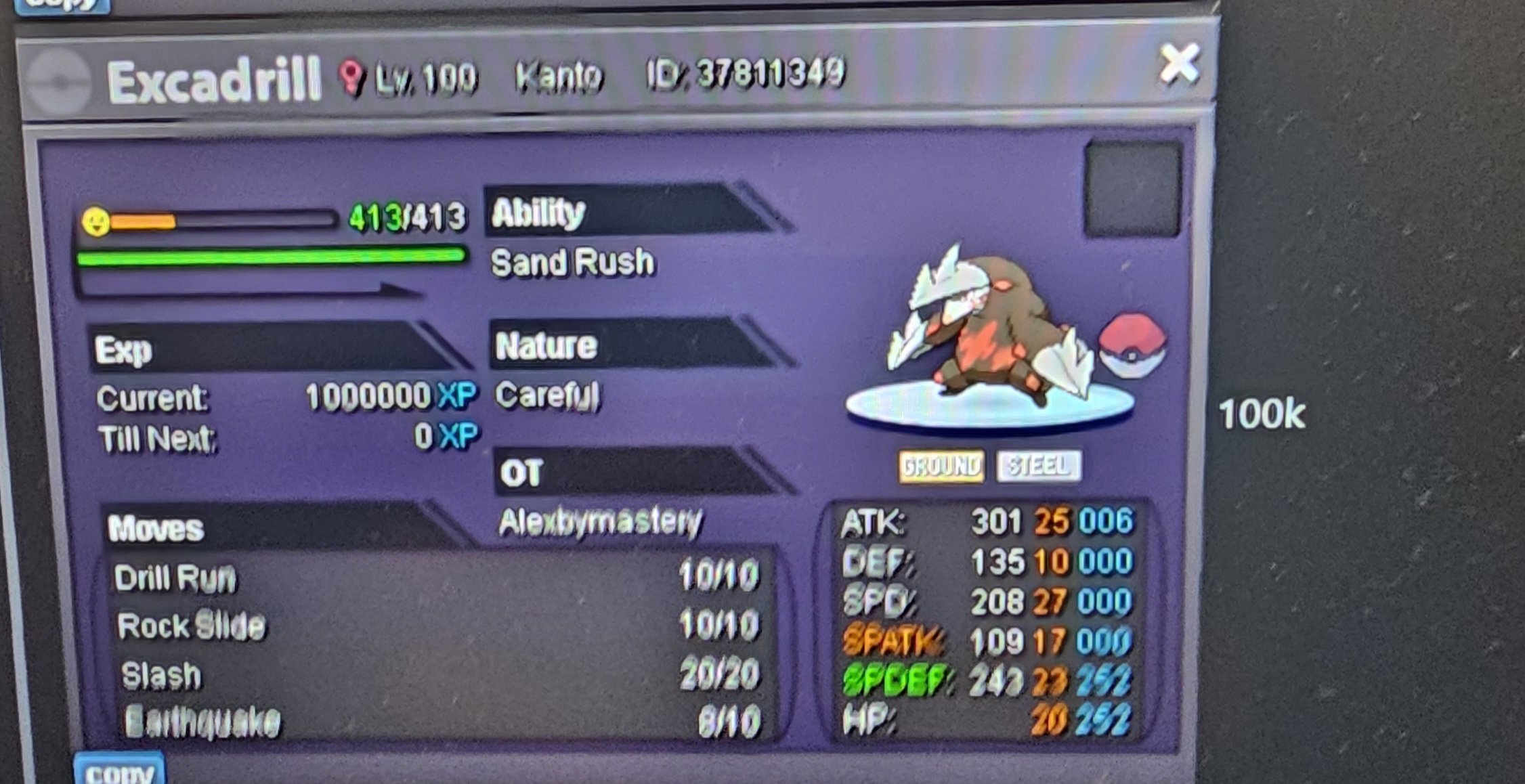
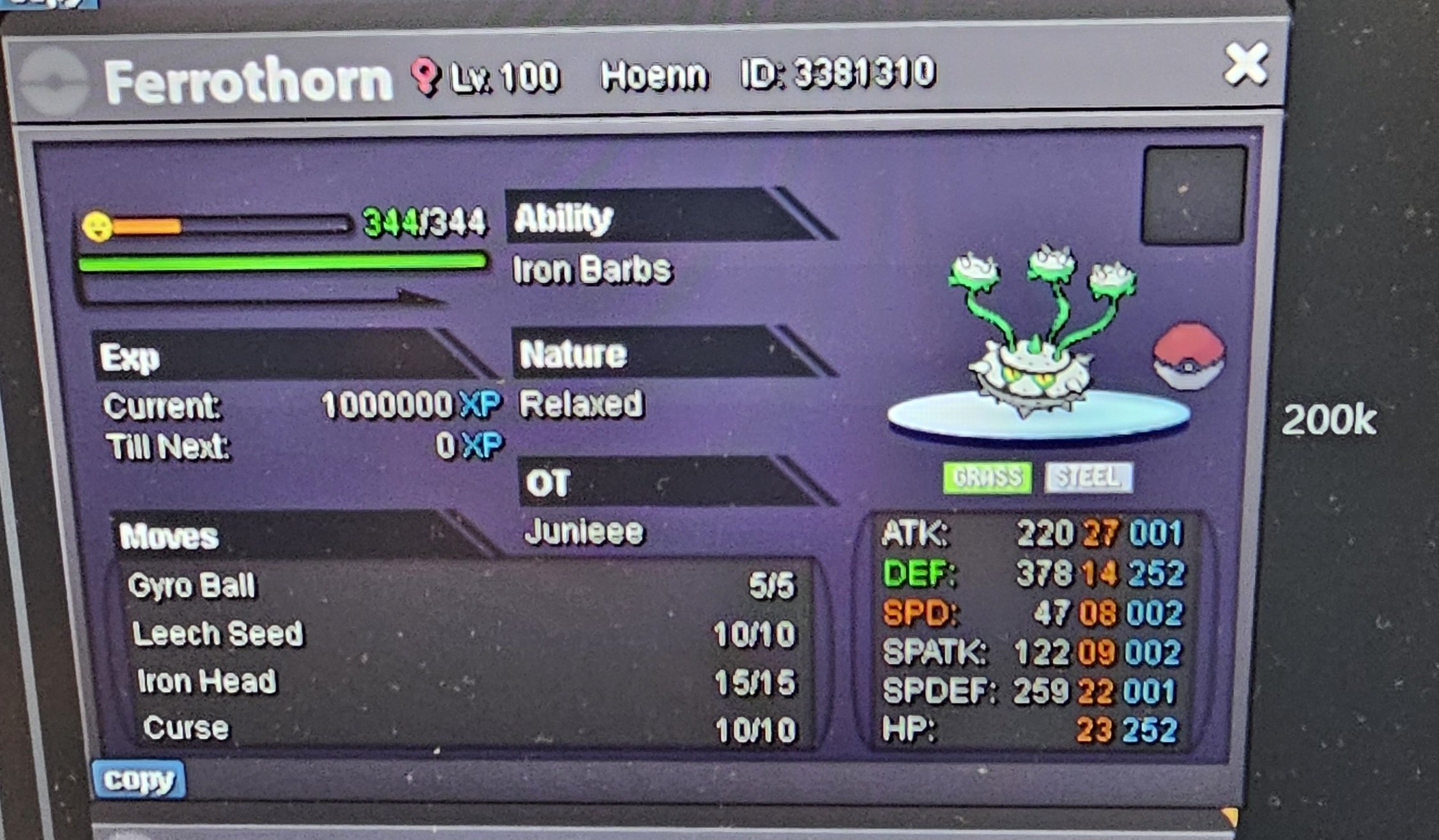
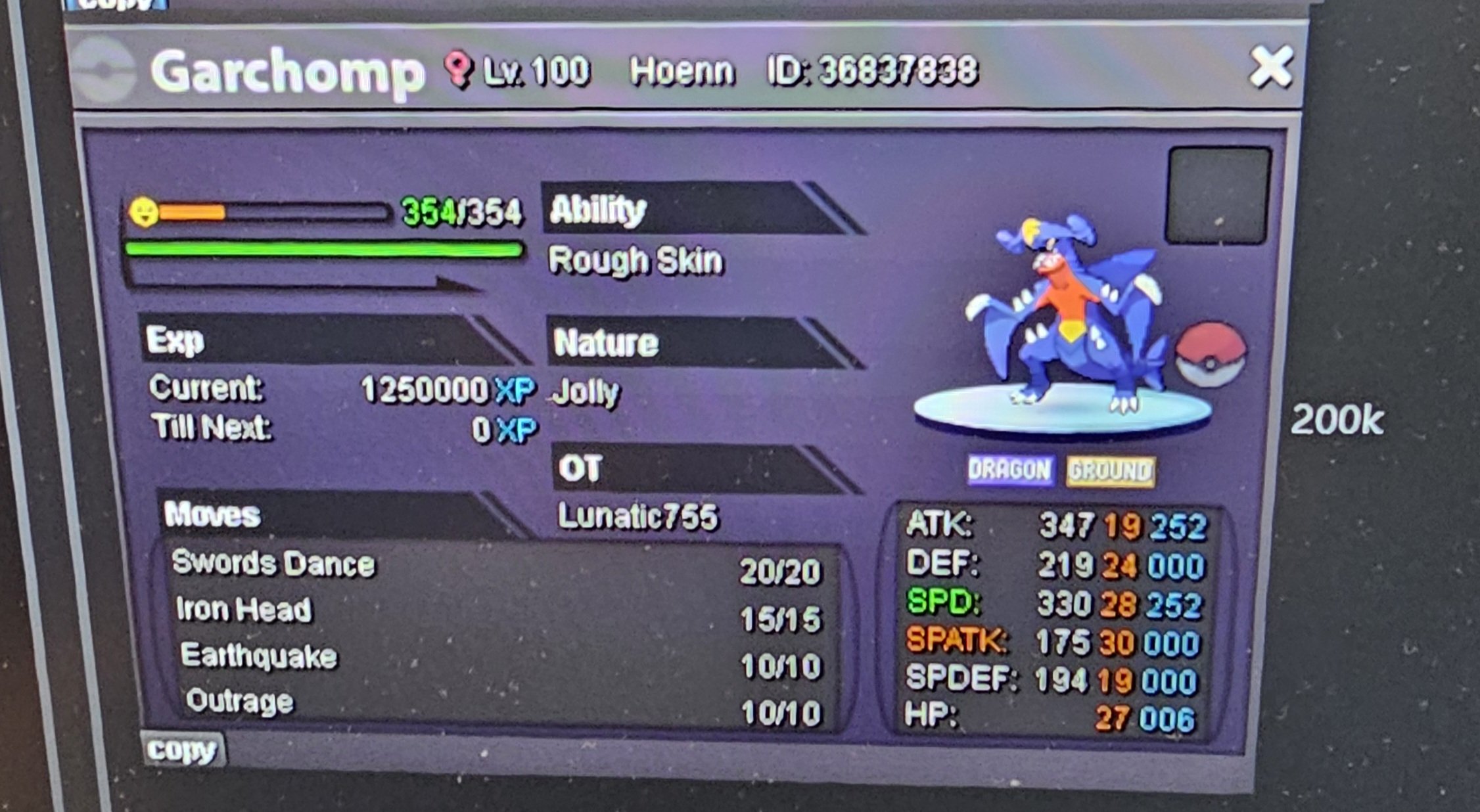
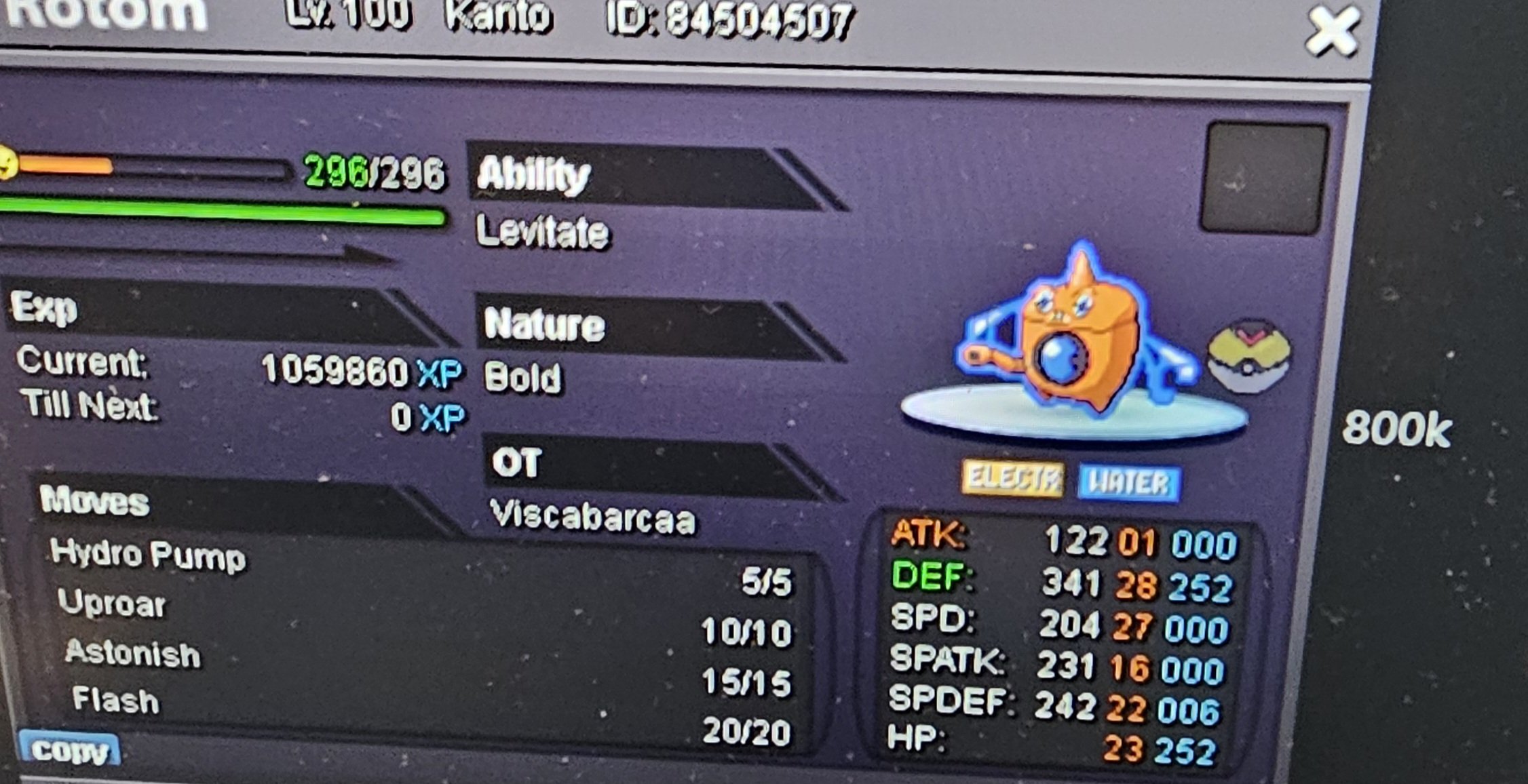
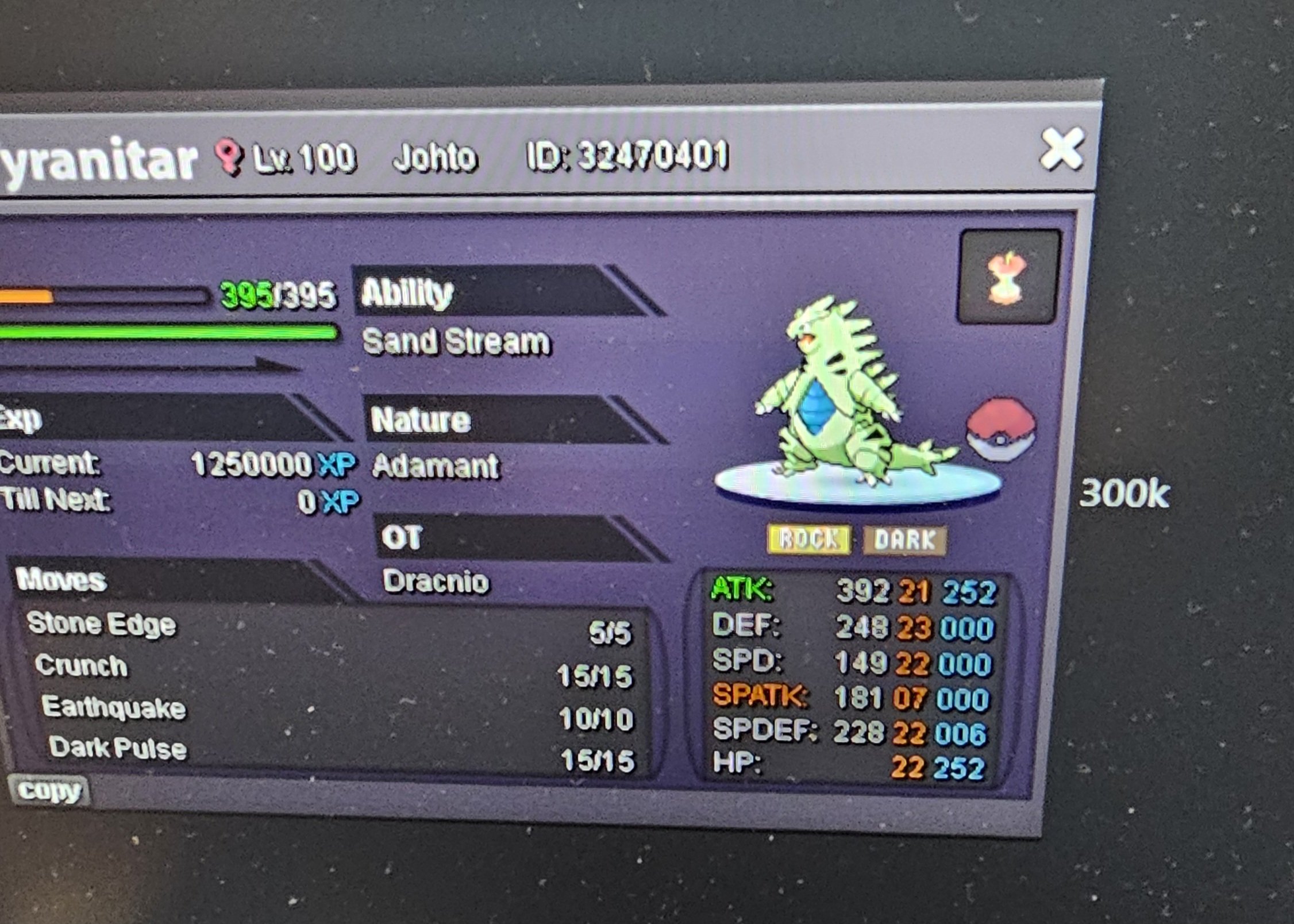
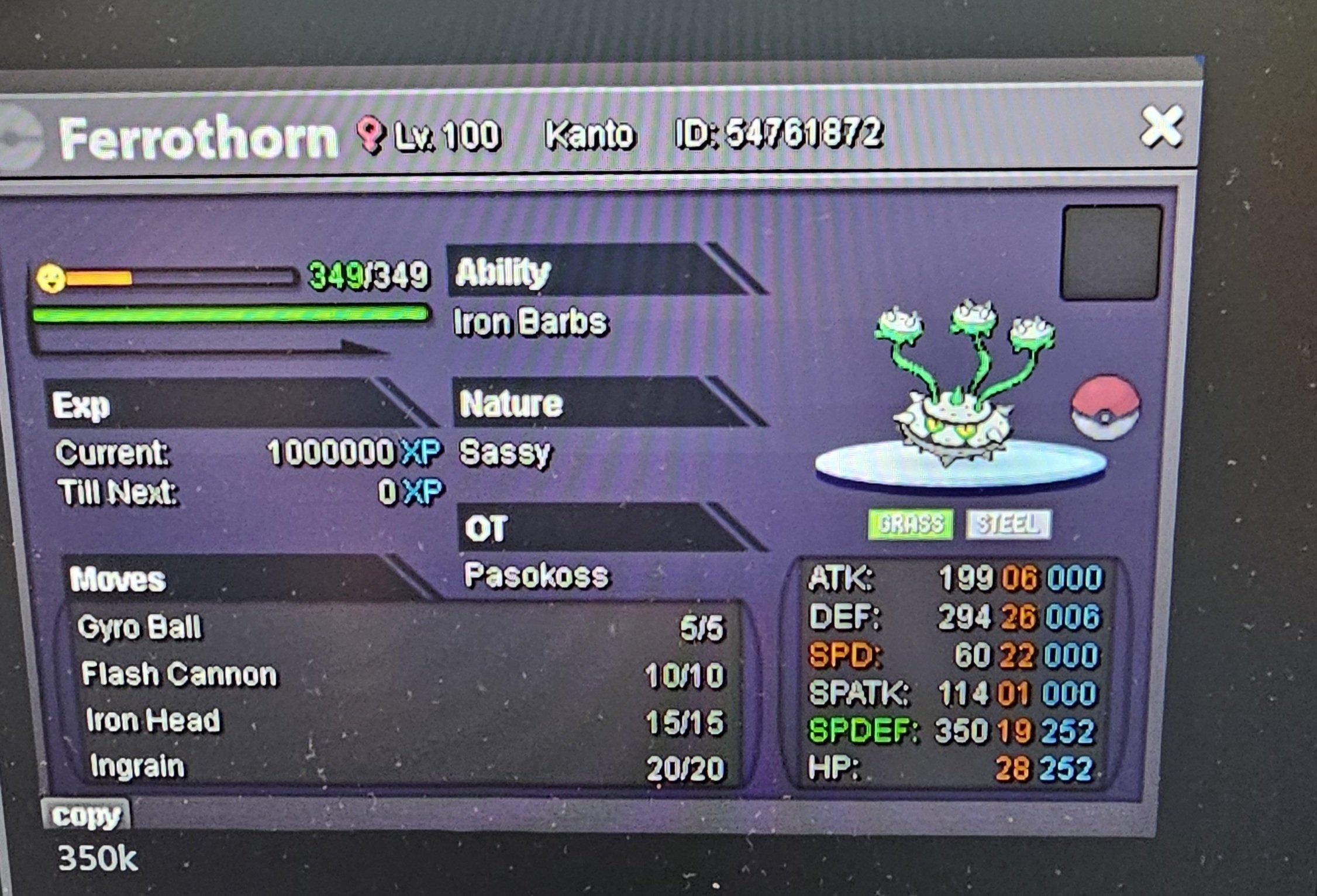
-
scyter 1m , hondege 800k
-
you can do a couple of things regarding this 1. get 4 badges to be able to trade, and buy yourself a cheap bulba for remainder of story 2. make another account (4 max) and pick bulba and start again if you have not progressed too far on squirtle account 3. if you have headbutt or the tool you can use it on the trees in pallet town to encounter the other starters (not sure if this is level, badge or happiness locked) all items in coin shop are tradeable as well as 100 coins as a coin capsule if both accounts have 4 badges
-
Bumb
-
Hey sry its sold
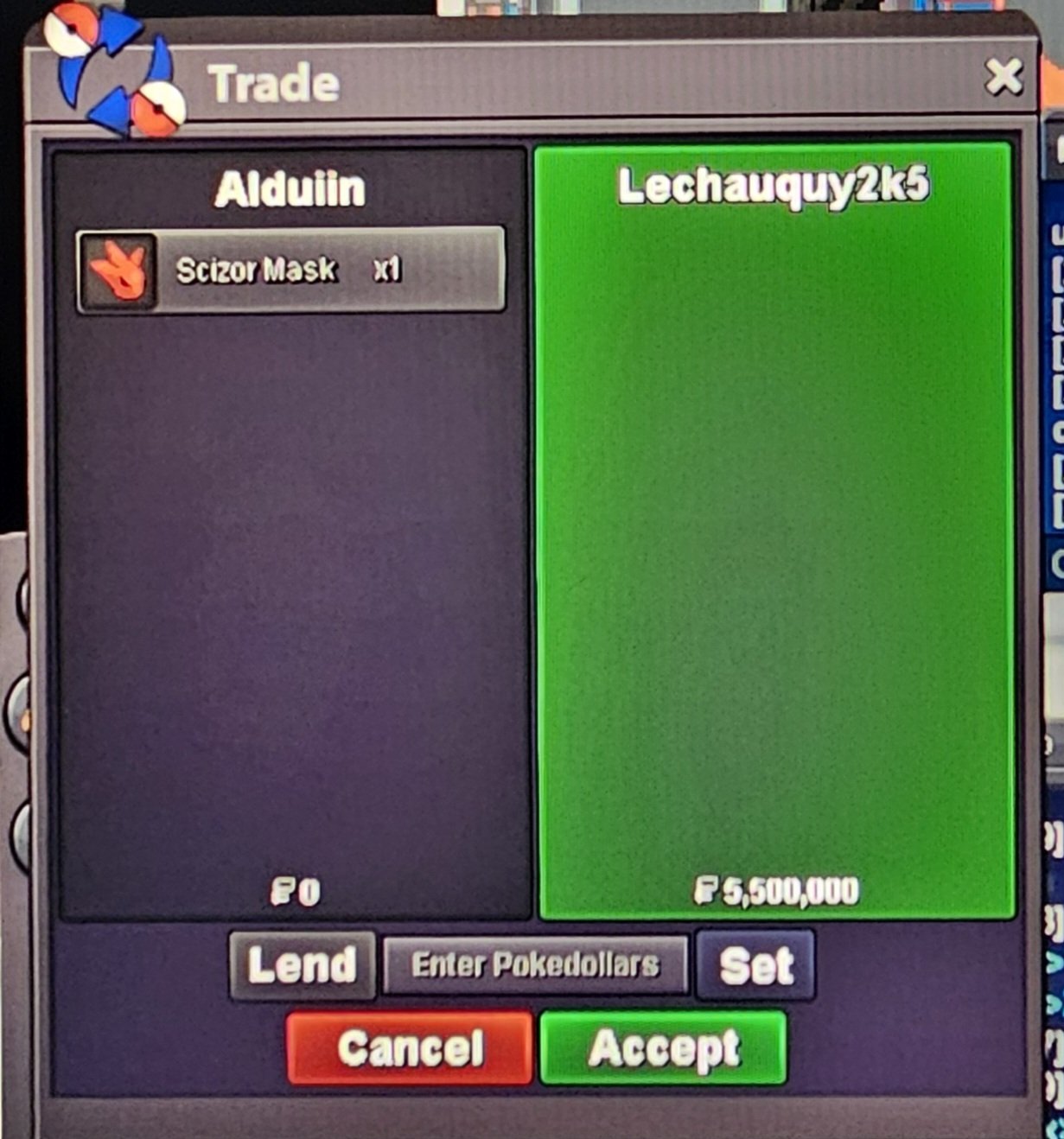
-
Bumb
-
not tradeable
-
Okay will be in game in 1 hours
-
sry guys some stuff sold, also moved to silver, will come back later ty
-
Will transfer to gold in 10-20 minutes
-
Hi i use insta
-
-
Nice shiny!
-
Hey sorry, sold already to raj
-
Top business man in pro
-
-
52k yanma
-
Cash 16m
-
10m klefki
-
Looking to trade for shiny prestige mount Rayquaza Or Zapdos
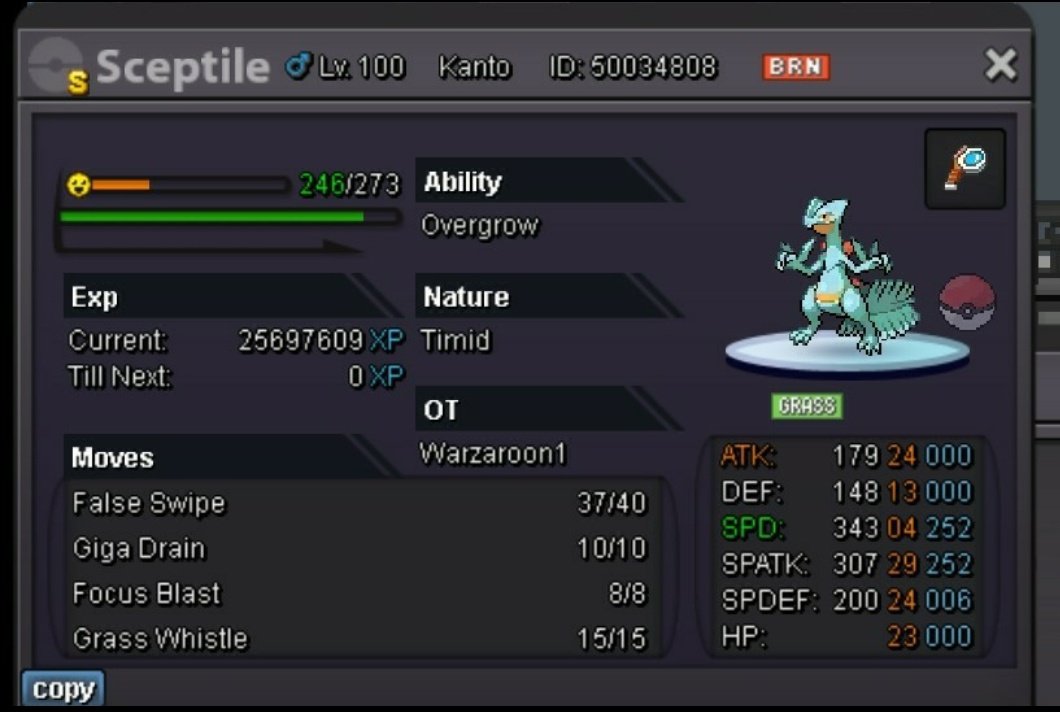
-
200k alomoHey you win, which server are you and when are you availableBump, around 14 hours leftStart 10k Min raise 10k 36 hours after starting Accept cc@390k Rare candy @7k