New Trade Zone
Trade Zone is now live
Use the new Trade Zone for auctions and instant-price trades so Pokemon and item offers are easy to find.


Xaizen
Registered User
-
Joined
-
Last visited
Everything posted by Xaizen
-
Quentine because Q25 = Q 2+5 = Q7 = Q + 7 letters 😄
-
I buy the 31 spd timid Rotom
-
-
Would buy mimikyu male untrained
-
Then it’s all right. 🙂 didn’t see that it starts with first bid that’s why I was confused. I thought it’s just 24 hours from post start.
-
Did you write that auction starts with first bid? Had that problem in an other auction.
-
Didn’t it end 3:49pm as it was 24 hours and you posted at 3:49 for the auction start.
-
725k
-
How can you bid when you already traded the poke lol?…
-
Start but wrong topic. Needs to be in shiny not normal poke
-
700k
-
-
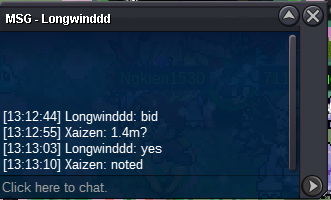
Auction ended. @Longwinddd won with 1.4m. Pm me here or in game for the trade.
-
lets do the trade after server restart in couple minutes.
-
-
-
-
-
S.O. = 1m Winner = 1.4m by Longwinddd min bid = 100k Insta = 2.5m Auction starts with 1st bid and ends after 24 hours. Auction end at 3:14pm GMT+1 on 09/02/2023 Auction ended. Thanks all who bid.

-
Amazing Shop. Nice work!
-
180k
-
250k
-
-
Let me know if you lower the start offer for the mushroom 🙂
-
Wanted to bid 800k but its 904k then 😄