




New Trade Zone
Trade Zone is now live
Use the new Trade Zone for auctions and instant-price trades so Pokemon and item offers are easy to find.

Megadialga
Registered User
-
Joined
-
Last visited
Everything posted by Megadialga
-
+1
-
-
Can any mod force trade pls , I am not able to contact winner
-
You win , pm me when u available for trade
-
-
-
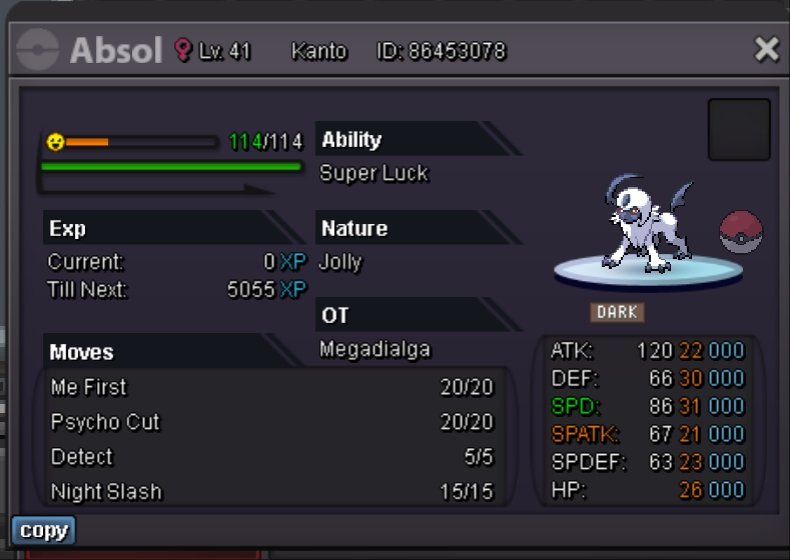
START OFFER -- 100K MINIMUM BID -- 10K No insta Duration -- 48 hrs from 1st bid Accept cc- 350k, rr - 500k and pokedollars Good luck !!
-
600k
-
BumpHi , I am auctioning my cute mawile ^^ Start - 1m Min bid - 10k No insta Time - 48 hrs from 1st bid Accept pokedollar, cc - 360k, rr - 500k , rc - 6k
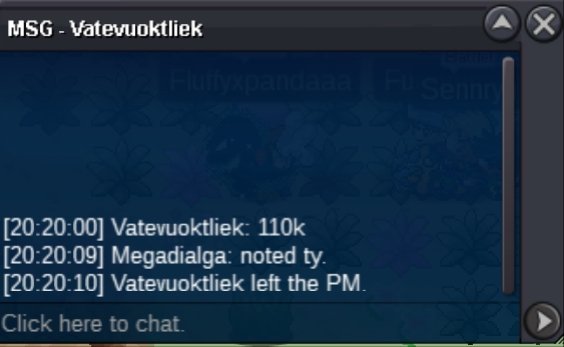
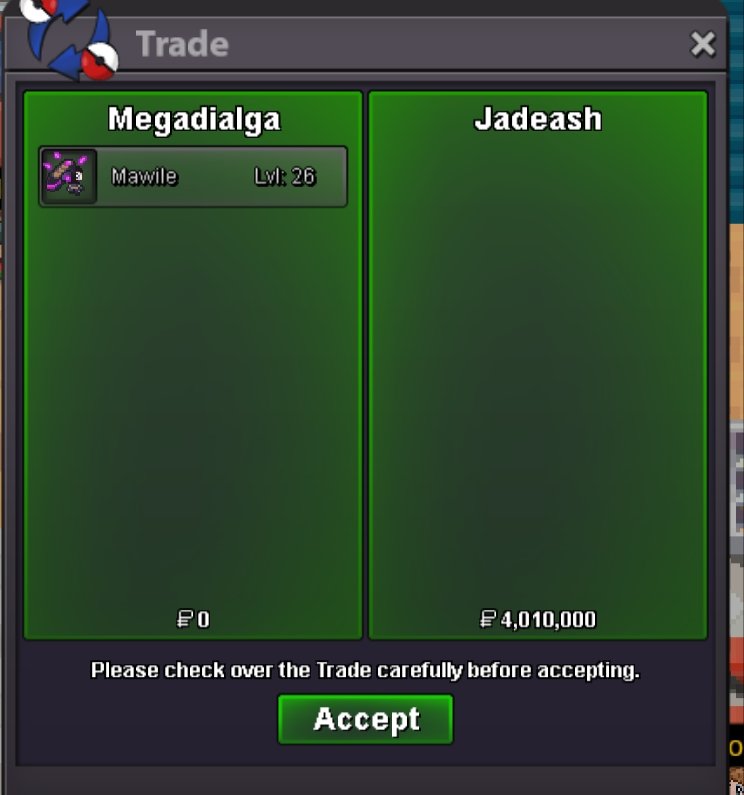
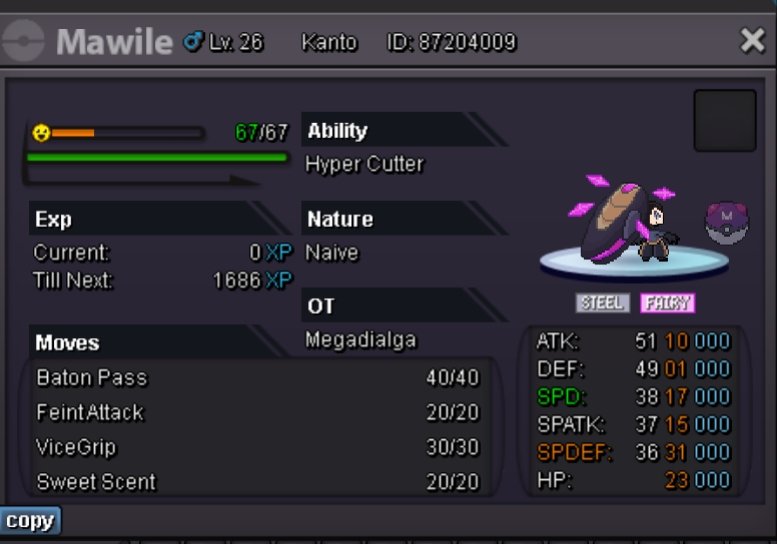 9m2m8m6mSry , only pokedollar are acceptedHi there , pm me when u available in-gameVday ninetales sold
 BumpHi there , welcome to my shop All prices are negotiable ^^ More things will be added soon Just reply to this topic or send a message in-game to buy something Fake offers will be reported. Items - life orb - 35k each ( 25+ in stock) Rare candy - 6k each ( 100 in stock ) Focus sash - 1.5k rach ( 700+ in stock ) Choice band - 50k each ( 1 in stock ) Choice specs - 60k each ( 0 in stock ) Choice scarf - 90k each ( 2 in stock ) Mounts and cosmetics for sale - Note - mounts and cosmetics with no prices written are either not tradeable or not for sale.



Account
Navigation
Search
Configure browser push notifications
Chrome (Android)
- Tap the lock icon next to the address bar.
- Tap Permissions → Notifications.
- Adjust your preference.
Chrome (Desktop)
- Click the padlock icon in the address bar.
- Select Site settings.
- Find Notifications and adjust your preference.
Safari (iOS 16.4+)
- Ensure the site is installed via Add to Home Screen.
- Open Settings App → Notifications.
- Find your app name and adjust your preference.
Safari (macOS)
- Go to Safari → Preferences.
- Click the Websites tab.
- Select Notifications in the sidebar.
- Find this website and adjust your preference.
Edge (Android)
- Tap the lock icon next to the address bar.
- Tap Permissions.
- Find Notifications and adjust your preference.
Edge (Desktop)
- Click the padlock icon in the address bar.
- Click Permissions for this site.
- Find Notifications and adjust your preference.
Firefox (Android)
- Go to Settings → Site permissions.
- Tap Notifications.
- Find this site in the list and adjust your preference.
Firefox (Desktop)
- Open Firefox Settings.
- Search for Notifications.
- Find this site in the list and adjust your preference.