New Trade Zone
Trade Zone is now live
Use the new Trade Zone for auctions and instant-price trades so Pokemon and item offers are easy to find.


Shaktimaan
Registered User
-
Joined
-
Last visited
Everything posted by Shaktimaan
-
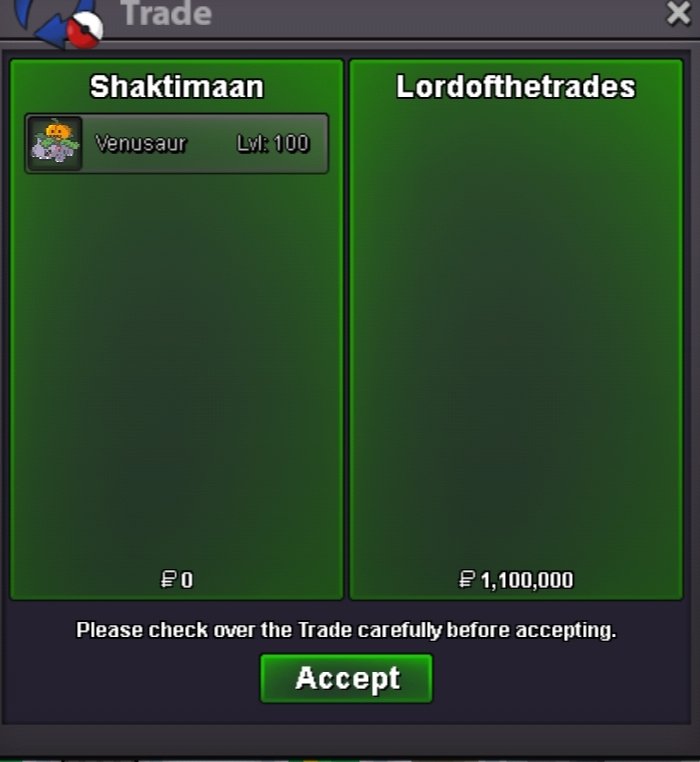
The auction will end 48 hours from now. The highest bidder at that time will win the Venusaur.Region: Kanto Nature: Modest Ability: Chlorophyll Hidden Power: Ice Auction Rules: Start Offer (S.O): 1,000,000 Pokédollars Minimum Bid Increment: 100,000 Pokédollars Buyout (B.O): None (No instant buyout) Auction Duration: 48 hours from the first valid bid Payment Method: Only Pokédollars are accepted Winner: Highest valid bid at auction end
 • Start Price: 1m • End Point: 24 hours (after start price is met) • Insta Price: 7m • Minimum Raise: 100k • Accepted Payments: Pokedollars, Coin Capsules (400k), IV Rerolls (500k) Important Reminders: • The auction will conclude in 24 hours (after start price is met), and bids must adhere to the minimum raise. • If a bid is received in the final 15 minutes of the auction, the end point will be delayed by 15 minutes from that bid, and will be delayed by 15 minutes for each new bid thereafter, until the current offer has been held for a full 15 minutes.
 1mWtb both service My dc Keyaruga#89903m2.6m3.2m1m1.2m lycanroc1m lycanroc 500k steelix135k100k+20k20kJolteon 1.7m and 50k Leafeon 3.6mIm online now Here's my discord Keyaruga#89902.2m+50k1.7m1.6mCan anyone help us to trade please?@Incandescent can you help to force trade please because i guess @Bhimoso isn't available to trade currentlyWho win?