




New Trade Zone
Trade Zone is now live
Use the new Trade Zone for auctions and instant-price trades so Pokemon and item offers are easy to find.

Omenrl
Registered User
-
Joined
-
Last visited
Everything posted by Omenrl
-
Hi are you in silver or gold?
-
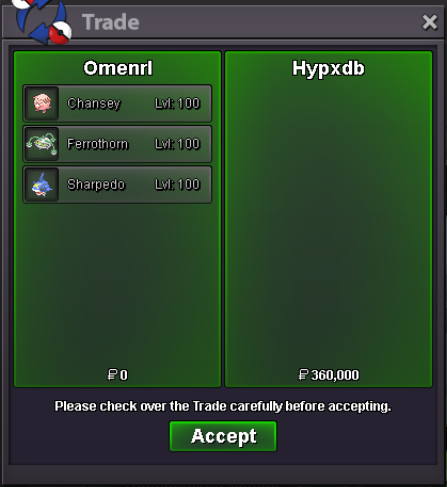
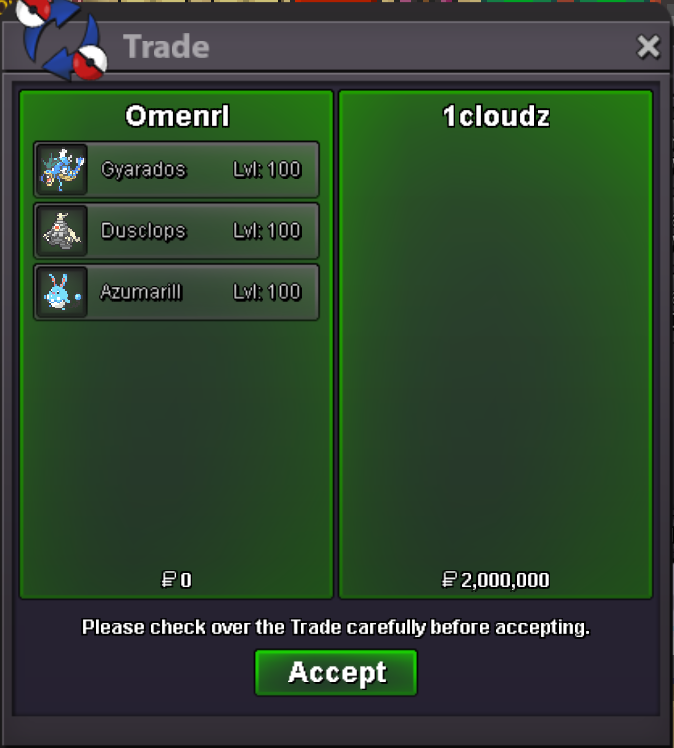
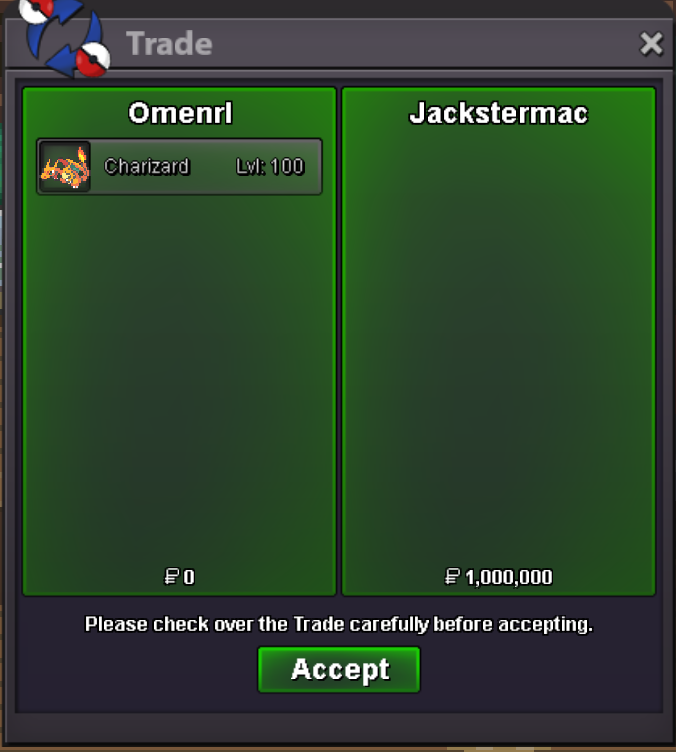
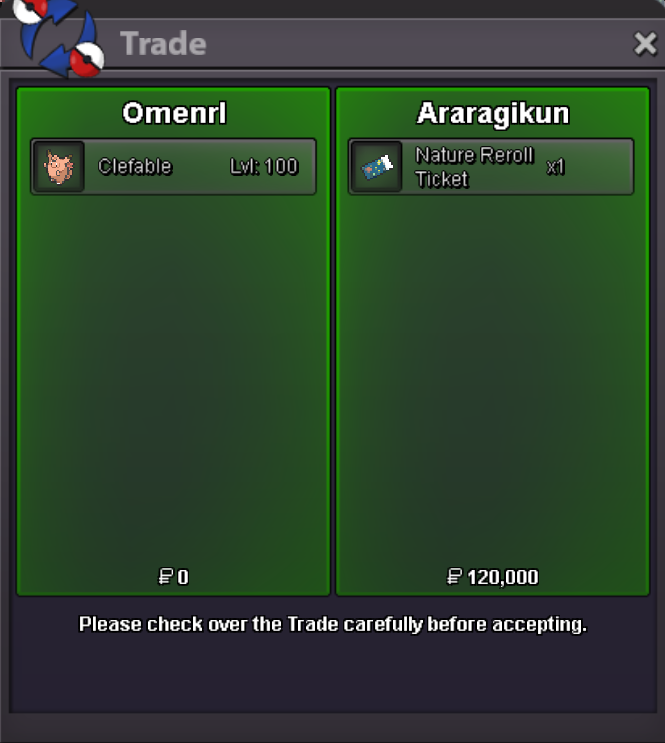
I can around that same time tomorrowFantastic, I will come online for trade5m4.7m4.5m bug4m bug3.6m for the bugLarv 3.4m3.2m larv3m larvAdd me on disc - Omen#4893 im not home currently but we will pick a time to meetNo ❤️ lol I can do 1m2 lowest 🙂Hello, See example at this link: https://www.youtube.com/watch?v=fFWWyjmM73U I have noticed it specifically happens with venusaur in the game - may be related to new weather ball move which i only recently put on the venu. Thanks,800k glisc, 500k zamUnfortunately I haven't been able to record an instance of this happening, but I have had a couple of battles in which clicking "fight" with my mouse resulted in nothing happening or changing on my screen. I could spam click it, or any other option, or try to log out, and nothing would process or happen. This has happened to me once in a PvP battle and once in a friendly battle. I feel it may be specific to the mouse clicking function because both times I was still able to click 1 on my keyboard to open my list of moves, but anything I tried clicking with my mouse wouldn't work. Should it happen again I will record it and follow up with a video link. Thanks!grats @jackstermac, pm me on discord for your grand prize!



Account
Navigation
Search
Configure browser push notifications
Chrome (Android)
- Tap the lock icon next to the address bar.
- Tap Permissions → Notifications.
- Adjust your preference.
Chrome (Desktop)
- Click the padlock icon in the address bar.
- Select Site settings.
- Find Notifications and adjust your preference.
Safari (iOS 16.4+)
- Ensure the site is installed via Add to Home Screen.
- Open Settings App → Notifications.
- Find your app name and adjust your preference.
Safari (macOS)
- Go to Safari → Preferences.
- Click the Websites tab.
- Select Notifications in the sidebar.
- Find this website and adjust your preference.
Edge (Android)
- Tap the lock icon next to the address bar.
- Tap Permissions.
- Find Notifications and adjust your preference.
Edge (Desktop)
- Click the padlock icon in the address bar.
- Click Permissions for this site.
- Find Notifications and adjust your preference.
Firefox (Android)
- Go to Settings → Site permissions.
- Tap Notifications.
- Find this site in the list and adjust your preference.
Firefox (Desktop)
- Open Firefox Settings.
- Search for Notifications.
- Find this site in the list and adjust your preference.