New Trade Zone
Trade Zone is now live
Use the new Trade Zone for auctions and instant-price trades so Pokemon and item offers are easy to find.

Exzxay
Registered User
-
Joined
-
Last visited
Everything posted by Exzxay
-
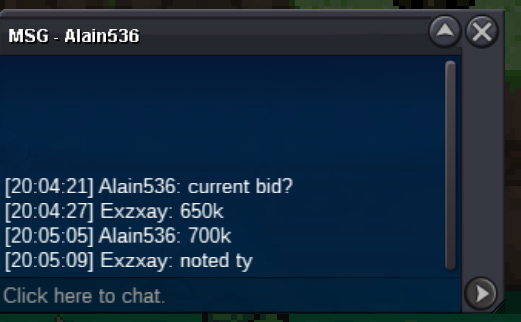
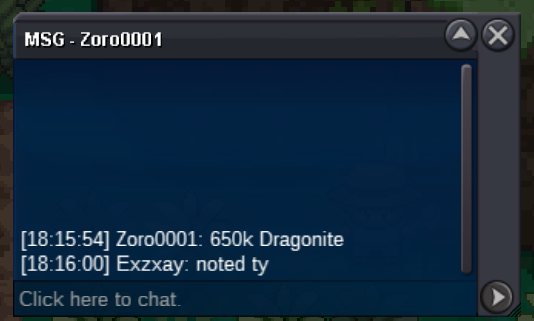
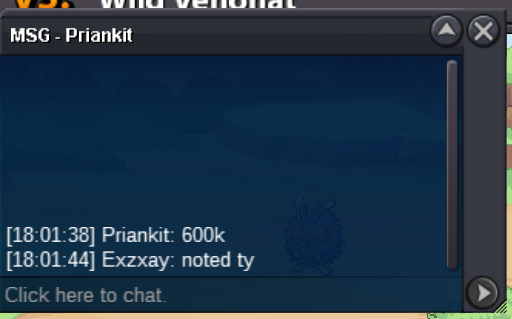
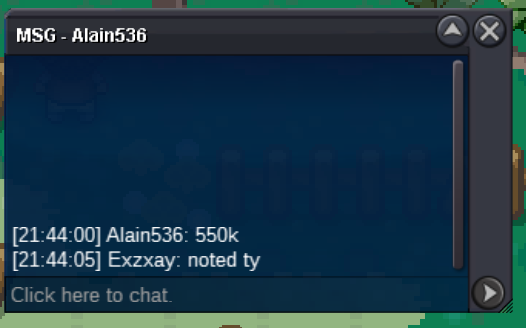
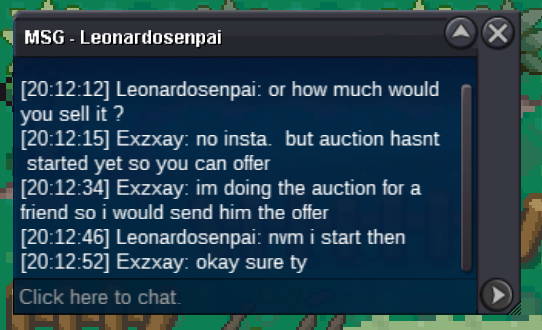
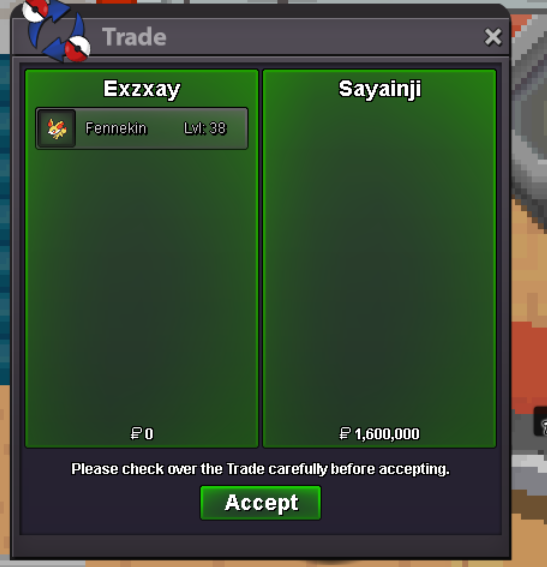
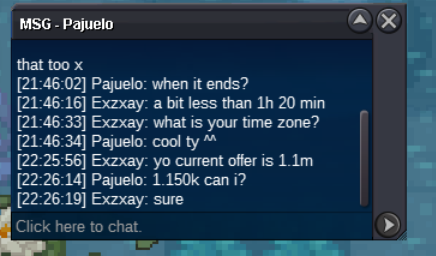
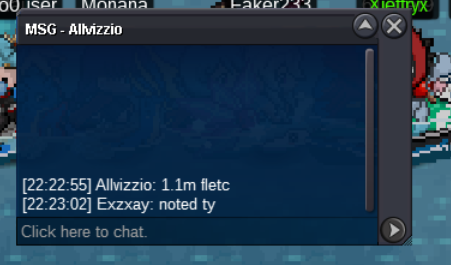
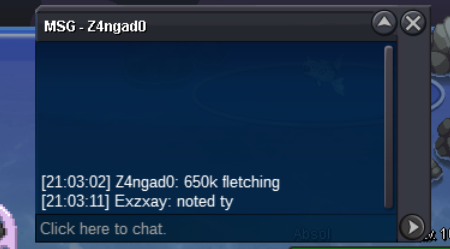
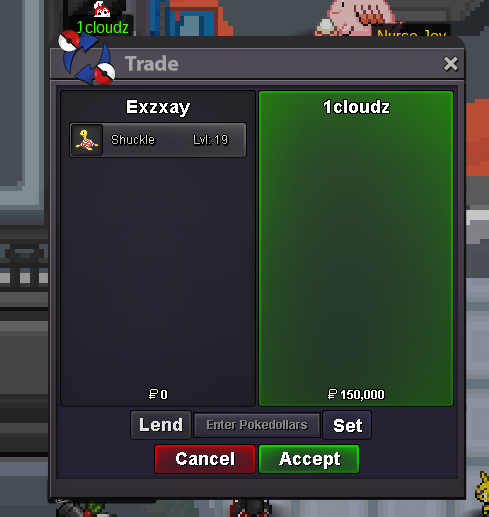
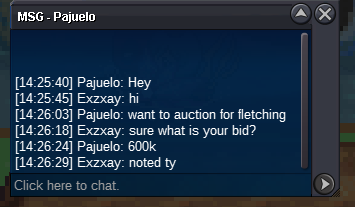
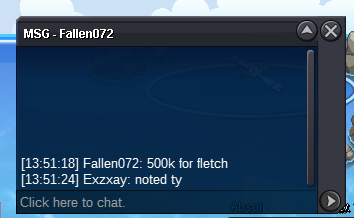
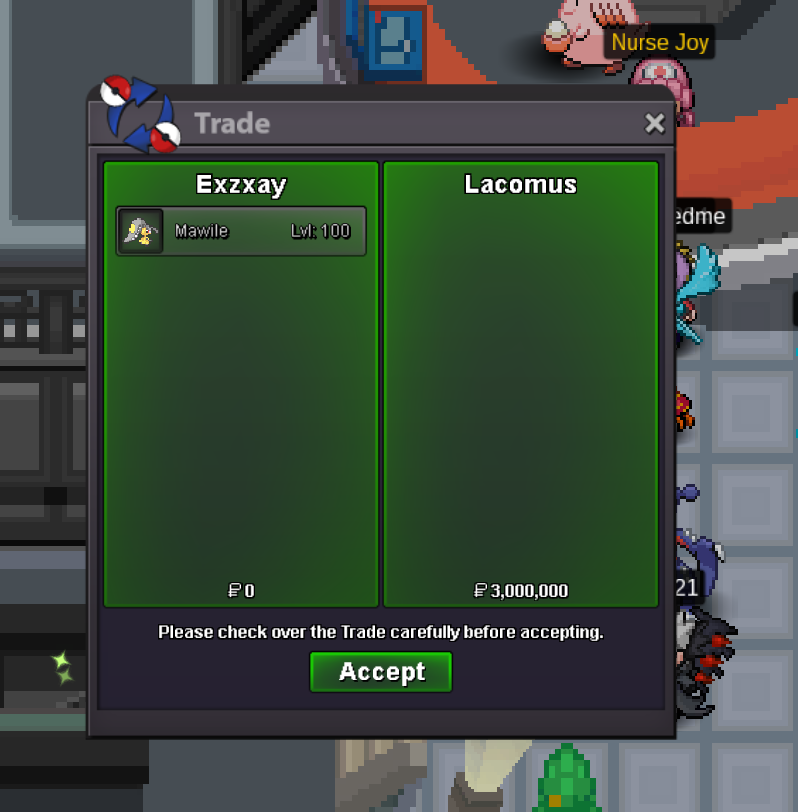
Hi and welcome to my Auction! Starting offer: 500k min bid: 50k Payment: Only Pokedollar No Insta Ends 48h after start =>25.08.2024 20:13 gmt+2 (08/25/24 8:13 pm gmt+2) If you want to contact me feel free to add me on discord: exzxay or ingame. Good Luck!
 bumpbumpbumpbirb started
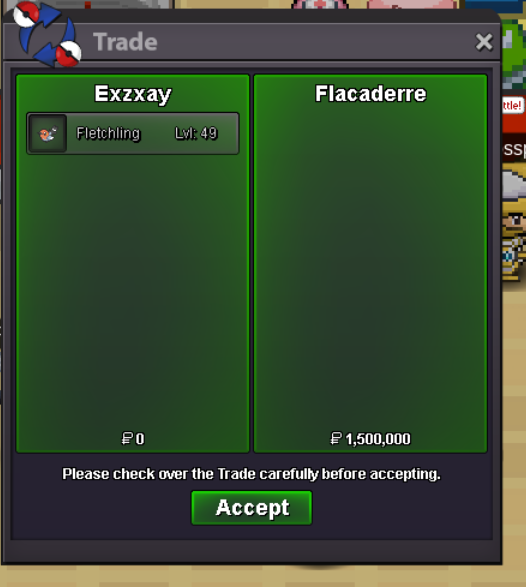
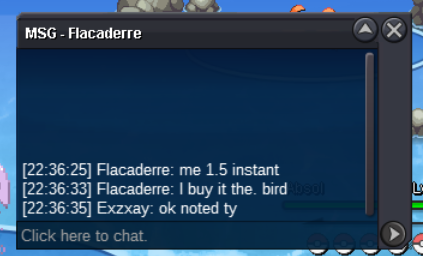
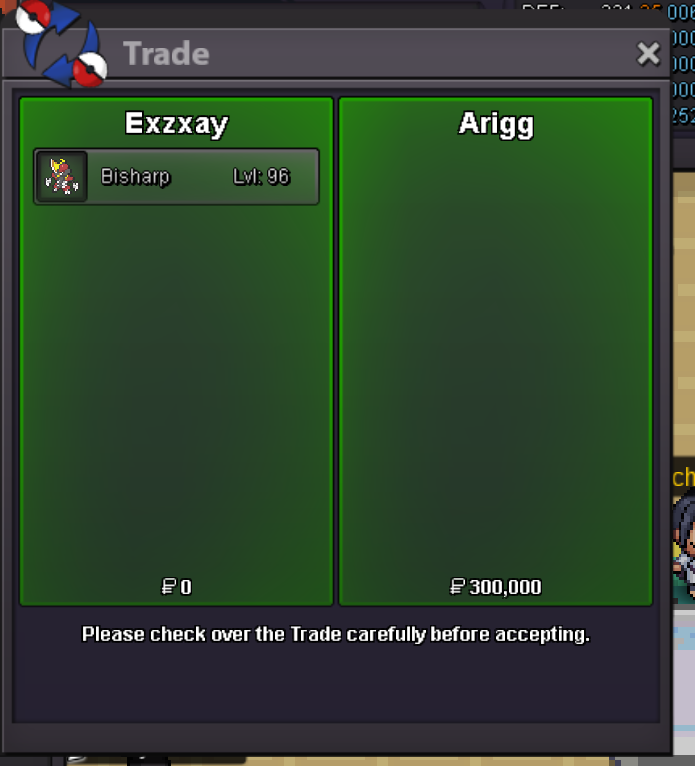
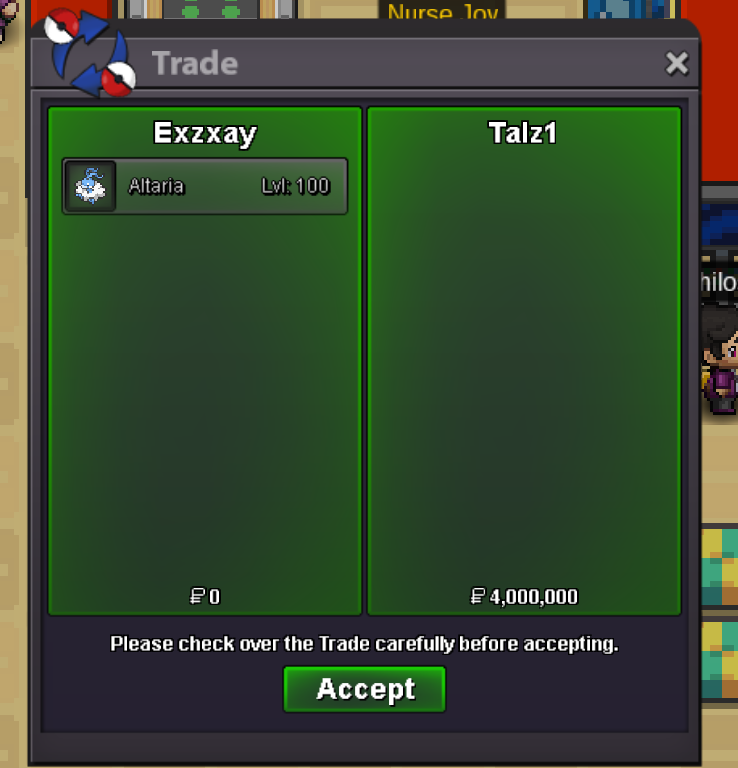
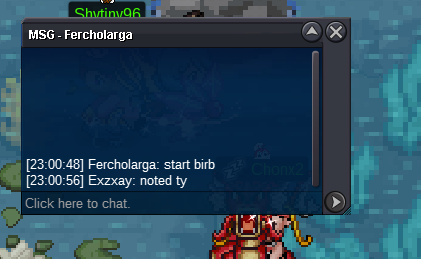 Hi and welcome to my auction! (this is not a Bundle) Start Offer: 1m min bid: 100k Payment: Pokedollar only Insta: 4m ends 48h after start => 18.8.2024 23:31 gmt+2 (8/18/2024 11:31pm gmt+2 ) Start Offer: 400k min bid: 50k Payment: Pokedollar only Insta: 1.5m ends 48h after start => 18.8.2024 23:01 gmt+2 (8/18/2024 11:01pm gmt+2 ) If you want to contact me feel free to add me on discord: exzxay or ingame. Good Luck!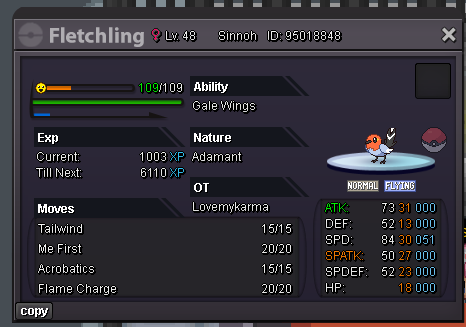
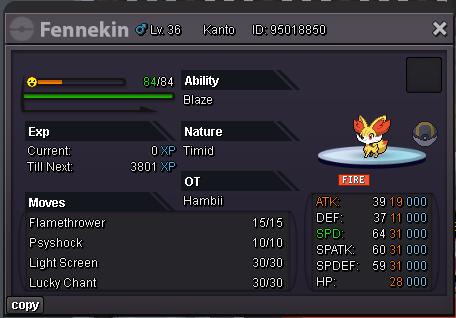 bump added some stuff
Account
Navigation
Search
Configure browser push notifications
Chrome (Android)
- Tap the lock icon next to the address bar.
- Tap Permissions → Notifications.
- Adjust your preference.
Chrome (Desktop)
- Click the padlock icon in the address bar.
- Select Site settings.
- Find Notifications and adjust your preference.
Safari (iOS 16.4+)
- Ensure the site is installed via Add to Home Screen.
- Open Settings App → Notifications.
- Find your app name and adjust your preference.
Safari (macOS)
- Go to Safari → Preferences.
- Click the Websites tab.
- Select Notifications in the sidebar.
- Find this website and adjust your preference.
Edge (Android)
- Tap the lock icon next to the address bar.
- Tap Permissions.
- Find Notifications and adjust your preference.
Edge (Desktop)
- Click the padlock icon in the address bar.
- Click Permissions for this site.
- Find Notifications and adjust your preference.
Firefox (Android)
- Go to Settings → Site permissions.
- Tap Notifications.
- Find this site in the list and adjust your preference.
Firefox (Desktop)
- Open Firefox Settings.
- Search for Notifications.
- Find this site in the list and adjust your preference.