New Trade Zone
Trade Zone is now live
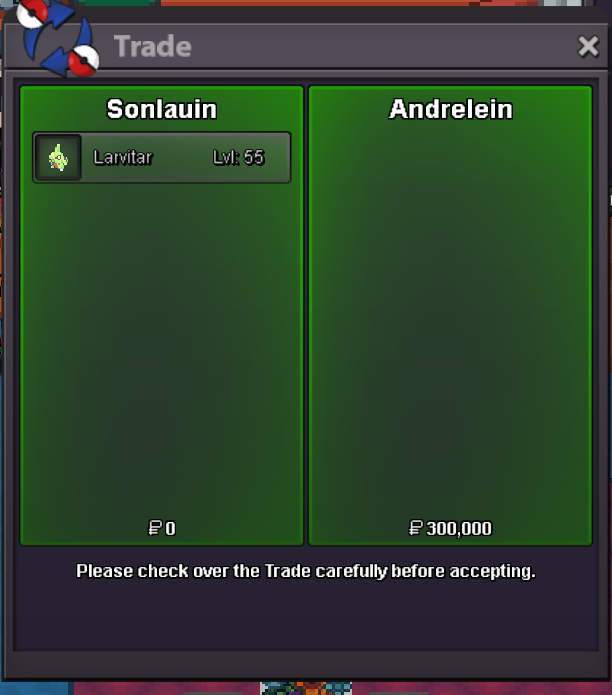
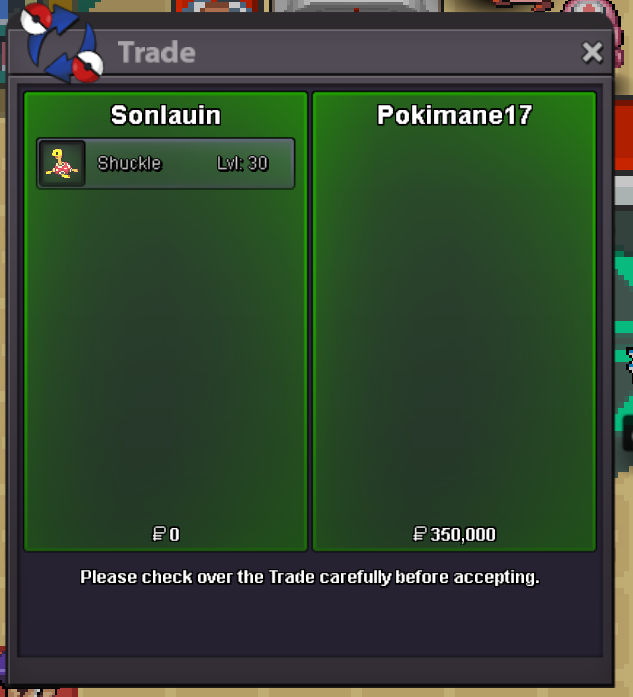
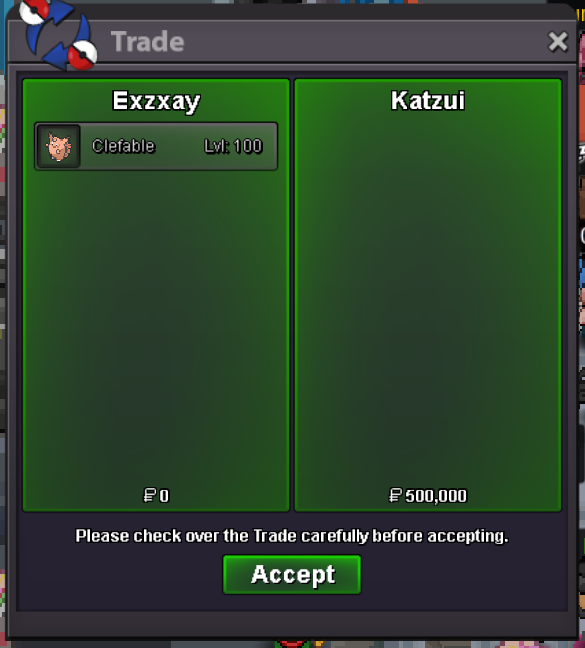
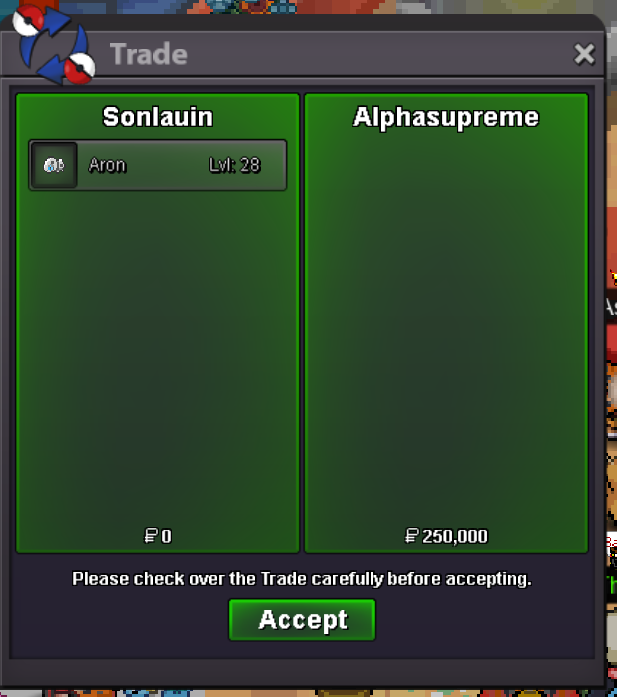
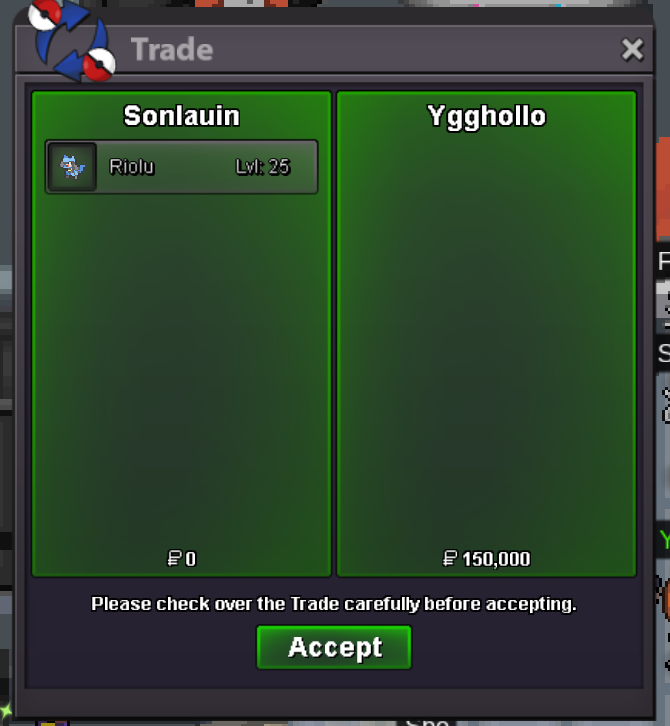
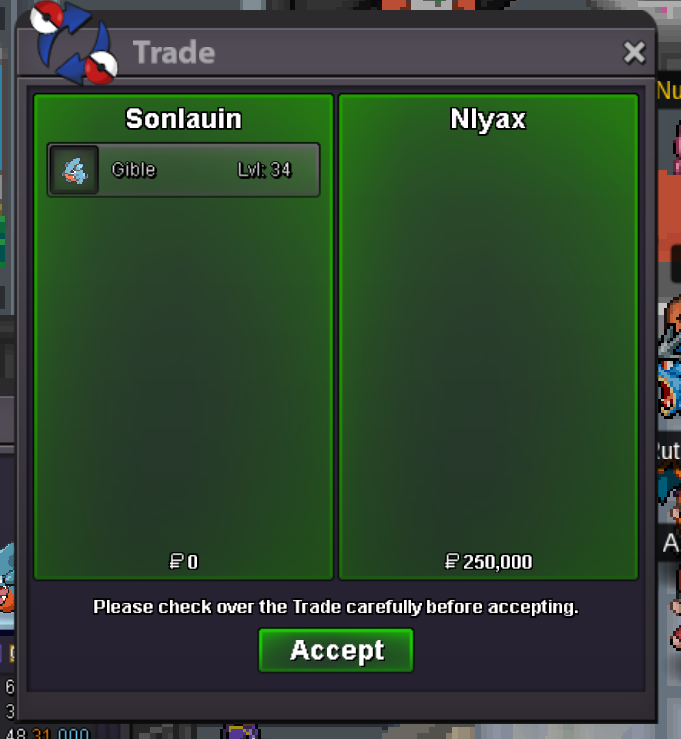
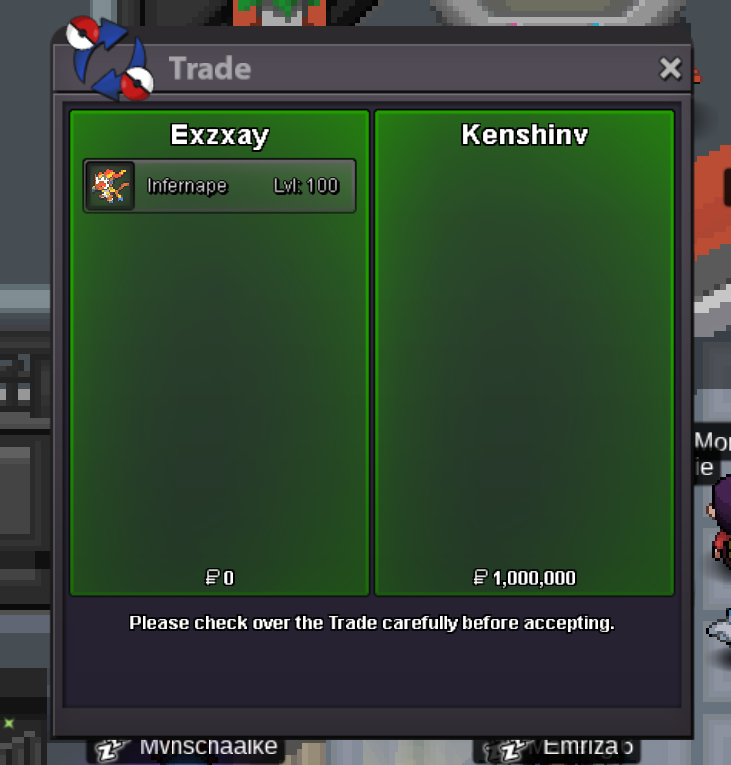
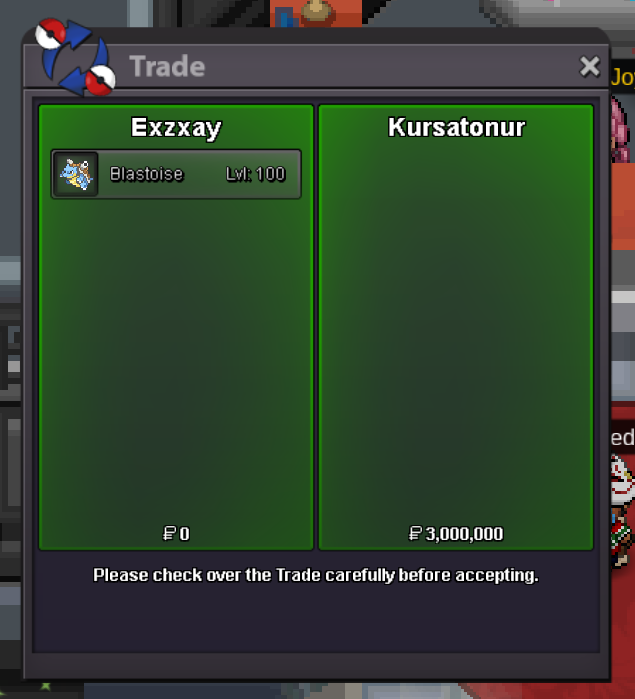
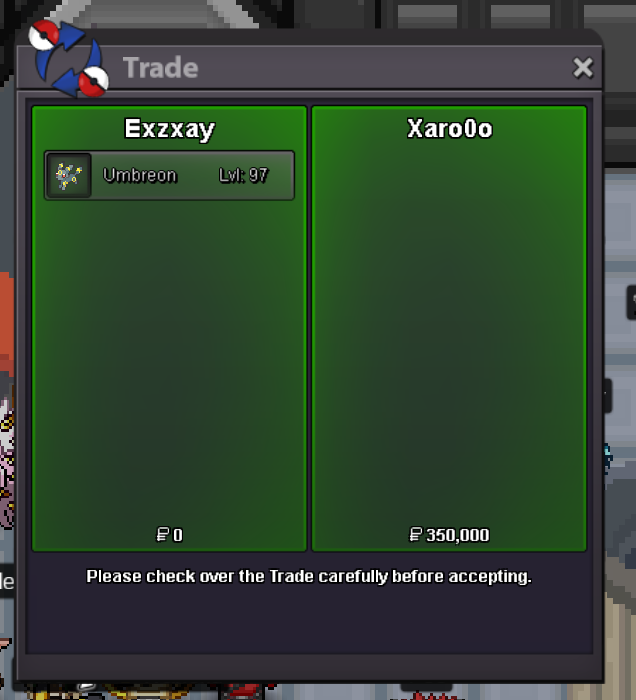
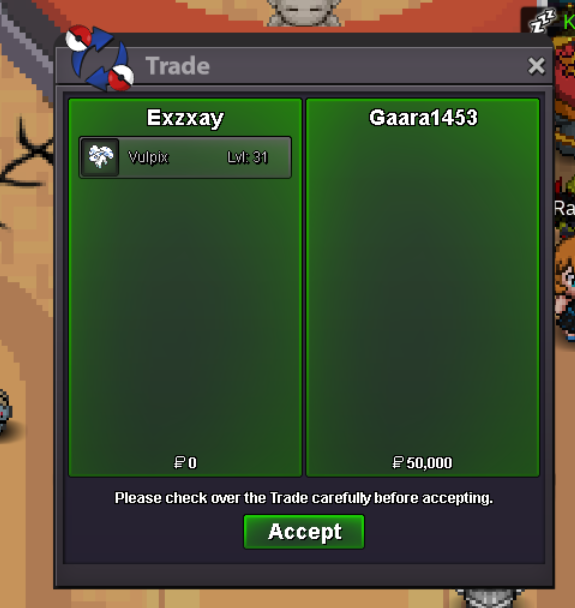
Use the new Trade Zone for auctions and instant-price trades so Pokemon and item offers are easy to find.

Exzxay
Registered User
-
Joined
-
Last visited
Everything posted by Exzxay
-
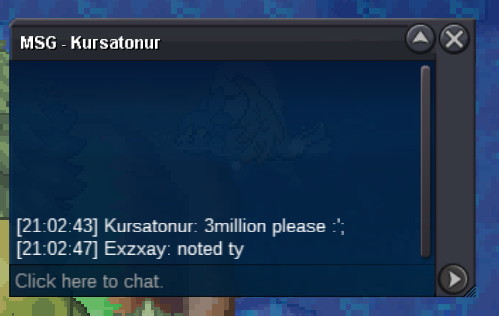
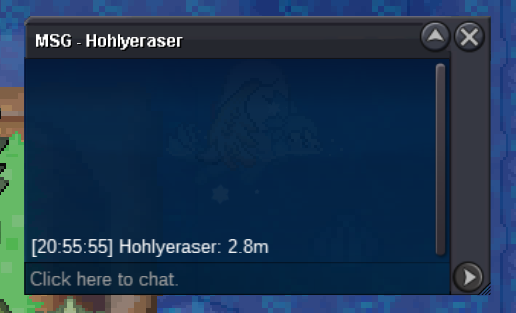
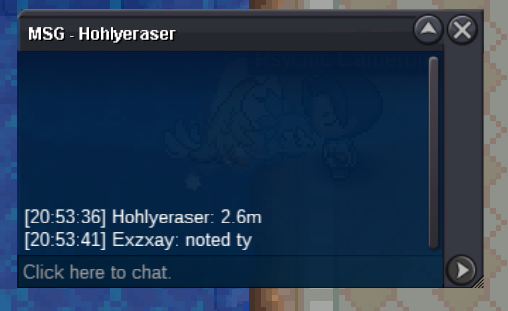
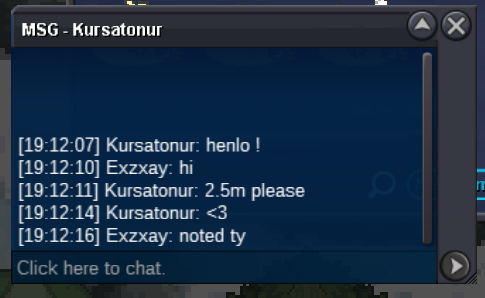
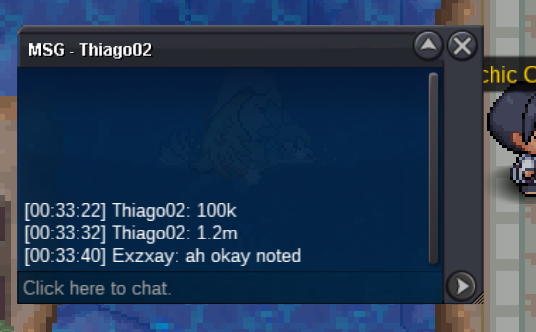
Hi could you add me on discord: exzxay? would make it easier to find a time to tradestart 5m (i transfer if i win)bumb. last 25 minHi and Welcome to my auction! Start Offer: 1m Min Bid: 100k No Insta Payment: Coin Capsule = 400k, IV Reroll = 500k and Pokedollar Ends 3 days after start(72h) => 21:10 gmt+1 6.12.2024 (9:10 pm gmt+1 6/12/24) If you want to contact me, add me on Discord: exzxay or Ingame: Exzxay Good Luck!
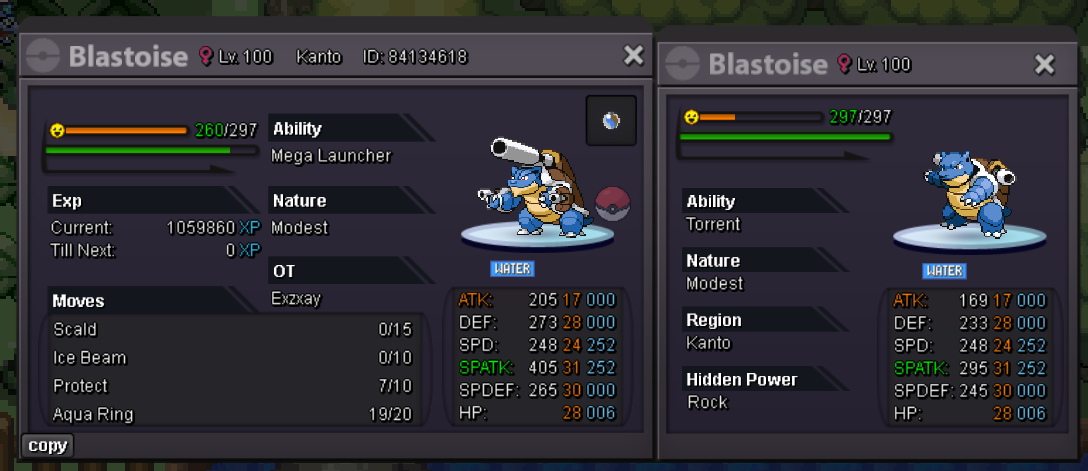 start 100kHi @Jinkslit @Itzspooky. Ty for your application, but note, that recruitments are curently closed. We will answer you after we open recruitment again.17m
Account
Navigation
Search
Configure browser push notifications
Chrome (Android)
- Tap the lock icon next to the address bar.
- Tap Permissions → Notifications.
- Adjust your preference.
Chrome (Desktop)
- Click the padlock icon in the address bar.
- Select Site settings.
- Find Notifications and adjust your preference.
Safari (iOS 16.4+)
- Ensure the site is installed via Add to Home Screen.
- Open Settings App → Notifications.
- Find your app name and adjust your preference.
Safari (macOS)
- Go to Safari → Preferences.
- Click the Websites tab.
- Select Notifications in the sidebar.
- Find this website and adjust your preference.
Edge (Android)
- Tap the lock icon next to the address bar.
- Tap Permissions.
- Find Notifications and adjust your preference.
Edge (Desktop)
- Click the padlock icon in the address bar.
- Click Permissions for this site.
- Find Notifications and adjust your preference.
Firefox (Android)
- Go to Settings → Site permissions.
- Tap Notifications.
- Find this site in the list and adjust your preference.
Firefox (Desktop)
- Open Firefox Settings.
- Search for Notifications.
- Find this site in the list and adjust your preference.