New Trade Zone
Trade Zone is now live
Use the new Trade Zone for auctions and instant-price trades so Pokemon and item offers are easy to find.

Exzxay
Registered User
-
Joined
-
Last visited
Everything posted by Exzxay
-
Im on silver and currently online
-
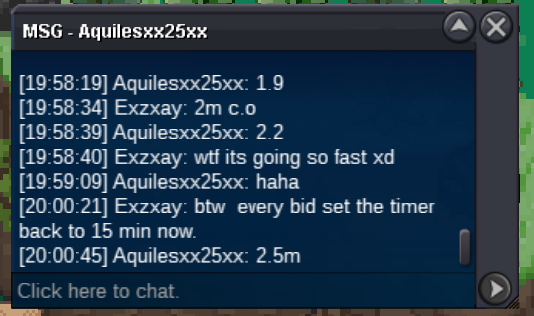
15m
-
14m
-
13m
-
12m
-
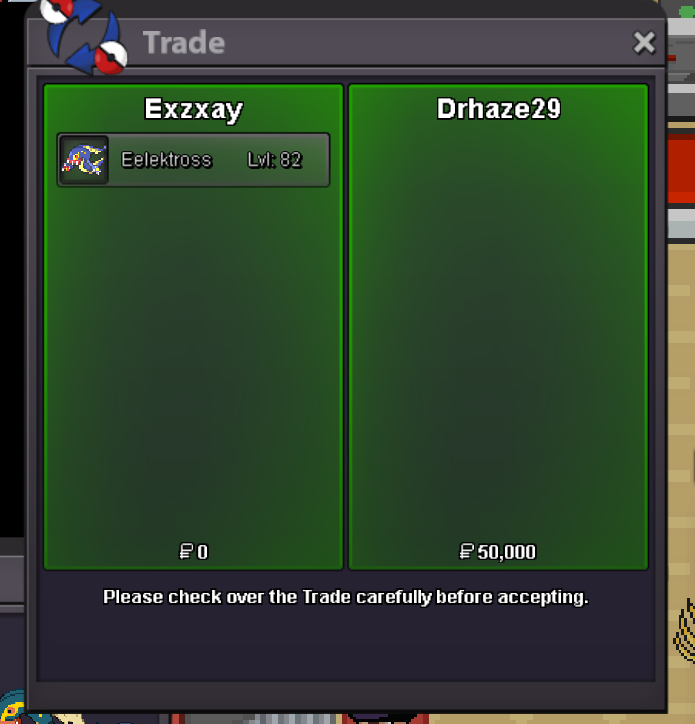
@Noluckyone won. feel free to pm me ingame or on discord: exzxay for the trade
-
bumb ends in a bit more than 30 min
-
bump
-
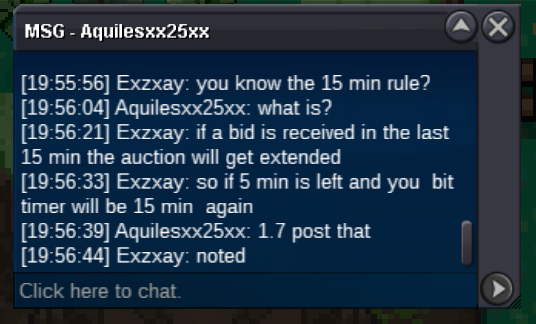
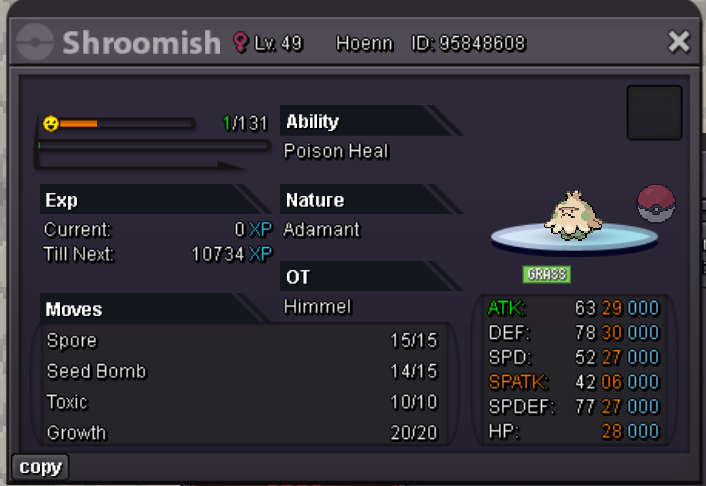
Hi and welcome to my auction! (We dont talk about the last shroomish auction) Start Offer: 1m Min bid: 100k Payment: Pokedollar and Coin capsule(400k) No insta! Ends 48h after start => 14.09.2024 22:38 gmt+2 (09/14/24 10:38 pm gmt+2) If you want to contact me pm me ingame: Exzxay or on discord: exzxay Good Luck!
-
@Loe @Alcantara010 read the title lol
-
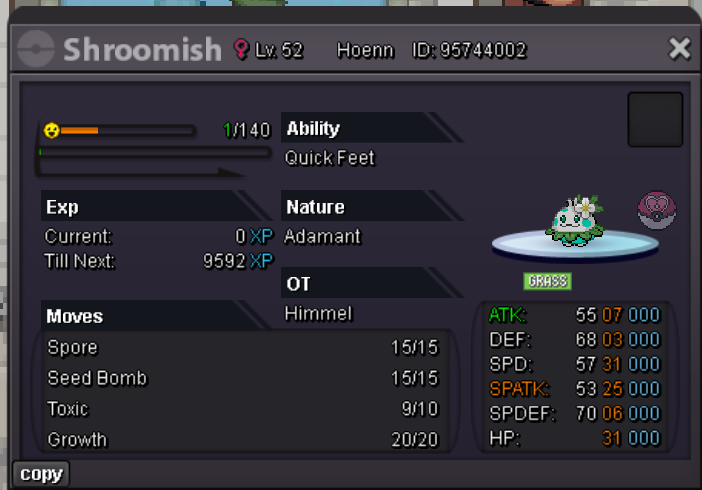
Hi and welcome to my auction! Start offer: Closed! Min bid: 100k Payment: Pokedollar and CC(400k) Ends 48h after start! Good Luck!
-
Just want to let you know that the guild is currently full. We are currently deciding on which accounts we should kick so that we can invite new recruits. So it might take some time to get an invite, please be patient.
-
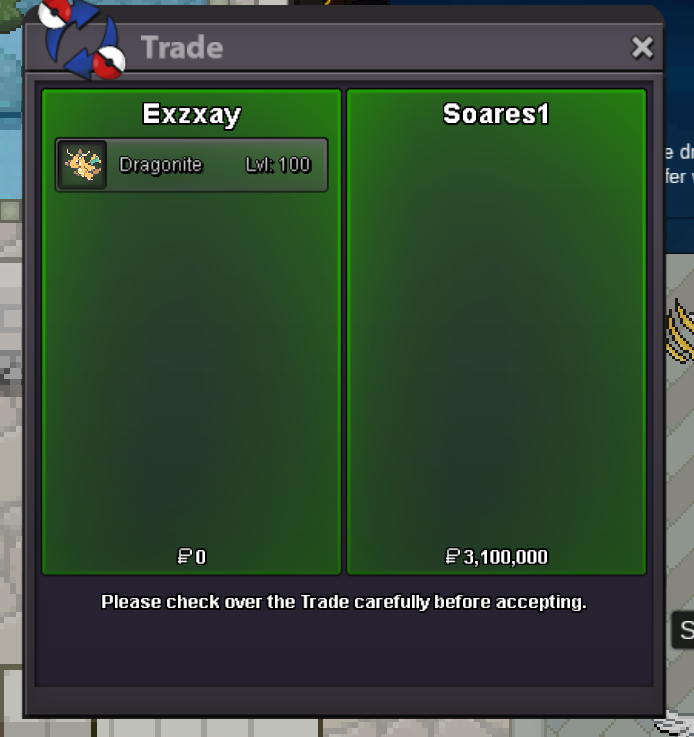
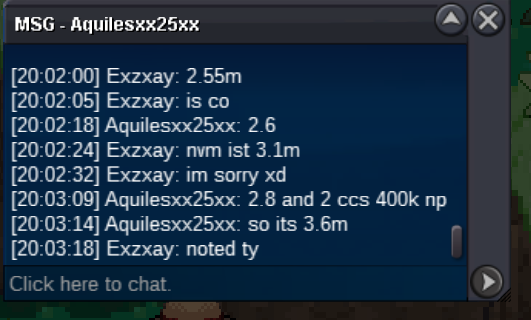
@Soares1 won since the 3.6m bid is invalidbid is invalid cause cc are not accepted as payment
Account
Navigation
Search
Configure browser push notifications
Chrome (Android)
- Tap the lock icon next to the address bar.
- Tap Permissions → Notifications.
- Adjust your preference.
Chrome (Desktop)
- Click the padlock icon in the address bar.
- Select Site settings.
- Find Notifications and adjust your preference.
Safari (iOS 16.4+)
- Ensure the site is installed via Add to Home Screen.
- Open Settings App → Notifications.
- Find your app name and adjust your preference.
Safari (macOS)
- Go to Safari → Preferences.
- Click the Websites tab.
- Select Notifications in the sidebar.
- Find this website and adjust your preference.
Edge (Android)
- Tap the lock icon next to the address bar.
- Tap Permissions.
- Find Notifications and adjust your preference.
Edge (Desktop)
- Click the padlock icon in the address bar.
- Click Permissions for this site.
- Find Notifications and adjust your preference.
Firefox (Android)
- Go to Settings → Site permissions.
- Tap Notifications.
- Find this site in the list and adjust your preference.
Firefox (Desktop)
- Open Firefox Settings.
- Search for Notifications.
- Find this site in the list and adjust your preference.