




New Trade Zone
Trade Zone is now live
Use the new Trade Zone for auctions and instant-price trades so Pokemon and item offers are easy to find.
.gif.2f7010f6eb07266b756c560a75dc704d.gif)

Shr
Registered User
-
Joined
-
Last visited
Everything posted by Shr
-
@Mmhieu are u on? u can tag me on discord .z_o_r_o.SO: 4M MIN BID : 200K TIME 30 HRS FROM 1ST BID WITH 15MINS RULE ACCEPTED PAYMENT: POKEDOLLERS, CC:350K
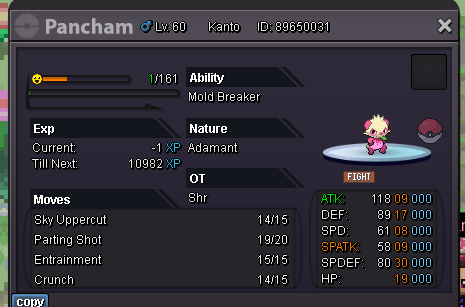 100kok pm mw when u are on@Karthick1111 120k
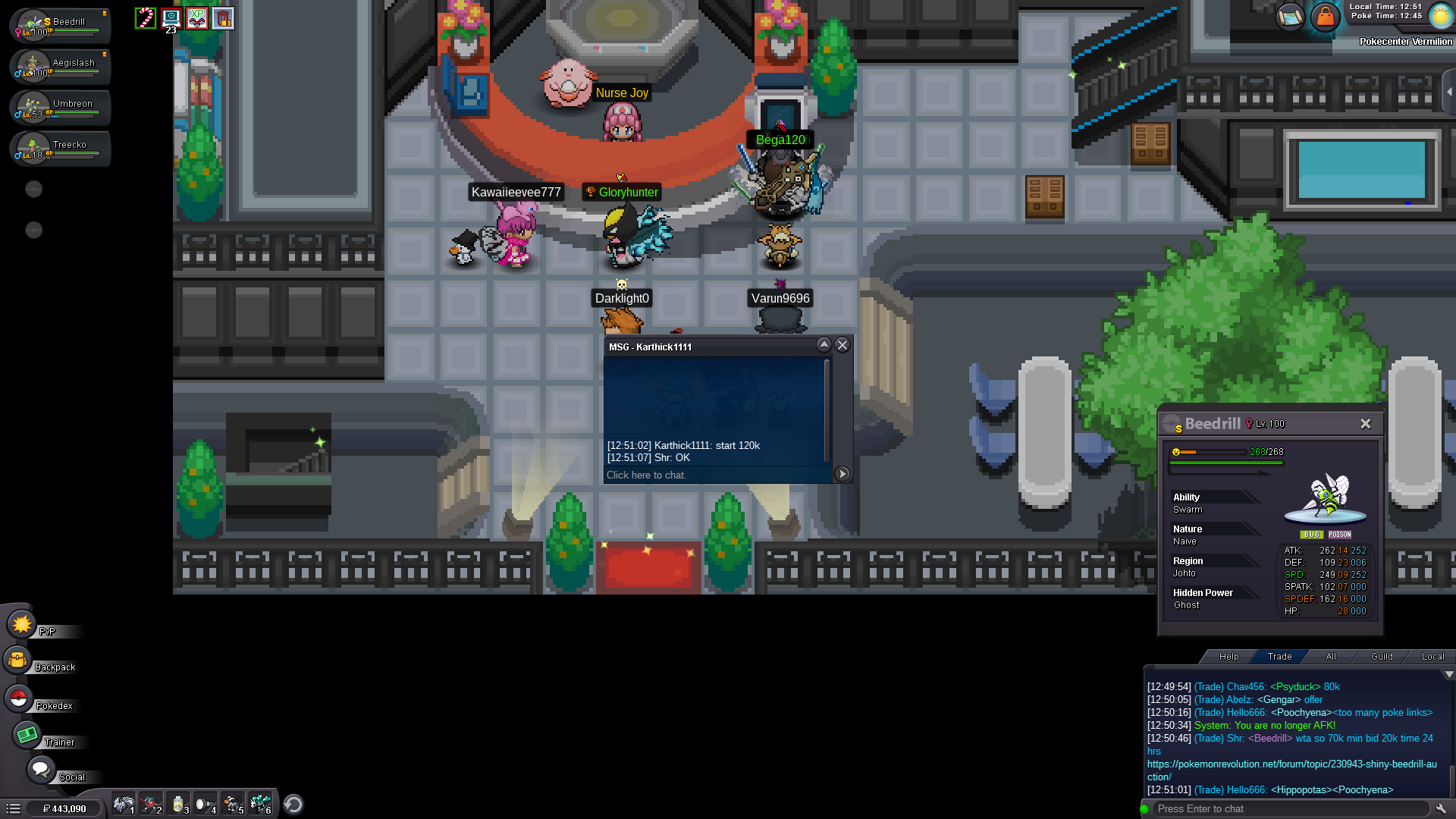 SO: 70K MIN BID 20K PAYMENT : POKEDOLLERS TIME 24 HOURS FROM 1ST BID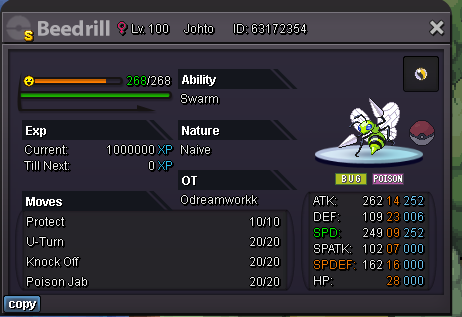
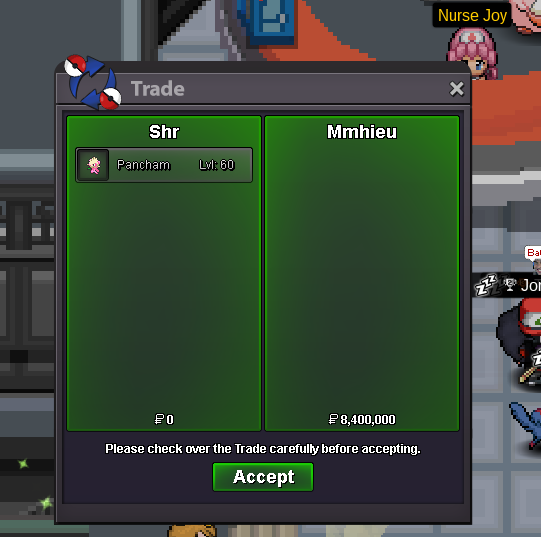
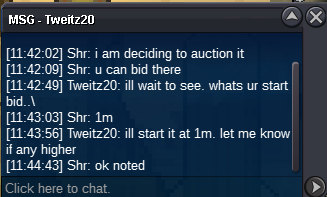
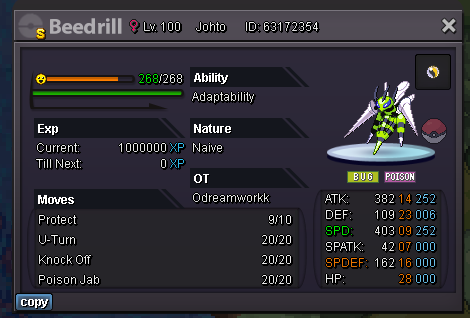 40k chim 2@Nisencopls mention so , min bid,time etc20k second one@Tweitz20 won the auction1kso : 1m min bid : 100k time : 48 hrs from 1st bid accepted payments : cc: 300k each , pokedollers iv rr : 500k,nature rr: 250k
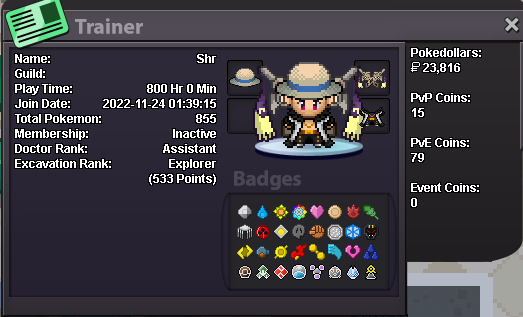
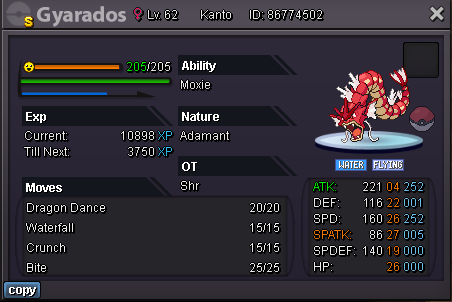 ● What's your in-game name? shr ● How old are you? 19 ● Are you active in Discord? yes, discord tag : s.ree_har.i ● Where are you from? india ● What's your total playtime? 800 hrs ● What's your goal in PRO? interested in pvp and farming ● What do you enjoy while playing the game? battling and catching pokemons ● Why do you want to be part of the guild? Tired of playing alone want friends to play along. ● What's your favourite Pokemon and why? greninja and lucario
 50k garchomp71k char




Account
Navigation
Search
Configure browser push notifications
Chrome (Android)
- Tap the lock icon next to the address bar.
- Tap Permissions → Notifications.
- Adjust your preference.
Chrome (Desktop)
- Click the padlock icon in the address bar.
- Select Site settings.
- Find Notifications and adjust your preference.
Safari (iOS 16.4+)
- Ensure the site is installed via Add to Home Screen.
- Open Settings App → Notifications.
- Find your app name and adjust your preference.
Safari (macOS)
- Go to Safari → Preferences.
- Click the Websites tab.
- Select Notifications in the sidebar.
- Find this website and adjust your preference.
Edge (Android)
- Tap the lock icon next to the address bar.
- Tap Permissions.
- Find Notifications and adjust your preference.
Edge (Desktop)
- Click the padlock icon in the address bar.
- Click Permissions for this site.
- Find Notifications and adjust your preference.
Firefox (Android)
- Go to Settings → Site permissions.
- Tap Notifications.
- Find this site in the list and adjust your preference.
Firefox (Desktop)
- Open Firefox Settings.
- Search for Notifications.
- Find this site in the list and adjust your preference.