New Trade Zone
Trade Zone is now live
Use the new Trade Zone for auctions and instant-price trades so Pokemon and item offers are easy to find.


Lacomus
Registered User
-
Joined
-
Last visited
Everything posted by Lacomus
-
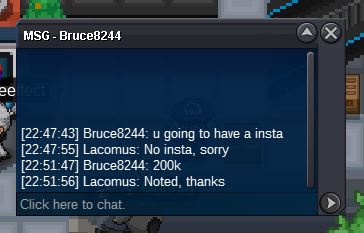
Welcome to the auction Start: 1 Min bid: 1 Duration: 24 hours (after the first bid) Payment: Pokedollars Note: Volc HP Ghost, Arca HP Ice, Azu HP Water, Basc HP Flying, Pika HP Flying, Gen HP Grass. This is a bundle. No cancellations, no insta Countdown: https://www.tickcounter.com/countdown/4092757/big-bundle Closed: @Luckytea 590k


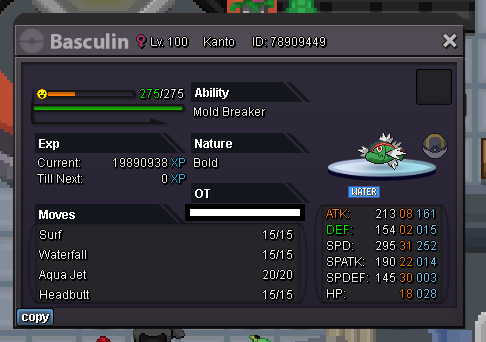
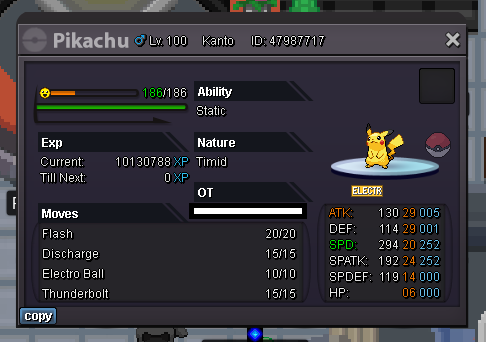

-
Enjoy! @Souoca123
-
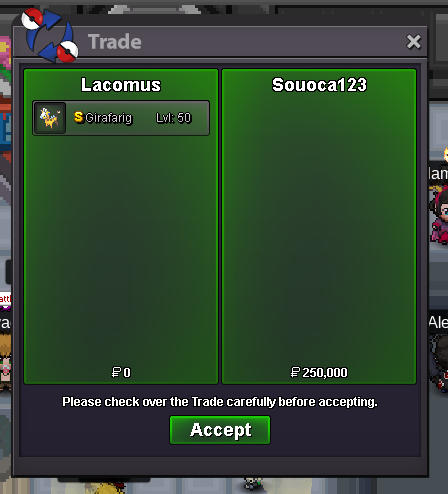
Its over @Suncity I can't accept that bid, sorry You win @Souoca123 I'm in vermi currently, but I can come to ceru, whenever convenient for you
-
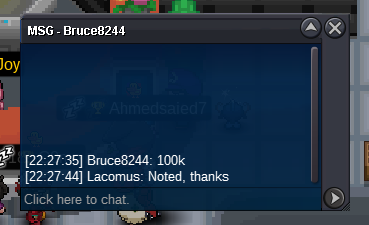
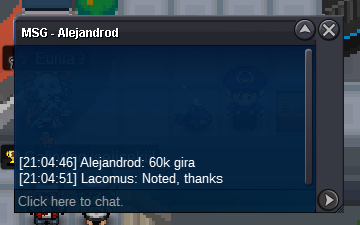
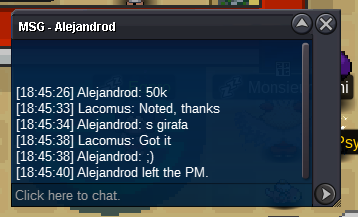
Snorlax 500kApproaching the final 5 hours Countdown: https://www.tickcounter.com/countdown/4088117/girafarigPlayer 1: <Spinda> offer Player 2: how much? Player 1: offer Player 2: 1m? Player 1: Player 1 has left the PM. Player 2: 1m not fair? Player 1: no i was offered 18m by someone don't waste my time Player 1: Player 1 has left the PM. Player 2: 18m...what Player 1: yes Player 1: Player 1 has left the PM. Player 2: why didn't you take it... Player 1: its worth more noob don't my waste time Player 1: Player 1 has left the PM. Player 2: you're completely delusional Player 2: Player 2 has left the PM. Player 1: broke player Player 1: Player 1 has left the PM. Player 2: fu Player 2: Player 2 has left the PM. Player 1: what did you just say? Player 1: Player 1 has left the PM. Player 2: you heard me Player 2: Player 2 has left the PM. Player 1: so its like that is it? Player 1: Player 1 has left the PM. Player 2: its like that Player 2: Player 2 has left the PM. Player 1: i have over 5000 hours play time Player 2: lol Player 1: noob Player 1: Player 1 has left the PM. Player 2: fu Player 2: Player 2 has left the PM. Player 1: fu Player 1: Player 1 has left the PM. Player 2: is 3m ok? Player 1: ok vermi@Suncity As requestedNote: Alt account (Arunt) Enjoy! @Suncity
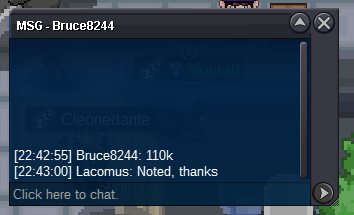
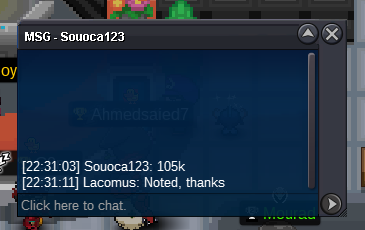
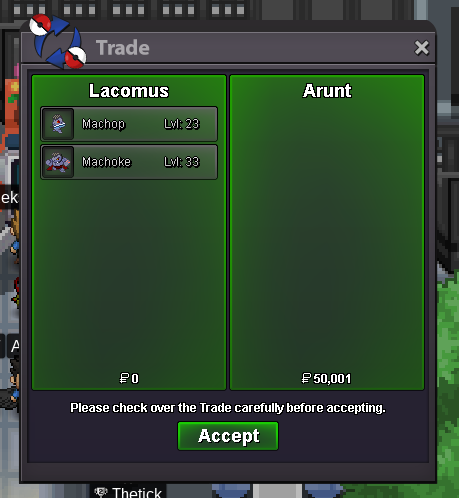 I'm here right nowStarted: https://www.tickcounter.com/countdown/4088117/girafarigWelcome to the auction Start: 1 Min bid: 1 Duration: 24 hours (after the first bid) Payment: Pokedollars Note: HP Dragon. No cancellations, no insta Countdown: https://www.tickcounter.com/countdown/4088117/girafarig Closed: @Souoca123 250k
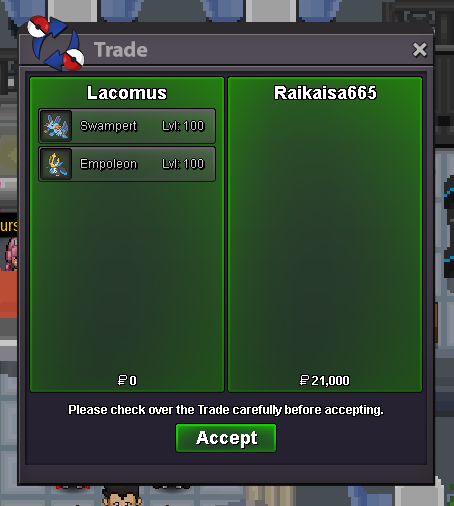
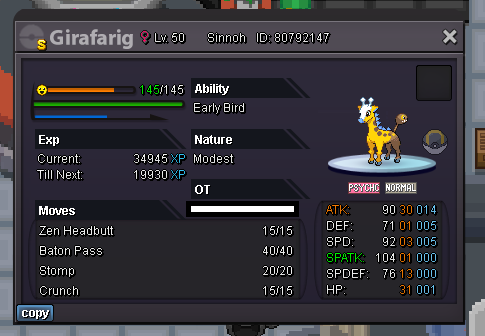 Appreciate you @Manbat and @Leoxa for bringing it to my attention. Most helpful I've got your pokes in vermi @Suncity whenever convenient. Congrats on your win
Account
Navigation
Search
Configure browser push notifications
Chrome (Android)
- Tap the lock icon next to the address bar.
- Tap Permissions → Notifications.
- Adjust your preference.
Chrome (Desktop)
- Click the padlock icon in the address bar.
- Select Site settings.
- Find Notifications and adjust your preference.
Safari (iOS 16.4+)
- Ensure the site is installed via Add to Home Screen.
- Open Settings App → Notifications.
- Find your app name and adjust your preference.
Safari (macOS)
- Go to Safari → Preferences.
- Click the Websites tab.
- Select Notifications in the sidebar.
- Find this website and adjust your preference.
Edge (Android)
- Tap the lock icon next to the address bar.
- Tap Permissions.
- Find Notifications and adjust your preference.
Edge (Desktop)
- Click the padlock icon in the address bar.
- Click Permissions for this site.
- Find Notifications and adjust your preference.
Firefox (Android)
- Go to Settings → Site permissions.
- Tap Notifications.
- Find this site in the list and adjust your preference.
Firefox (Desktop)
- Open Firefox Settings.
- Search for Notifications.
- Find this site in the list and adjust your preference.