




New Trade Zone
Trade Zone is now live
Use the new Trade Zone for auctions and instant-price trades so Pokemon and item offers are easy to find.


Lacomus
Registered User
-
Joined
-
Last visited
Everything posted by Lacomus
-
Ok, no problem
-
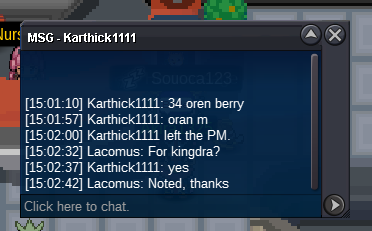
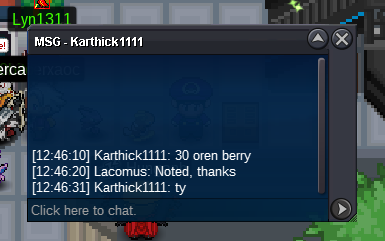
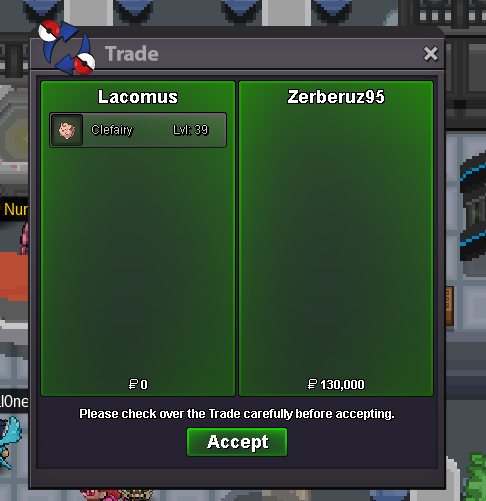
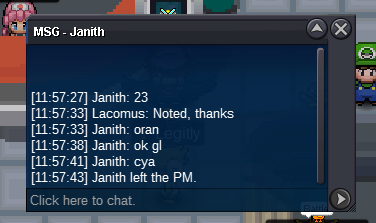
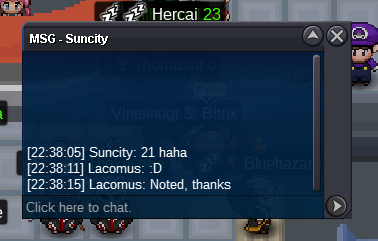
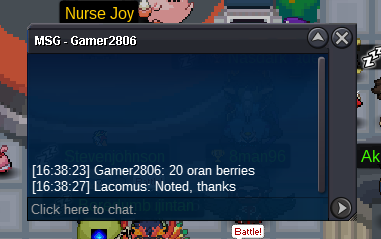
CO is by @Karthick1111 at 34 Oran Berries (screenshot above)
-
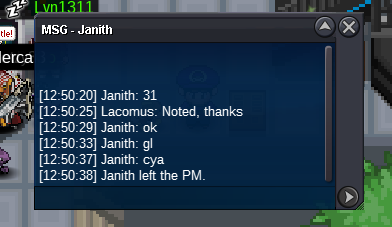
@Janith According to your start, we've got approx 1 hour left
-
Start (500k)
-
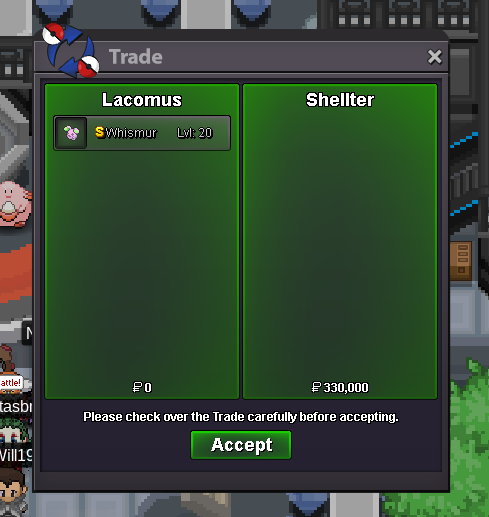
Appreciate you @Shellter enjoy your Whis300kYou win @Shellter I'm in vermi, if convenientThanks again @Zerberuz@Zerberuz You've won this one. I'm in vermi, if convenient@Olker Yeah, that's a common occurrence. Half the time I've got just a rough idea of what to pay. When a marketplace gets added, maybe a bit more clarityApprox 17 hours remainingAnd yes, you're right @Bhimoso absurdly high prices. Boiling down to greed or inexperience (or both)I think my problem with "offer" is when its a Pokémon that isn't some rare or exclusive shiny. I can maybe understand someone saying "offer" if its something truly special, but not for regular stuff that is generally understood price wise (at least by those experienced). The land of overpayingUpdated 17/04/2023When you request price, but response is "offer"



Account
Navigation
Search
Configure browser push notifications
Chrome (Android)
- Tap the lock icon next to the address bar.
- Tap Permissions → Notifications.
- Adjust your preference.
Chrome (Desktop)
- Click the padlock icon in the address bar.
- Select Site settings.
- Find Notifications and adjust your preference.
Safari (iOS 16.4+)
- Ensure the site is installed via Add to Home Screen.
- Open Settings App → Notifications.
- Find your app name and adjust your preference.
Safari (macOS)
- Go to Safari → Preferences.
- Click the Websites tab.
- Select Notifications in the sidebar.
- Find this website and adjust your preference.
Edge (Android)
- Tap the lock icon next to the address bar.
- Tap Permissions.
- Find Notifications and adjust your preference.
Edge (Desktop)
- Click the padlock icon in the address bar.
- Click Permissions for this site.
- Find Notifications and adjust your preference.
Firefox (Android)
- Go to Settings → Site permissions.
- Tap Notifications.
- Find this site in the list and adjust your preference.
Firefox (Desktop)
- Open Firefox Settings.
- Search for Notifications.
- Find this site in the list and adjust your preference.