




New Trade Zone
Trade Zone is now live
Use the new Trade Zone for auctions and instant-price trades so Pokemon and item offers are easy to find.

Lacomus
Registered User
-
Joined
-
Last visited
Everything posted by Lacomus
-
Start (500k)
-
Approx 9 hours remaining
-
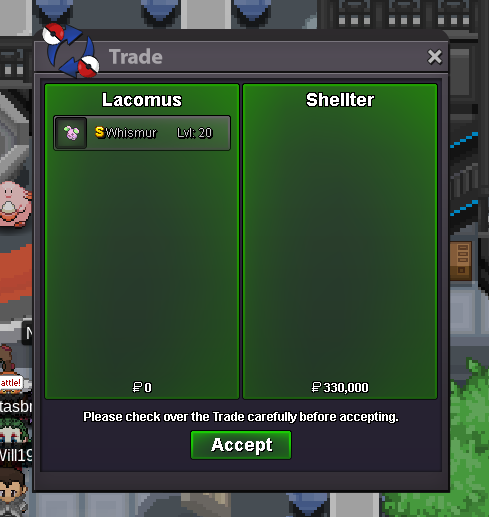
Welcome to the auction 🙂 Start: 1 Pokedollar Min bid: 1 Pokedollar Payment: Pokedollars Duration: 1 Day (24 hours, after the first bid) Note: Shadow slowpoke is only available to the top guilds. Hence, most players may never catch one (at least for now) UPDATES - Highest bidder @Iigodzyt 330k - Auction closed
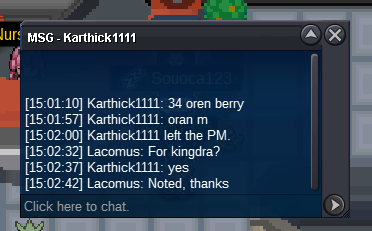
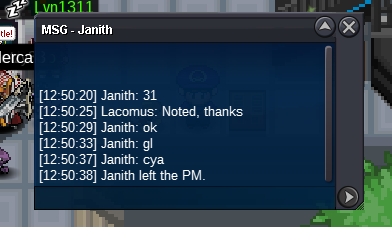
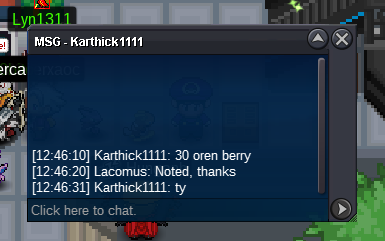
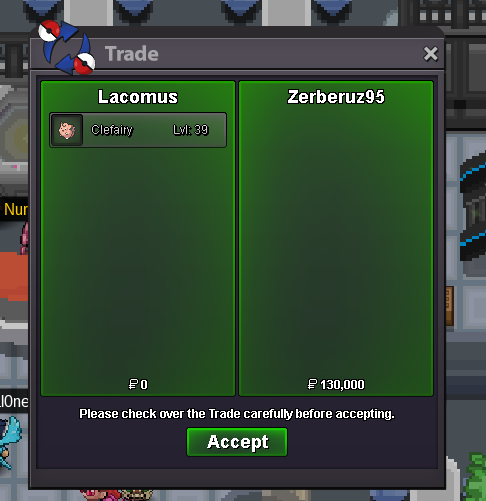
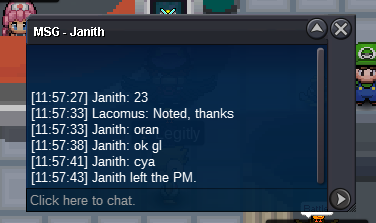
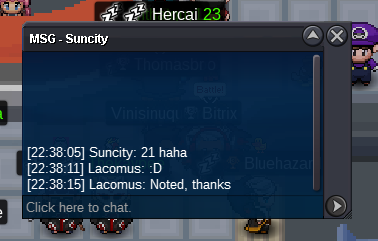
 Time has expired, you've won @Janith I'm in vermi, if you're around at the moment 🙂Ok, no problemCO is by @Karthick1111 at 34 Oran Berries (screenshot above)@Janith According to your start, we've got approx 1 hour leftStart (500k)Appreciate you @Shellter enjoy your Whis300kYou win @Shellter I'm in vermi, if convenientThanks again @Zerberuz@Zerberuz You've won this one. I'm in vermi, if convenient@Olker Yeah, that's a common occurrence. Half the time I've got just a rough idea of what to pay. When a marketplace gets added, maybe a bit more clarityApprox 17 hours remainingAnd yes, you're right @Bhimoso absurdly high prices. Boiling down to greed or inexperience (or both)



Account
Navigation
Search
Configure browser push notifications
Chrome (Android)
- Tap the lock icon next to the address bar.
- Tap Permissions → Notifications.
- Adjust your preference.
Chrome (Desktop)
- Click the padlock icon in the address bar.
- Select Site settings.
- Find Notifications and adjust your preference.
Safari (iOS 16.4+)
- Ensure the site is installed via Add to Home Screen.
- Open Settings App → Notifications.
- Find your app name and adjust your preference.
Safari (macOS)
- Go to Safari → Preferences.
- Click the Websites tab.
- Select Notifications in the sidebar.
- Find this website and adjust your preference.
Edge (Android)
- Tap the lock icon next to the address bar.
- Tap Permissions.
- Find Notifications and adjust your preference.
Edge (Desktop)
- Click the padlock icon in the address bar.
- Click Permissions for this site.
- Find Notifications and adjust your preference.
Firefox (Android)
- Go to Settings → Site permissions.
- Tap Notifications.
- Find this site in the list and adjust your preference.
Firefox (Desktop)
- Open Firefox Settings.
- Search for Notifications.
- Find this site in the list and adjust your preference.