




New Trade Zone
Trade Zone is now live
Use the new Trade Zone for auctions and instant-price trades so Pokemon and item offers are easy to find.


Lacomus
Registered User
-
Joined
-
Last visited
Everything posted by Lacomus
-
Approx 15 hours remaining
-
-
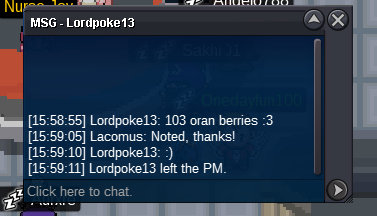
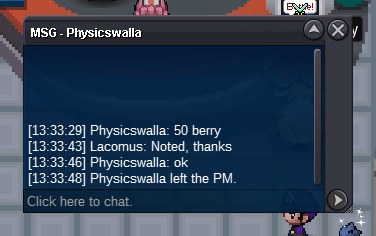
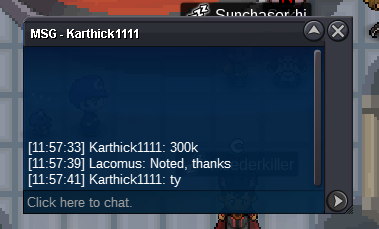
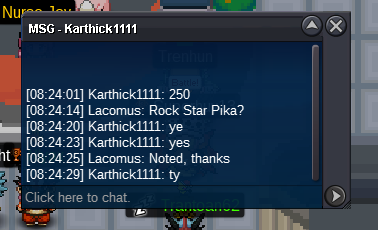
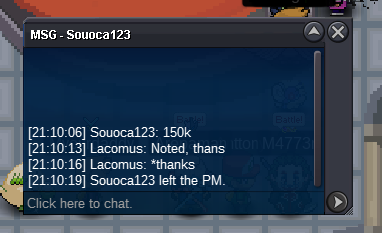
150kAlso 2 TM Sleep Talks...Got a few drips of things in the bag. Don't mind how much you offer, all of the items in here are unwanted (if you want to use them or make a little money on them), but be reasonable. Thanks!
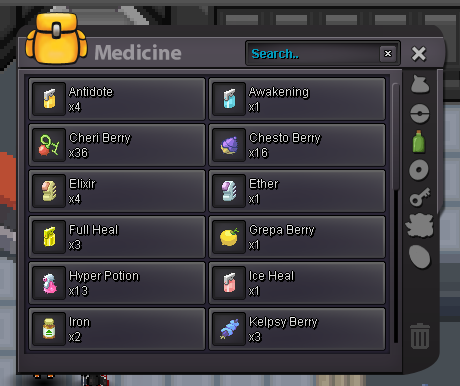
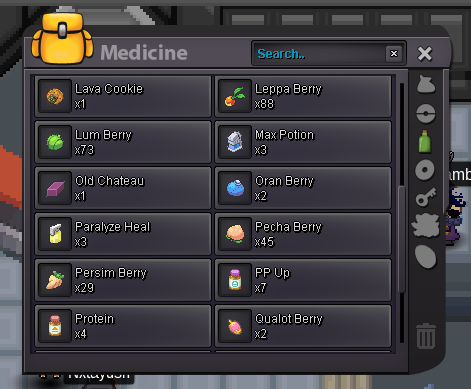
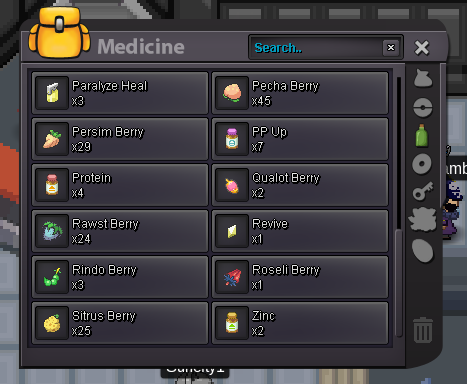
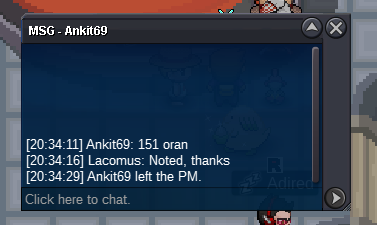
 @Trainershunan 70 is taken by @Raikaisa665 above. Sorry Edit: All good, 75 🙂Congrats @Alya your bid has come out on top. I'm free at any point today for the transaction, let me knowWelcome to the auction 🙂 Start: 1 Oran Berry Min bid: 1 Oran Berry Payment: Oran Berries Duration: 48 hours (after the first Oran Berry) UPDATES - Highest bidder @Trainershunan 999 Oran Berries - Auction closed
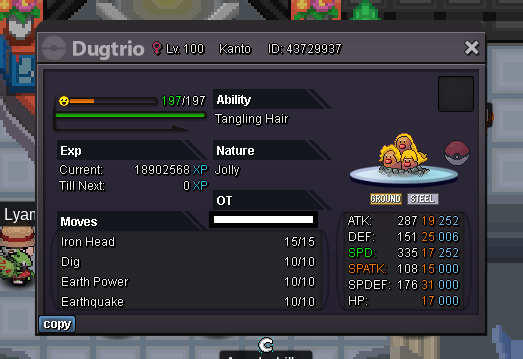 Updated 08/04/2023Start Gastly (10k)Make it happen (pretty please with sugar on top)27 hours remainingStart (1M)5 hours remaining14 hours remaining





Account
Navigation
Search
Configure browser push notifications
Chrome (Android)
- Tap the lock icon next to the address bar.
- Tap Permissions → Notifications.
- Adjust your preference.
Chrome (Desktop)
- Click the padlock icon in the address bar.
- Select Site settings.
- Find Notifications and adjust your preference.
Safari (iOS 16.4+)
- Ensure the site is installed via Add to Home Screen.
- Open Settings App → Notifications.
- Find your app name and adjust your preference.
Safari (macOS)
- Go to Safari → Preferences.
- Click the Websites tab.
- Select Notifications in the sidebar.
- Find this website and adjust your preference.
Edge (Android)
- Tap the lock icon next to the address bar.
- Tap Permissions.
- Find Notifications and adjust your preference.
Edge (Desktop)
- Click the padlock icon in the address bar.
- Click Permissions for this site.
- Find Notifications and adjust your preference.
Firefox (Android)
- Go to Settings → Site permissions.
- Tap Notifications.
- Find this site in the list and adjust your preference.
Firefox (Desktop)
- Open Firefox Settings.
- Search for Notifications.
- Find this site in the list and adjust your preference.